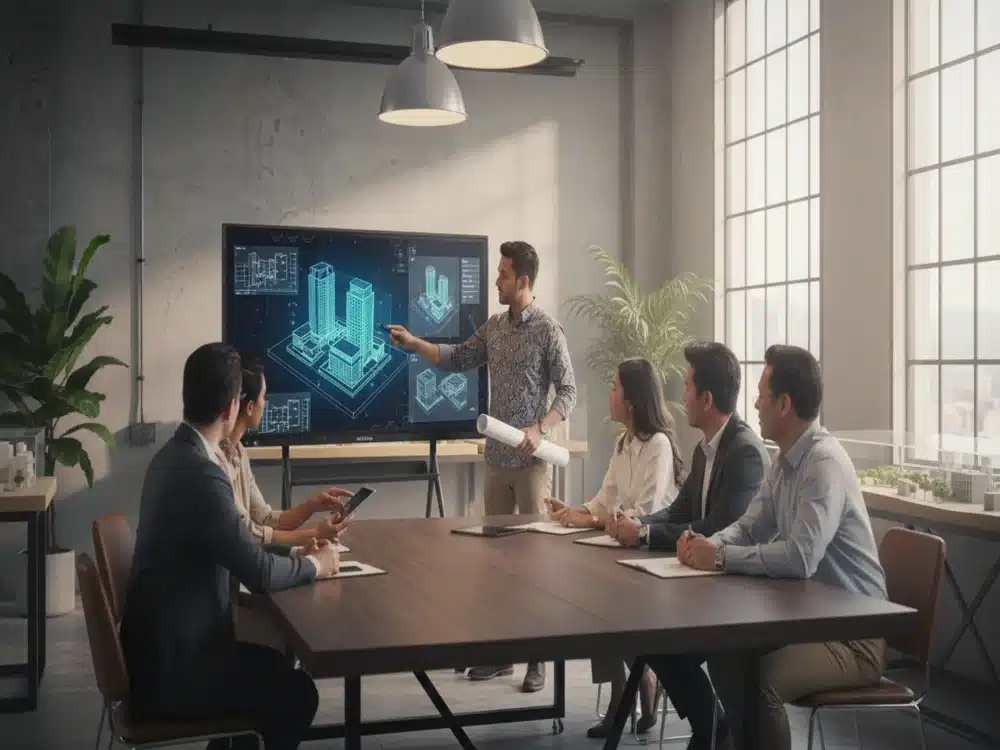

In today’s digital-driven world, traditional whiteboards are no longer enough to support the learning, collaboration, and communication needs of modern classrooms and professional environments. This is where the Interactive Smartboard, now enhanced with AI Smartboard capabilities, becomes a powerful all-in-one solution. Blending touchscreen technology, intelligent software, wireless connectivity, and built-in productivity tools, interactive AI smartboards are reshaping how people teach, present, and engage.
Whether you are a teacher upgrading your classroom, an IT manager improving meeting rooms, or a business leader modernising your workspace, interactive AI smartboards offer flexibility, speed, and interactivity that significantly outperform conventional tools.
What Is an Interactive Smartboard?
An Interactive Smartboard is a large touch-enabled display that supports writing, drawing, presenting, annotating, and interacting with digital content in real time. Unlike a standard projector system, everything is integrated into one device — display, computer, multi-touch surface, wireless casting, and intelligent software.
Modern smartboards are evolving into AI Smartboards, equipped with artificial intelligence features such as auto-framing cameras, voice tracking, content recognition, and smart teaching tools that streamline tasks and boost productivity.
Why Interactive AI Smartboards Are Changing the Game
1. Enhanced Engagement & Collaboration
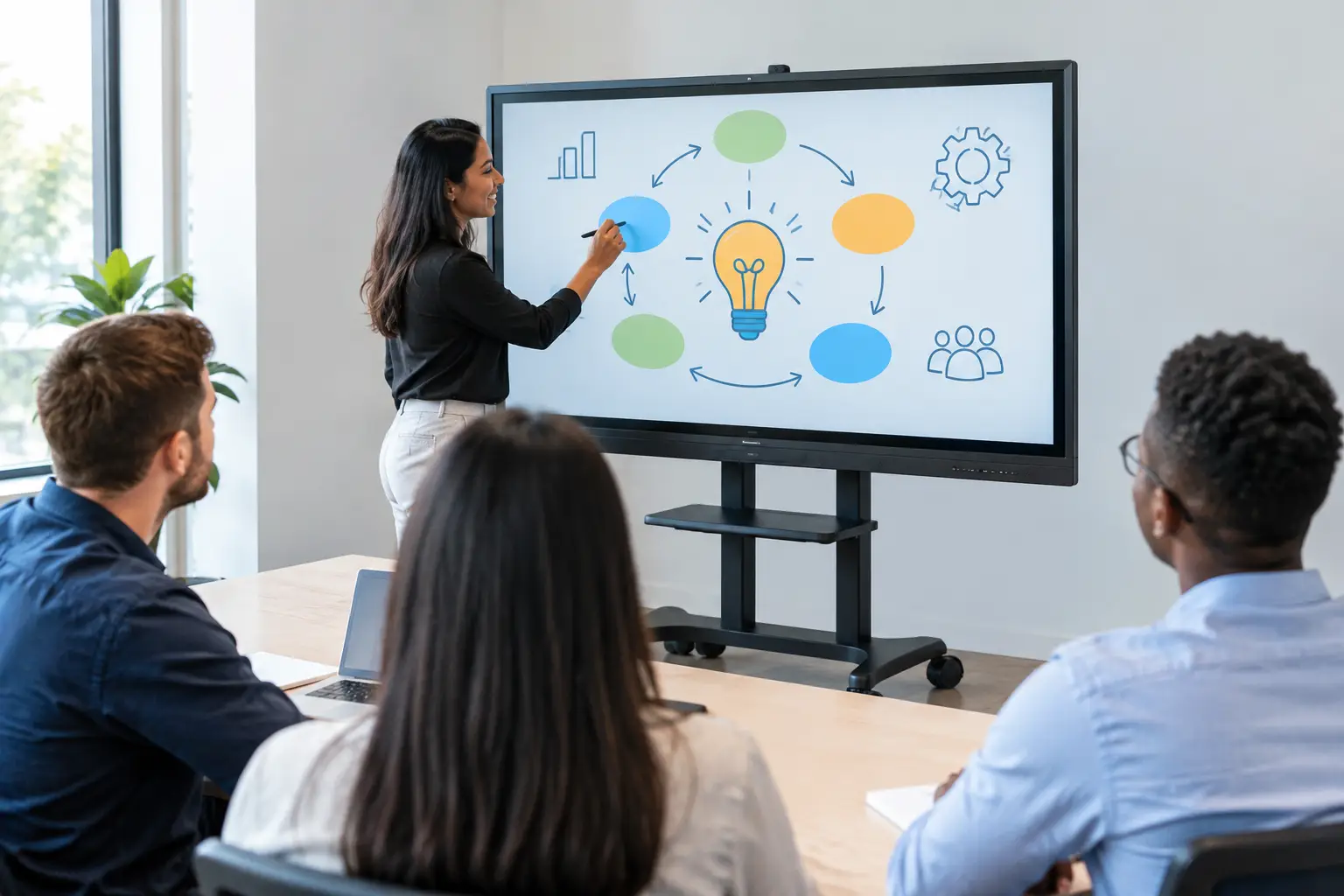
Interactive AI Smartboards allow multiple users to write and draw simultaneously. Whether in a classroom or a boardroom, participants can brainstorm ideas, create diagrams, annotate documents, and interact directly with the screen. This increases involvement and makes learning or meetings more dynamic.
2. AI-Powered Meeting & Teaching Tools
AI Smartboards come with intelligent features such as:
-
AI camera auto-tracking for hybrid meetings
-
Voice enhancement & noise reduction for clearer audio
-
Smart handwriting recognition that converts messy writing into neat text
-
Auto-shape tools for diagrams and charts
-
Digital lesson tools like timers, rulers, grids, math tools
These features dramatically reduce setup time and help presenters stay focused.
Key Features of Modern Interactive Smartboards
Multi-Touch & Multi-Writing
Users can write with multiple pens or fingers at the same time. Teachers can divide the screen for group activities, while corporate users can run collaborative workshops without needing external devices.
4K Ultra HD Display
Sharp visuals enhance presentations, videos, spreadsheets, and teaching materials. Students can see diagrams clearly even from the back of the room, while business teams enjoy crisp charts and data visuals.
Built-In Wireless Screen Sharing (AirPlay, Chromecast, Miracast)
No cables, no hassle. Users can cast content from laptops, tablets, or smartphones instantly. This increases flexibility and removes delays caused by switching cables or adapters.
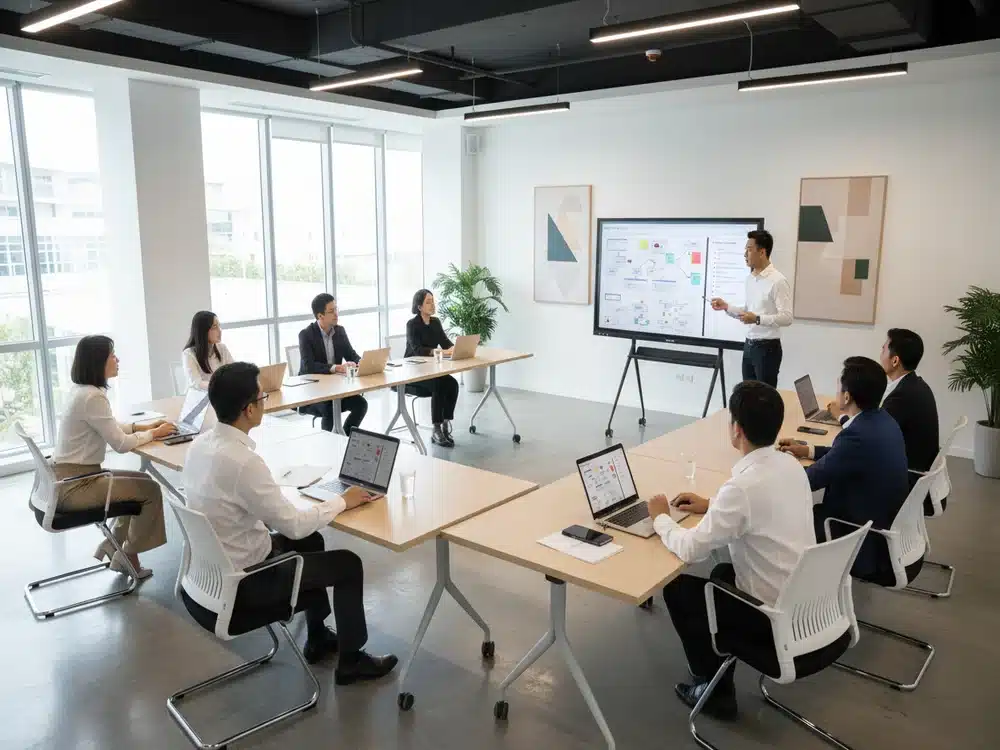
AI Camera for Hybrid Meetings
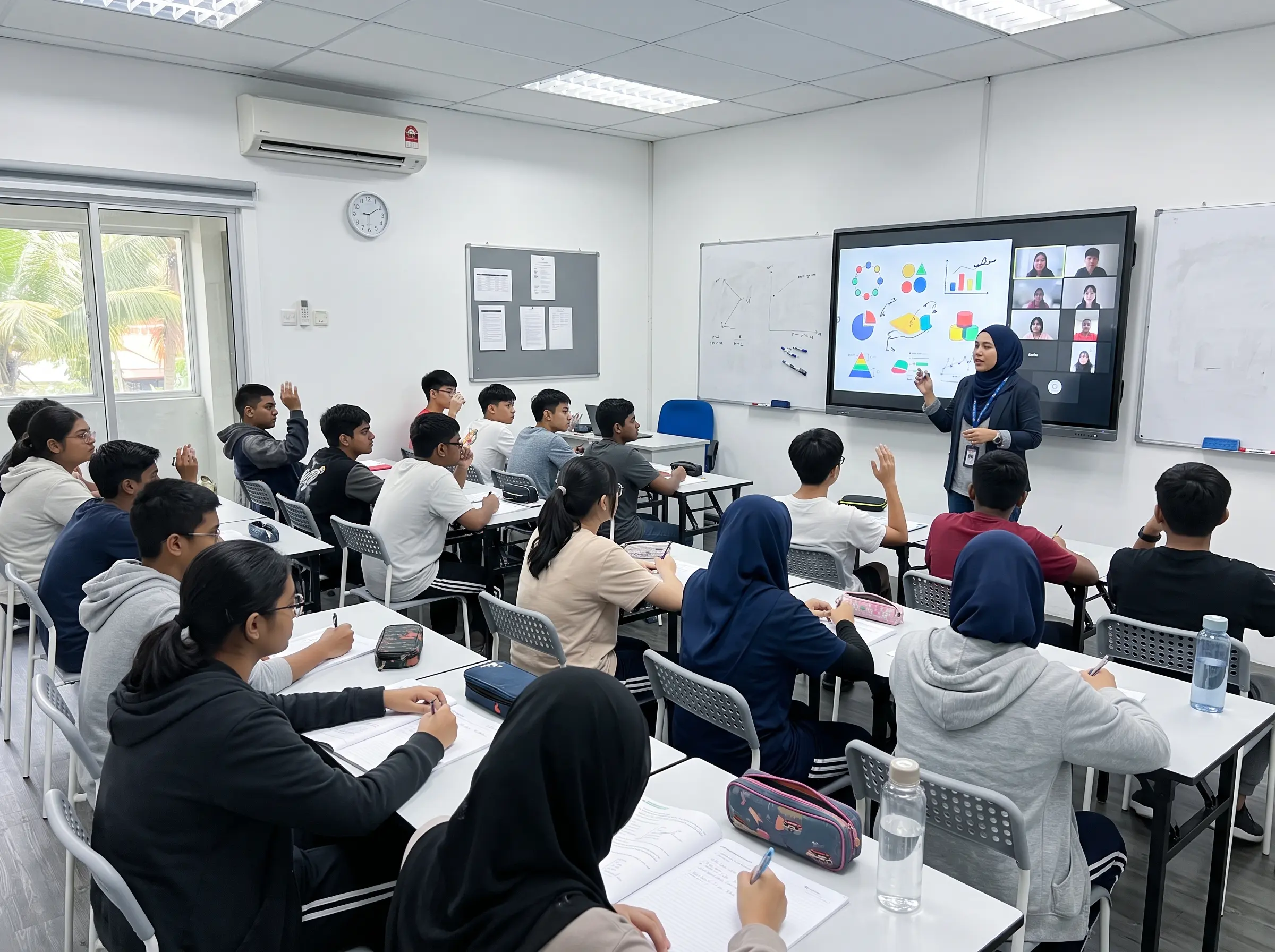
In corporate settings, the AI Smartboard becomes a full meeting system with face detection, speaker tracking, and auto-adjusting framing — ensuring remote participants feel included.
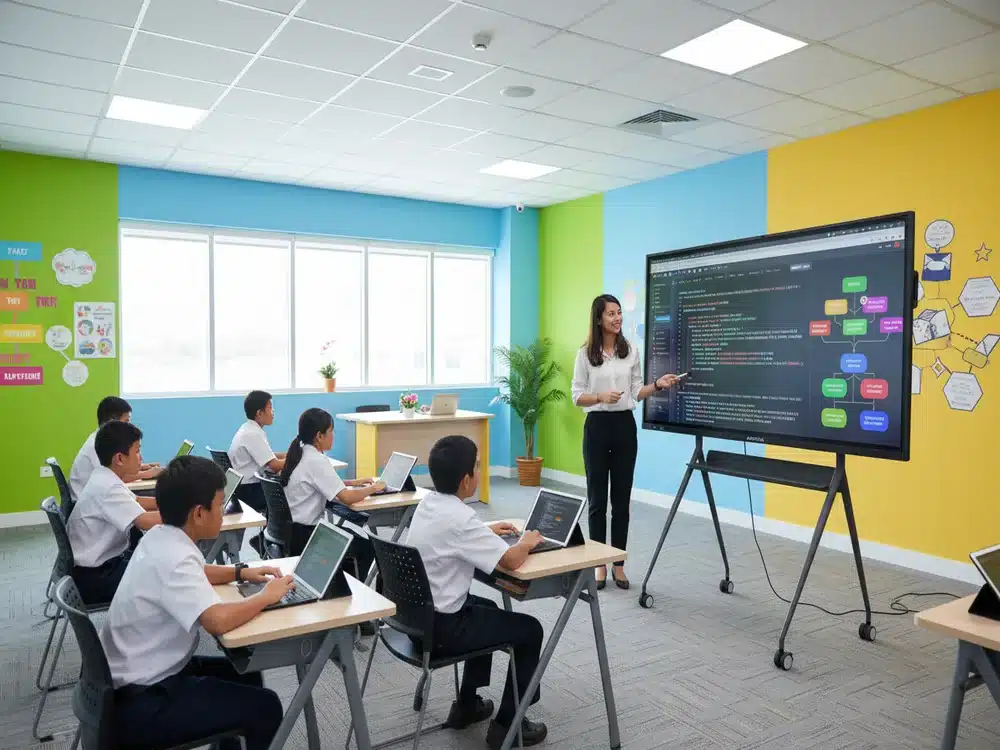
Interactive Learning Tools
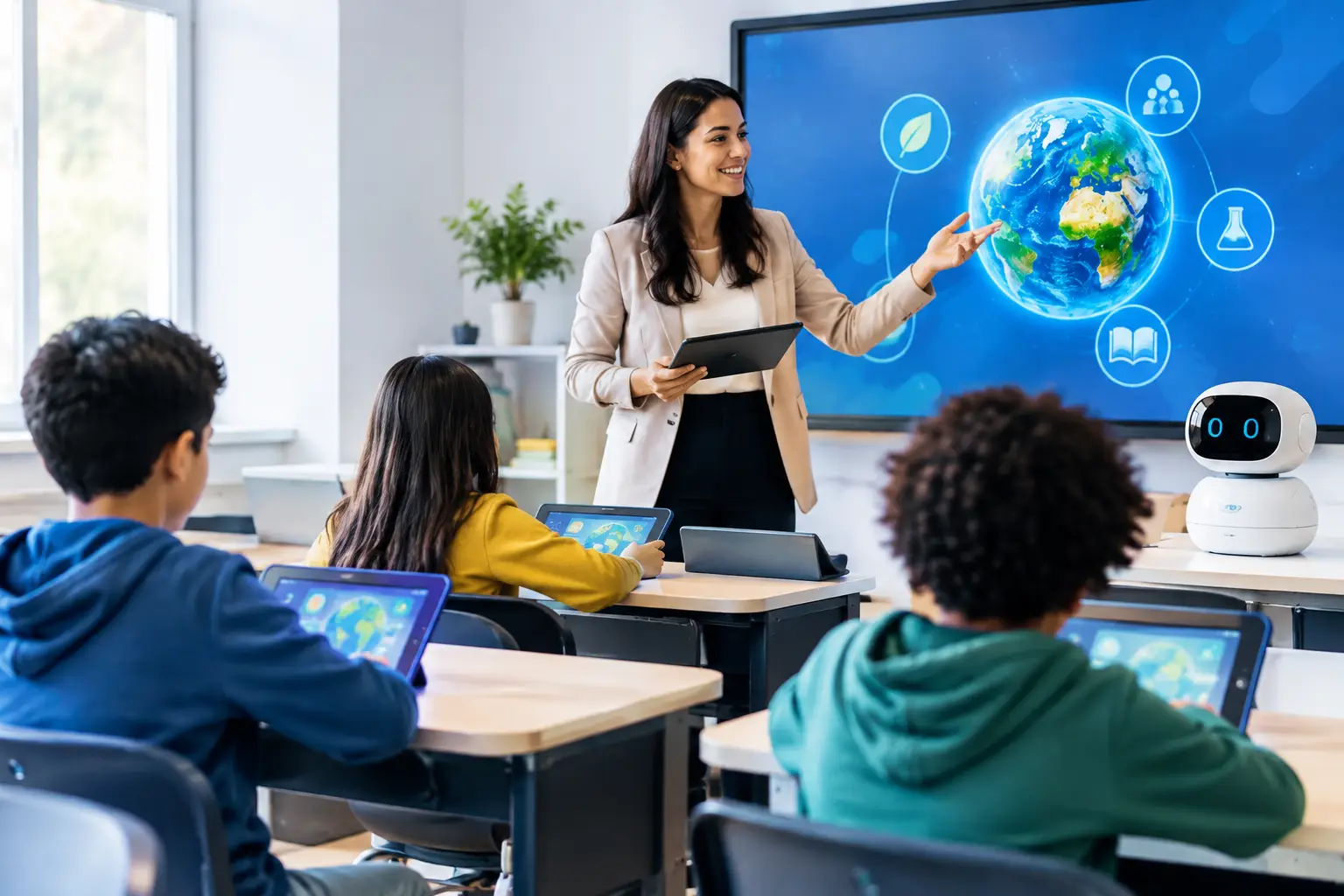
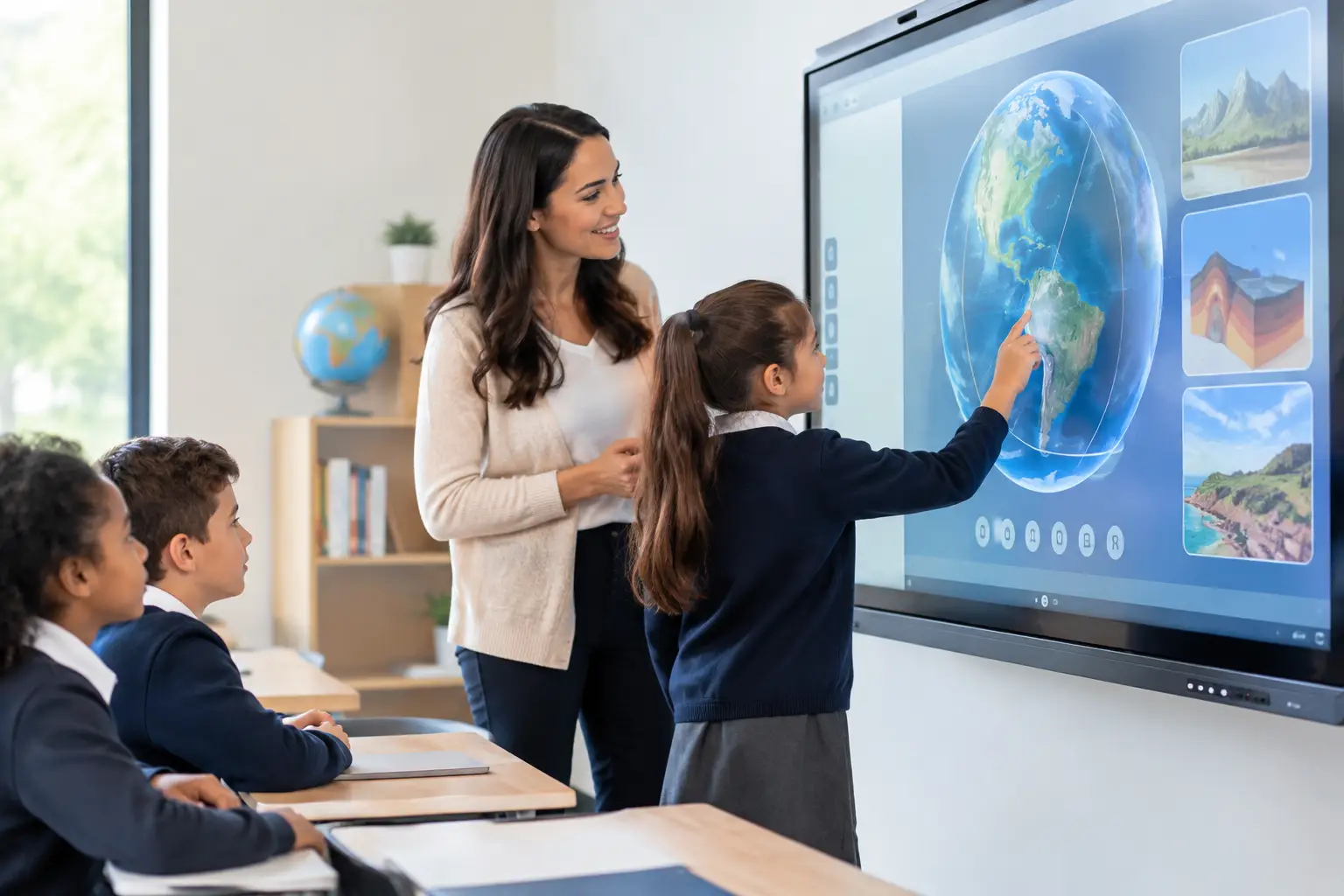
For classrooms, built-in teaching apps enable teachers to create interactive lessons with digital manipulatives, quizzes, drag-and-drop elements, and annotation layers that boost student participation.
Cloud & File Integration
Users can import PDFs, PowerPoints, Word documents, images, videos, and cloud files directly into the smartboard. Content can be saved, shared, or exported instantly.
Benefits for Education
Improved Student Engagement
Interactive learning makes lessons more visual and fun. Students learn better when they can touch, drag, write, and explore content collaboratively.
Supports All Learning Styles
Visual learners benefit from diagrams, auditory learners from recorded lessons, and kinesthetic learners from hands-on digital interactions.
Easy Lesson Recording
Teachers can record entire lessons—screen, audio, and writing—and share them with absent students or for revision.
Benefits for Corporate & Government Sectors
Professional Presentations
Meeting rooms equipped with AI Smartboards can conduct seamless presentations, annotate surveys, review documents, or brainstorm ideas in real time.
Boosts Hybrid Workflows
Teams working remotely can participate effectively through built-in video conferencing features like Google Meet, Zoom, Microsoft Teams, and more.
Faster Decision Making
Annotating data on the screen, saving notes instantly, and sharing files accelerates workflow and ensures everyone is aligned.
Conclusion
The Interactive Smartboard, especially with the evolution into an AI Smartboard, has become an essential technology for modern schools, offices, and training environments. It improves engagement, simplifies workflows, and enhances the overall learning and meeting experience. With smart tools, AI features, wireless connectivity, and intuitive software, it is no longer just a display — it is a complete collaboration system.
As education and businesses continue to adopt digital transformation, the AI Smartboard will remain at the forefront of innovation, empowering users with intelligent, interactive, and efficient technology.