Solutions for Education & Business
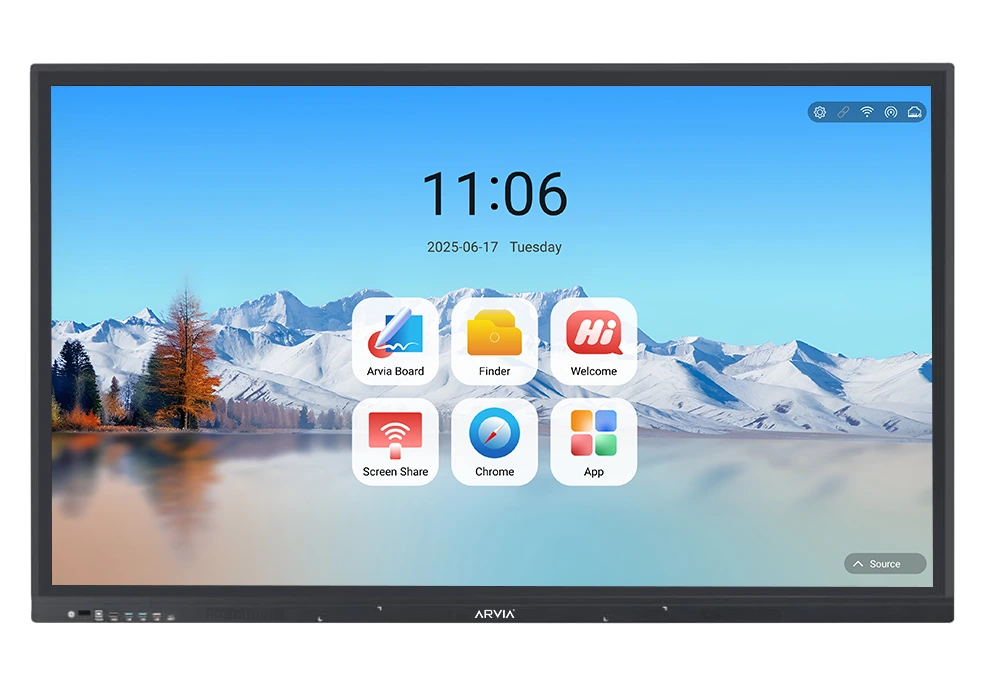
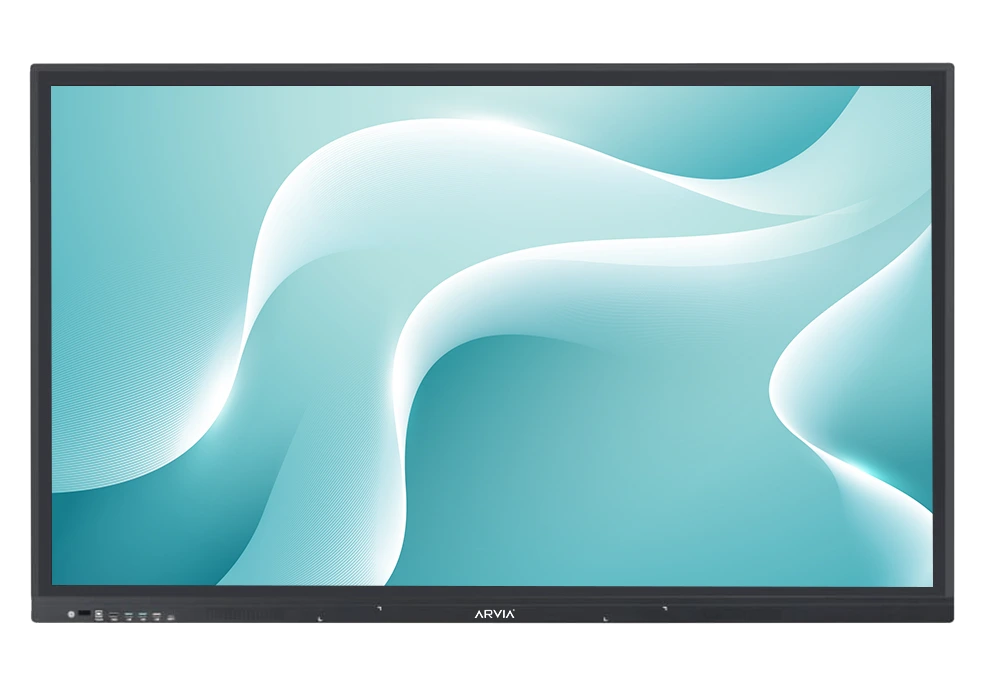
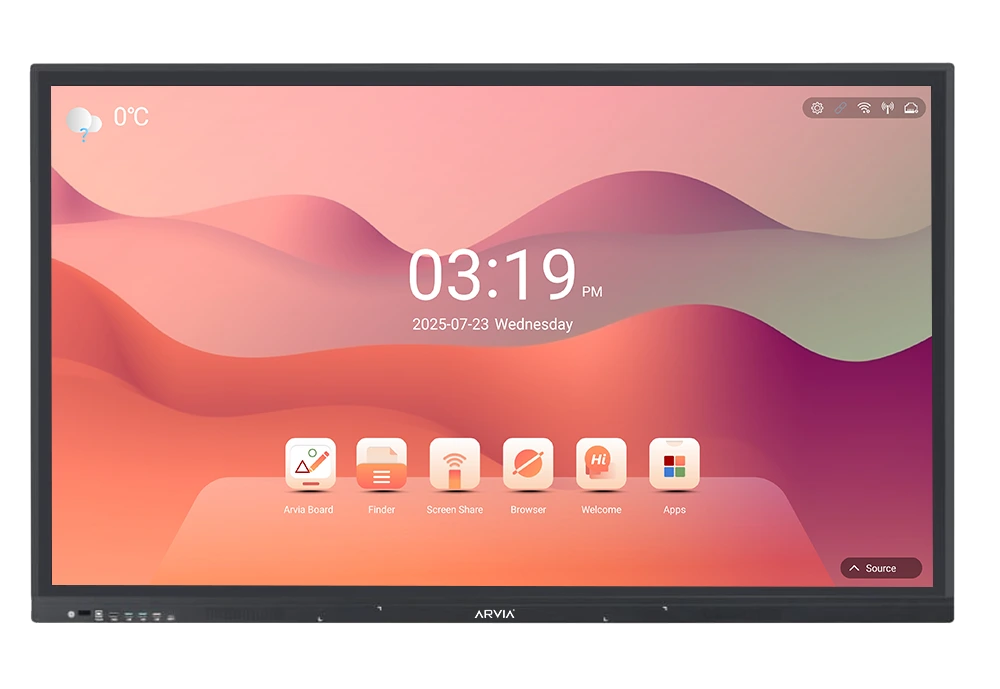
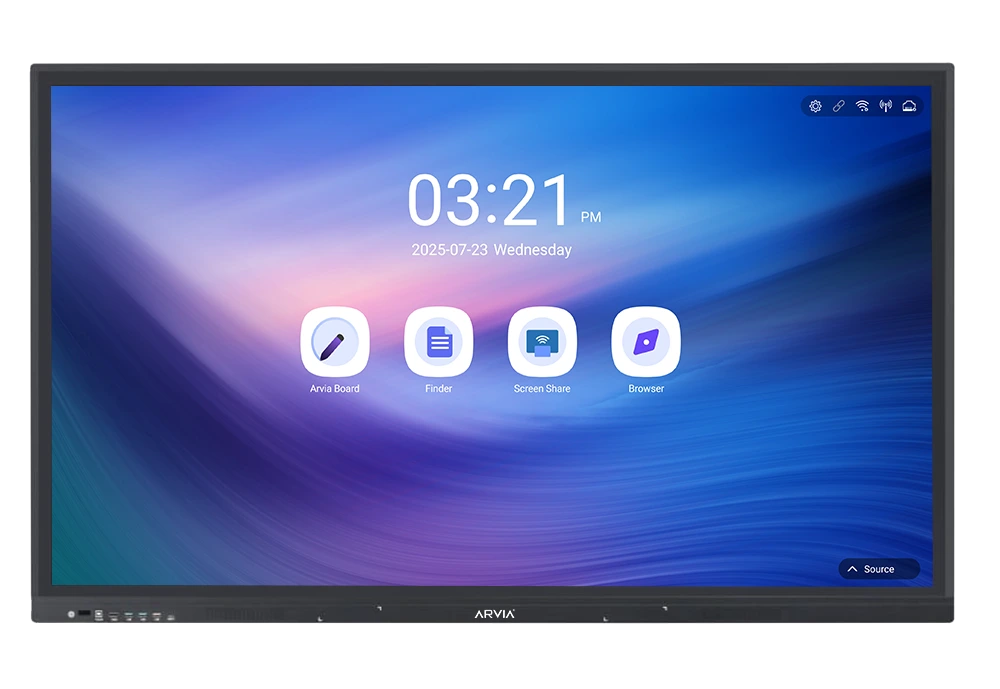
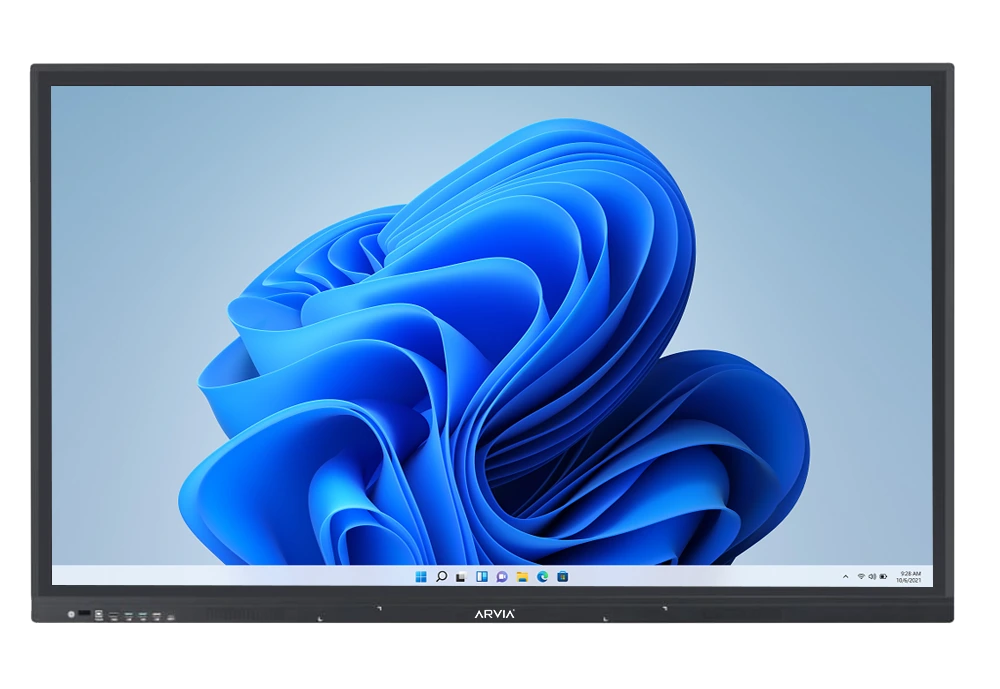
Transform the way you teach, present, and collaborate with Arvia Interactive Smartboard. A future ready solution designed to solve real challenges in classrooms and boardrooms worldwide.
Solutions for Education & Business
Transform the way you teach, present, and collaborate with Arvia Interactive Smartboard. A future ready solution designed to solve real challenges in classrooms and boardrooms worldwide.
Driving Digital Innovation with Smartboards
Discover interactive smartboard solutions designed to match your exact business requirements customizable, innovative, and ready to elevate your presentations.
Why Upgrade to Smartboards?
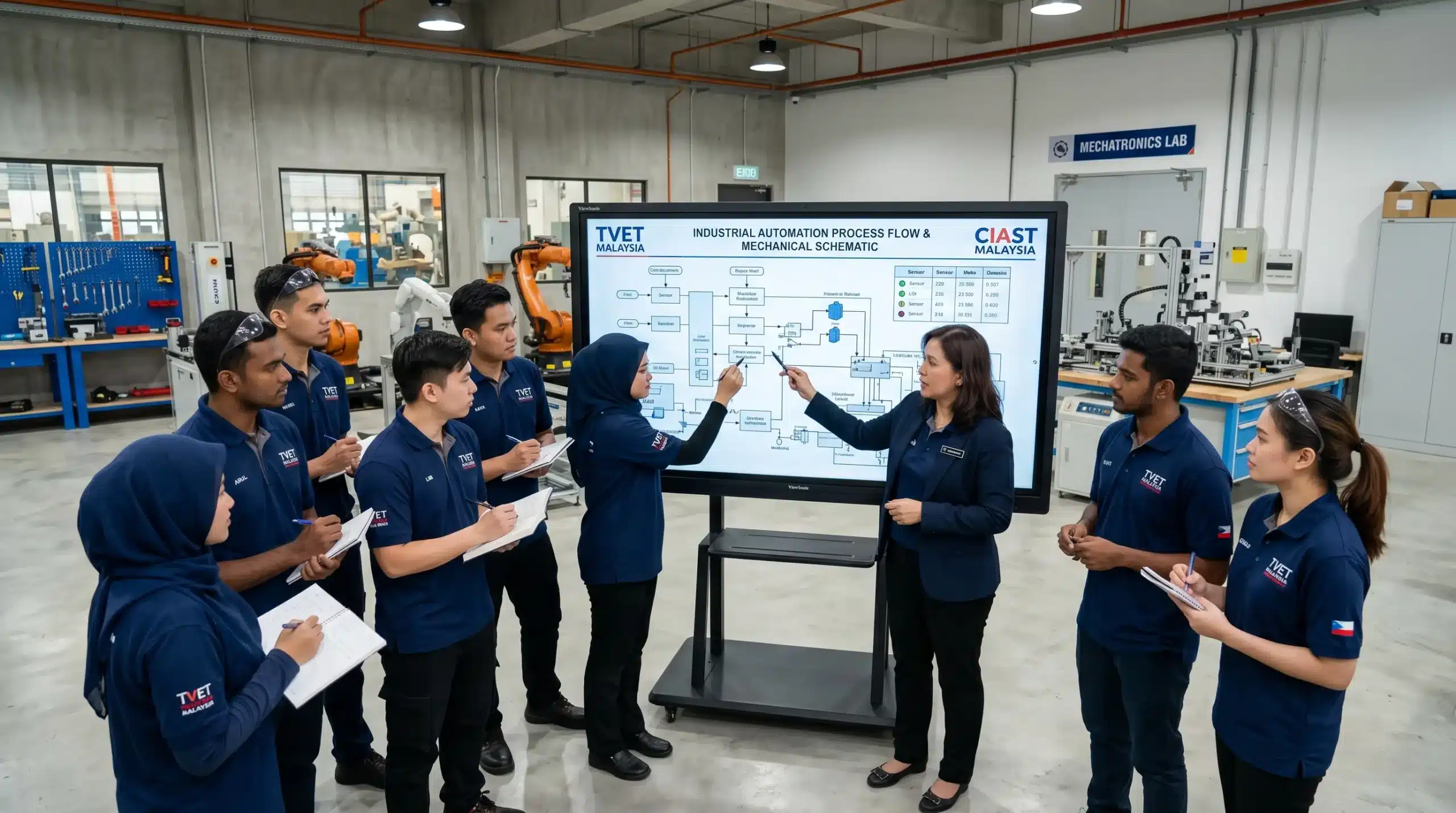
Traditional tools no longer meet the needs of modern classrooms and business environments. Arvia Smartboard is designed to solve these challenges with smarter, connected, and interactive solutions.
Education Challenge
Business Challenge
Hybrid Challenge
Our Solutions
Arvia Smartboard eliminates these limitations by combining interactive touch technology, wireless connectivity, and AI-powered collaboration tools — creating a seamless experience for both education and business users worldwide.
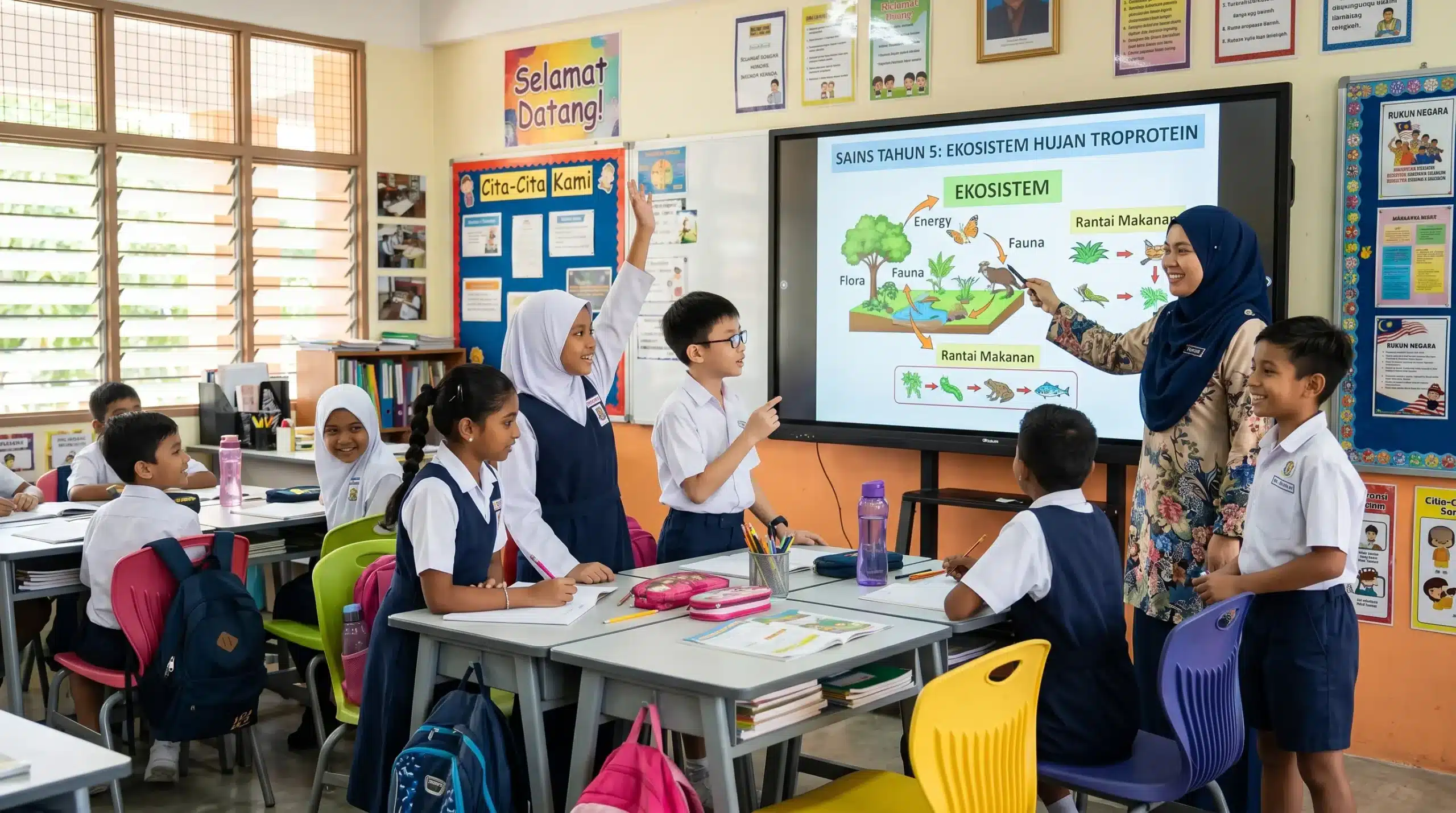
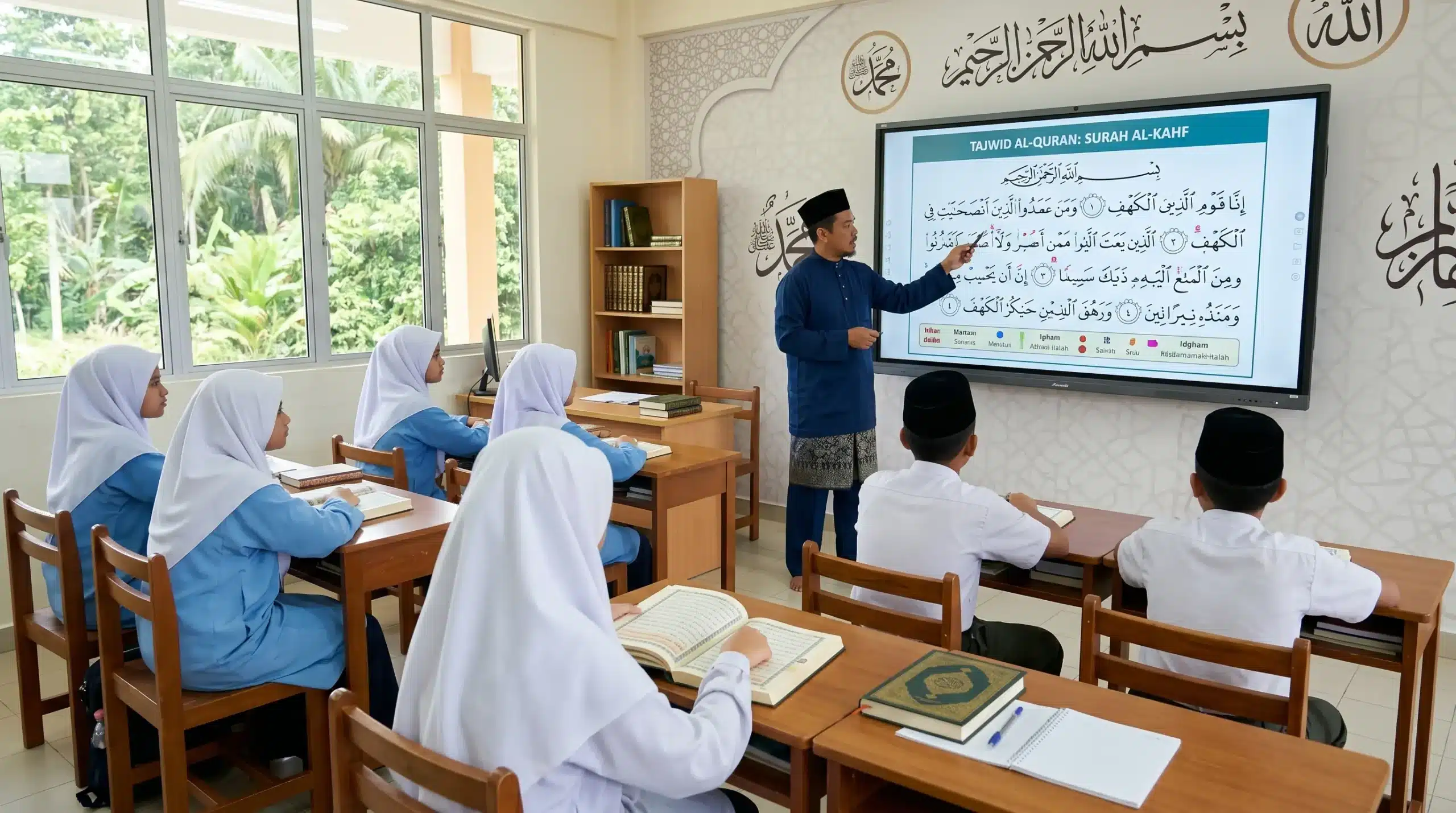
Transforming Digital Classrooms
Interactive smartboards empower teachers and students with dynamic and collaborative learning experiences that go beyond technology
Interactive Learning
Seamless Content Sharing
Boost Student Engagement
Record & Replay
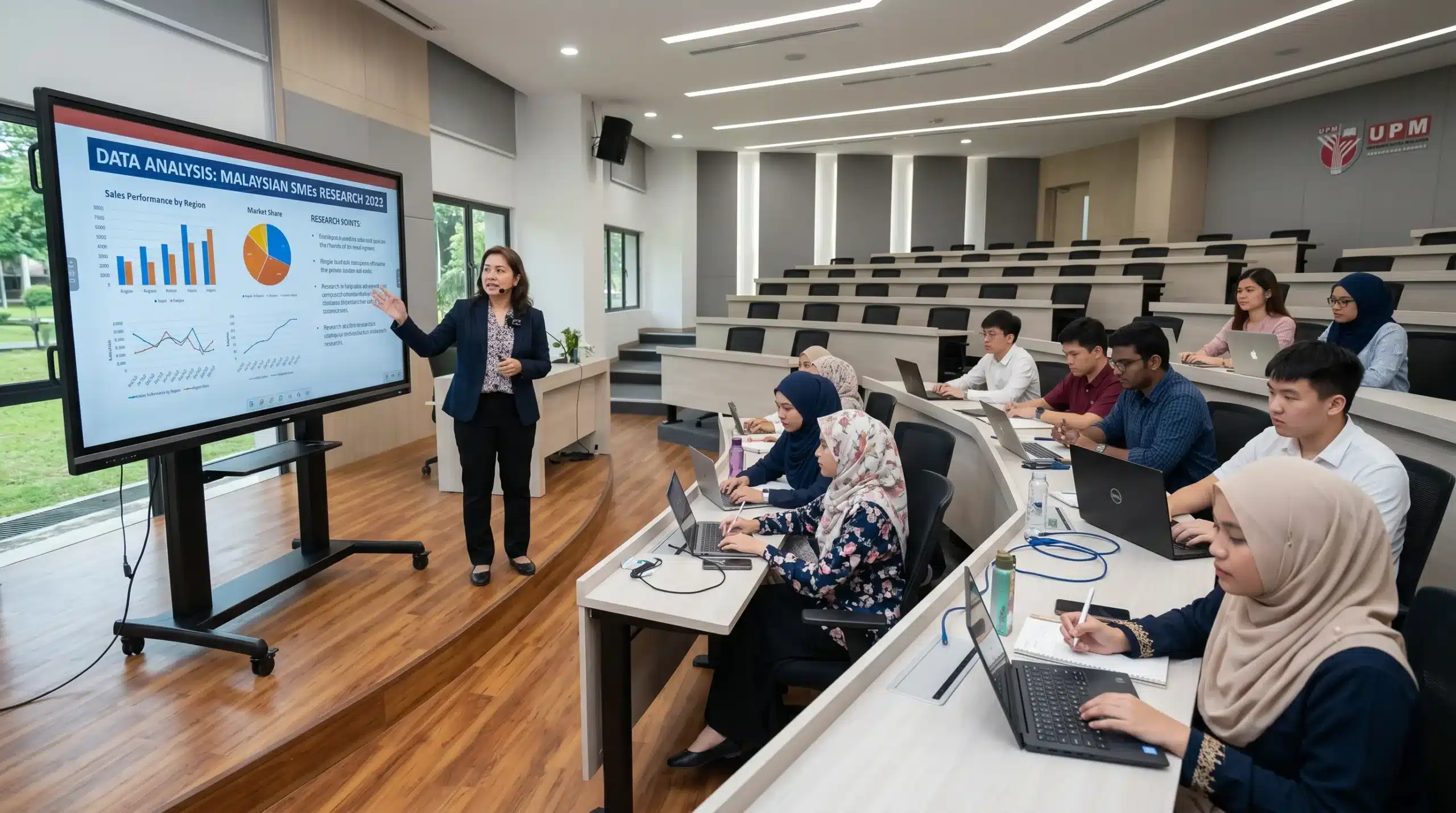
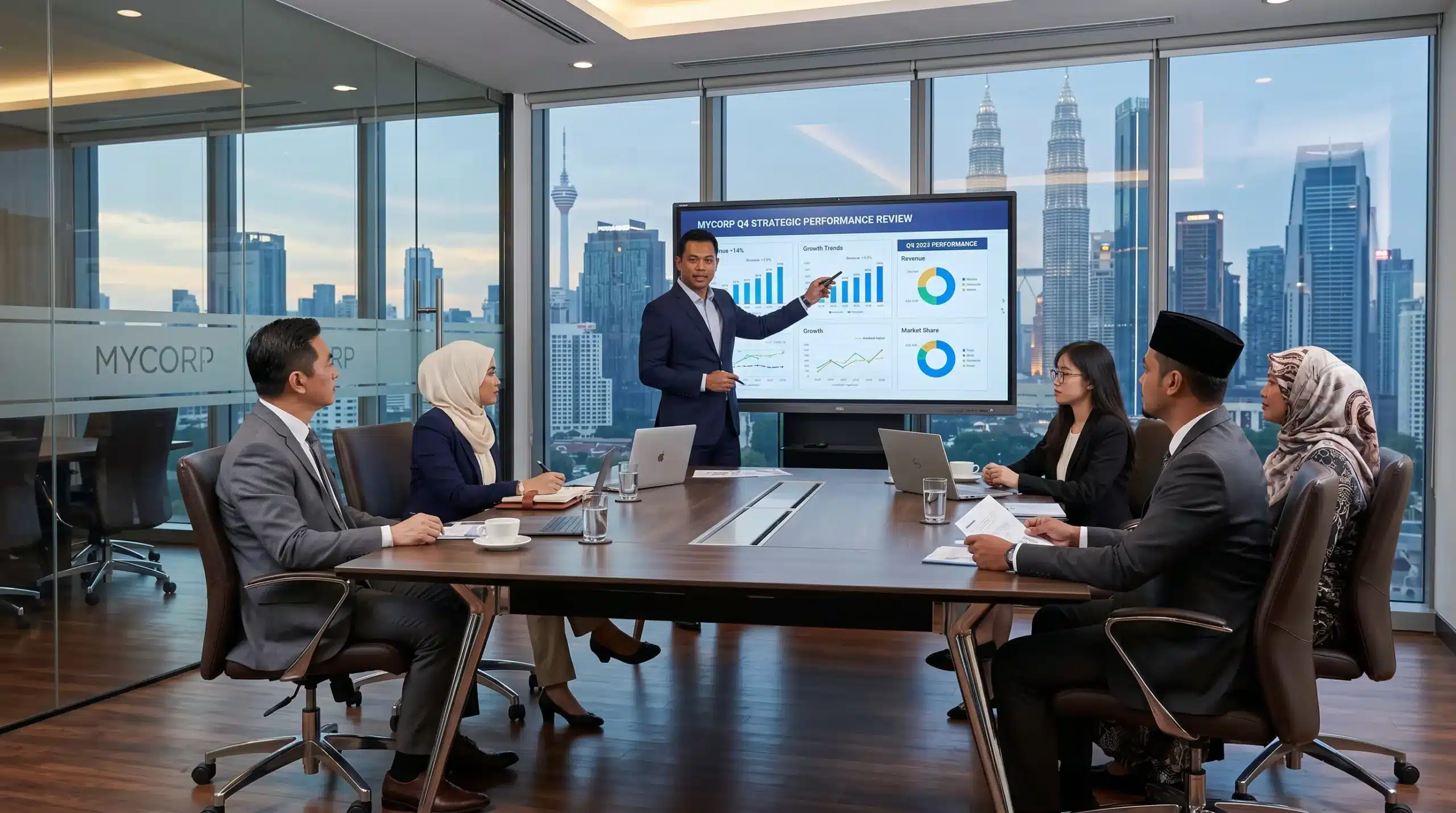
Smarter Meetings for Modern Workplaces
Arvia Smartboard helps teams collaborate better, make decisions faster, and simplify hybrid communication in any business environment.
Wireless Presentation
All-in-One Meeting Hub
AI-Enhanced Collaboration
Seamless Integration
Application Uses Case
Schools
Enhance student engagement and learning outcomes.
Universities
Support lectures, research, and interactive sessions.
Corporate
Facilitate meetings, presentations, and brainstorming.
Training Centers
Empower trainers with dynamic content & interaction.
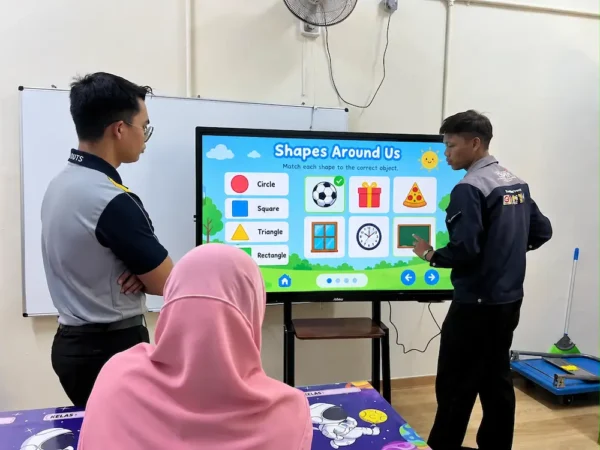
Kindergartens
Use play, video, and touch interactivity.
Conference
Use smartboards for hybrid sessions and live teaching.
Why Choose Arvia
All-in-One Collaboration Hub
Proven Track Record
Future-Ready Technology
End-to-End Support
Explore Our Smartboard Videos
Discover a diverse array of meticulously crafted designs and specifications tailored to your unique preferences, ensuring satisfaction with every customized business solution with our interactive smartboard display.
Showcasing Our Successful Projects
Step into our impressive portfolio as we showcase a collection of our successful projects, highlighting our expertise and groundbreaking solutions.


Discover the Power of Arvia Smartboard
At Arvia, we design interactive smartboard solutions that redefine the way people teach, collaborate, and innovate. From classrooms to corporate boardrooms, our technology delivers smarter engagement, seamless communication, and future-ready performance.

Multiple Screen Sizes Available - 65", 75", 86" & 98"
Choose the perfect size for your space. Our Smartboards come in multiple sizes—from a 65″ option for smaller settings to a 98″ model for expansive environments like corporate boardrooms.

20 Multi-Touch Points with Hand or Touch Pen
Experience smooth and precise interaction. With support for up to 20 simultaneous touch points, multiple users can engage with the board at once, making collaboration smooth and effortless.

Collaborative Screen Sharing Across Up to 9 Screens
Enhance your teamwork and presentations. Our screen sharing feature lets you connect up to 9 screens at once, facilitating interactive sessions, brainstorming meetings, and video conferences.
Frequently Asked Questions
What is an interactive smartboard?
An interactive smartboard is a large touchscreen display that works like a digital whiteboard. It allows users to write, draw, and interact with content using a finger or stylus. Smartboards can display videos, presentations, and apps, making them perfect for teaching, meetings, and training. They help improve collaboration and engagement by allowing multiple users to interact with the screen at the same time.
How does smartboard works?
Smartboards utilize touch-sensitive technology, often infrared sensors or resistive touch, to detect user interaction. They are connected to a computer, and the board’s surface reflects the computer’s display.
What are the key features of Arvia Smartboard?
The Arvia Smartboard is designed for seamless collaboration, interactive learning, and professional presentations. Its key features include:
✔ Ultra HD 4K Display – Crystal-clear visuals for presentations & lessons.
✔ Multi-Touch Screen – Supports multiple users for seamless collaboration.
✔ Android & Windows OS – Run apps, presentations & software effortlessly.
✔ Wireless Screen Sharing – Mirror content from laptops, tablets & phones.
✔ Built-in Annotation Tools – Write, draw & highlight in real time.
✔ Video Conferencing Ready – Works with Zoom, Teams, & Google Meet.
✔ Fast & Smooth Performance – High-speed processing for lag-free interaction.
Can Arvia Smartboard be used as a regular whiteboard?
Yes! The Arvia Smartboard can be used like a regular whiteboard, but with more advanced features. You can write, draw, and erase using a stylus or your finger, just like a traditional whiteboard.
However, unlike a standard whiteboard, the Arvia Smartboard allows you to:
✔ Save and share your notes instead of erasing them.
✔ Use digital tools like colors, shapes, and handwriting recognition.
✔ Display presentations, videos, and interactive content.
What is the use of interactive smartboard in the classroom?
Interactive boards enhance classroom engagement by providing interactive learning experiences. Teachers can use them to deliver multimedia-rich lessons, write and draw on the board, and incorporate interactive activities. Students can actively participate, collaborate, and interact with the content, fostering a more immersive and effective learning environment.
Can Arvia Smartboard work with other devices like computers?
Yes, Arvia Smartboard is fully compatible with other devices like computers, laptops, tablets, and smartphones. You can connect via:
✔ HDMI & USB Ports – Easily link your PC or laptop for screen sharing.
✔ Wireless Screen Mirroring – Cast content from smartphones, tablets & laptops.
✔ Built-in Android & Windows OS – Run software without needing an external device.
✔ USB Plug & Play – Connect a mouse, keyboard, or external storage devices.
Are smartboards compatible with operating systems?
Yes! Arvia Smartboards support both Windows and Android OS, allowing users to seamlessly switch between systems.
What are the benefits of interactive learning?
Arvia Smartboards enhance engagement and participation by making lessons interactive. Benefits include:
✔ Touchscreen interaction – Students can write, draw, and collaborate in real time.
✔ Multimedia support – Display videos, animations, and online resources.
✔ Cloud & wireless sharing – Teachers can share notes and presentations easily.
✔ Encourages collaboration – Multiple users can interact simultaneously.
✔ Reduces paper use – Digital notes can be saved and shared.
How do Smartboards compare to traditional projectors?
Unlike projectors, Arvia Smartboards offer:
✔ Higher resolution (4K UHD) – Crisp and clear visuals without dimming lights.
✔ Touchscreen capability – Direct interaction, unlike passive projector screens.
✔ No need for external devices – Runs apps independently with built-in OS.
✔ No shadow interference – Eliminates issues caused by standing in front of a projector beam.
✔ Lower maintenance – No bulb replacements or recalibration required.
Can Smartboards be used for remote or distance learning?
Yes! Arvia Smartboards are perfect for remote learning, featuring:
✔ Built-in video conferencing support – Works with Zoom, Microsoft Teams & Google Meet.
✔ Screen recording & sharing – Lessons can be saved and shared online.
✔ Wireless collaboration – Teachers & students can connect from anywhere.
✔ Live annotations – Write on the screen while teaching remotely.
Does Arvia Smartboard support multiple users at the same time?
Yes! Arvia Smartboard supports multi-touch functionality, allowing multiple users to write, draw, and interact with the screen simultaneously. With advanced touch recognition, users can use fingers, styluses, or both at the same time, making collaboration seamless and efficient.
How does calibration work for smartboards?
Calibration ensures accurate touch and writing detection. It involves touching or clicking on specific points displayed on the board to align the system accurately.
Ready to Transform Your Classroom or Business?
Let Arvia Smartboards be the solution to your collaboration challenges.