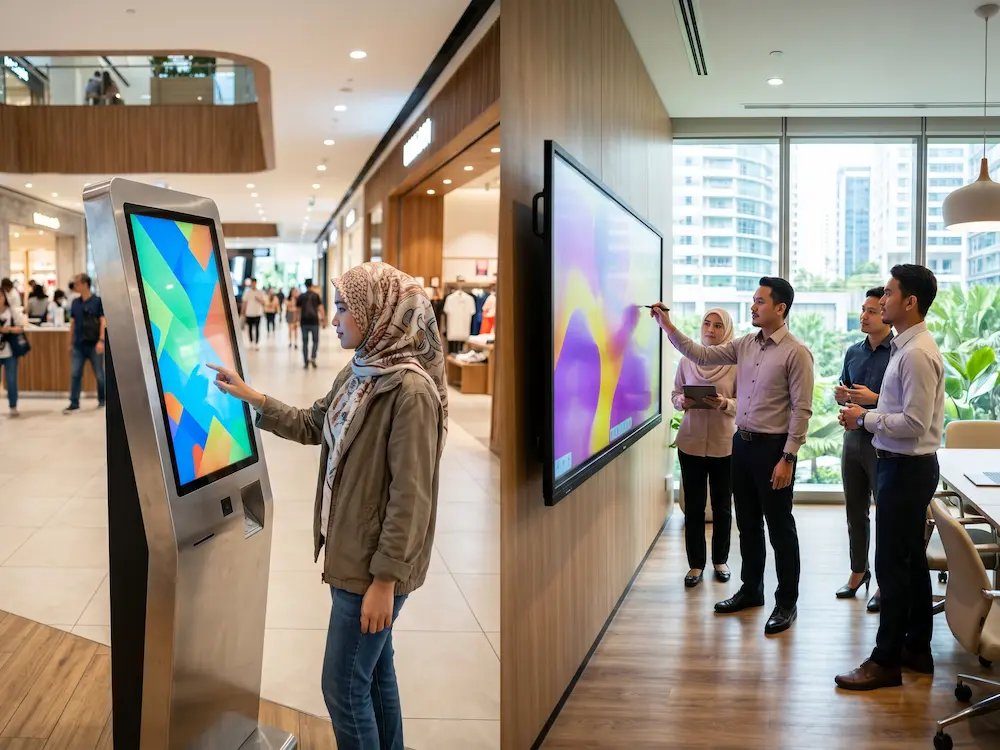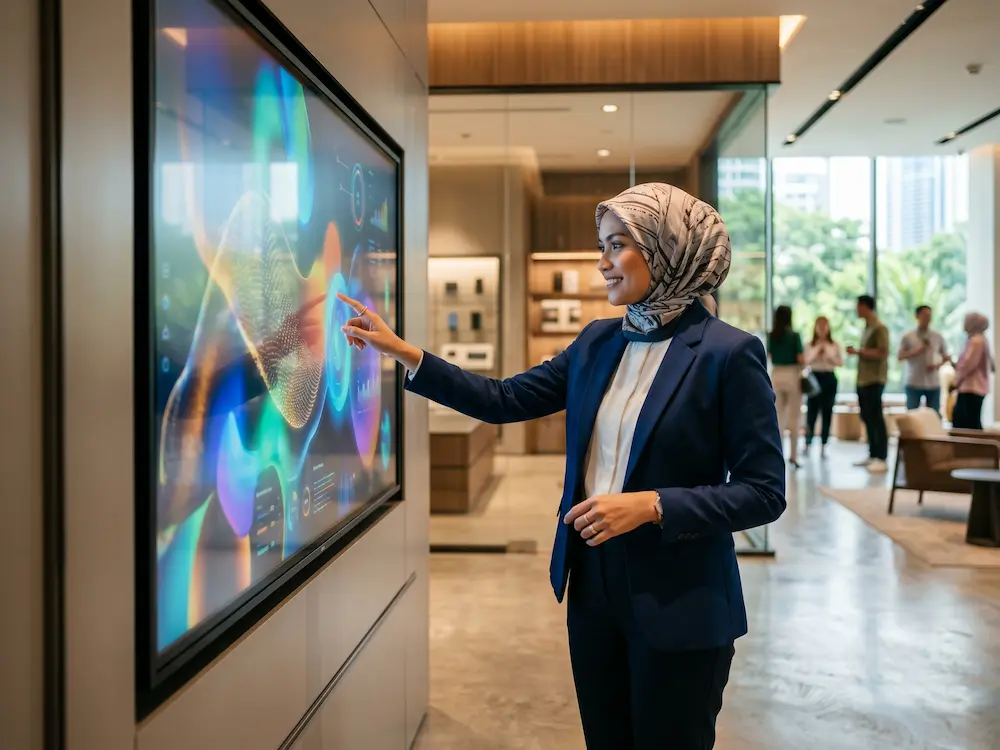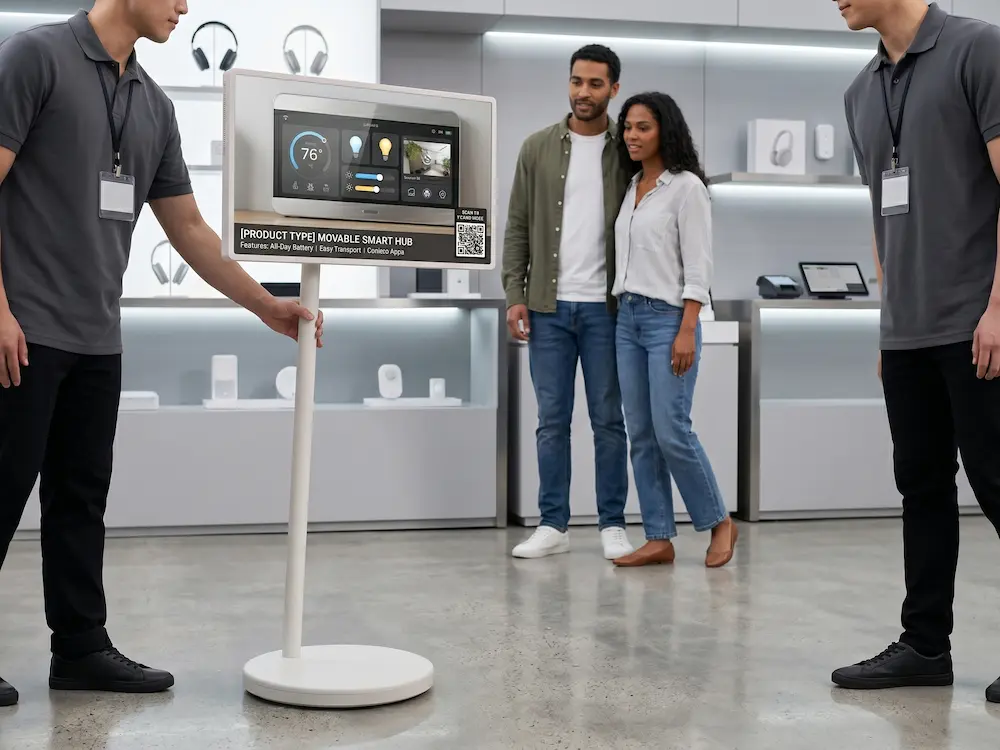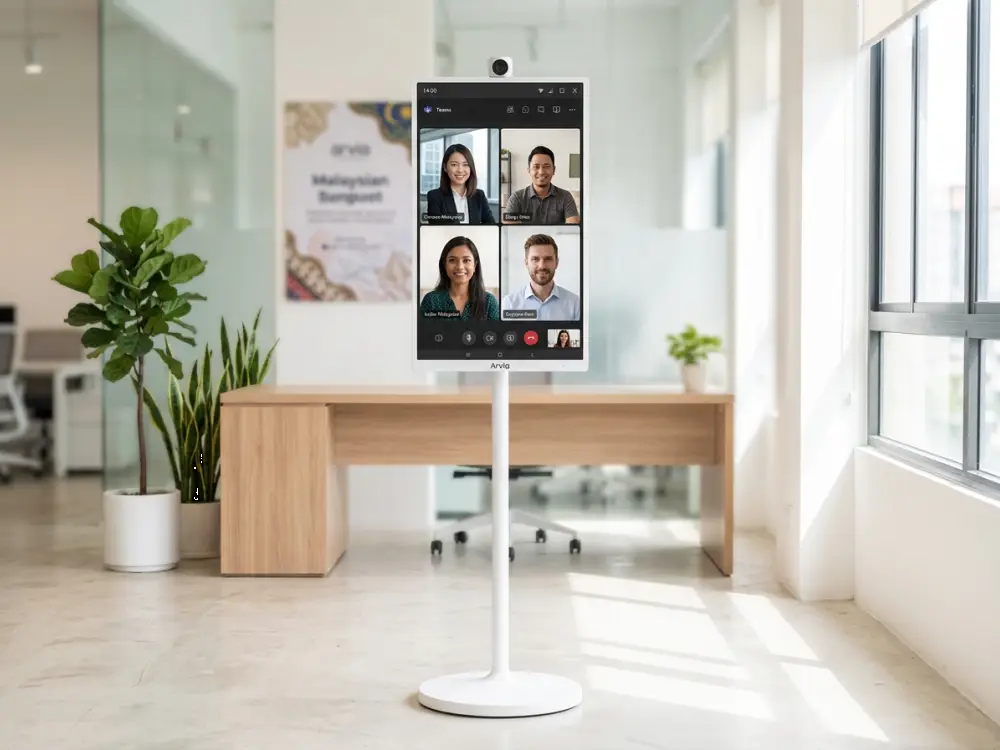
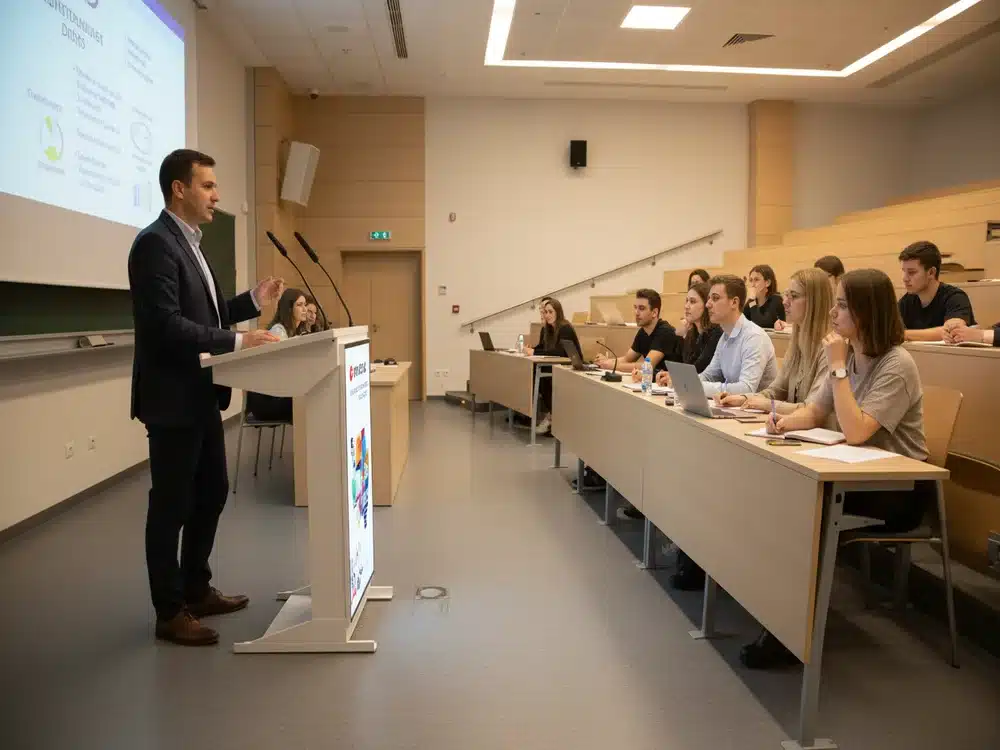

In today’s digital-first environment, educators, presenters, and professionals demand tools that offer more than just a traditional lectern or projector setup. They need intuitive technology that simplifies presentations, enhances communication, and keeps audiences engaged. This is where the Smart Podium, one of the most advanced Touchscreen Solutions, plays a powerful role.
A Smart Podium combines touchscreen functionality, digital writing, multimedia presentation, and device control in a single, compact system. It allows speakers, teachers, and trainers to deliver content more dynamically, interactively, and professionally—making it ideal for classrooms, universities, conference halls, seminar rooms, auditoriums, and corporate training facilities.
What Is a Smart Podium Touchscreen Solution?
A Smart Podium is a touchscreen-based digital lectern that allows presenters to control slides, write annotations, play videos, browse documents, and manage content directly from the screen. The system typically includes:
-
A built-in interactive touchscreen (usually 19–24 inches)
-
Digital pens for writing or drawing
-
HDMI/USB connectivity for content sharing
-
Integrated PC or external device support
-
Multimedia playback
-
Annotation and screen control software
Unlike a normal podium, this solution brings modern touch interaction to presentations—making it easier for speakers to teach, explain, and demonstrate content in real time.
Why Smart Podium Is a Game-Changer for Presenters & Educators
1. Natural Digital Writing Experience
The Smart Podium allows presenters to write directly on the touchscreen using a stylus. This creates a realistic writing experience, almost identical to pen on paper. Teachers can annotate slides, underline key points, draw diagrams, and explain concepts visually.
2. Total Control of Presentations
Speakers no longer need to move between a laptop and a projector. The Smart Podium lets them control everything from one device:
-
Switch slides
-
Play videos
-
Zoom in on content
-
Move between documents
-
Highlight key points
-
Launch apps and browsers
This centralised control makes the presentation flow smoother and more professional.
3. Interactive Learning & Engagement
Touchscreen interaction encourages more dynamic teaching methods. Instead of static lectures, educators can display diagrams, annotate notes, write formulas, and interact with multimedia—keeping students attentive and engaged.
4. Perfect for Hybrid & Online Classes
Smart Podium works seamlessly with video conferencing tools like Zoom, Google Meet, and Microsoft Teams. Instructors can write on the touchscreen while live-streaming, ensuring online participants see every annotation clearly—just like being in the room.
5. Enhances Professional Image
Corporate trainers and speakers benefit from a modern, stylish touchscreen solution that elevates the professionalism of their sessions. The Smart Podium also adds a premium tech-forward impression for high-level events, conferences, and seminars.

Key Features of Modern Smart Podium Touchscreen Solutions
Interactive Touchscreen Display
The podium includes a high-resolution multi-touch display that supports touch, drag, pinch-to-zoom, and stylus input.
Digital Annotation Tools
Users can highlight, write, and draw over documents, slides, images, and videos. Annotations can be saved or exported for future reference.
Flexible Connectivity
Smart Podium supports HDMI, USB, LAN, audio output, and screen mirroring—making it compatible with laptops, PCs, projectors, LED screens, and smartboards.
Built-in Multimedia Functions
Presenters can play images, videos, PDFs, PowerPoints, Word files, websites, and e-learning content right from the podium.
Stable & Professional Build
The podium is designed with durable materials, often featuring:
-
Lockable casters
-
Cable management systems
-
Anti-glare display
-
Shock-resistant surfaces
This ensures long-term reliability even in heavy-use environments.
Where Smart Podium Touchscreen Solutions Are Used
1. Universities & Colleges
Lecturers use Smart Podium to teach subjects with diagrams, formulas, and detailed visualizations.
2. Schools & Education Centers
Perfect for interactive teaching, digital learning, and multimedia lessons.
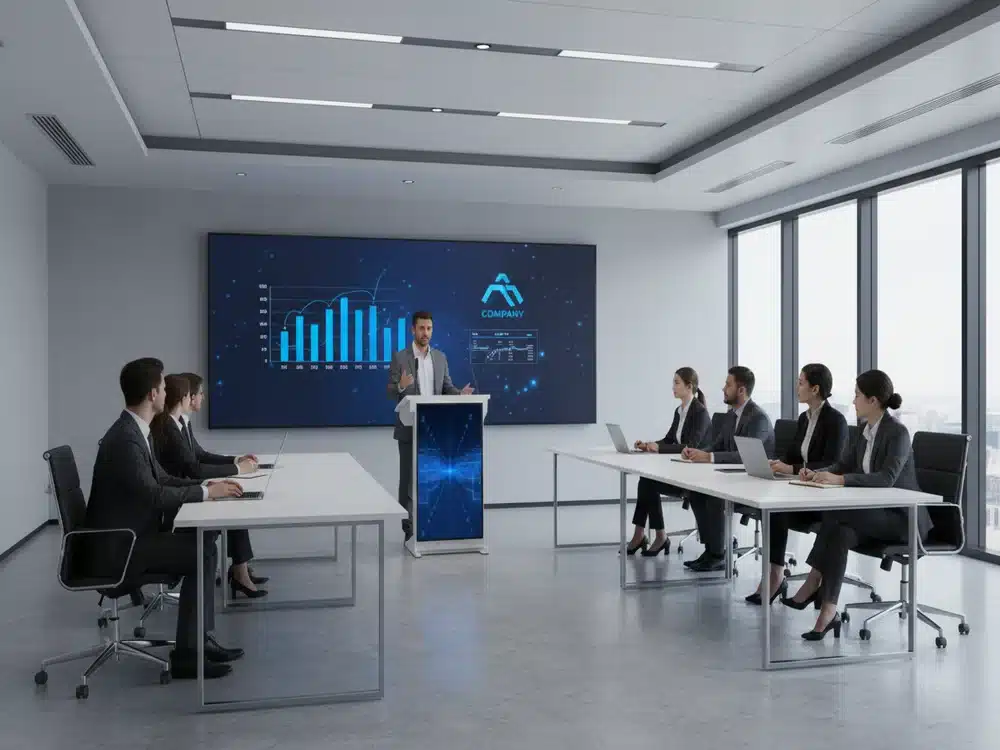
3. Corporate Training Rooms
Trainers can deliver structured modules with annotations, videos, and live interactions.
4. Conference Halls & Auditoriums
Guest speakers use Smart Podium for professional, seamless presentations.
5. Religious Institutions & Community Centers
Ideal for sermons, events, and digital announcements.
Benefits for Organisations
Improves Presentation Quality
Smooth interaction and clear annotations make content more understandable.
Increases Audience Engagement
Touch-enabled teaching keeps participants actively involved.
Saves Time & Boosts Efficiency
All controls are centralised—no switching between devices or remotes.
Supports Modern Digital Environments
Smart Podium integrates easily with smartboards, LED displays, and hybrid meeting systems.
Conclusion
The Smart Podium is more than just a lectern—it is a complete Touchscreen Solution that enhances teaching, presenting, and training experiences. With its intuitive touch interaction, digital writing tools, flexible connectivity, and professional design, it is becoming a must-have technology in modern educational institutions and corporate environments.
As organisations continue to embrace digital transformation, Smart Podium stands as a powerful tool that bridges traditional presentations with interactive, cutting-edge engagement.