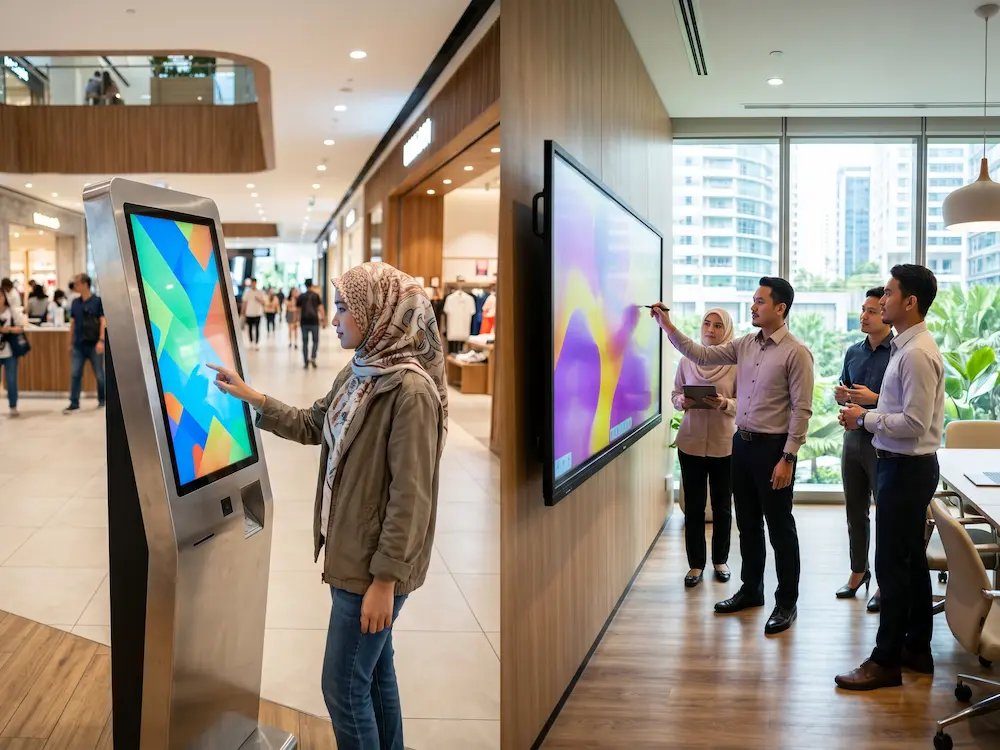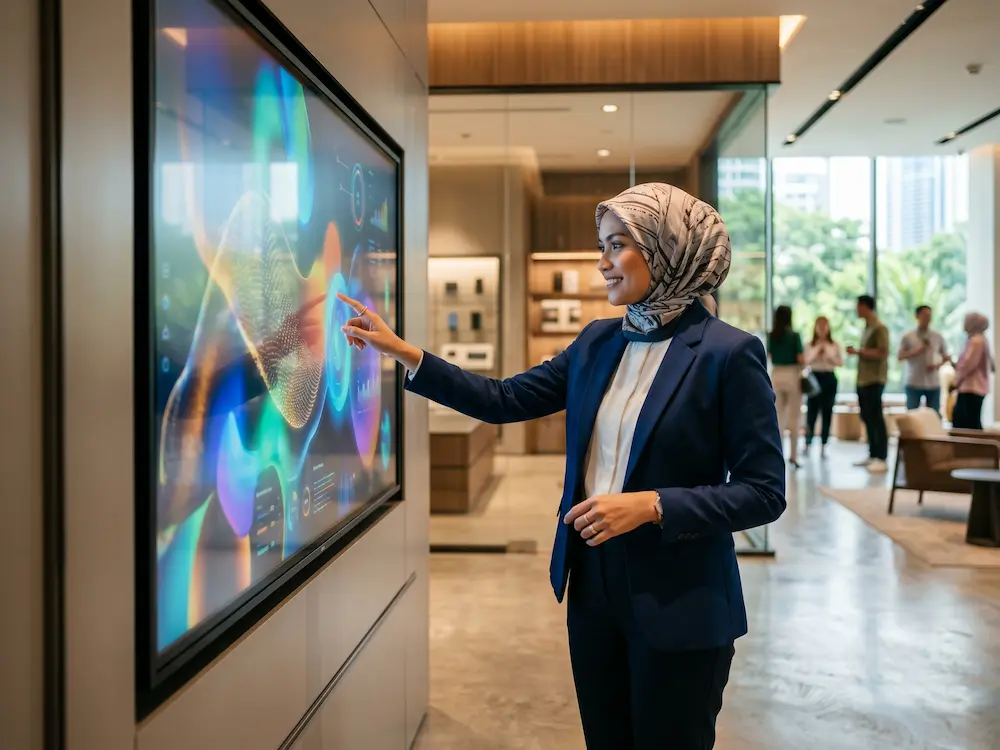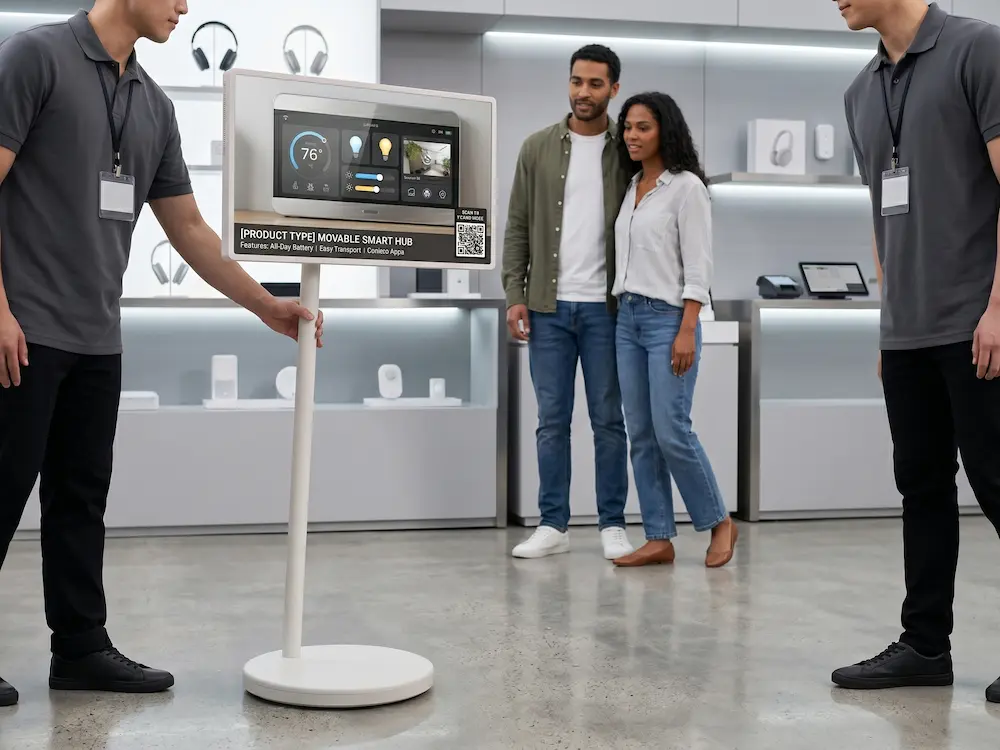
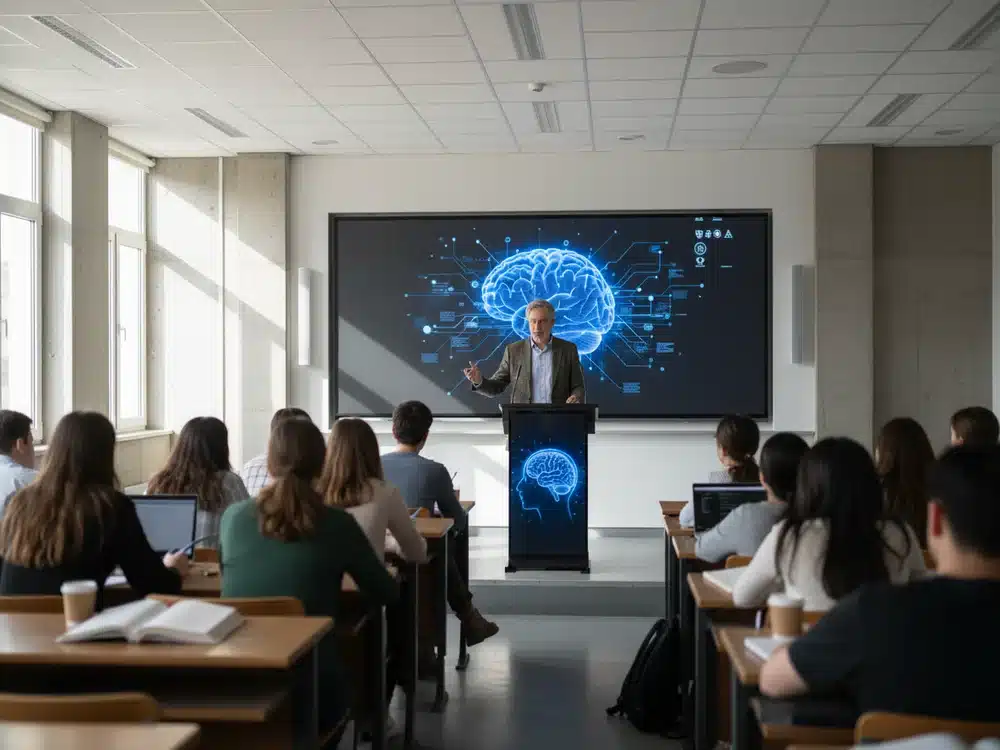

Touchscreen solutions have become one of the most essential technologies in today’s digital era, reshaping how people present, teach, collaborate, and communicate. As organisations continue to upgrade their classrooms, meeting rooms, auditoriums, and training halls, interactive touchscreens deliver a new level of engagement that traditional tools like whiteboards and projectors simply cannot match. Among the many interactive technologies available today, the Smart Podium stands out as a powerful solution that combines touchscreen capability with ergonomic design, making professional presentations smoother, smarter, and far more effective.
The rise of digital transformation has shifted the way information is delivered. Presenters now rely on visual clarity, real-time interaction, and seamless connectivity to ensure that their audience remains engaged from start to finish. Touchscreen solutions support this shift by enabling presenters to annotate, navigate, and control content directly on a digital surface. This eliminates the hassle of using external devices like laser pointers, clickers, or markers, allowing for a more natural and interactive presentation flow.
The Importance of Touchscreen Solutions in Modern Environments
Touchscreen solutions offer several key advantages that make them indispensable in both educational and corporate settings:
-
Real-time annotation allows presenters to highlight key points instantly.
-
Interactive content delivery improves engagement and helps audiences understand complex ideas.
-
Improved workflow efficiency reduces setup time and technical complications.
-
Hybrid compatibility supports online meetings, virtual classrooms, and remote presentations.
These benefits make touchscreen solutions ideal for environments that rely heavily on communication, training, or information delivery.
Why the Smart Podium Is an Essential Touchscreen Solution
The Smart Podium has quickly become one of the most widely adopted touchscreen devices in universities, government halls, corporate boardrooms, and event venues. What makes it so impactful is its ability to serve as a central command point for presenters.
1. Natural Writing and Smooth Annotation
The Smart Podium allows speakers to write directly on its screen using a stylus. The writing experience mirrors natural handwriting, providing precise control for diagrams, formulas, signatures, or instructional notes. These annotations can be saved, exported, or displayed instantly on larger screens or projectors.
2. Presenter-Facing Touchscreen
Unlike wall-mounted smartboards, the Smart Podium is positioned directly in front of the presenter. This means presenters never need to turn their back on the audience. This enhances eye contact, improves communication flow, and maintains audience focus — something especially important in lectures, trainings, and official ceremonies.
3. Seamless Integration with Larger Displays
The Smart Podium works effortlessly with projectors, LED screens, and smartboards. Presenters can control slides, videos, documents, or web content from the podium while the audience views everything on a larger display. This creates a professional and streamlined presentation experience.
4. Perfect for Auditoriums, Lecture Halls, and Corporate Events
The Smart Podium is designed to be used in spaces where presenting is a core activity. Its stable base, ergonomic height, and professional finish make it ideal for:
-
formal events
-
university lectures
-
seminar halls
-
government briefings
-
training centres
-
townhall presentations
This makes it a versatile touchscreen solution suitable for both small and large audiences.
Touchscreen Solutions in Education: Enhancing Teaching & Learning
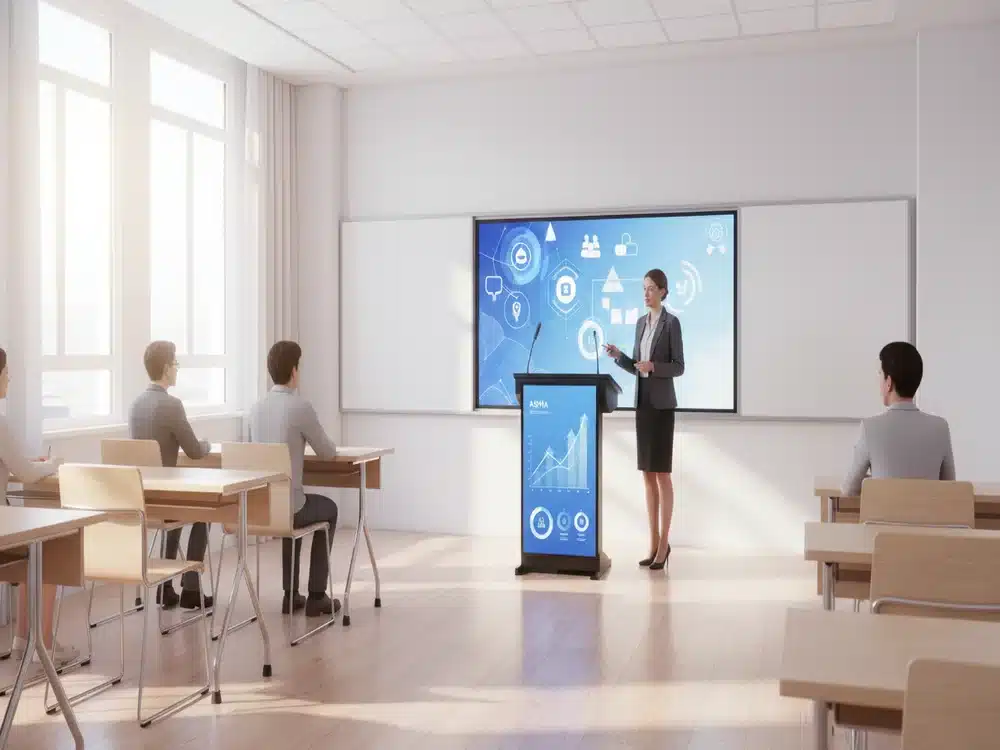
Educational institutions benefit greatly from touchscreen technology. With a Smart Podium, lecturers can illustrate complex topics more clearly, annotate notes during class, switch between resources quickly, and engage students with dynamic content. Whether teaching mathematics, engineering, science, or humanities, instructors can simplify explanations with real-time visual elements.
For technical and vocational institutions, touchscreen solutions also improve demonstration accuracy when teaching practical skills, manuals, and digital content.
Touchscreen Solutions in Corporate & Government Sectors
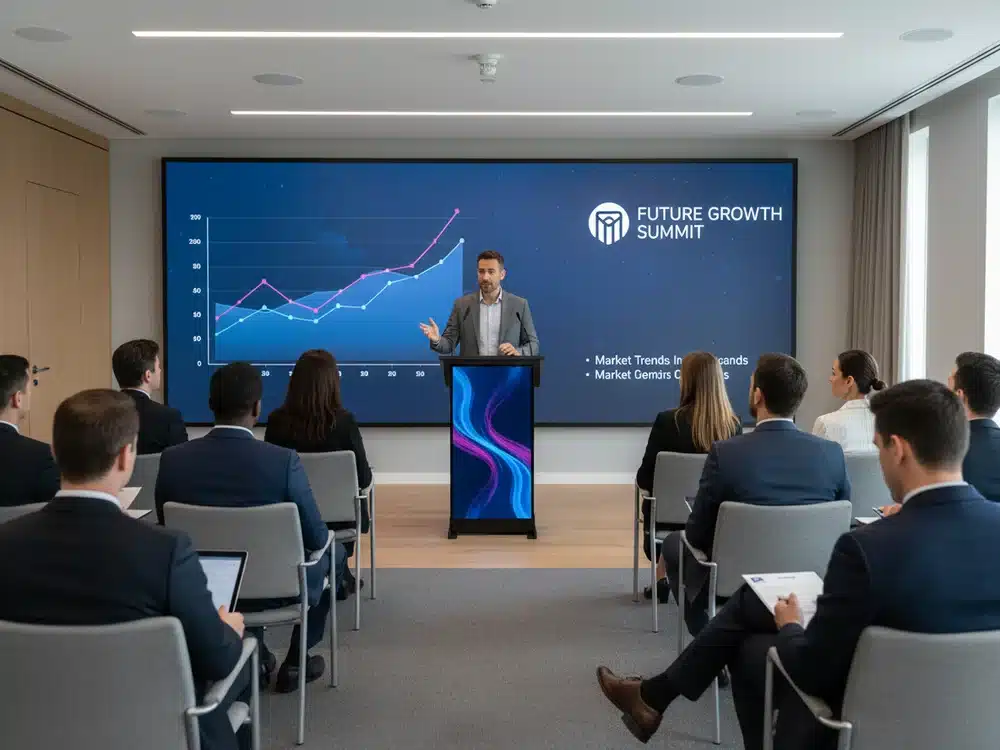
In corporate meetings and government conferences, the Smart Podium helps improve professionalism and efficiency. Presenters can access multiple devices, run live demos, annotate content, and switch between presentations seamlessly. This reduces downtime and prevents technical interruptions — a common issue in traditional meeting setups.
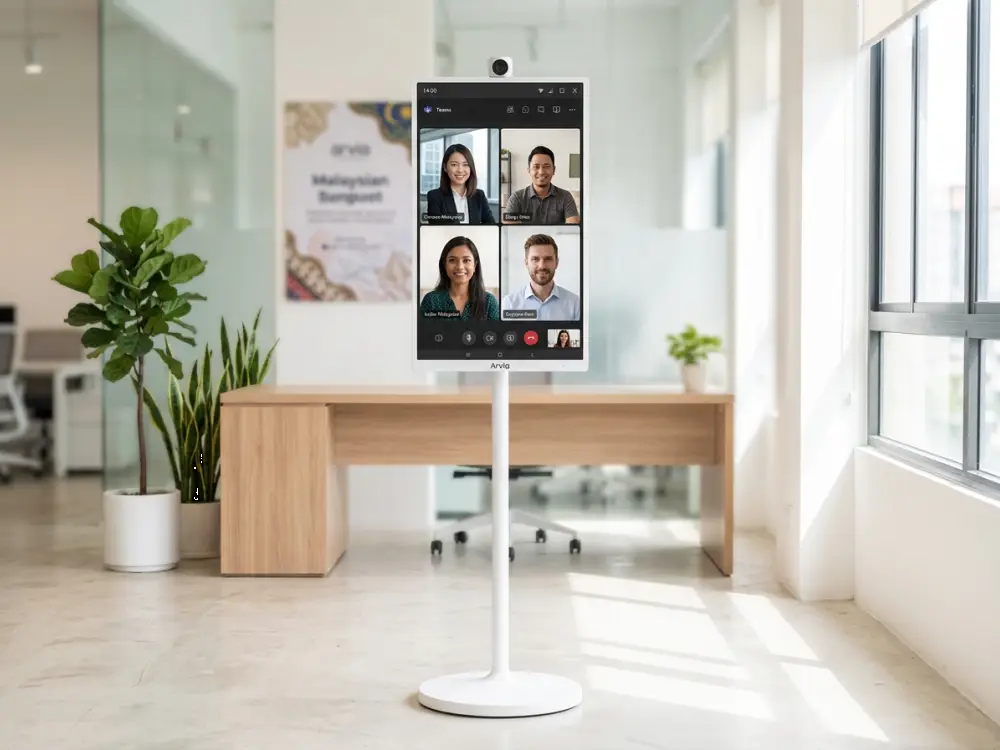
Hybrid environments also benefit from the Smart Podium. With built-in compatibility for platforms like Zoom, Microsoft Teams, and Google Meet, presenters can run online sessions directly from the device, ensuring smooth video communication.
Why Organisations Choose Smart Podium for Digital Transformation
Organisations prefer Smart Podium systems because they:
-
increase presenter confidence
-
simplify digital workflows
-
enhance content clarity
-
reduce presentation errors
-
modernise classrooms and meeting rooms
-
support hybrid collaboration
As a touchscreen solution, the Smart Podium delivers strong long-term value and aligns with digital transformation goals for institutions of all sizes.
Conclusion
Touchscreen solutions are redefining how we communicate, teach, and collaborate. The Smart Podium stands out as a powerful tool that brings together interactivity, control, and professionalism in one compact device. Whether used in education, corporate meetings, government events, or training halls, the Smart Podium enhances engagement and transforms how information is delivered.
If your organisation aims to modernise its presentation environment, the Smart Podium is an investment that brings immediate impact and long-term value.