
In today’s fast-moving digital world, the demand for smarter, more efficient communication tools continues to grow—especially in education, business, and government environments. One of the most impactful innovations leading this transformation is the Interactive Smartboard, a dynamic digital display designed to enhance presentations, teamwork, and classroom engagement.
The shift from traditional whiteboards and projectors to smart digital screens represents more than just a technology upgrade. It reflects a deeper change in how we learn, teach, collaborate, and share information. Interactive Smartboards enable a level of interactivity, clarity, and convenience that is impossible to achieve with conventional tools.
What Is an Interactive Smartboard?
An Interactive Smartboard is a touchscreen digital display equipped with advanced features such as annotation, wireless screen sharing, multi-touch input, built-in operating systems, and integrated applications. Unlike static boards, Smartboards allow users to write, draw, present documents, browse the internet, connect to conferencing apps, and collaborate in real time.
Smartboards are widely used in:
-
Classrooms
-
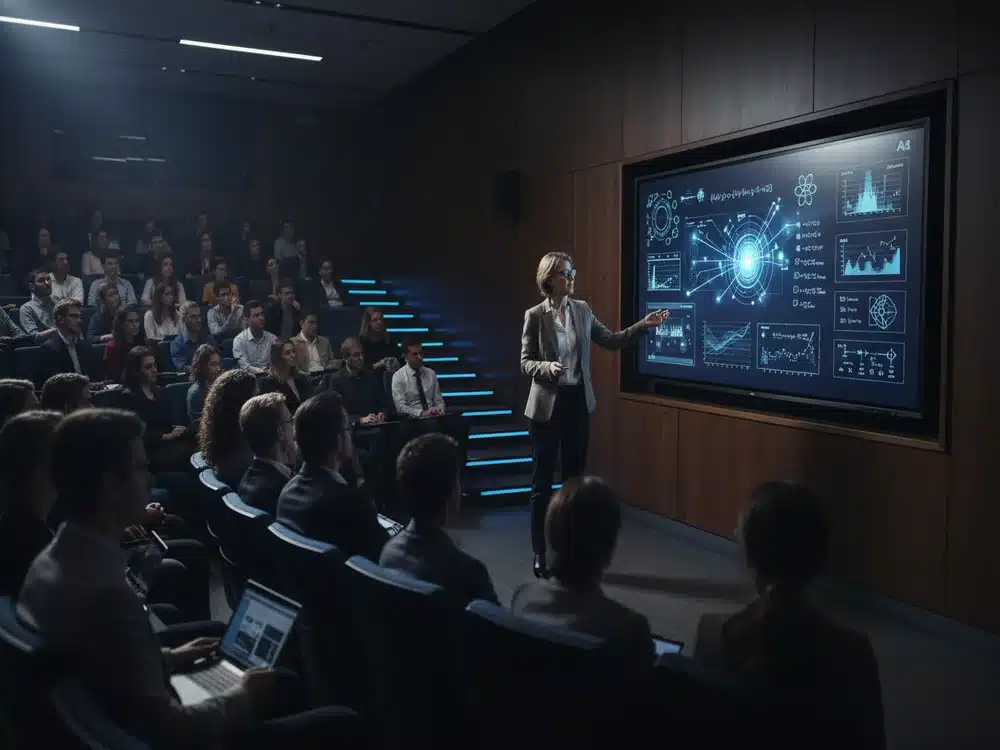
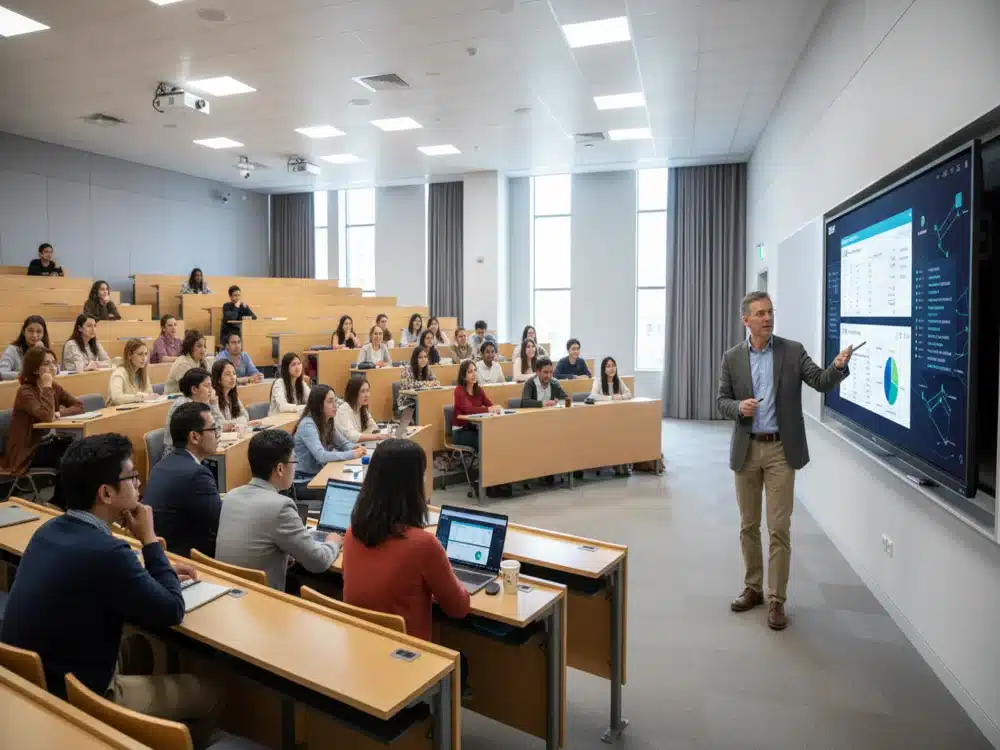
Lecture halls
-
Training centers
-
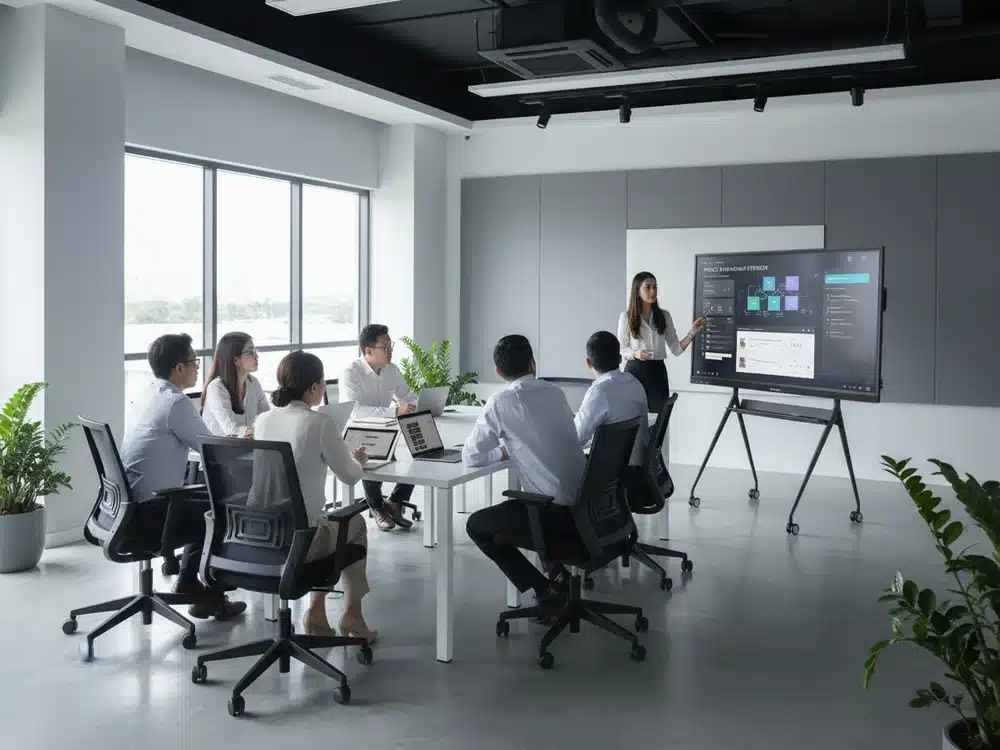
Corporate meeting rooms
-
Hybrid work environments
-
Government facilities
They combine the best of hardware and software to create an intelligent, all-in-one solution for communication and collaboration.
Why Interactive Smartboards Are Becoming a Necessity
Modern users expect more engaging and efficient ways to communicate. Here are the key reasons Interactive Smartboards are being adopted everywhere:
1. Enhanced Visual Learning
Interactive Smartboards offer ultra-high-definition displays that show videos, diagrams, notes, and presentations with exceptional clarity. This boosts understanding—especially for visual learners.
2. Touch & Write Interactivity
Users can write directly on the screen, annotate documents, and interact with digital tools instantly. This feature keeps lessons and presentations fluid, engaging, and dynamic.
3. Wireless Screen Sharing
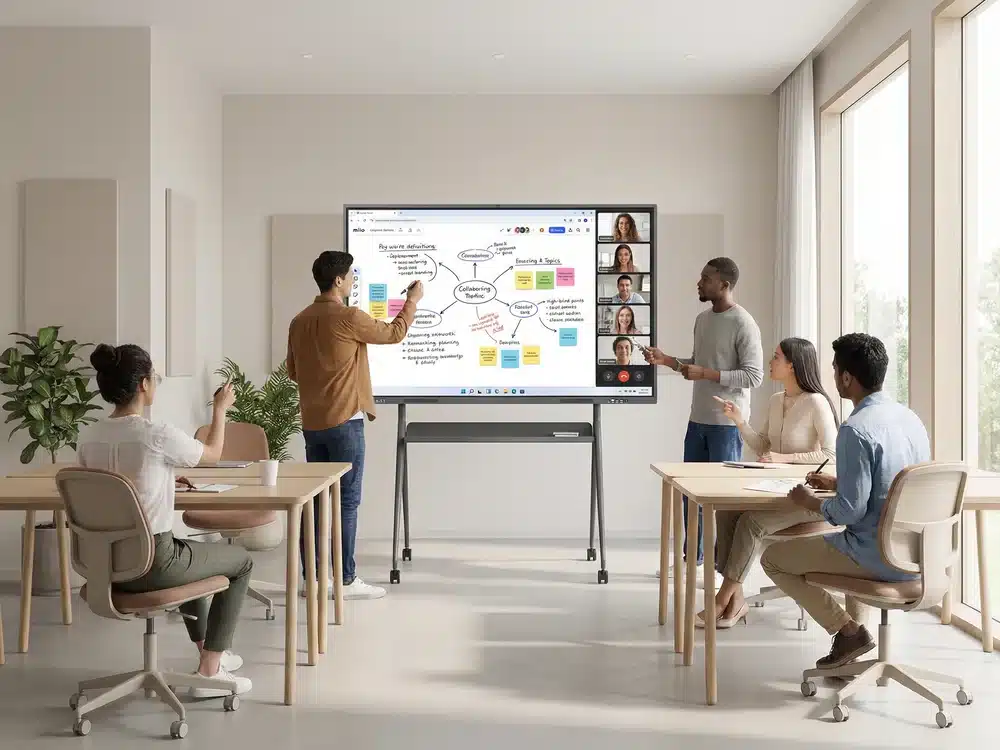
Multiple users can cast their screens from laptops, tablets, or smartphones. This is especially helpful in:
-
Classroom group activities
-
Corporate brainstorming sessions
-
Remote collaboration
Some smartboards support up to four screens at once, encouraging teamwork and discussion.
4. Built-In Applications & Operating System
Smartboards come with powerful Android or Windows OS platforms. Users can:
-
Open apps
-
Browse the internet
-
Edit documents
-
Join Zoom or Teams meetings
—without needing an external PC.
5. Improves Engagement & Participation
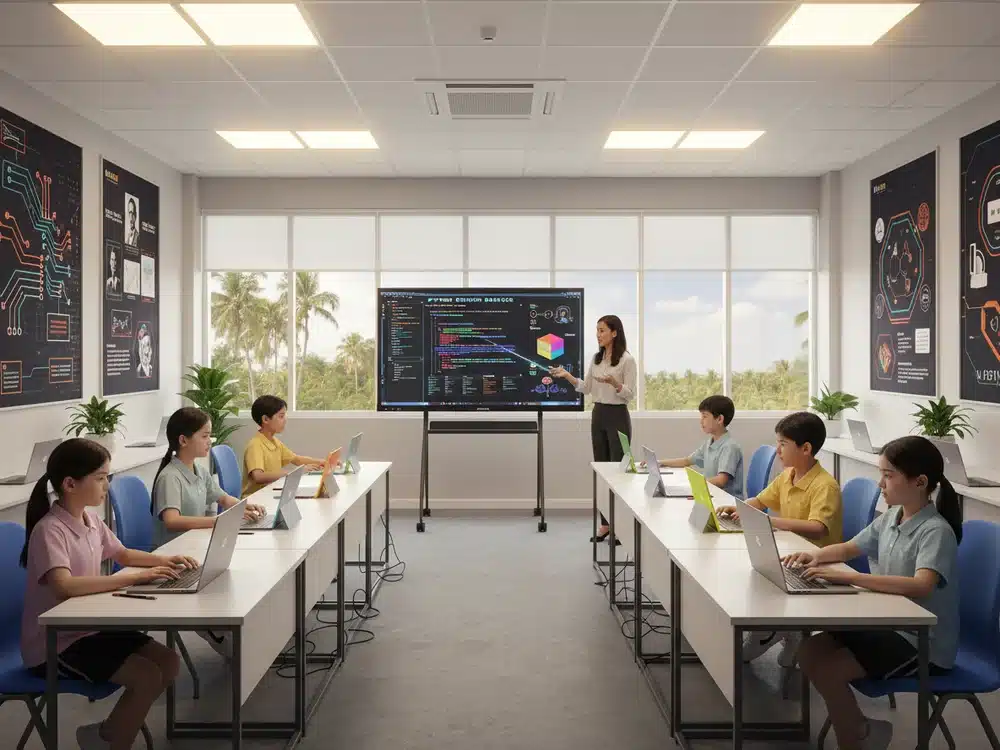
Interactive tools such as quizzes, digital notes, and drag-and-drop activities make lessons more exciting. Students or team members become more involved, which increases information retention.
6. Streamlined Hybrid Meetings
For workplaces, Smartboards integrate cameras, microphones, and conferencing apps for seamless hybrid meetings. They simplify communication across remote teams, reducing setup time and technical issues.
Real-World Applications of Smartboards
Education
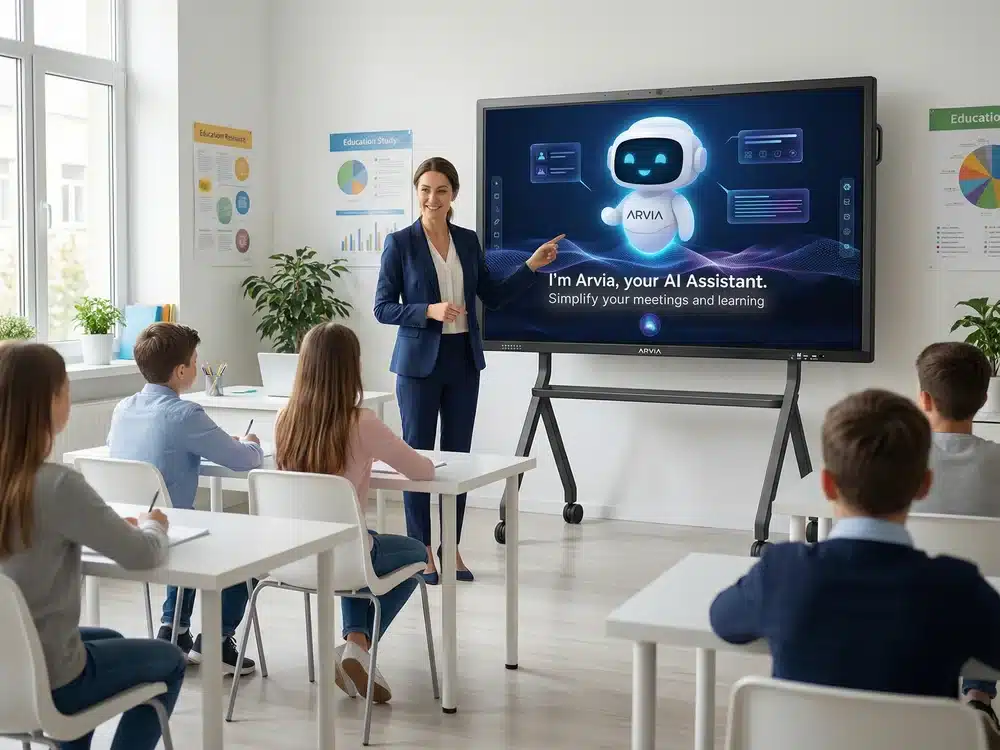
Smartboards have become essential teaching tools. Teachers can display multimedia content, run interactive activities, and save digital notes for students. This makes learning more engaging and inclusive.
Corporate Meeting Rooms
Businesses use Smartboards for:
-
Pitching presentations
-
Data visualisation
-
Product demonstrations
-
Video conferencing
-
Brainstorming workshops
The ability to annotate documents and instantly share meeting notes enhances productivity.
Training & Workshops
Smartboards bring training to life. Trainers can run simulations, display videos, annotate flowcharts, and interact with digital content to improve trainee understanding.
Government & Public Sector
Used for:
-
Briefings and presentations
-
Strategic planning
-
Digital reporting
-
Training for staff and departments
Advantages Over Traditional Whiteboards
Compared to conventional boards, Smartboards offer:
-
No need for markers or erasers
-
Permanent digital notes that can be saved and shared
-
Cleaner, clearer visuals
-
Integrated apps and internet access
-
Compatibility with all devices
This combination makes Smartboards a future-proof investment in communication.
The Future of Interactive Collaboration
As AI integration, cloud storage, and smart analytics continue to grow, Smartboards will evolve into even more powerful tools. They will support deeper automation, personalised learning paths, intelligent note-taking, and real-time data insights—making work and learning smarter than ever.
Interactive Smartboards are no longer optional; they are a critical technology for modern digital environments, ensuring every session—whether a class, meeting, or presentation—becomes more interactive, productive, and impactful.