
Technology in education and corporate environments has evolved rapidly, and one of the most impactful innovations is the Interactive Smartboard. What began as a simple projection surface has now transformed into a highly intelligent digital collaboration tool—powered by AI capabilities, advanced touch recognition, and seamless connectivity. This new generation of smartboards, known as Smartboard AI, is redefining the way people teach, present, and interact.
With the ability to write, draw, collaborate, cast content wirelessly, track presenters automatically, and integrate with hybrid meeting platforms, Smartboard AI has become an essential touchpoint in digital transformation for classrooms, offices, and training spaces.
What Is an Interactive Smartboard?
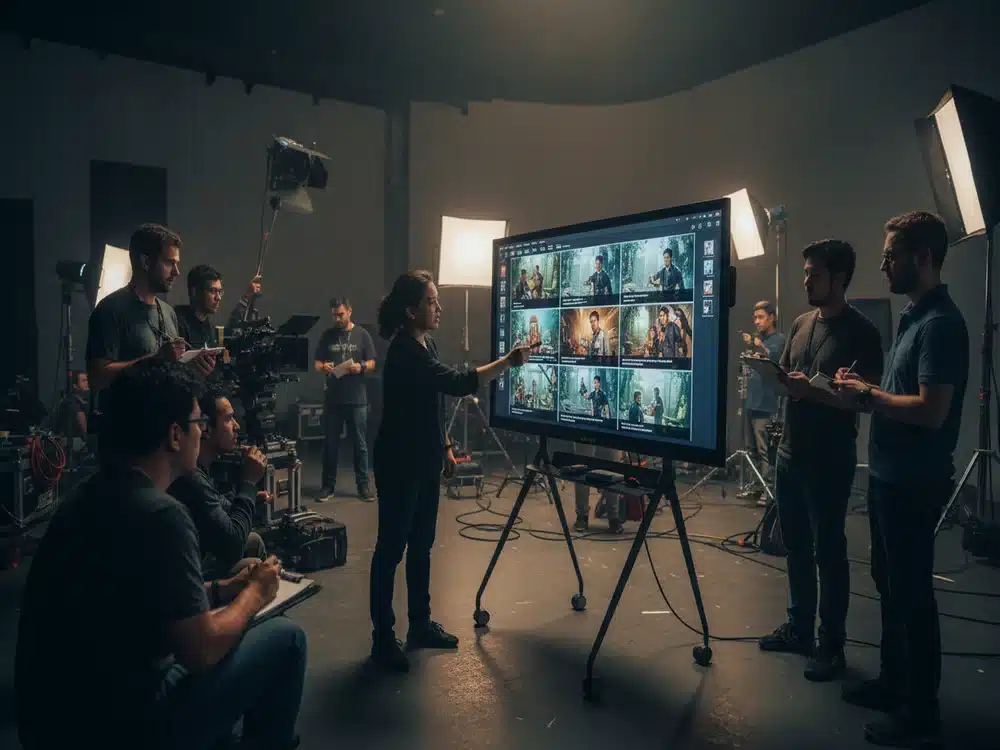
An Interactive Smartboard is a large touchscreen display that supports writing, multi-touch interactions, annotation, screen casting, video conferencing, and digital teaching tools. Instead of relying on projectors, it offers built-in computing and intelligent software designed to enhance communication and collaboration.
The evolution into Smartboard AI introduces even more advanced features:
-
AI-powered camera tracking
-
Auto-framing and presenter detection
-
Smart handwriting recognition
-
Multi-window split screen
-
Cloud and file integration
-
Wireless multi-device casting
This makes the Smartboard AI more than a display—it is a complete digital collaboration system.
Why Smartboard AI Is Transforming Education & Workspaces
1. AI Camera Tracking for Hybrid Sessions
Smartboard AI includes an intelligent camera that automatically follows the presenter, adjusts framing, and focuses on active speakers. This feature significantly enhances virtual classes, meetings, and webinars, ensuring remote participants never miss important content or gestures.
2. Interactive Multi-Touch Writing
Students, teachers, and team members can write simultaneously with multiple touch points. Whether solving math problems, brainstorming ideas, or marking documents, Smartboard AI supports natural writing with minimal latency—similar to writing on real paper.
3. Split Screen for Multitasking
Users can open multiple windows side by side. For example:
-
PowerPoint + Whiteboard
-
Browser + PDF
-
Video + Notes
Educators especially benefit from being able to reference material while teaching, boosting clarity and engagement.
4. Wireless Screen Sharing from Any Device
Smartboard AI supports AirPlay, Miracast, Chromecast, and QR-based wireless sharing. Participants can cast content instantly from laptops, tablets, or phones without cables.
This streamlines the flow of presentations and reduces setup time.
Core Features of Smartboard AI
Ultra HD 4K Display
Clear visuals ensure students at the back of the room or participants in a conference can see content sharply—whether it’s images, spreadsheets, videos, or diagrams.
Powerful Built-In OS & Apps
Smartboard AI comes with an integrated operating system featuring:
-
Digital whiteboard
-
Broadcasting tools
-
File manager
-
Browser
-
Cloud storage
-
Education tools
-
Screen recording
This allows users to operate smoothly without connecting external devices.
Smart Annotation
Users can annotate over videos, websites, documents, and presentations. Annotations can be saved, exported, or shared with students or teammates instantly.
Class Recording & Meeting Capture
Smartboard AI enables full lesson or meeting recording—capturing screen, audio, and writing. This is ideal for revision, remote learning, or sharing session recaps.
Integration with Meeting Platforms
Popular platforms like Zoom, Teams, Google Meet, and Webex work seamlessly with Smartboard AI, making hybrid communication effortless.
Where Smartboard AI Is Used
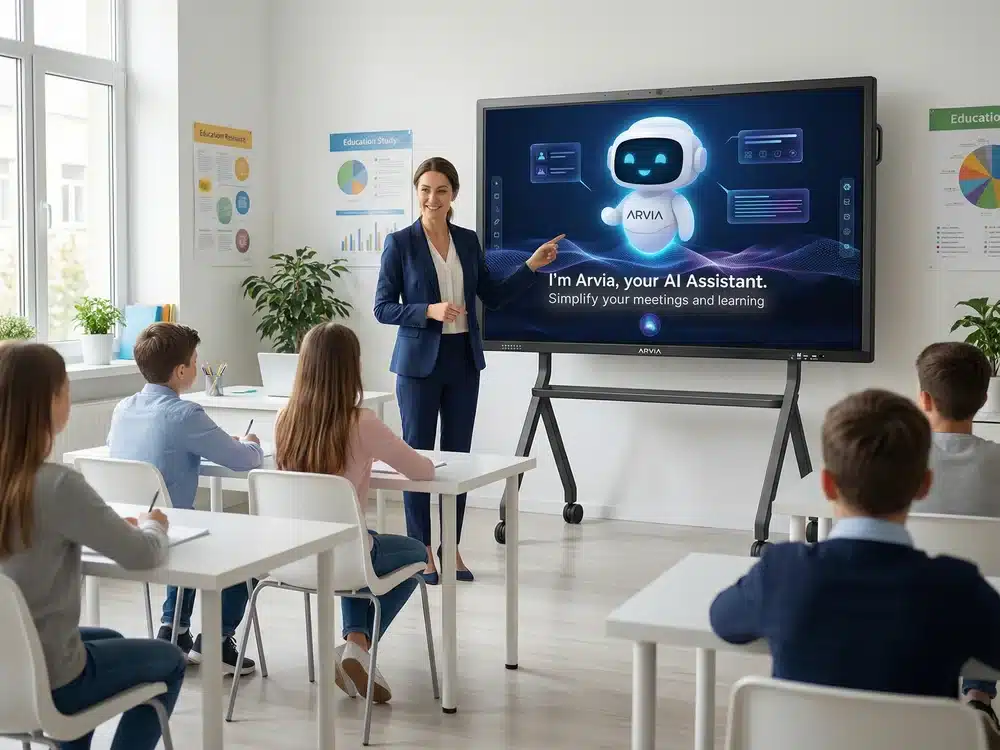
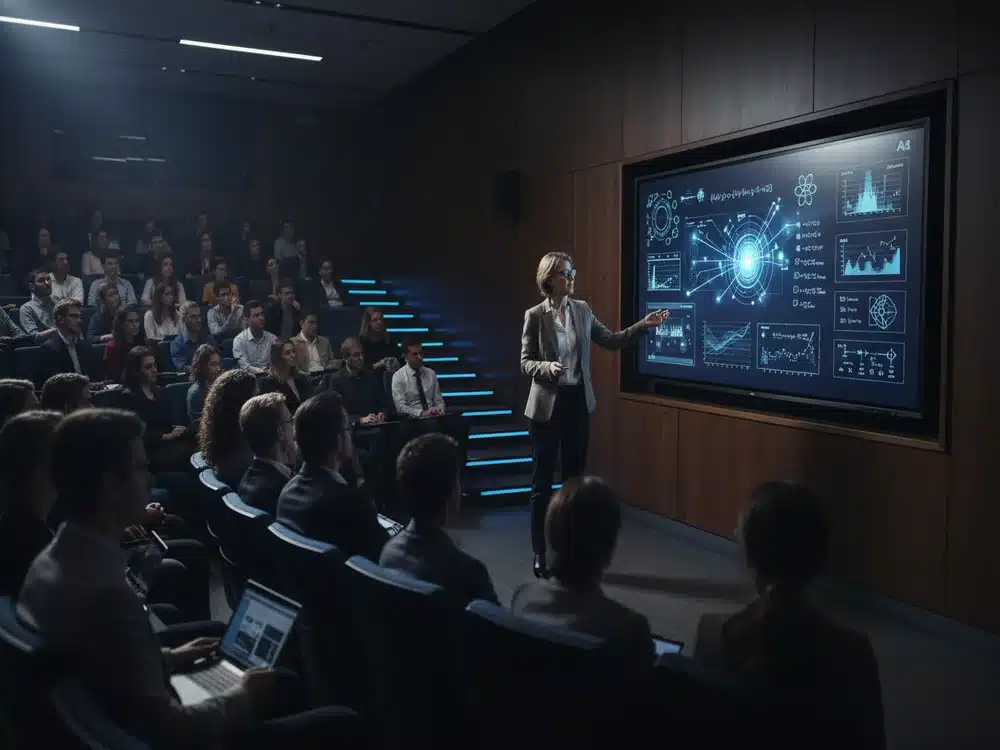
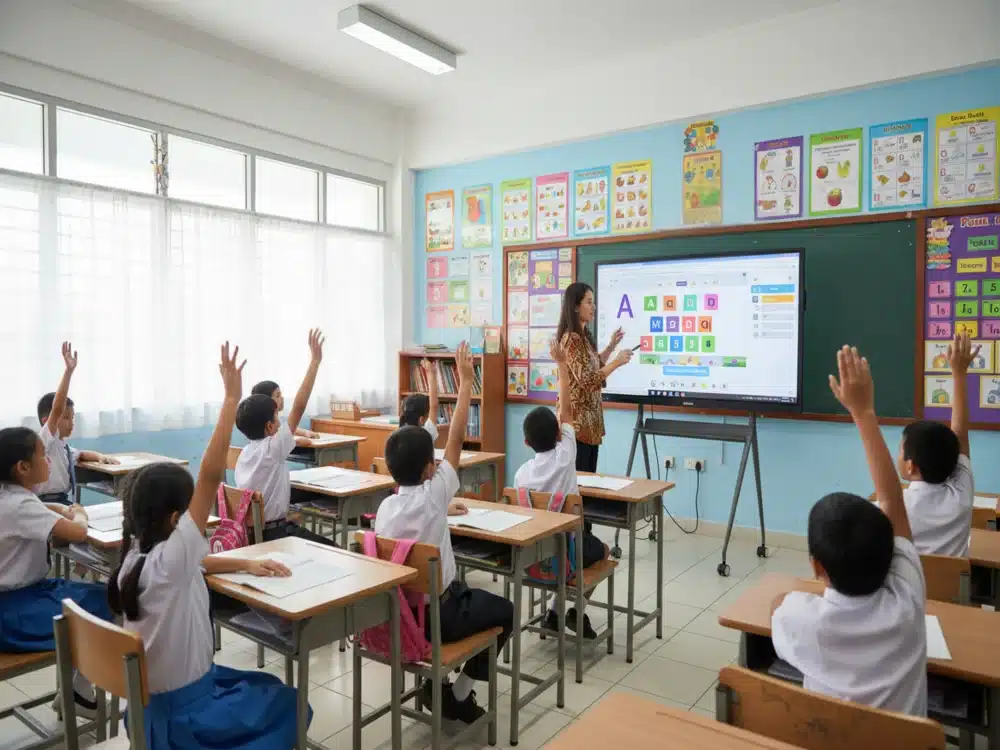
1. Schools & Universities
Enhances teaching with interactive diagrams, group activities, split-screen learning, and instant content sharing. It supports visual, auditory, and hands-on learning styles.
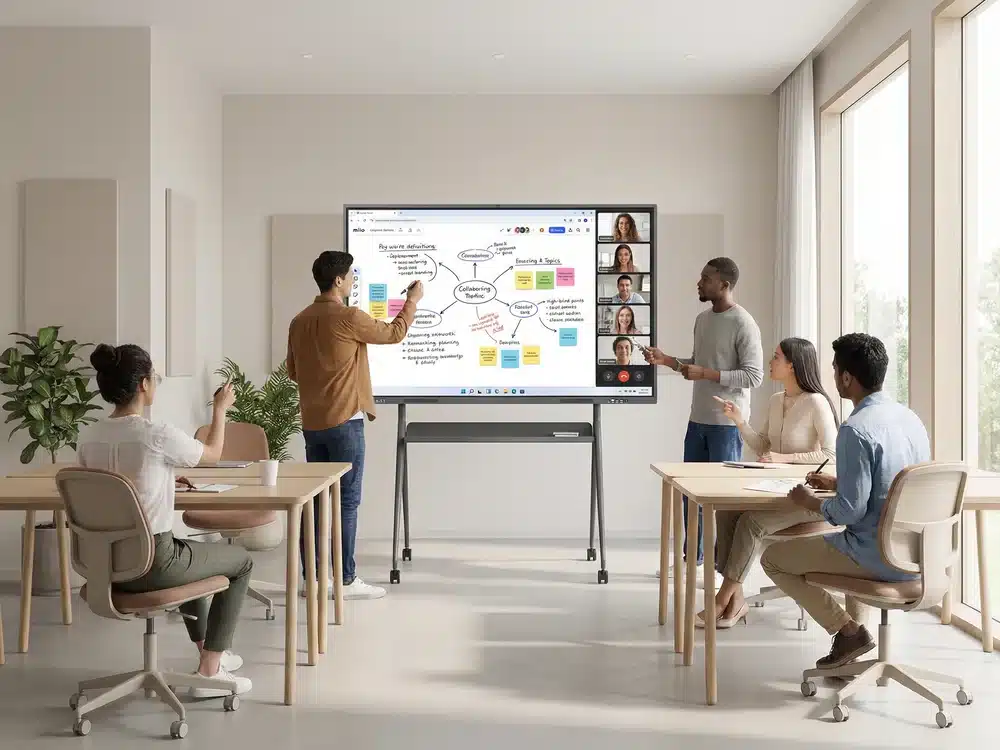
2. Corporate Meeting Rooms
Smartboard AI boosts meeting efficiency with real-time annotations, wireless presentations, and smooth integration with hybrid work tools.
3. Training & Development Centres
Trainers can annotate on training modules, record lessons, and engage participants through interactive elements.
4. Government & Public Sector
Used for briefings, seminars, digital transformation initiatives, and training programs.
5. Healthcare & Professional Industries
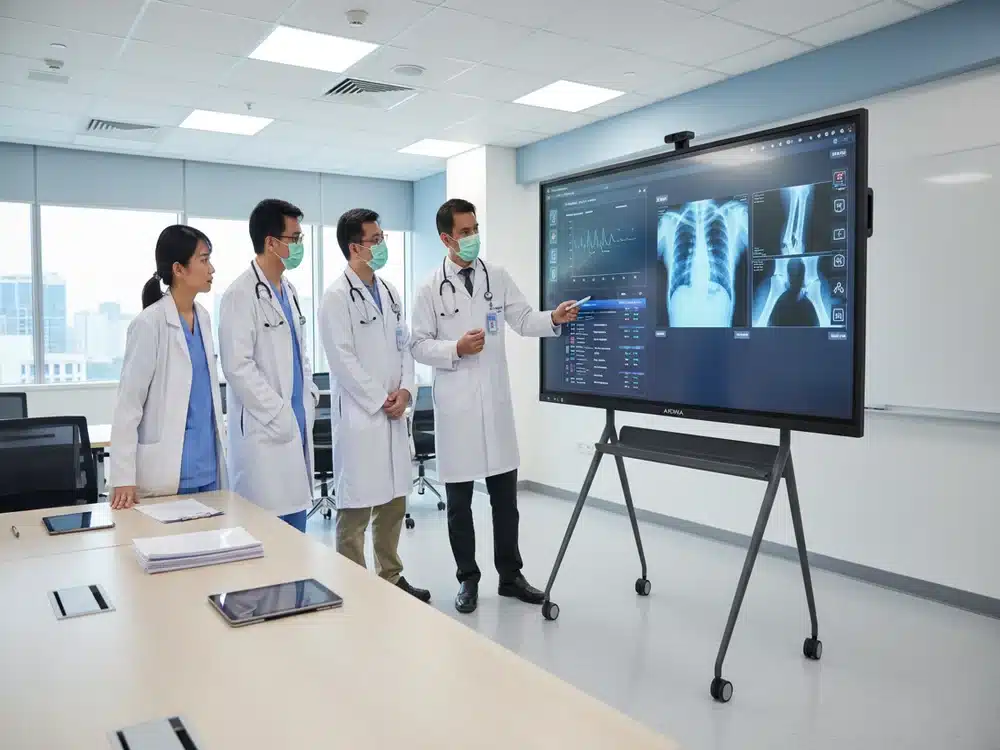
Medical teams use Smartboard AI for case discussions, data visualisation, and collaborative planning.
Benefits of Adopting Smartboard AI
Increases Engagement
Interactive tools make learning and meetings more dynamic—people stay focused longer.
Enhances Collaboration
Multi-touch writing, AI camera tracking, and wireless sharing allow everyone to contribute seamlessly.
Saves Time
Fast switching between apps, files, and windows makes sessions more efficient.
Supports Digital Transformation
Smartboard AI aligns with modern workflows, replacing traditional whiteboards, projectors, and standalone conferencing systems.
Conclusion
The Smartboard AI represents the next stage of the Interactive Smartboard revolution. With advanced touch technology, AI-powered tracking, multi-device connectivity, and powerful collaboration features, it empowers educators, presenters, and professionals to communicate smarter and more effectively.
From classrooms to boardrooms, Smartboard AI delivers immersive and intelligent digital experiences that redefine the future of learning and collaboration.