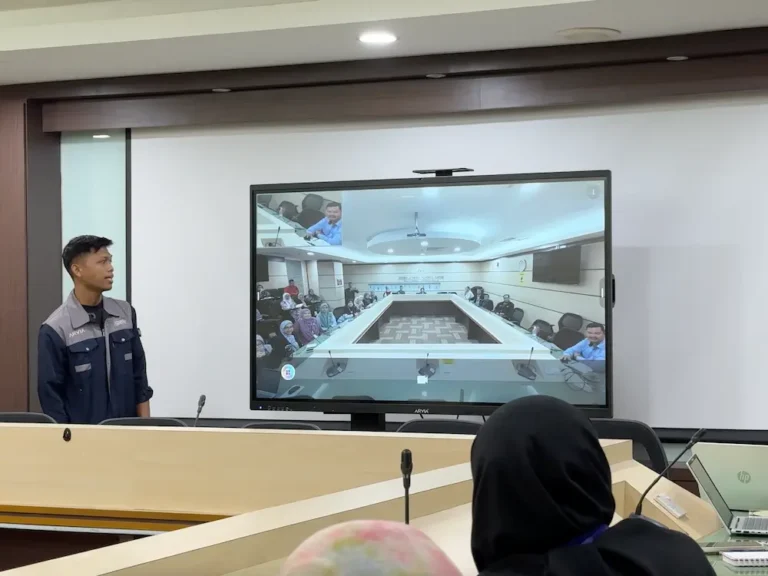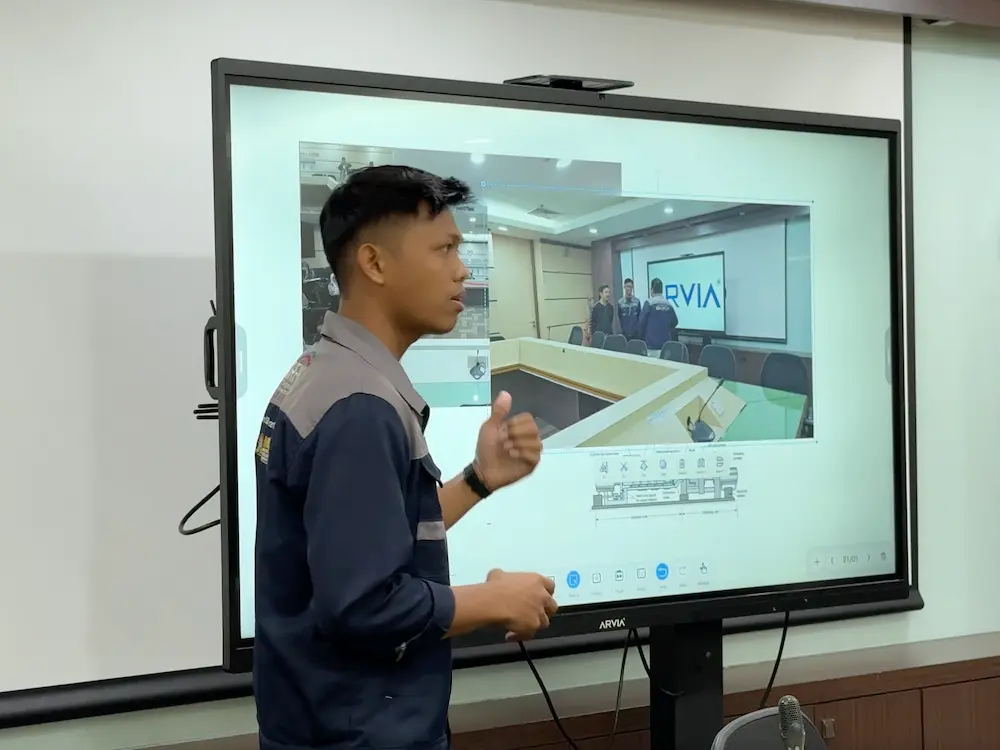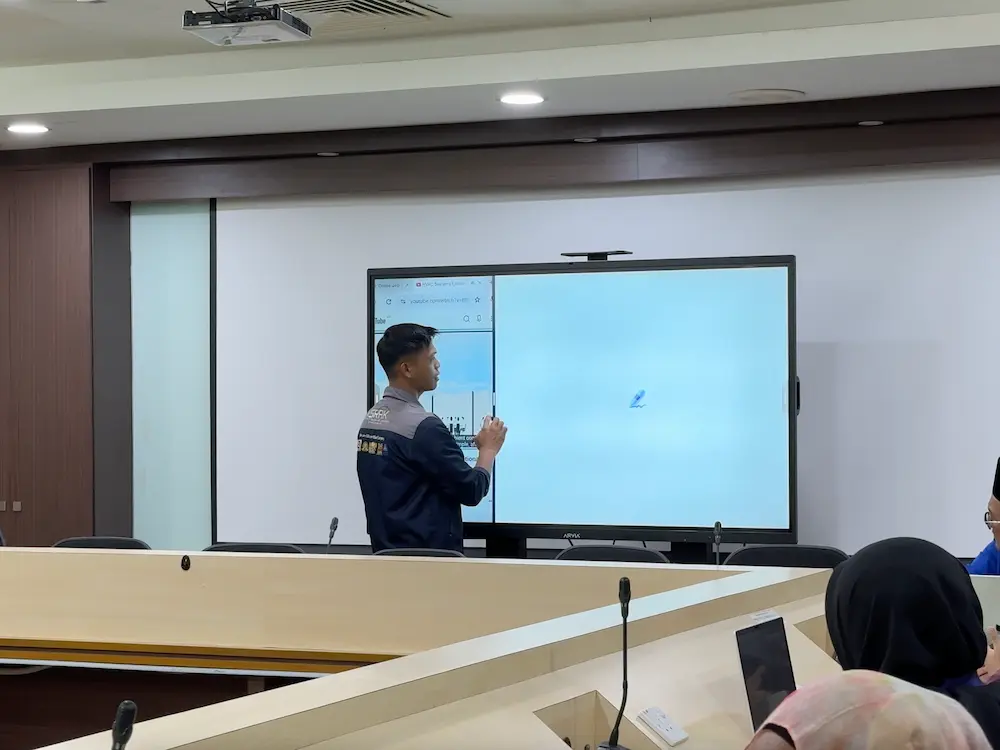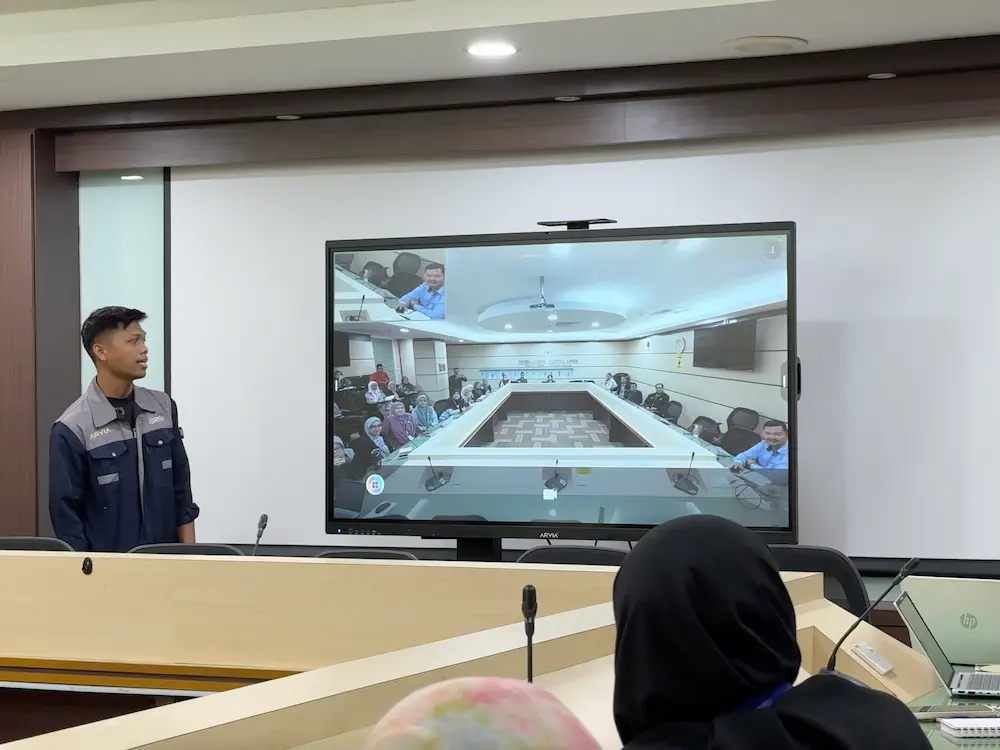
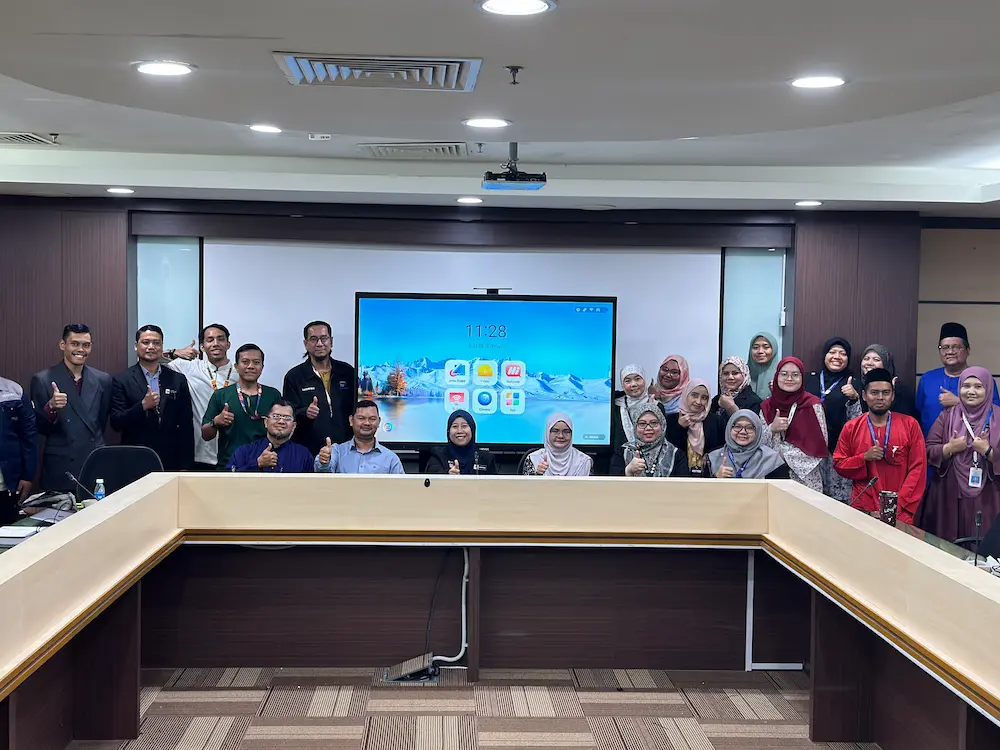
An AI smart classroom for TVET looks different from a typical school classroom, and that is exactly the setup the Bahagian Pendidikan dan Latihan Teknikal Vokasional (BPLTV) under the Ministry of Education (KPM) has been building with Arvia’s AI Smartboard. Technical and vocational teachers need to demonstrate AutoCAD drafting, machining processes and 3D design work clearly enough for a full class to follow, then just as easily switch into a hybrid meeting with colleagues or officials joining online.
In this post, we look at how the Arvia AI Smartboard supports both technical teaching and hybrid collaboration in a TVET setting, and why this combination matters for Malaysia’s technical and vocational education institutions.
Why TVET Teaching Needs More Than a Standard Whiteboard
Teaching AutoCAD, machining or 3D design on a standard whiteboard means describing software steps or technical drawings without actually showing them in action. Students end up imagining the process instead of seeing it, which makes technical subjects harder to follow than they need to be. A projector and laptop combination helps to some extent, but switching between the software view and hand-drawn annotations usually means stepping away from the screen or reaching for a separate whiteboard.
An AI smart classroom for TVET changes that. With the Arvia AI Smartboard, a lecturer can open AutoCAD or a 3D modelling tool directly on the touchscreen, draw and annotate over the software in real time, and let students see each step of a drafting or machining process on the same large display.
This matters even more in a workshop or lab setting, where students are often positioned around equipment rather than facing a single front wall the way a normal classroom is arranged. A large, bright touchscreen display makes it easier for students at different angles and distances to still follow a technical demonstration clearly.
How the Arvia AI Smartboard Supports Technical Teaching
A few features make the smartboard AI Arvia range well suited to TVET subjects specifically:
- Touch annotation over software: lecturers can write, highlight and mark up directly on top of AutoCAD, CAD or 3D modelling software running on the smartboard.
- Large, clear display: technical drawings and machining diagrams are easier to follow at the back of a workshop or lab when shown on a large touchscreen rather than a small monitor.
- Dual OS support: Arvia’s AI Smartboard supports running Windows-based CAD and technical software alongside Android apps on the same unit, without switching devices.
- AI handwriting recognition: notes and annotations written by hand can be converted into clean text, which helps when documenting steps for students to reference later.
From Technical Teaching to Hybrid Meetings on the Same Device
TVET lecturers do not only teach. They also join department meetings, coordinate with industry partners, and attend briefings from the Ministry of Education, and increasingly these happen in a hybrid format with some participants in the room and others joining online. The same Arvia AI Smartboard used for AutoCAD demonstrations can switch into a video conferencing setup for these sessions, with a built-in camera and microphone supporting hybrid meetings without needing separate equipment.
This matters for a TVET institution’s budget and space planning. Instead of a classroom smartboard and a separate meeting room video conferencing system, one AI smart classroom setup can support both technical teaching during class hours and hybrid meetings outside of them.
For a division like BPLTV that oversees TVET programmes across multiple institutions, this also simplifies planning. Lecturers, heads of department and Ministry officials can join the same hybrid session directly from a classroom that was set up for teaching that morning, without booking a separate meeting room or setting up additional video conferencing hardware.
Arvia’s AI Smart Classroom Range for TVET Institutions
Arvia’s AI Smartboard is SIRIM Berhad certified, which matters for procurement through Ministry of Education (KPM) channels such as ePerolehan and Sebutharga. If your institution is exploring a similar setup, you can view Arvia’s full smart classroom range, compare smartboard models on the interactive smartboard page, or browse more education sector projects Arvia has delivered nationwide.
Build Your Own AI Smart Classroom
See how the Arvia AI Smartboard can support technical teaching and hybrid meetings in your institution.
Frequently Asked Questions
What makes an AI smart classroom suitable for TVET subjects?
An AI smart classroom for TVET lets lecturers run software like AutoCAD or 3D modelling tools directly on a large touchscreen, annotate over it in real time, and switch into hybrid meetings on the same device, which suits technical subjects better than a standard whiteboard.
Can the Arvia AI Smartboard run AutoCAD or CAD software?
Yes. With dual OS support, the smartboard AI Arvia range can run Windows-based CAD and technical software directly on the touchscreen, letting lecturers demonstrate and annotate designs in front of the class.
Can the same smartboard be used for hybrid meetings?
Yes. The Arvia AI Smartboard can switch from classroom teaching to a video conferencing setup for hybrid meetings, supporting participants both in the room and joining online.
Is the Arvia AI Smartboard SIRIM certified for government procurement?
Yes. The Arvia AI Smartboard is SIRIM Berhad certified, which supports procurement through Ministry of Education channels such as ePerolehan and Sebutharga.
Is an AI smart classroom suitable for a technical workshop, not just a regular classroom?
Yes. The large, bright touchscreen display works well in a workshop or lab setting where students are positioned around equipment rather than facing a single front wall, which is common in TVET programmes.
Final Thoughts
BPLTV’s use of the Arvia AI Smartboard shows what an AI smart classroom for TVET can do beyond a standard whiteboard: real-time annotation over AutoCAD and 3D design software, and a smooth switch into hybrid meetings on the same device.
For technical and vocational institutions balancing hands-on teaching with administrative and hybrid collaboration needs, this kind of setup offers a practical way to cover both without doubling up on equipment. As more TVET institutions look to modernise their classrooms and workshops, an AI smart classroom built around the smartboard AI Arvia range offers a way to support technical teaching, documentation and hybrid collaboration from a single device.