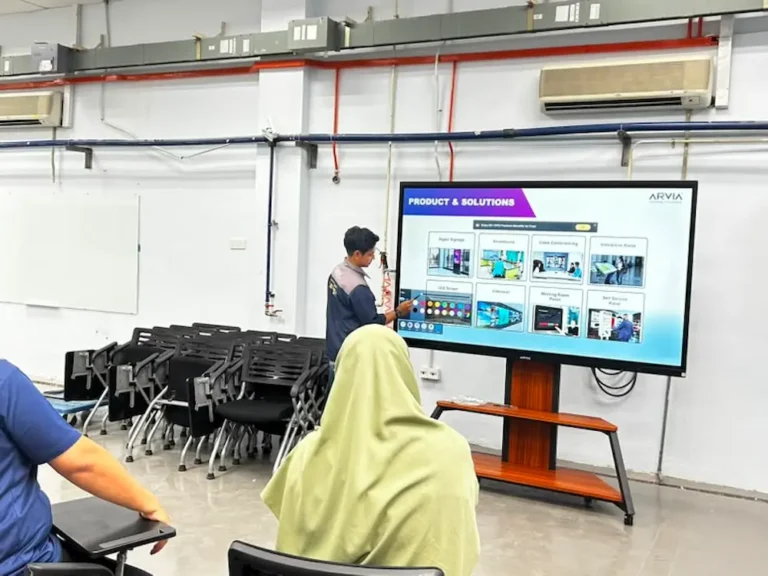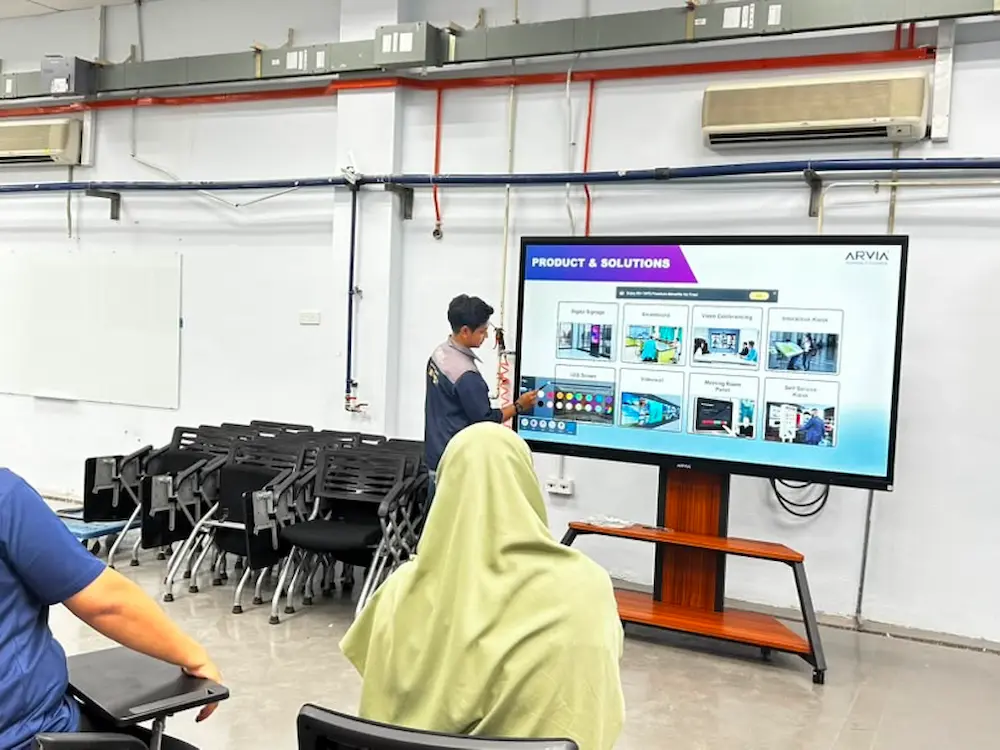
Smartboard AI Arvia UniKL MSI Kulim is now part of daily teaching at Universiti Kuala Lumpur Malaysian Spanish Institute, Kulim campus, where lecturers use it in place of conventional whiteboards and projectors across several lecture rooms.
In this post, we look at how Smartboard AI Arvia UniKL MSI Kulim supports classroom teaching, and how a couple of supporting tools, Arviaboard and a wireless screen sharing app, round out the day-to-day teaching experience.
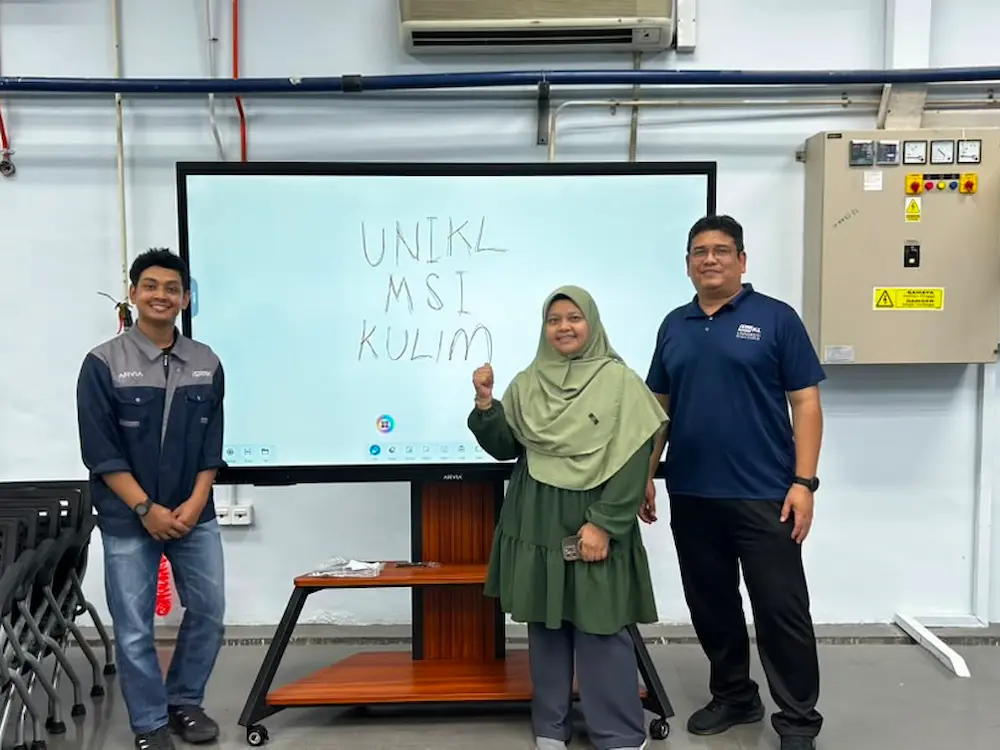
UniKL MSI Kulim: Teaching With Smartboard AI Arvia
Universiti Kuala Lumpur Malaysian Spanish Institute, Kulim, is a technical higher education campus under the UniKL network. Lecturers there use Smartboard AI Arvia directly in the classroom to teach, explain concepts and work through examples with students, in place of writing on a conventional whiteboard or relying only on a projected slide.
Because several classrooms on campus are equipped with the smartboard, students get a consistent, interactive teaching experience regardless of which room a particular class is scheduled in.
The Challenge: Making Lectures More Interactive
A conventional whiteboard and projector setup limits how a lecturer can engage a class. Notes written on the whiteboard get erased at the end of a session, and a static projected slide does not leave much room for working through a problem step by step with students in real time.
For a technical campus like UniKL MSI Kulim, where lecturers often need to walk through diagrams, formulas or step-by-step examples, this kind of limitation can slow a lesson down or make it harder for students at the back of the room to follow along clearly.
The Solution: Smartboard AI Arvia UniKL MSI Kulim in the Classroom
Smartboard AI Arvia UniKL MSI Kulim gives lecturers a large interactive touchscreen to teach from, with AI-powered handwriting recognition that turns handwritten notes into clean, readable text. Instead of erasing a diagram or formula to make room for the next point, lecturers can save it digitally and move on, then bring it back up later in the same lecture or in a future session.
Because the smartboard runs on Dual OS (Windows and Android), lecturers can also open teaching software, reference material or presentation slides directly on the same screen they are writing on, rather than switching between a projector and a separate whiteboard.
Two supporting tools make Smartboard AI Arvia even more useful for day-to-day teaching at UniKL MSI Kulim: Arviaboard, and a wireless screen sharing app.
Arviaboard: A Digital Whiteboard Built Into the Smartboard
Arviaboard is Arvia’s own digital interactive whiteboard application, used directly on Smartboard AI Arvia during lectures. Lecturers write and annotate on screen much like a normal whiteboard, except every page of notes can be saved and revisited, rather than being wiped clean at the end of the class.
Wireless Screen Sharing for Guest Lecturers
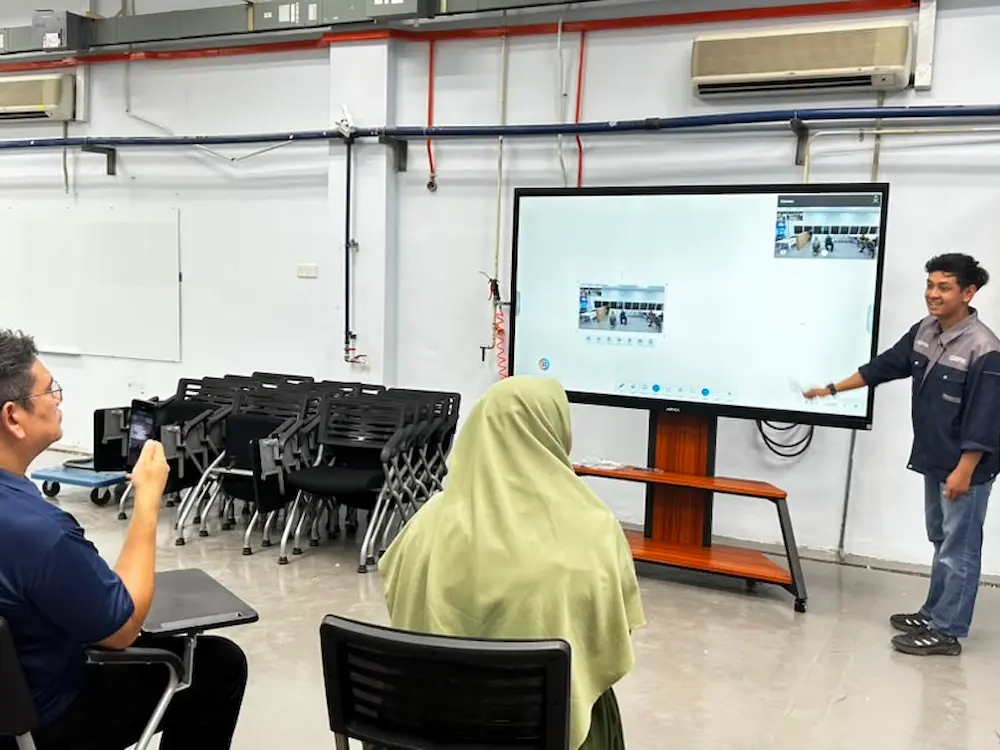
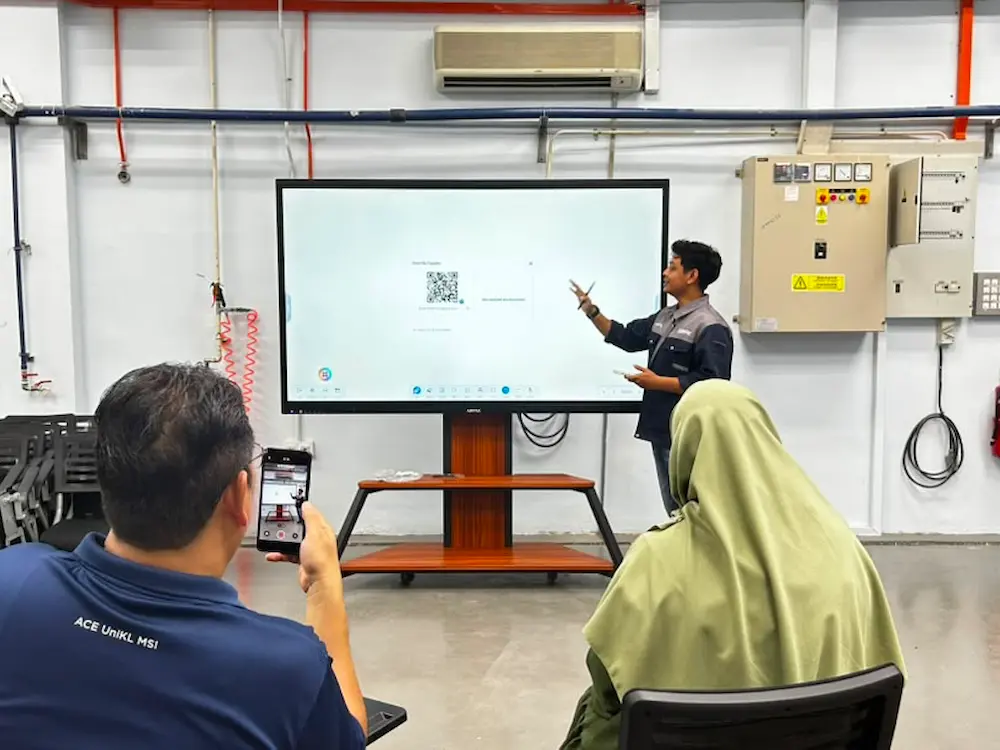
A wireless screen sharing app lets lecturers and guest speakers mirror their own laptop or phone screen to Smartboard AI Arvia without connecting a cable, which is particularly convenient for visiting speakers who may only be teaching in a particular classroom for a single session.
Keeping Multiple Classrooms Running Smoothly
With Smartboard AI Arvia installed across several classrooms, UniKL MSI Kulim’s IT staff also use the Arvia Device Management System in the background, a simple web dashboard for sending reminders or checking that every unit is running as expected, without having to visit each classroom individually.
Key Features
- Interactive touchscreen: lecturers teach directly on Smartboard AI Arvia, replacing a conventional whiteboard and projector setup.
- AI handwriting recognition: handwritten notes and diagrams turn into clean, saveable digital text.
- Arviaboard: a digital whiteboard application built specifically for the smartboard’s teaching workflow.
- Wireless screen sharing: lecturers and guest speakers mirror their own device screen without cables.
- Centralised management: the Arvia Device Management System helps IT staff keep every classroom unit running smoothly.
Why UniKL MSI Kulim Chose Arvia
For a technical higher education campus, the priority is a smartboard that genuinely helps lecturers teach, not just a screen with more features than it needs. Smartboard AI Arvia UniKL MSI Kulim was chosen because it fits directly into how lecturers already teach, writing, annotating and working through examples, while still giving IT staff an easy way to manage every unit across campus.
Arvia’s Smartboard Range for Higher Education
Arvia supports higher education institutions across Malaysia with AI Smartboards built for classroom teaching. Other campuses considering a similar setup can browse more education sector projects Arvia has delivered nationwide, or explore the wider smart classroom solutions built around it.
Universiti Kuala Lumpur is a national network of specialist campuses, and more information about its institutes, including MSI Kulim, is available on the official UniKL website.
Want More Interactive Classrooms?
See how Smartboard AI Arvia can make your lecture rooms more interactive, and easier for IT staff to manage.
Frequently Asked Questions
How is Smartboard AI Arvia used at UniKL MSI Kulim?
Lecturers use it directly in the classroom to teach, replacing conventional whiteboards and projectors, with notes and diagrams saved digitally instead of erased.
What is Arviaboard?
Arviaboard is Arvia’s digital interactive whiteboard application, used on Smartboard AI Arvia for writing, annotating and saving lecture notes digitally.
Can guest lecturers share their own screen on Smartboard AI Arvia?
Yes. A wireless screen sharing app lets guest speakers mirror their own laptop or phone screen without a cable.
How does IT staff manage several Smartboard AI Arvia UniKL MSI Kulim units across campus?
The Arvia Device Management System gives staff a web dashboard to send reminders and check on units without visiting each classroom individually.
Final Thoughts
Smartboard AI Arvia UniKL MSI Kulim has become a daily teaching tool rather than just installed hardware, supported by Arviaboard for note-taking and wireless screen sharing for guest lecturers, with the Arvia Device Management System quietly keeping every classroom unit running in the background.
For any institution looking to make lectures more interactive across multiple classrooms, this kind of setup shows how a smartboard, its teaching software and centralised management can work together without adding extra complexity for lecturers or IT staff.