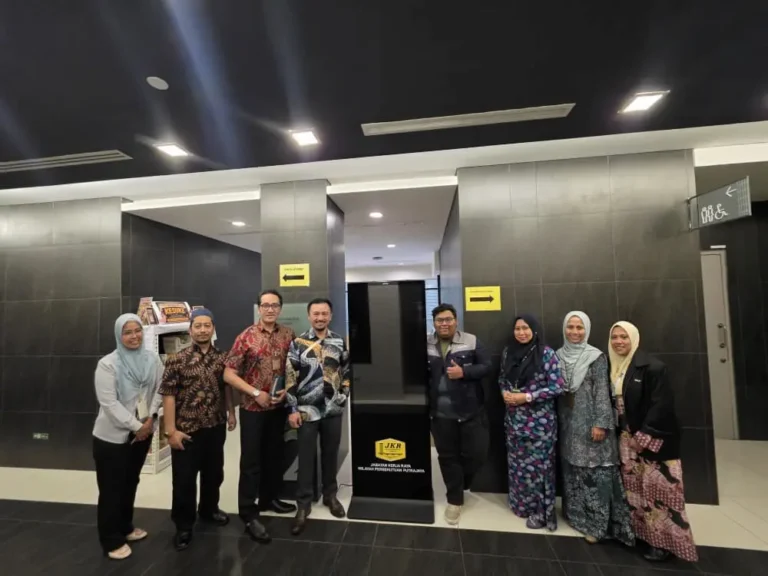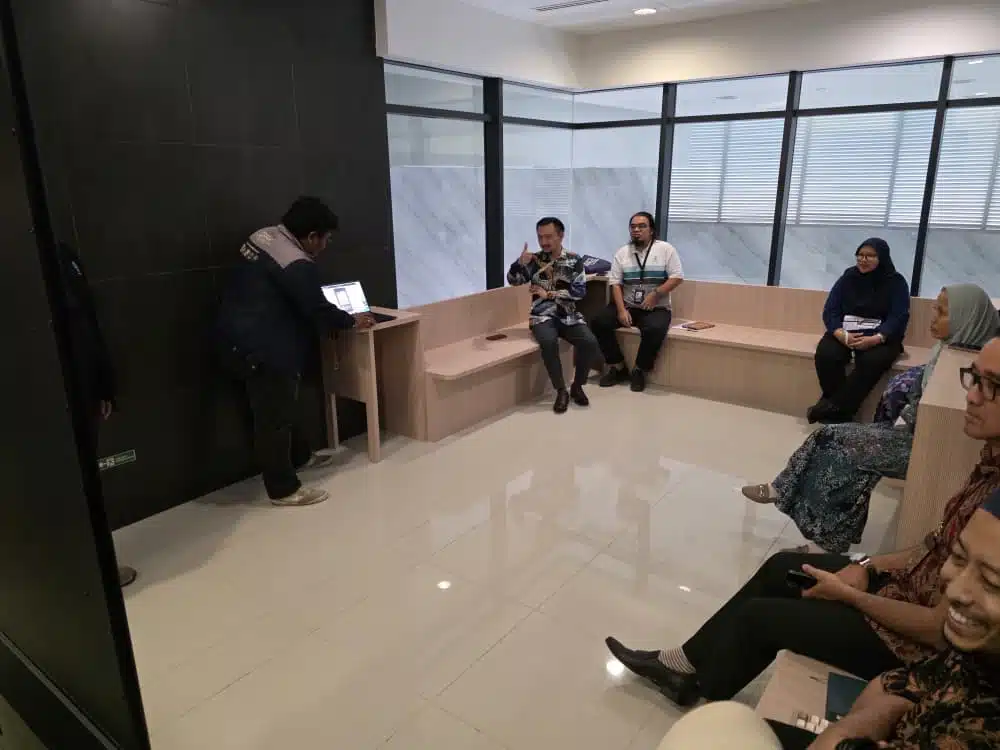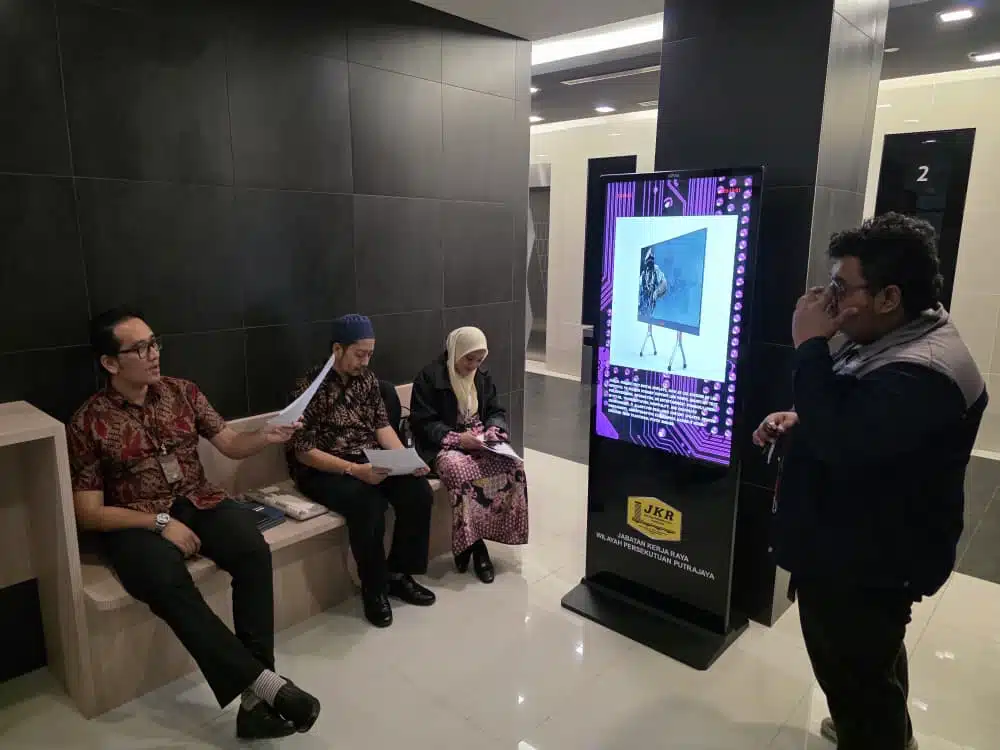
Arvia Touchscreen Kiosk JKR Putrajaya brings a 49-inch vertical self-service kiosk to Jabatan Kerja Raya Wilayah Persekutuan Putrajaya (JKR WPP). Team Arvia delivered the kiosk and conducted hands-on training with JKR Putrajaya staff, covering both everyday kiosk usage and how to manage the content displayed on screen.
Project Overview
| Client | Jabatan Kerja Raya Wilayah Persekutuan Putrajaya (JKR WPP) |
|---|---|
| Location | Putrajaya |
| Product/Service Supplied | 49-Inch Arvia Touchscreen Kiosk (Vertical), with On-Site Staff Training |
The Challenge
As the public works department overseeing Putrajaya, JKR WPP regularly welcomes visitors and staff from other departments who need quick access to directory information, announcements or office locations. Relying on printed signage or front-desk staff to answer the same routine questions repeatedly was not the most efficient use of anyone’s time.
A self-service touchscreen kiosk could solve the information access problem, but hardware alone was not enough. JKR Putrajaya’s own staff needed to be comfortable both using the kiosk day to day and updating the content shown on it, without having to call for outside help every time something needed to change.
Many government offices face this same gap: new digital equipment arrives, but without proper training, staff either under-use it or avoid touching it altogether out of caution. A kiosk that nobody feels confident updating quickly becomes outdated, which defeats the purpose of installing one in the first place.
JKR Putrajaya needed a kiosk that was simple enough for visitors to use on first contact, and a training session thorough enough that staff could manage it confidently on their own afterwards.
As a government office that regularly hosts visitors from other departments and agencies, JKR Putrajaya also needed the kiosk experience to feel immediately familiar, without a learning curve for first-time visitors who might only use it once.
The Solution
Team Arvia delivered a 49-inch Arvia Touchscreen Kiosk JKR Putrajaya in a vertical orientation, suited to a standing self-service point in a government office lobby. Beyond the delivery itself, Team Arvia ran a hands-on training session directly with JKR Putrajaya staff, covering the kiosk from both the visitor and the administrator side.
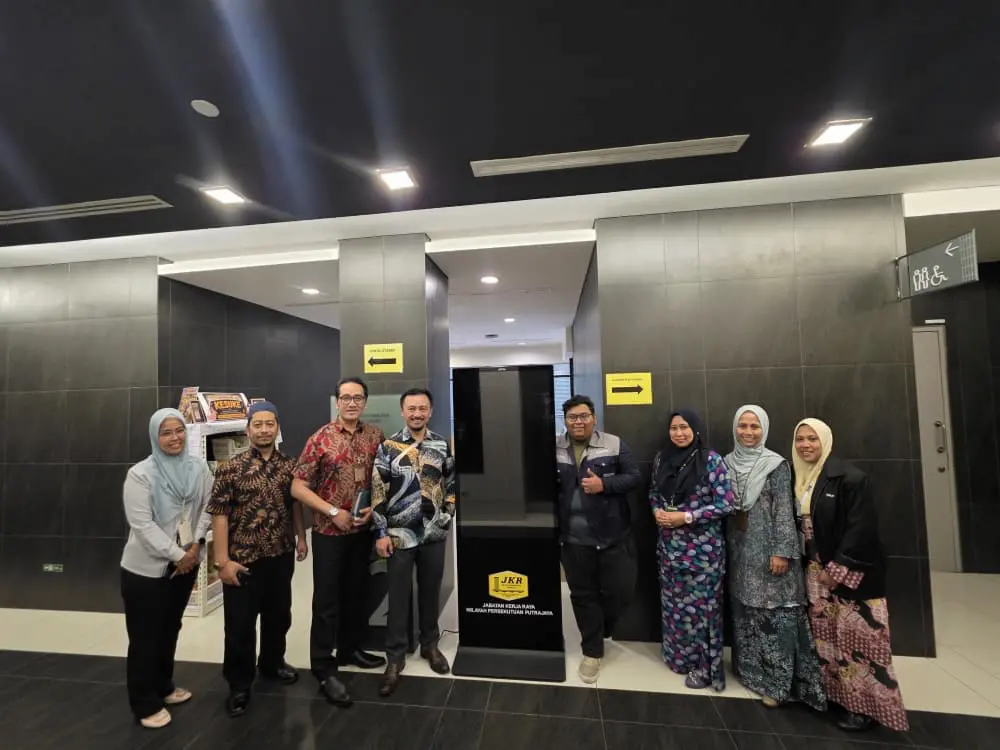
Vertical Touchscreen Kiosk for Simple Self-Service Navigation
The 49-inch vertical display gives visitors a clear, easy-to-read screen without taking up much floor space, a practical fit for a government office lobby where space near the entrance is often limited. Visitors can navigate directory information or announcements with a simple tap, without needing to ask staff for directions to begin with.
The vertical orientation also suits how most visitors naturally approach a standing kiosk, reading top to bottom rather than scanning a wide horizontal layout. For a lobby setting where people are usually passing through rather than settling in for a long session, that straightforward layout keeps interactions quick.
Hands-On Training for Managing and Using the Kiosk
Team Arvia walked JKR Putrajaya staff through everyday use of the kiosk first, then moved on to how content is pushed and updated on screen, so staff could handle both sides confidently rather than relying on Arvia for every small change. Training covered the practical steps staff would actually use, not just a high-level overview.
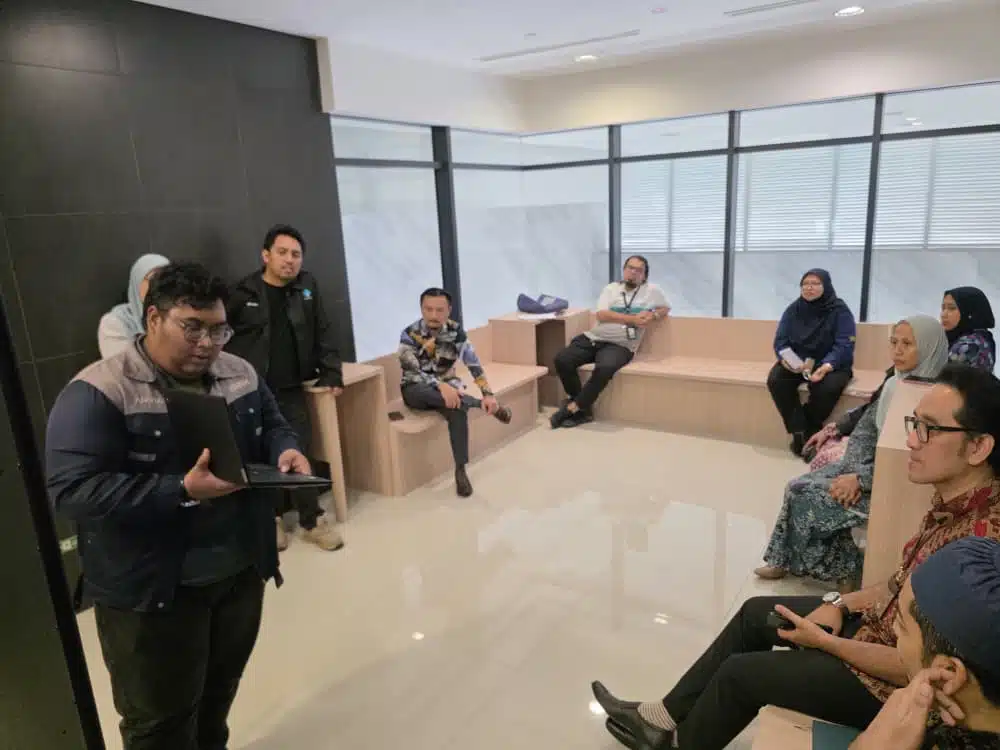
This included a separate walkthrough on pushing new content to the kiosk, so whoever is responsible for updates at JKR Putrajaya can refresh directory information or announcements themselves whenever something changes, without waiting on external support.
Reliable Self-Service for a Busy Government Office
With visitors and staff from other departments passing through regularly, a self-service kiosk that works reliably without constant supervision takes pressure off the front desk. Front-line staff spend less time repeating the same basic directions and more time on the department’s actual public works responsibilities.
Because staff were trained to manage the kiosk themselves, keeping information current does not depend on scheduling another visit from Arvia every time something needs updating. That kind of day-to-day independence is often what determines whether a kiosk stays genuinely useful months after installation.
Why Arvia Touchscreen Kiosk JKR Putrajaya Matters
For Jabatan Kerja Raya Wilayah Persekutuan Putrajaya, a self-service kiosk that staff can confidently manage on their own is a more lasting investment than hardware alone, since it keeps working for visitors long after the installation team has left.
Government departments considering a similar kiosk often focus on the hardware specification alone, but the training component is just as important. A kiosk that staff know how to update stays useful, while one left untouched after installation quickly falls out of date.
Putrajaya, as Malaysia’s federal administrative centre, hosts a steady flow of visitors moving between government buildings, making a reliable self-service point a practical addition for any department office here, not just JKR WPP.
This combination of delivery and hands-on training reflects how Arvia approaches every kiosk deployment, making sure the people using the technology day to day are set up to manage it themselves. Departments exploring a similar self-service solution can look at Arvia’s other completed projects to see how the same approach applies across different government and corporate settings.
Project Outcome
JKR Putrajaya now has a 49-inch vertical touchscreen kiosk giving visitors instant, self-service access to information, with staff fully trained to use and update it without needing to call in outside support for routine changes.
Arvia Touchscreen Kiosk JKR Putrajaya reflects how a self-service deployment works best when it pairs the right hardware with proper training, so the technology stays useful well beyond the day it was installed.
Government departments and organisations exploring a similar self-service kiosk can browse Arvia’s full range of training and technology solutions to see what would fit their own office.
Want a Self-Service Kiosk for Your Office?
Talk to Arvia about a touchscreen kiosk solution built for your team.