Smartboard AI Arvia Bangsar: Hybrid Meetings at TNB Genco
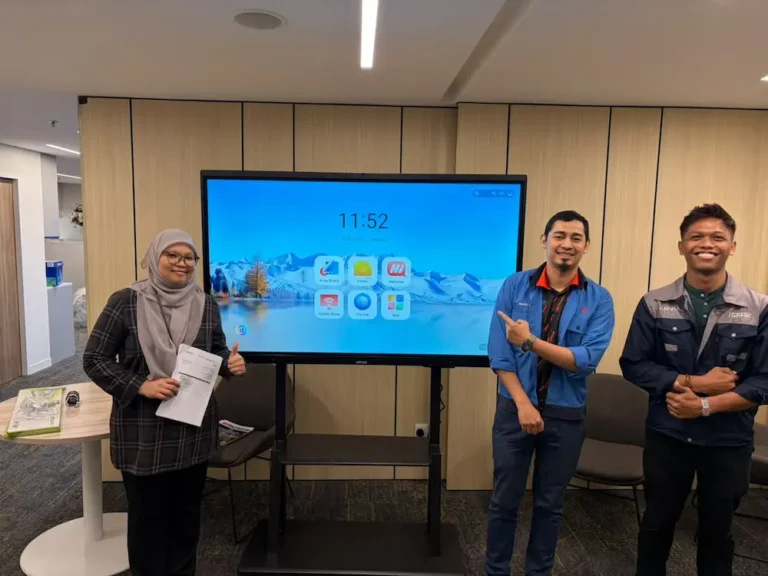
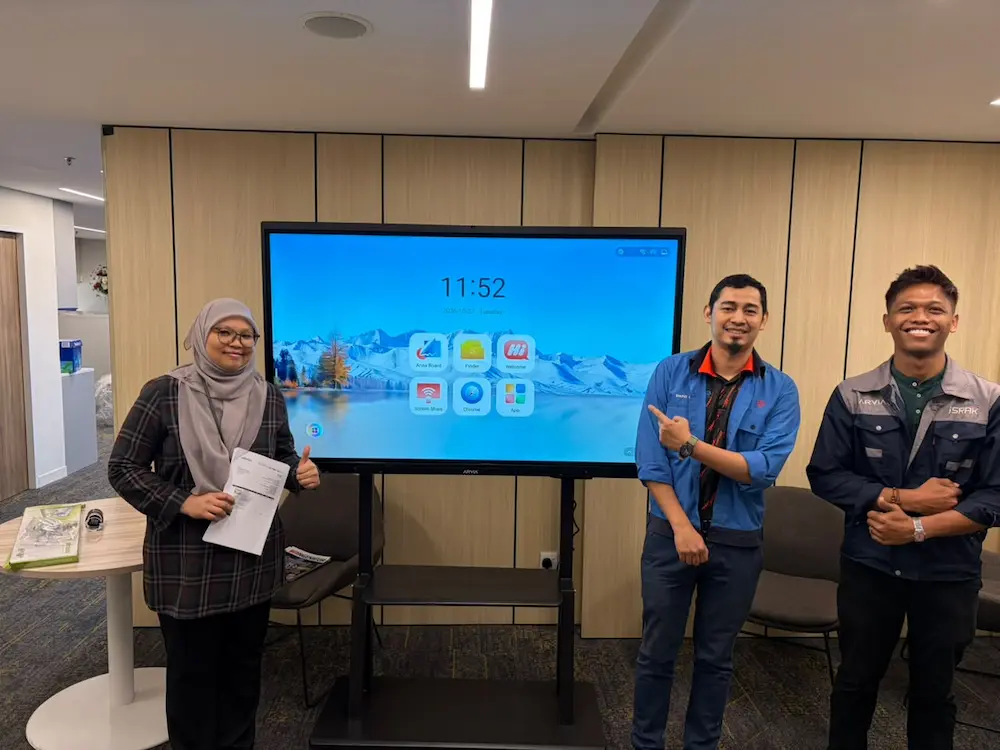
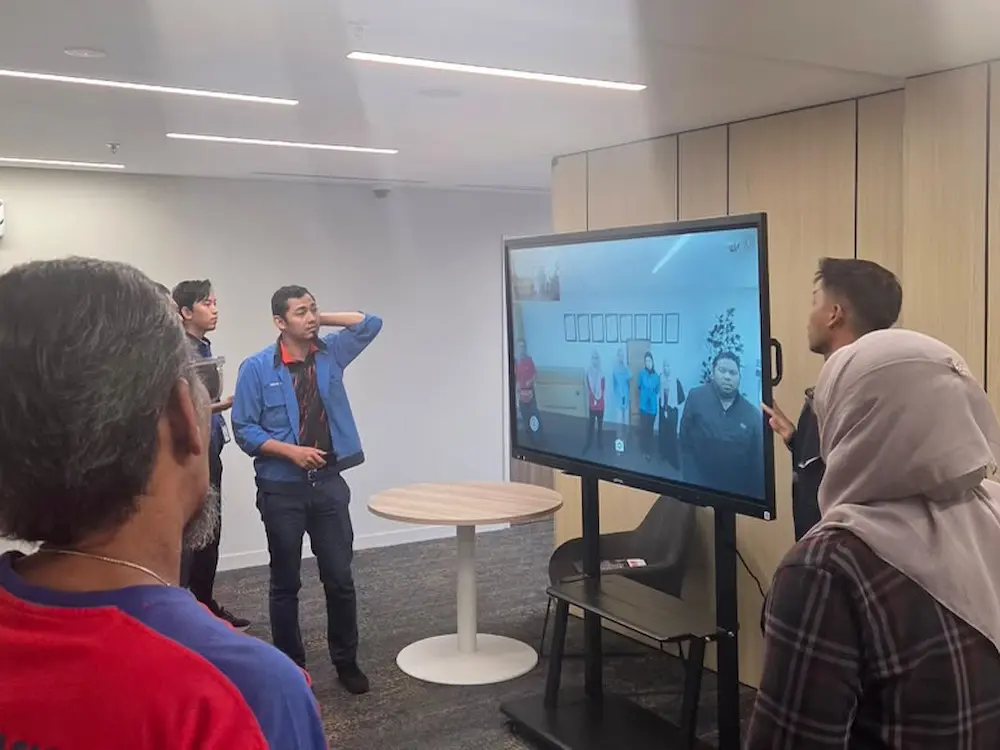
On 29 October 2026, a smartboard AI Arvia Bangsar deployment was sent to TNB Genco at its Bangsar office, giving the team a more efficient way to run meetings, presentations and training sessions.
Client: TNB Genco
Location: Bangsar, Kuala Lumpur
Solution Supplied: Smartboard AI Arvia (ArviaBoard) with auto voice-tracking camera, wireless multi-device screen sharing and instant file transfer
Built for Hybrid Meetings
A smartboard AI Arvia Bangsar installation like this one comes with a built-in camera that automatically tracks whoever is speaking in the room. For a team at TNB Genco running hybrid meetings, with some colleagues in the room and others joining remotely, that means the conversation stays easy to follow for everyone, without someone needing to manually adjust the camera every time a different person speaks.
That kind of automatic framing makes hybrid meetings feel more natural, closer to an in-person discussion than a static video call where remote participants are left staring at a fixed, wide shot of the room.
A Camera That Follows the Conversation
ArviaBoard’s auto voice-tracking camera follows whoever is talking during a discussion, framing them automatically rather than keeping a fixed angle on the whole room. For TNB Genco’s meetings, that keeps remote participants engaged, since they can clearly see who is speaking at any given moment instead of scanning a wide shot to work out where a voice is coming from.
Instant File Transfer for Presentations, Training and Seminars
Videos, PDFs and slides can be sent directly to the smartboard AI Arvia Bangsar unit instantly, without needing a cable or a separate presentation clicker. That makes the board just as useful for a formal presentation as it is for a training session or seminar, where several different files might need to be pulled up over the course of a single meeting.
For TNB Genco’s team, that means less time spent setting up before a session starts and fewer interruptions to swap between materials once it is underway.
Wireless Screen Sharing From Multiple Devices
Several participants can connect their own devices to the board wirelessly and share their screen without needing to reconnect or swap cables between presenters. For a meeting involving multiple speakers, that keeps the session moving instead of pausing between each person’s turn to present.
This matters most in meetings where more than one department needs to present back to back, such as a project update followed by a budget review. Instead of waiting for someone to physically hand over a laptop or hunt for the right cable, each presenter can connect in seconds and move straight into their slides.
One Board for Every Type of Meeting
Before this smartboard AI Arvia Bangsar installation, a team like TNB Genco’s would typically need a separate webcam for video calls, a laptop or clicker for slides, and a cable or dongle for screen sharing, each set up individually before a meeting could start. Bringing all three into one board removes that setup time and reduces the number of things that can go wrong right before a meeting begins.
It also means the same board can move between very different uses throughout the day, a morning client call, an afternoon staff training session and an evening seminar, without the team needing to reconfigure anything between them.
Key Features at a Glance
This smartboard AI Arvia Bangsar deployment brings together several features TNB Genco now relies on:
- Built-in camera with automatic voice tracking for hybrid meetings
- Instant file transfer for videos, PDFs and slides, no cables needed
- Wireless screen sharing from multiple devices during a single meeting
- Suited to meetings, presentations, training sessions and seminars
What This Means for TNB Genco
A smartboard AI Arvia Bangsar installation gives TNB Genco’s team one display that handles hybrid meetings, presentations and training sessions without switching between different pieces of equipment. That matters for a team juggling internal meetings, client presentations and staff training across a single week.
For colleagues joining remotely, the auto voice-tracking camera means hybrid meetings feel less like watching a static video call and more like being part of the discussion, which can make a real difference to how engaged remote participants stay over a long meeting.
Delivered by Arvia
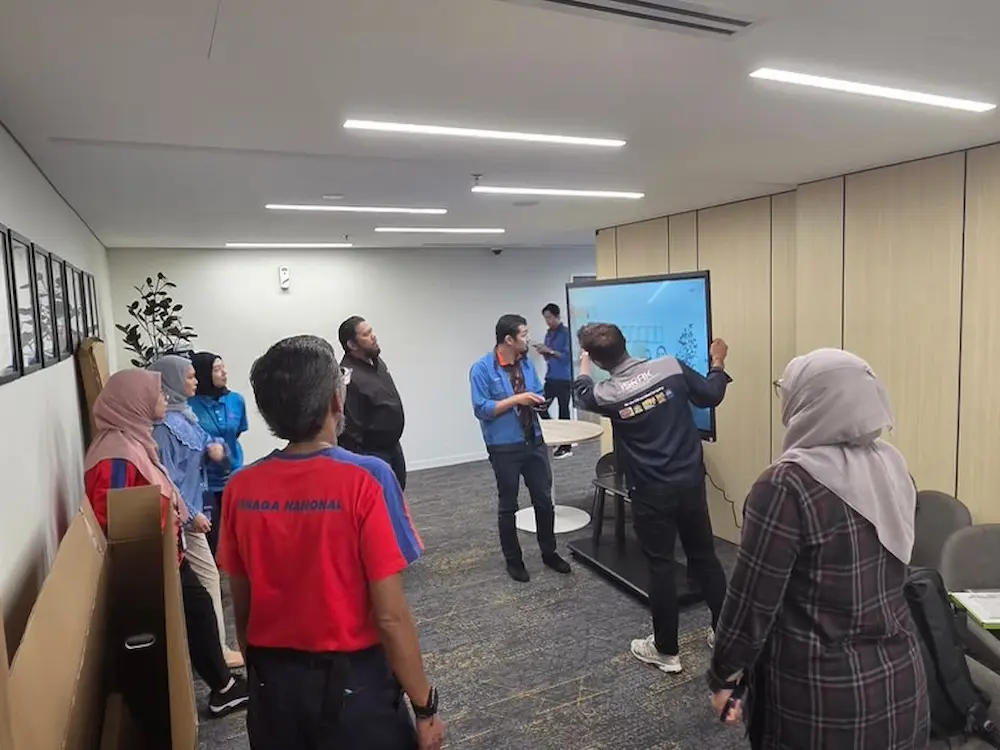
Arvia’s team installed the smartboard on site at TNB HQ Bangsar and walked staff through its camera, wireless sharing and instant file transfer features, so the team could start using the board confidently from its very next meeting.
That hands-on handover reflects how Arvia approaches every corporate deployment, including for a national utility like TNB: the technology should be ready to support meetings and training from day one, without a long learning curve standing in the way.
Arvia also remains the point of contact after installation for TNB Genco’s team, so if a question comes up while using the camera, file transfer or screen sharing features in future, support is only a message away rather than something the team has to work out on their own.
Explore Related Arvia Solutions
Organisations considering a similar upgrade can see other Arvia projects on the completed projects page, or explore Arvia’s Smart Meeting Room and Video Conferencing solutions.
Bring a Smartboard AI Arvia Unit to Your Office
Talk to Arvia about a smartboard built for your meetings, presentations and training sessions.