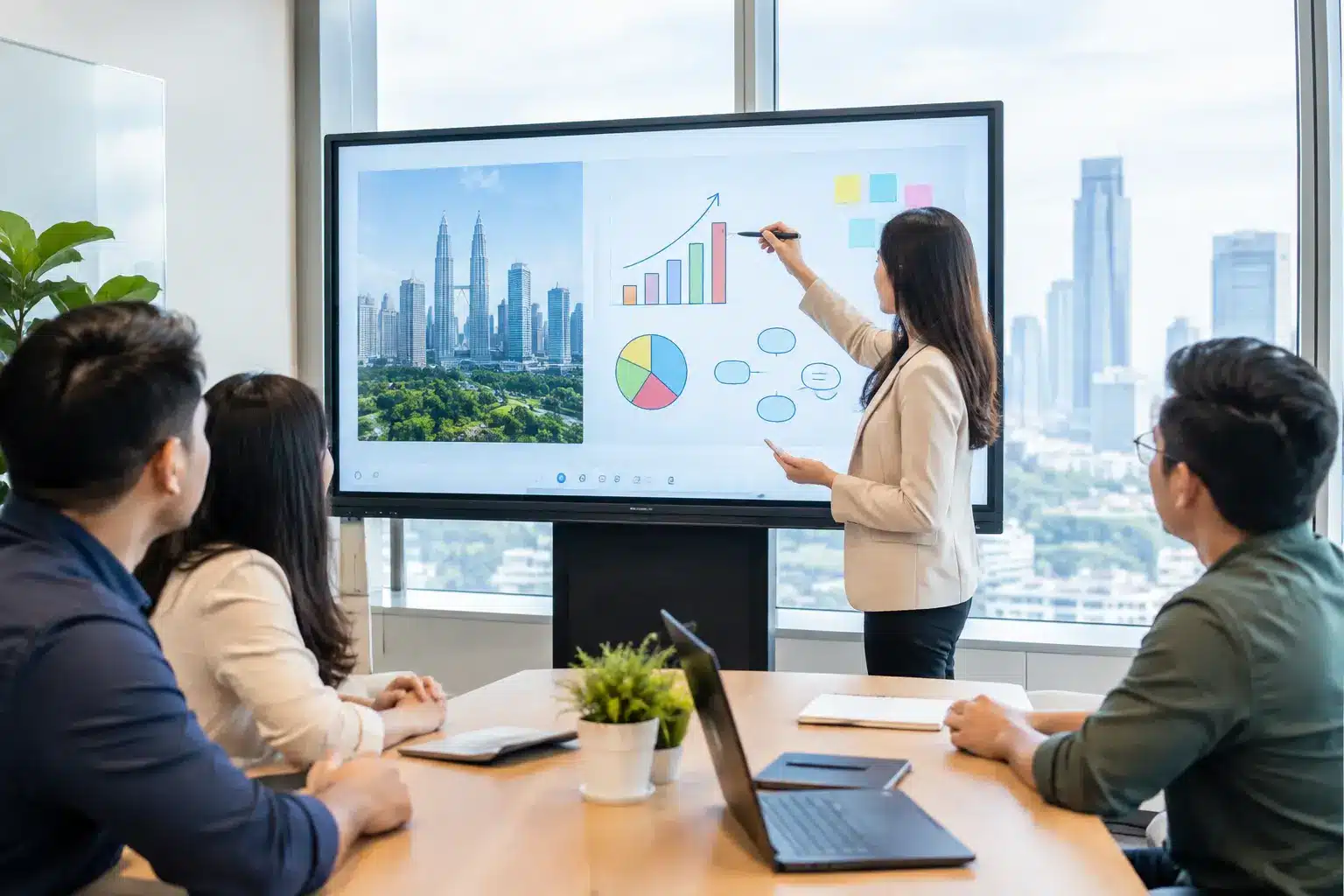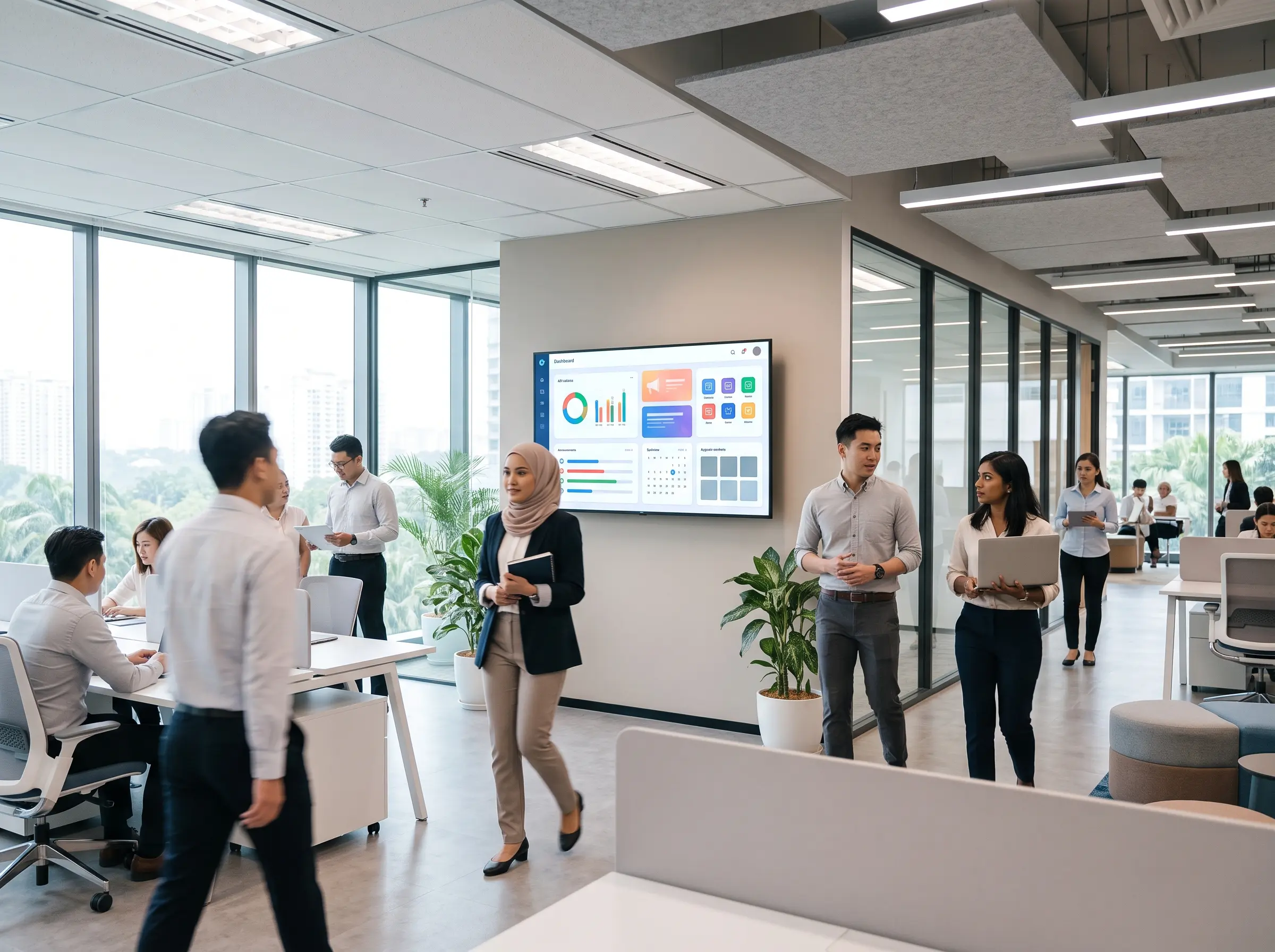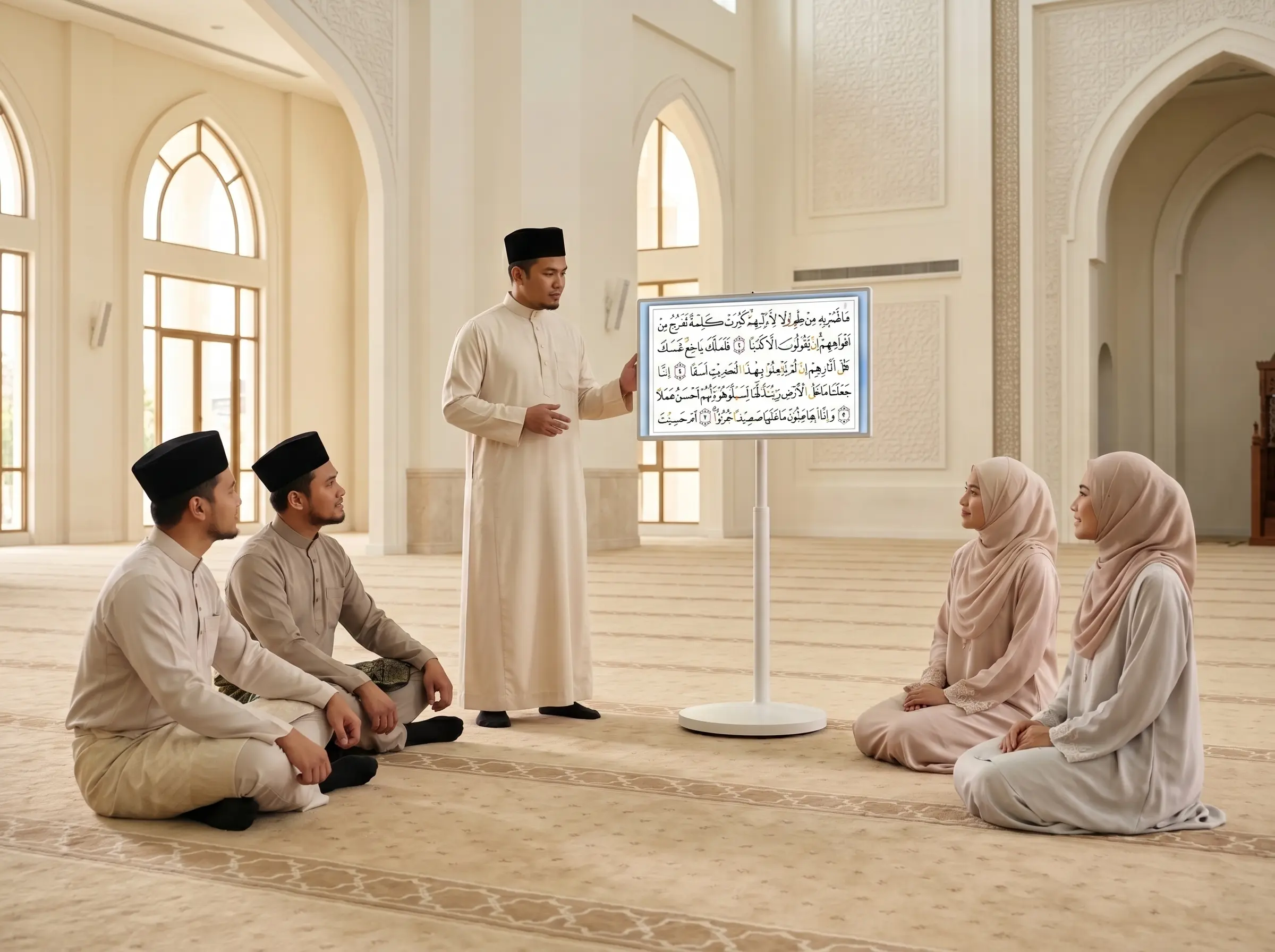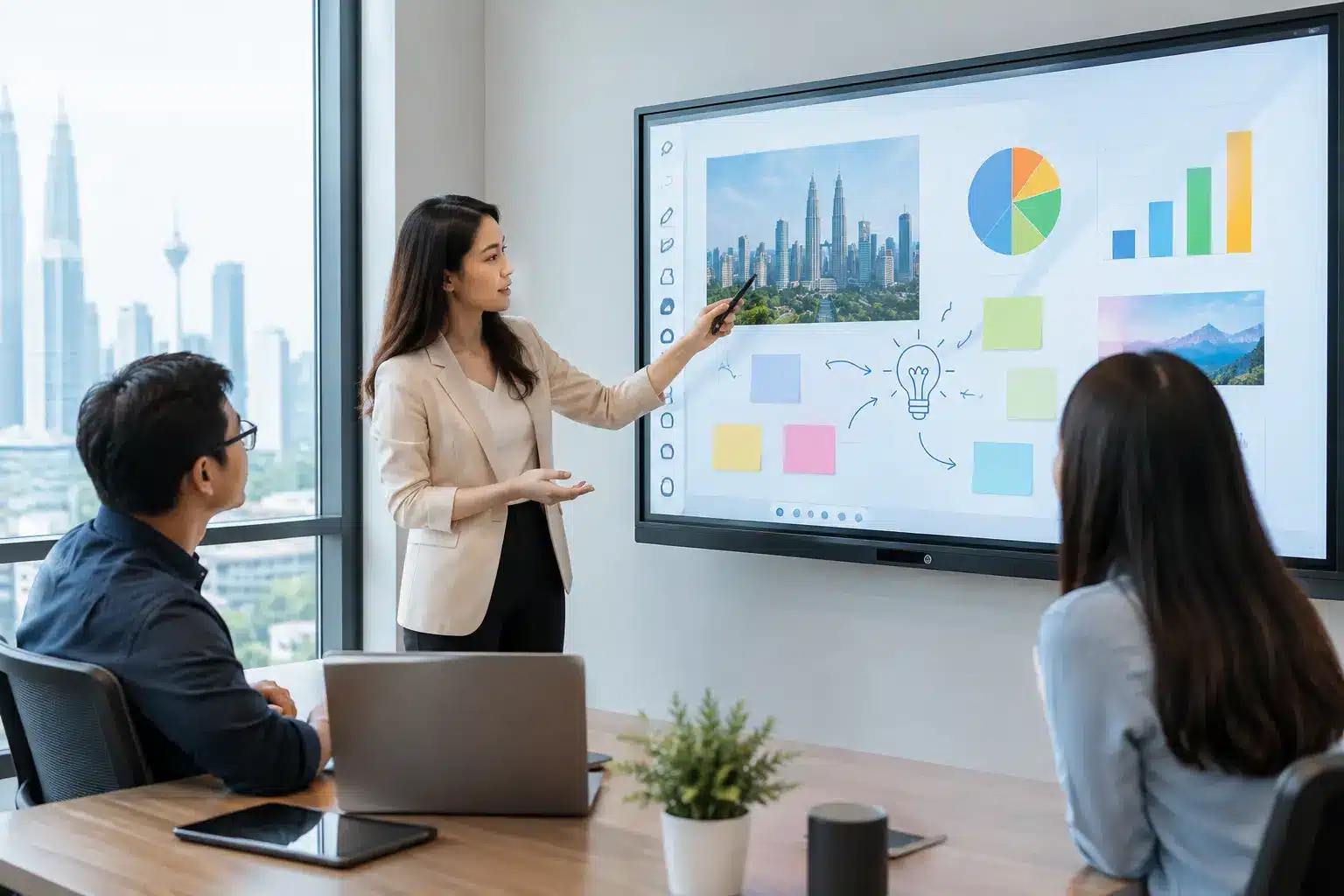

A smartboard purchase can look straightforward until it reaches the room where people actually work. The best AI smartboard in Malaysia is not simply the largest screen or the one with the longest specification sheet. It is the system that lets a teacher start a lesson without waiting for IT, enables hybrid meeting participants to be heard clearly, and remains reliable after hundreds of daily touch interactions.
For Malaysian schools, universities, corporate offices, government agencies, and training centers, the decision is increasingly about more than presentation. AI-enabled collaboration tools can support live transcription, meeting summaries, handwriting recognition, camera framing, translation, and faster content creation. But these features only create value when the display, room design, network, user experience, and local support are planned as one solution.
What Makes an AI Smartboard Worth Buying?
An AI smartboard is an interactive display that combines a touchscreen, built-in computing, collaboration software, and AI-assisted tools. Depending on the platform, users may write naturally on a digital whiteboard, annotate documents, share wireless content, run video meetings, and use AI to capture or organize ideas.
The distinction matters because not every interactive display offers the same level of intelligence or usability. Some boards provide basic voice commands or handwriting conversion. Others work with conferencing cameras and software to produce searchable transcripts, speaker labels, translated captions, and meeting notes. A board may also offer AI-powered camera functions, such as automatically framing the presenter or following a speaker during training.
For most organizations, the goal is not to buy AI for its own sake. The goal is to reduce friction. In a classroom, that may mean turning handwritten notes into shareable lesson material. In a project room, it may mean converting a workshop whiteboard into clear action items. In a command center, it may mean helping teams bring multiple data sources into one visual workspace.
Best AI Smartboard in Malaysia: Start With the Room
The right choice depends on where and how the board will be used. A 65-inch display may suit a small meeting room, while a 75-inch or 86-inch model is often more appropriate for a classroom, boardroom, or training environment. Screen size should be based on viewing distance, seating layout, and the type of content being shown, not just budget.
A board installed in a bright multipurpose hall needs strong brightness and an anti-glare surface. A classroom needs reliable multi-touch writing, a responsive pen experience, and easy access to teaching materials. A corporate meeting room may place greater priority on video conferencing, wireless presentation, device management, and secure access to cloud accounts.
It also depends on whether the display is fixed or mobile. A portable interactive display can be rolled between rooms, plugged in, and used immediately for ad hoc presentations, training, or visitor engagement. A wall-mounted board creates a more permanent collaboration point, especially when paired with room booking panels, video conferencing equipment, and integrated audio.
Before comparing brands, document the room conditions: wall position, power points, network availability, ambient light, camera angle, audience size, and whether users need to connect personal laptops. This assessment prevents a common procurement mistake – selecting capable hardware that does not fit the operational reality of the space.
The Features That Matter Most
A good interactive display should feel natural within minutes. That starts with accurate touch response, low writing latency, palm rejection, and pens that let users annotate without complicated setup. Staff will not adopt a system that requires repeated logins, cables, adapters, or technical assistance for ordinary tasks.
For AI functions, look beyond marketing labels. Ask what the feature does, where data is processed, which applications it supports, and whether it is included or requires a recurring software subscription. Live transcription can be useful in hybrid meetings, for example, but its accuracy will depend heavily on room acoustics, microphone placement, speaker accents, and background noise. AI summaries can speed up follow-up, yet teams should still review them before treating them as official minutes.
Video collaboration should be evaluated as a complete experience. A high-quality display cannot compensate for weak audio. In larger rooms, an integrated soundbar may not provide enough microphone coverage. Dedicated cameras, speaker tracking, ceiling microphones, or table microphones may be required to ensure remote participants can see and hear everyone clearly.
IT teams should also assess operating system options, security settings, account management, firmware updates, and compatibility with existing conferencing platforms. An open Android-based board may offer flexibility, while a Windows compute module may better support specialized business applications. Neither is automatically better. The right choice is the one that aligns with the organization’s existing workflows and governance requirements.
Plan for Collaboration, Not Just Display
The strongest smartboard deployments connect people, spaces, and content. In education, that can mean integrating the board with document cameras, learning platforms, student devices, and lecture capture. In corporate environments, it can mean combining the display with room booking, wireless screen sharing, video conferencing, digital signage, and centralized device management.
Consider a facilities team managing several meeting rooms. If each board is configured differently, support requests rise and employee confidence drops. A standardized setup gives users the same joining process, same presentation method, and same support path from room to room. It also gives IT a clearer way to monitor device health, manage updates, and protect access.
For public-facing environments, interactive displays may sit alongside kiosks, LED screens, directories, and digital signage. The smartboard itself may be used for briefings or staff coordination, while other screens guide visitors, share announcements, or display operational dashboards. Planning these systems together creates a more consistent experience than buying isolated devices over time.
Local Support Is Part of the Product
A lower upfront price can become expensive if installation is poor, user training is limited, or service support is difficult to access. Interactive displays are physical systems. They need correct mounting, cable management, network configuration, acceptance testing, and a clear response process if something fails.
For organizations operating across Malaysia, nationwide service coverage is particularly valuable. A school group, government department, retailer, or corporate with sites in multiple states needs more than a remote help desk. It needs field engineers who can inspect a room, resolve hardware issues, and support expansions consistently.
Ask potential providers how they handle warranty claims, replacement parts, software updates, and on-site troubleshooting. Confirm whether training is included for end users and administrators. A live demonstration is equally useful because decision-makers can test writing response, wireless sharing, conferencing controls, and the practical quality of AI tools before committing to a rollout.
Arvia approaches smart collaboration as a complete deployment rather than a box-delivery transaction, combining consultation, installation, certified engineering support, and nationwide service coverage. With more than 4,500 completed projects and SIRIM-certified solutions, this model is designed for organizations that need accountability after the equipment is installed.
Avoid These Procurement Shortcuts
The cheapest board is not always the lowest-cost option over its working life. Procurement teams should avoid comparing screen size and price alone. A display without suitable audio, installation, training, or service coverage may create hidden costs in lost meeting time and low adoption.
Likewise, do not assume every AI feature is ready for sensitive workflows. If meetings involve confidential information, verify user permissions, retention settings, cloud storage locations, and whether recordings or transcripts can be disabled when needed. Government agencies, healthcare providers, financial teams, and organizations handling personal information should involve IT and compliance stakeholders early.
Finally, avoid overspecifying rooms. A small huddle space may not need an 86-inch display with advanced camera tracking. A large training room, however, should not be fitted with a small board simply to meet a budget target. Match the system to the room’s role, then allow for reasonable growth in users and use cases.
A Better Way to Make the Decision
The best purchase process begins with a site assessment and a short list of real scenarios: a teacher delivering a lesson, a manager running a hybrid meeting, a trainer sharing content from a laptop, or an IT administrator updating several devices. Test the proposed system against those scenarios, not only against a brochure.
Choose a partner that can demonstrate the equipment, design the room, deploy the system properly, and remain responsible when users need help. The best AI smartboard is the one that becomes part of daily work – helping people explain ideas clearly, make decisions faster, and keep every participant in the room connected to the conversation.