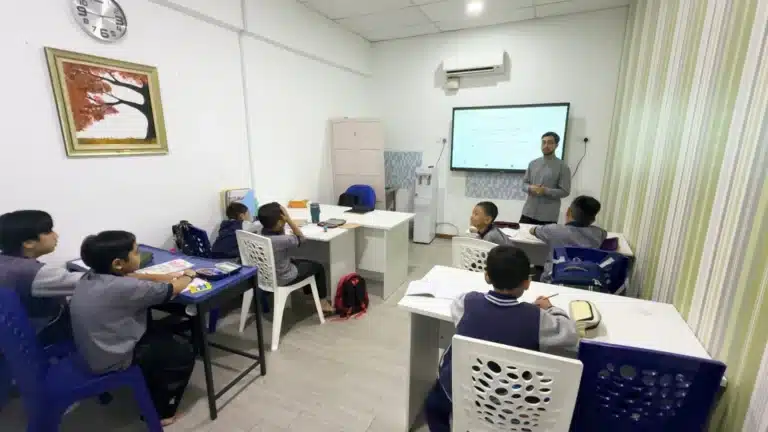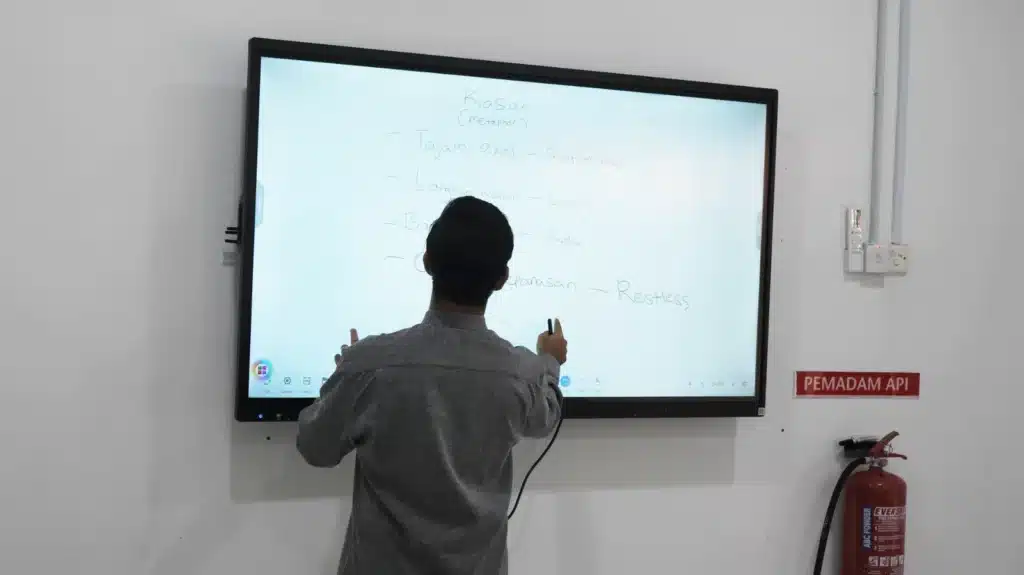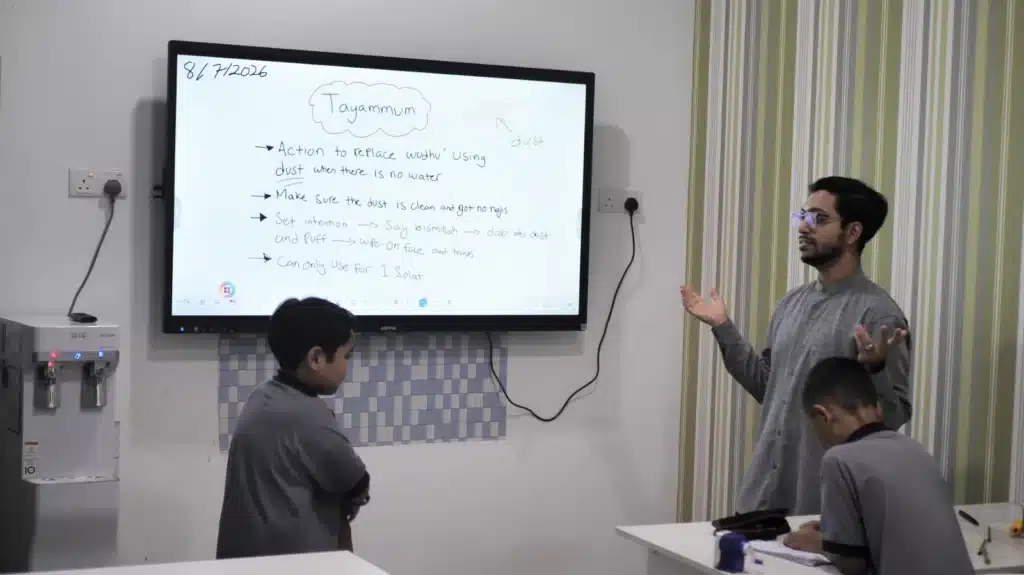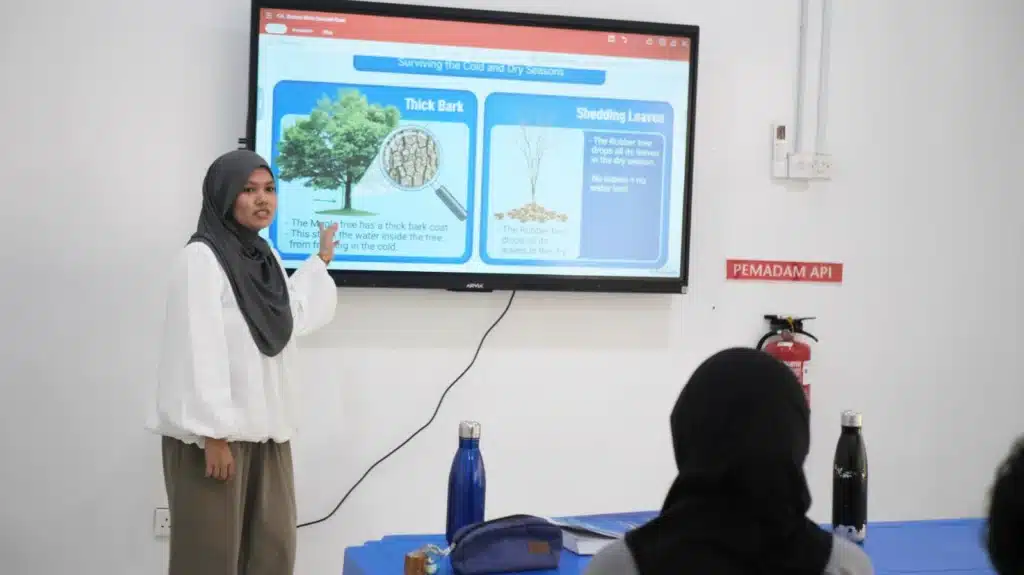
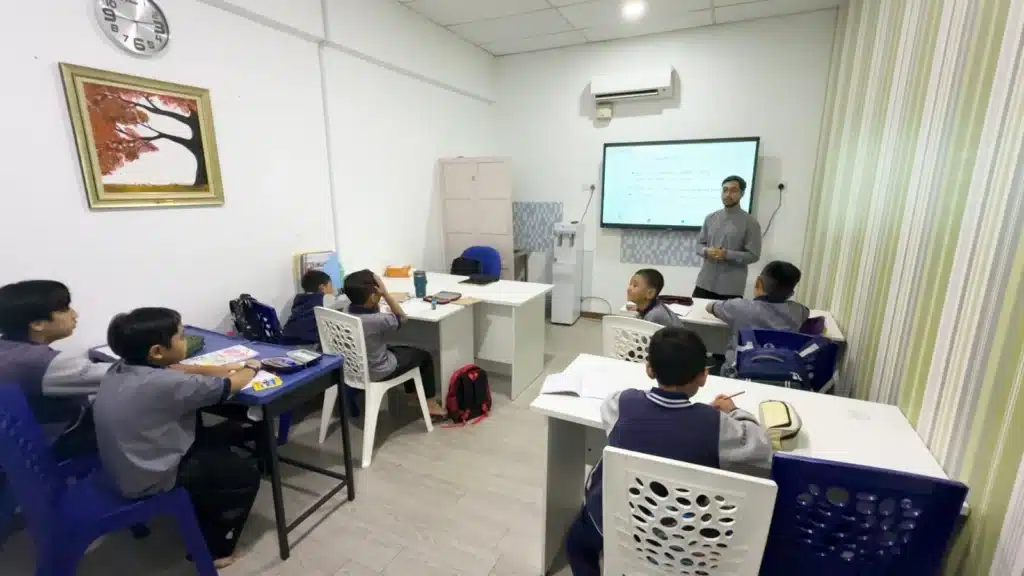
The ARVIA AI Smartboard brings a meaningful upgrade to Mahfaa Academy Autism Centre by supporting a more visual, interactive, and structured learning environment. The centre introduced four ARVIA smartboard units across its learning spaces to help educators deliver clearer lessons for children with special educational needs.
This project combined one ARV600-55 unit and three ARV600-65 units, allowing the centre to match each display size with the needs of different classrooms. With multi-touch interaction, 4K clarity, annotation tools, wireless sharing, and AI-powered collaboration, the smartboards help teachers create more engaging and accessible lessons.
A Thoughtful Upgrade for Inclusive Learning
Special education spaces need teaching tools that can support different learning styles. Some students respond better to visuals, some benefit from repetition, and others need a more structured way to follow each lesson. The ARVIA AI Smartboard gives educators a flexible platform to present content in a clearer and more interactive format.
For Mahfaa Academy Autism Centre, the upgrade was not only about adding digital displays. It was about creating learning spaces where teachers can use images, handwriting, videos, digital notes, and interactive activities to help students connect with the lesson more comfortably.
Why the ARV600 Series Fits Special Education
The ARV600 Series was selected because it offers the display clarity, touch response, and teaching flexibility needed in a special education environment. Its 4K resolution helps visual materials appear sharper, while the responsive multi-touch display allows teachers and students to interact directly with the board.
The combination of one 55-inch unit and three 65-inch units also gives the centre a practical balance. Smaller learning spaces can use the ARV600-55, while larger classrooms benefit from the wider display area of the ARV600-65. This makes the setup more suitable for real classroom layouts instead of forcing one size across every room.
The Power of Visual Learning
Visual learning can support communication, attention, and understanding in a classroom. With an AI smartboard, teachers can show pictures, short videos, diagrams, handwriting, and learning content on a bright display that the whole class can follow together.
This is especially useful when educators need to simplify complex ideas. A concept can be shown step by step, highlighted on screen, or repeated using visual prompts. Instead of relying only on verbal explanation, teachers can support their instruction with content that students can see clearly and revisit during the lesson.
Encouraging Active Participation
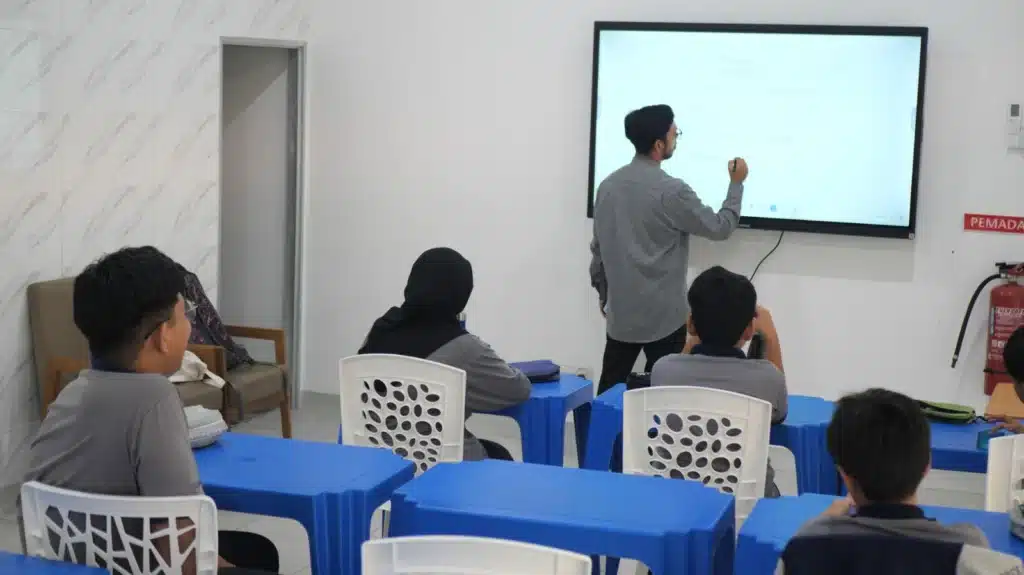
The interactive nature of the smartboard helps students participate instead of only watching from their seats. Teachers can invite students to touch, drag, match, write, point, or respond directly on the screen during guided classroom activities.
This type of interaction can make lessons feel more meaningful. When students are involved in the learning process, the classroom becomes more active and engaging. The board gives educators another way to capture attention and encourage participation in a calm, structured manner.
Personalised and Adaptive Lessons
Every child learns differently, and this is why adaptability matters in special education. The ARVIA AI Smartboard allows educators to adjust the pace, content, visuals, and activities according to the needs of each group or individual student.
Teachers can prepare multiple types of learning materials and switch between them during the lesson. For example, a session may begin with images, move into handwriting or annotation, and continue with a short activity on the board. This gives educators more room to respond to the class in real time.
Installed Across Multiple Learning Spaces
Placing four AI Smartboard units across the centre was a deliberate decision. Different classrooms may have different teaching activities, class sizes, and viewing distances. By distributing the units across multiple spaces, Mahfaa Academy can use interactive teaching tools where they are needed most.
This approach also supports consistency. Educators can apply similar digital teaching methods across classrooms while still adapting the activity to each group. The technology fits the centre’s daily learning flow rather than sitting in only one shared room.
Supporting Educators with Practical Tools
For educators, the board offers a practical teaching surface that can reduce reliance on printed worksheets, physical flashcards, and separate presentation devices. Digital lesson materials can be prepared, reused, edited, and presented from the same platform.
This makes lesson delivery more organised. Teachers can keep materials in one place, mark up content during class, and use visual prompts to reinforce key points. For a centre focused on structured learning, this kind of digital support can make daily teaching smoother.
A More Engaging Learning Environment
The installation helps Mahfaa Academy create a more modern classroom atmosphere. Bright visuals, interactive content, and touch-based activities can make learning feel more approachable for students while giving teachers more options in how they deliver each lesson.
A well-planned digital classroom does not replace the teacher. Instead, it supports the teacher’s role by making explanation clearer, lesson flow smoother, and student participation easier to encourage.
A Trusted Educational Technology Implementation
ARVIA delivered a complete solution for Mahfaa Academy Autism Centre, supporting the centre from product selection through implementation. The successful deployment of the ARV600-55 and ARV600-65 units shows how interactive smartboard technology can be adapted for inclusive education environments.
The result is a stronger learning setup across the centre. With the right display size in each space and a teaching platform that supports visual, interactive, and adaptive lessons, Mahfaa Academy can continue building meaningful learning experiences for its students.
Explore Related Arvia Solutions
Education centres planning a similar upgrade can explore Arvia’s
interactive smartboard solutions,
smart classroom solutions,
and
education solutions.
For a neutral overview of inclusive classroom approaches, readers may also refer to this external resource on
inclusive education.
Planning an inclusive smart classroom?
Share your classroom size, learning activities, and preferred display size with Arvia for a practical recommendation.