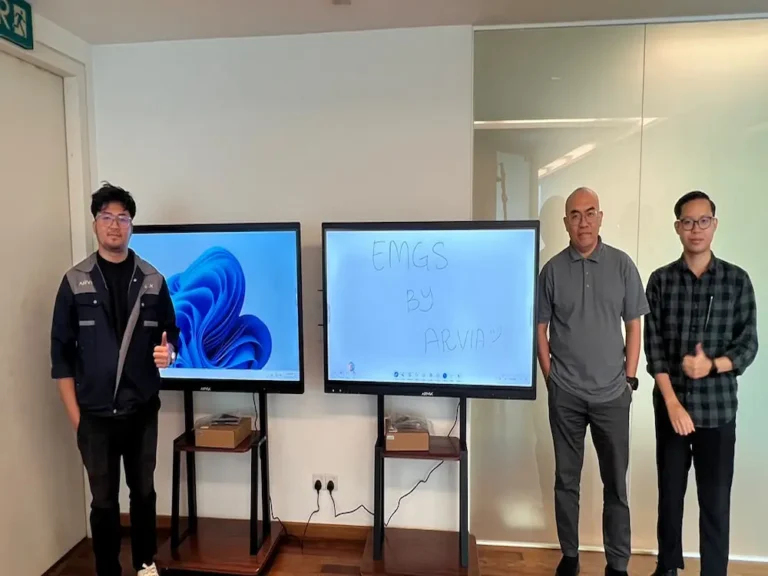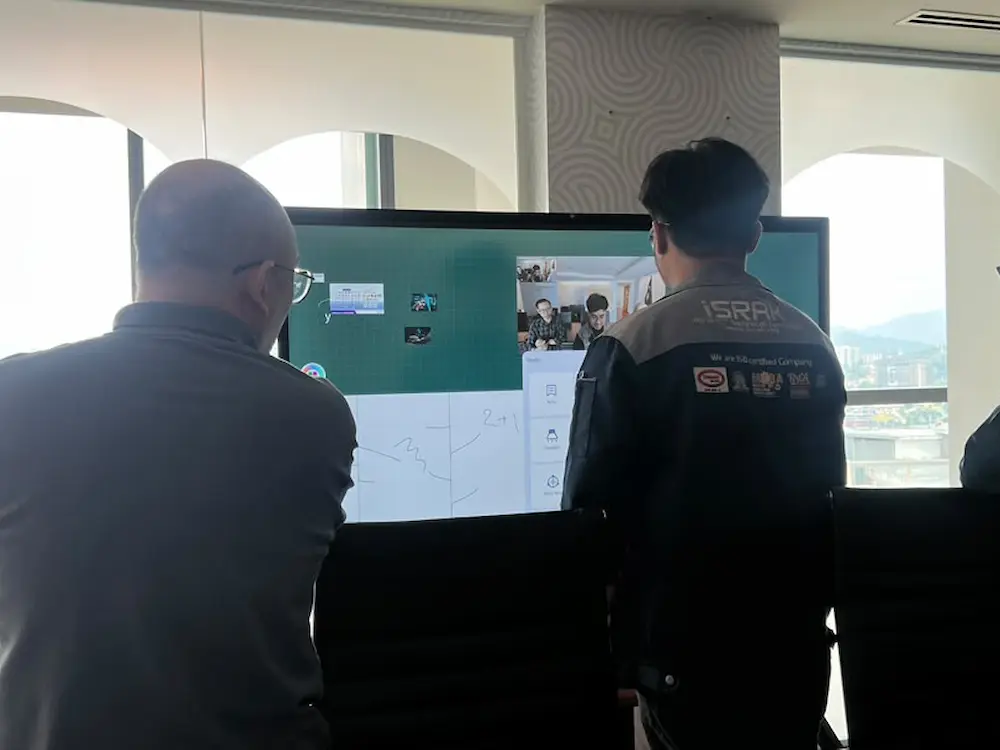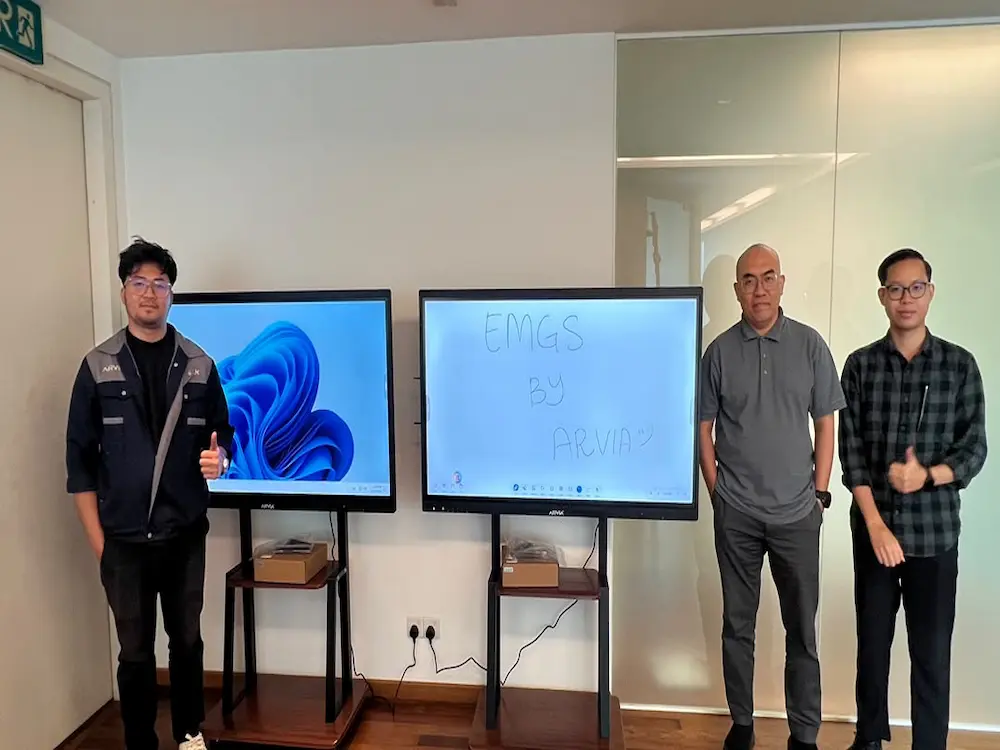

On 17 November 2026, Arvia Solutions delivered the smartboard AI Arvia EMGS units, a 55-inch and a 65-inch dual-OS display, to Education Malaysia Global Services at Jalan P. Ramlee, Kuala Lumpur.
As the national body supporting international students in Malaysia, Education Malaysia Global Services needed a board flexible enough for both internal staff briefings and sessions involving outside partners, which is exactly what the smartboard AI Arvia EMGS setup was built to handle.
The Smartboard AI Arvia EMGS Dual-OS Advantage
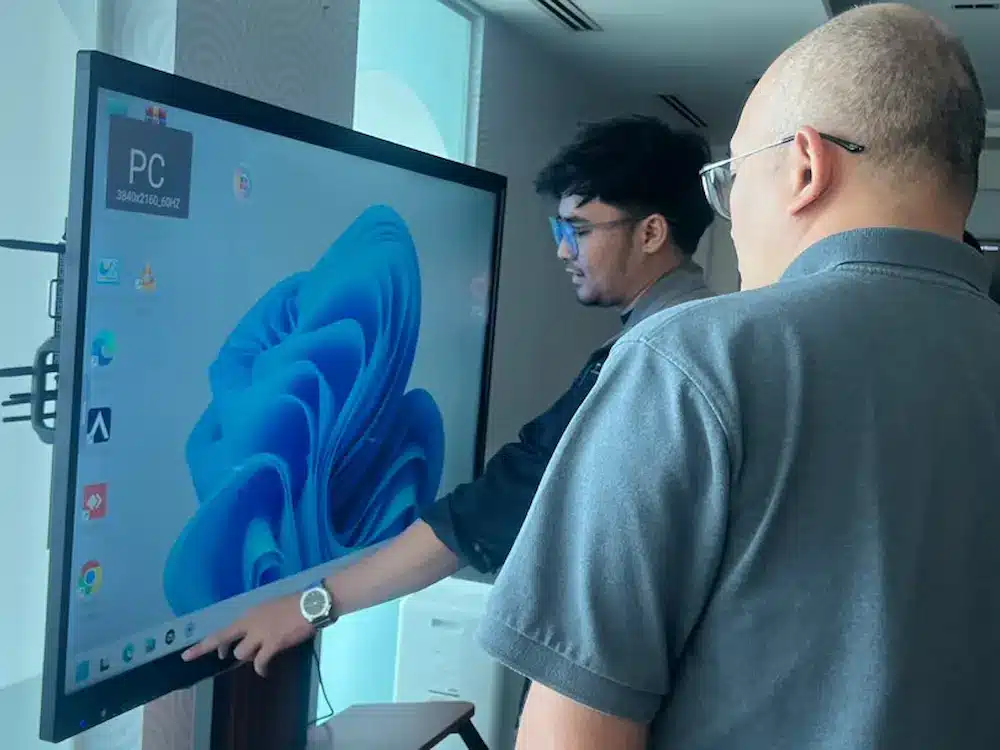
Both units run on dual OS, switching between Android and Windows depending on what a session needs. In Windows mode, staff can open any web-based tool, AutoCAD or standard browser just like a laptop, which matters for more technical presentations or document-heavy work. In Android mode, the board is ready for Zoom calls, with a built-in camera that removes the need to set up a separate laptop or phone camera for hybrid meetings.
This flexibility means the same smartboard AI Arvia unit can move from an internal planning session to a video call with an overseas partner institution without needing to swap equipment in between.
For staff who are used to working on a laptop, the Windows side of the smartboard AI Arvia unit feels familiar from the first use, since the same software and files open the same way, just on a much larger touchscreen that the whole room can see and interact with together.
A Built-In Camera for Hybrid Meetings
Because the camera used for Zoom calls is built directly into the smartboard AI Arvia unit, staff no longer need to bring in a separate webcam or angle a laptop camera toward the room for a hybrid meeting. The Arvia team walked Education Malaysia Global Services staff through this setup during delivery, so the board was ready for video calls from day one.
AI That Shows Its Working, Right on the Board
On the smartboard AI Arvia unit, the built-in AI does not just hand over a final answer, it can walk through the working steps directly on screen. For a team briefing or a training session, this means staff can see how a conclusion was reached rather than taking it at face value, which is especially useful when explaining a process to someone new.
Split Screen: Reference on One Side, Notes on the Other
The split screen function on the smartboard AI Arvia unit lets a presenter keep a website or video open on one side of the screen while writing notes or annotations directly on the Arvia board on the other. For sessions that reference an external site, such as an official portal or a recorded presentation, this means no more switching back and forth between a projector feed and a separate whiteboard.
Instant File Sharing and AI-Assisted Notes
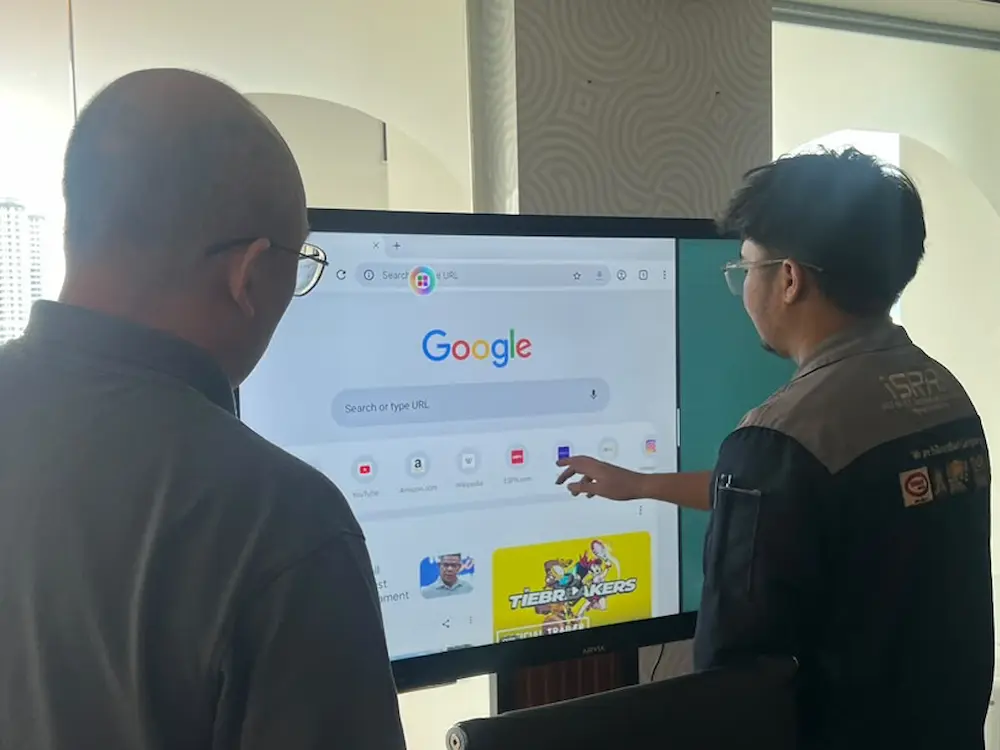
Slides and PDF files can be sent instantly and directly to the smartboard AI Arvia unit, so a presenter does not need a flash drive or a separate laptop connection to pull up a document mid-meeting. From there, the board can extract keywords from the material on screen and let presenters drag and drop supporting images straight into a slide or note, keeping the flow of a session intact.
For an organisation that regularly handles documents from partner universities, agents and students, having this on the same screen used for the meeting itself removes an extra step that would otherwise mean emailing a file to someone’s laptop before it can be shown on a projector.
Why Education Malaysia Global Services Chose Arvia
Organisations that regularly brief staff, host partner meetings and manage document-heavy workflows need a board that can adapt rather than one built around a single use case. The smartboard AI Arvia EMGS deployment reflects a broader trend of smartboard AI Malaysia organisations are adopting, where a single dual-OS display replaces a laptop, a projector, a separate camera and a printed handout all at once.
As more government agencies and education-linked organisations explore what smartboard AI Malaysia technology can do for their daily operations, deployments like the one at Education Malaysia Global Services show how a single smartboard AI Arvia unit can cover briefings, training, hybrid meetings and partner presentations without separate equipment for each.
With both the 55-inch and 65-inch units now in place, Education Malaysia Global Services has two rooms equipped to handle everything from a quick internal update to a full partner presentation, without staff needing to think about which equipment a particular meeting requires.
Bring the Smartboard AI Arvia to Your Organisation
Talk to Arvia about a dual-OS smartboard setup for your office, training room or meeting space.