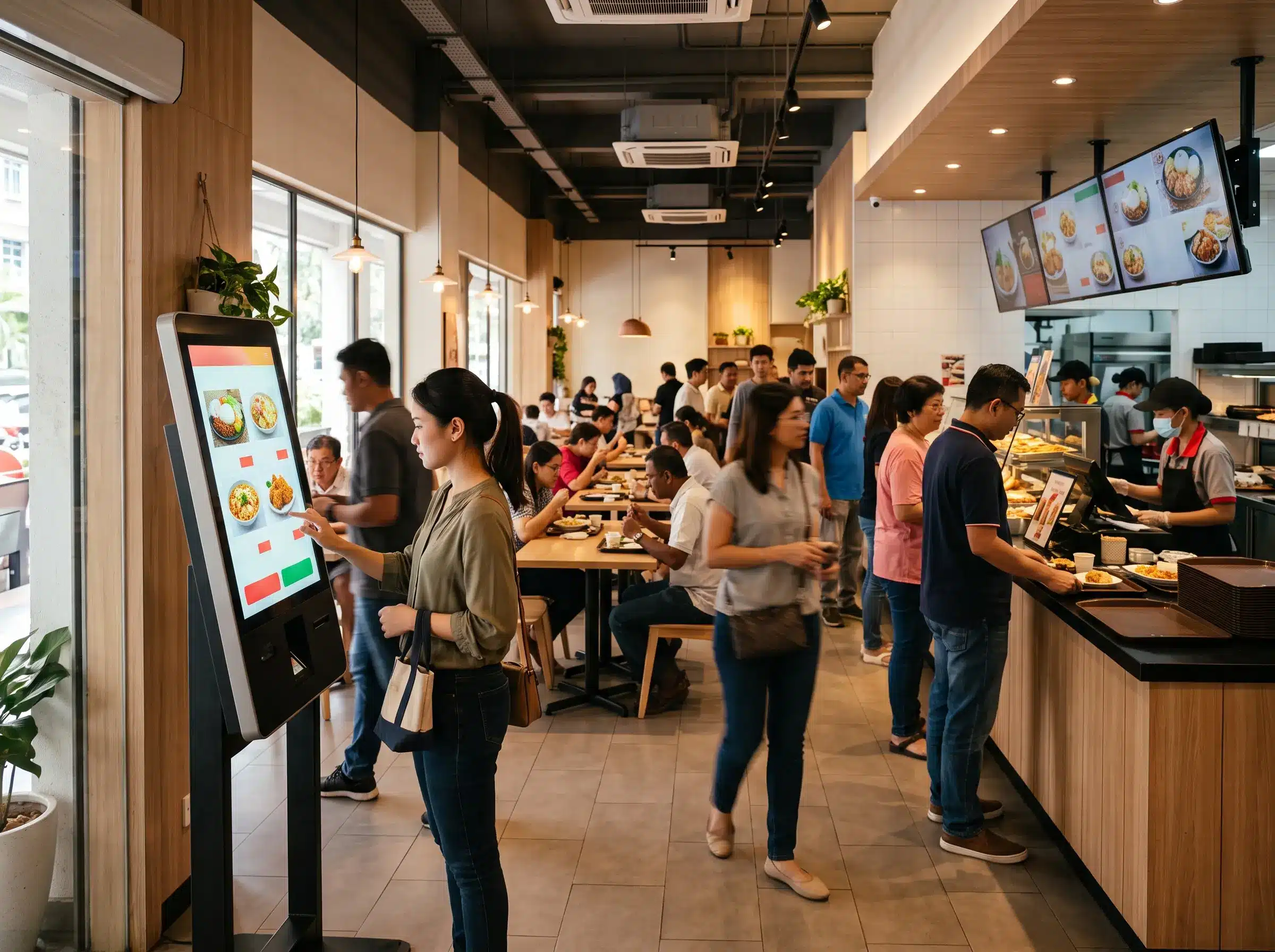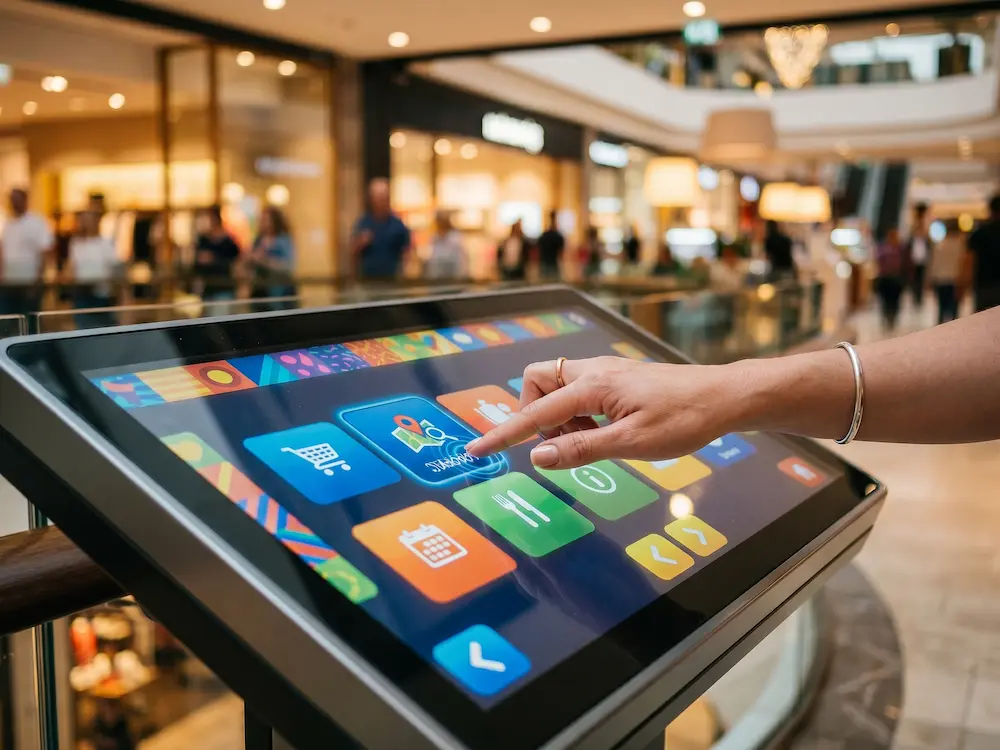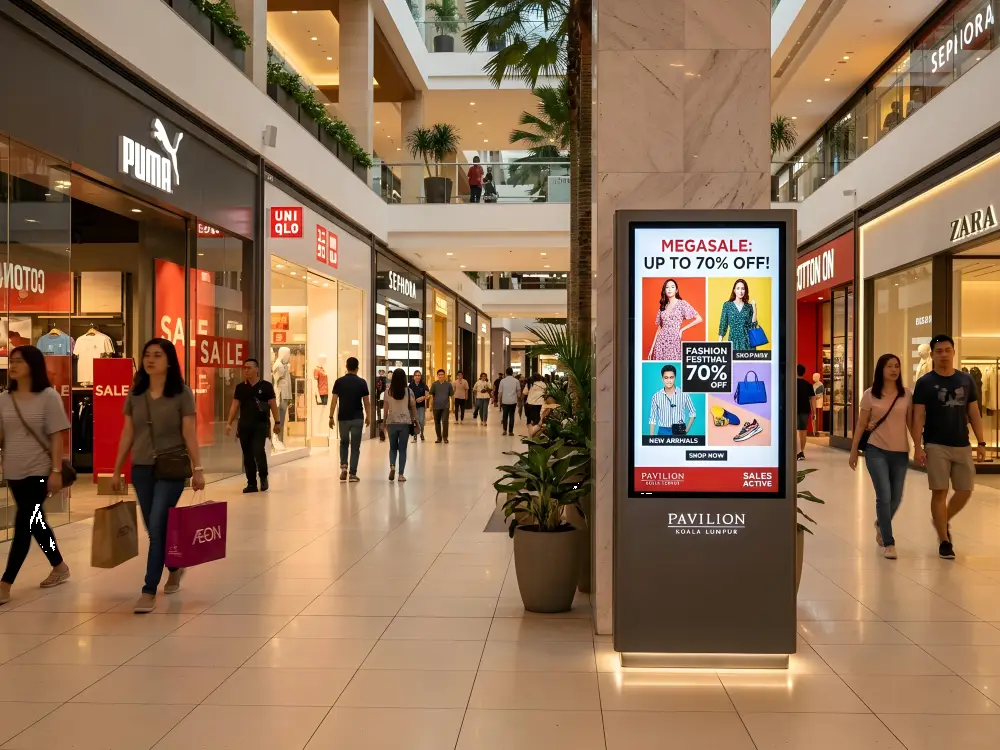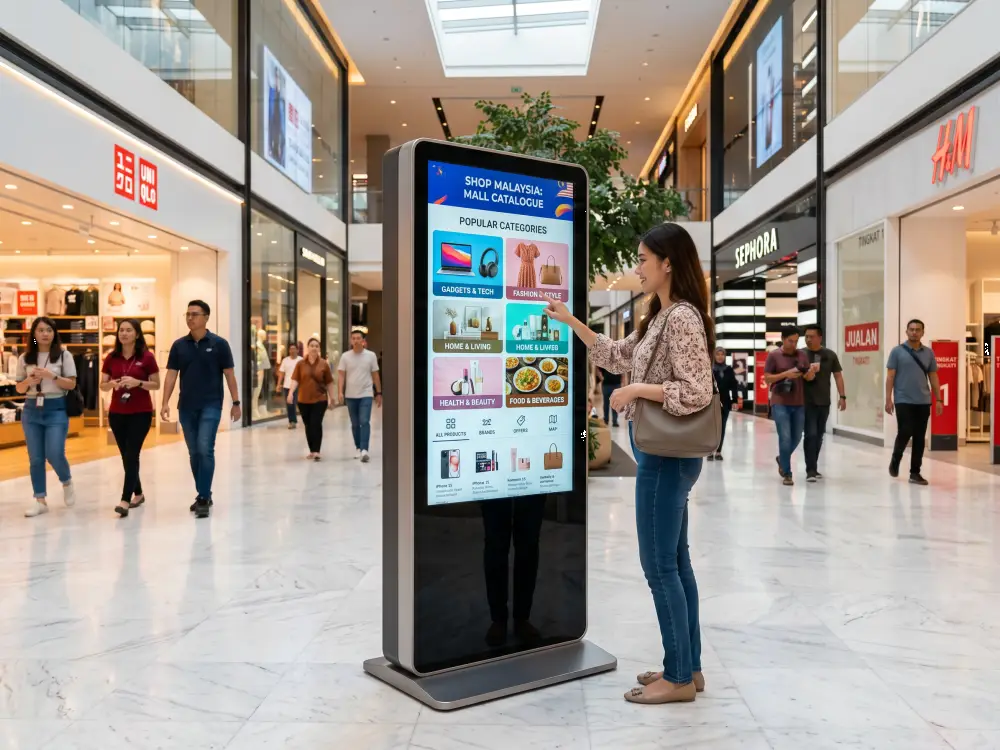
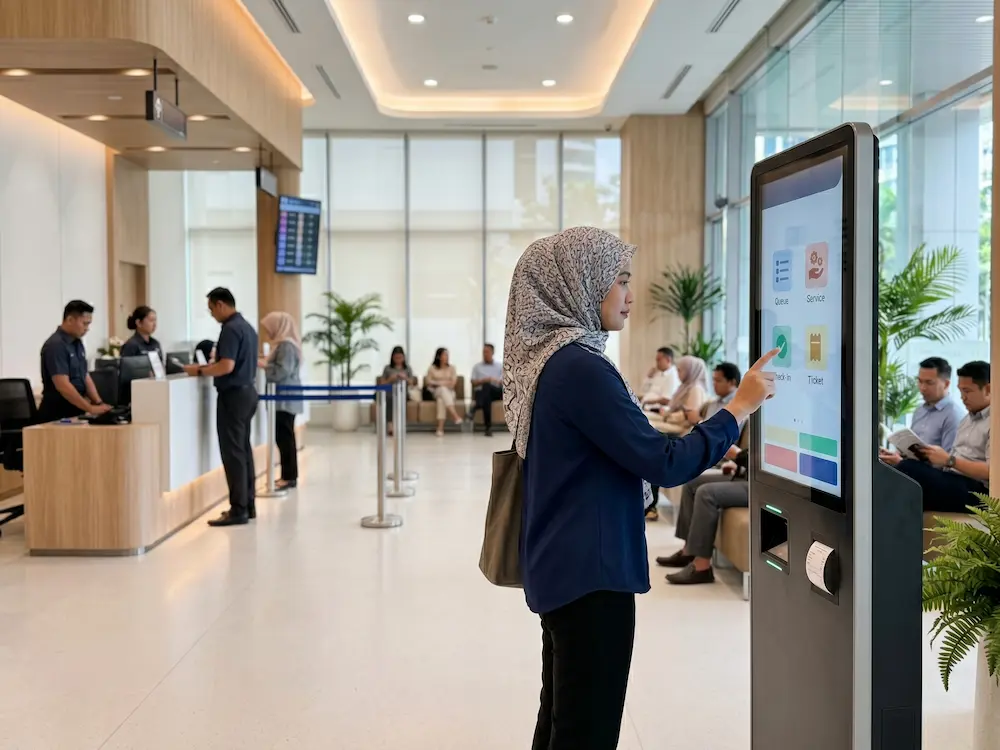

A self service kiosk gives customers a faster way to complete routine tasks without waiting for a staffed counter. In hospitals, government offices, retail stores, campuses, and corporate buildings, it can support check-in, registration, ticket collection, payment, wayfinding, or information requests through one clear touchscreen journey.
For organisations in Malaysia, the goal is not simply replacing people with machines. The real value is reducing repetitive work, shortening queues, improving data accuracy, and allowing staff to focus on situations that genuinely need human assistance. The best self service kiosk makes a customer journey quicker, more organised, and more consistent without making the process feel complicated.
What Is a Self Service Kiosk?
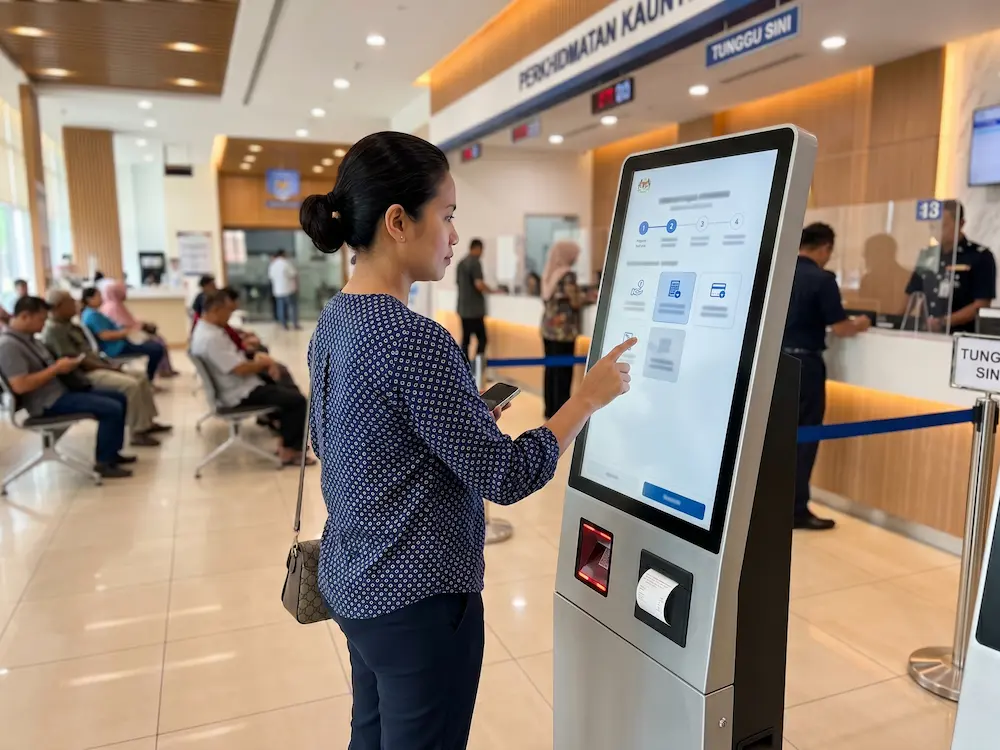
A self service kiosk is a freestanding or counter-mounted interactive terminal that allows users to complete a process independently. It normally combines a touchscreen with software and optional hardware such as a QR scanner, MyKad reader, barcode scanner, camera, payment terminal, or thermal printer.
Unlike a standard digital display that only shows content, the kiosk responds to user input and guides each visitor through a defined workflow. The concept is closely related to an
interactive kiosk,
which exchanges information between a user and a digital system. The exact journey depends on the organisation, but the objective remains the same: make a common service easier to access.
How the Kiosk Journey Works
A well-designed flow should feel simple even for someone using it for the first time. A typical process may include:
- The user selects a preferred language.
- The screen presents a small number of clear service options.
- The user scans an appointment code, enters basic details, or verifies an identity document.
- The kiosk connects to the organisation’s system and processes the request.
- A queue number, receipt, visitor pass, or confirmation is printed or displayed.
- The user receives a clear instruction explaining what to do next.
Every additional step increases the chance of confusion. This is why readable buttons, short instructions, and fast response times are just as important as the physical kiosk itself.
Where a Self Service Kiosk Creates Value
Different sectors can use the same platform for very different workflows. The strongest setup is built around one clear task rather than trying to place every possible function on a single screen.
| Sector | Possible Functions | Operational Value |
|---|---|---|
| Healthcare | Appointment check-in, registration and queue tickets | Faster patient flow and less pressure at reception |
| Government | Service selection, verification and queue management | More organised public service delivery |
| Retail | Product browsing, ordering, membership and payment | Convenient purchasing with fewer counter steps |
| Corporate | Visitor registration, host alerts and badge printing | A faster and more professional arrival experience |
| Education | Attendance, visitor check-in, events and wayfinding | Simpler campus access and information delivery |
Features That Should Be Planned Carefully
User Interface and Accessibility
The interface should use large touch targets, strong contrast, short sentences, and a logical screen sequence. Bahasa Malaysia and English are usually essential, while additional languages may be useful depending on the audience. Accessibility should also be considered for elderly users, wheelchair users, and visitors who are less familiar with digital technology.
Hardware Integrations
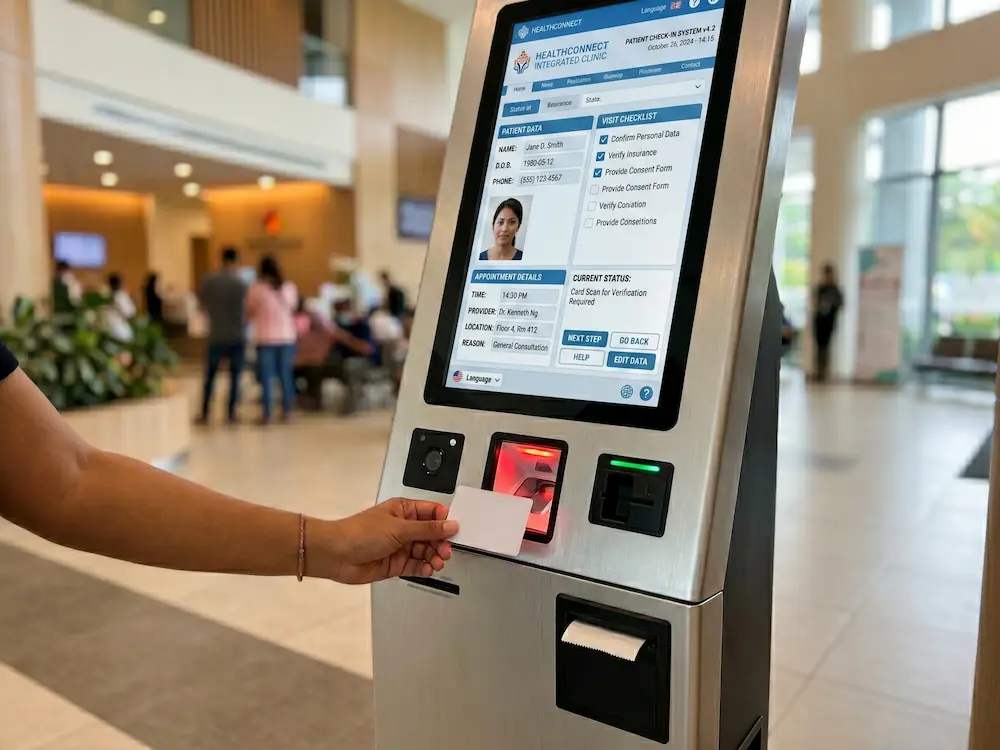
The right hardware depends on the job. A hospital may require a MyKad reader and queue printer, while a retail unit may need a payment terminal and barcode scanner. A visitor management system could include a camera, passport scanner, and badge printer. Choosing only the components required for the actual workflow keeps the system easier to operate and maintain.
Software and System Integration
A kiosk becomes more useful when it connects to an existing queue system, customer database, booking platform, payment gateway, or visitor management software. Integration prevents duplicate data entry and allows information to move between systems in real time. Administrators should also be able to monitor device status, update content, and review usage reports.
Business Benefits Beyond Shorter Queues
Reducing waiting time is the most visible benefit, but it is not the only one. Digital forms improve consistency because every user follows the same process. Required fields can be validated before submission, reducing incomplete records and typing errors. Service capacity can also increase during busy periods without opening another counter for every routine request.
A self service kiosk can also collect operational data such as peak usage times, popular services, incomplete journeys, and average completion time. Management can use this information to improve staffing and workflow planning. During idle periods, the display may show announcements, campaign visuals, or customer guidance without interrupting its main service.
How to Choose the Right Self Service Kiosk
Start with the process, not the appearance. Identify the exact task, the people who will use it, the expected daily traffic, and the system it must connect to. Then decide whether the unit should be floor-standing, wall-mounted, or placed on a counter.
Screen size should suit the viewing distance and amount of information shown. The enclosure must be stable and appropriate for a high-traffic environment. Network reliability, cable management, maintenance access, and future software updates should also be included in the project plan.
A pilot deployment can be useful before a larger rollout. It allows the organisation to observe real users, identify confusing steps, and improve the workflow before installing units across multiple branches or departments.
Arvia Self Service Kiosk Solutions in Malaysia
Arvia provides configurable kiosk solutions for healthcare, government, corporate, education, and retail environments. Each setup can be adapted with touchscreen displays, scanners, printers, identity readers, cameras, and other modules based on the required customer journey.
Clients can explore Arvia’s
interactive kiosk solutions
and
touchscreen solutions
to compare available formats and applications. The project team can assist with solution planning, hardware configuration, installation, testing, and user guidance so the final deployment matches the space and operational requirement.
Planning a self-service project?
Tell Arvia about your workflow, environment, and required integrations. Our team will help you plan a kiosk solution that is practical for both users and administrators.
Final Thoughts
A self service kiosk works best when technology makes the process simpler, not more complicated. The right setup gives users clear choices, completes routine tasks quickly, and connects smoothly with the organisation’s existing systems.
For Malaysian organisations managing busy counters, visitors, registrations, or payments, a well-planned kiosk can improve service quality while reducing pressure on staff. The strongest results come from matching the hardware, interface, and integration to one clear customer journey from beginning to end.