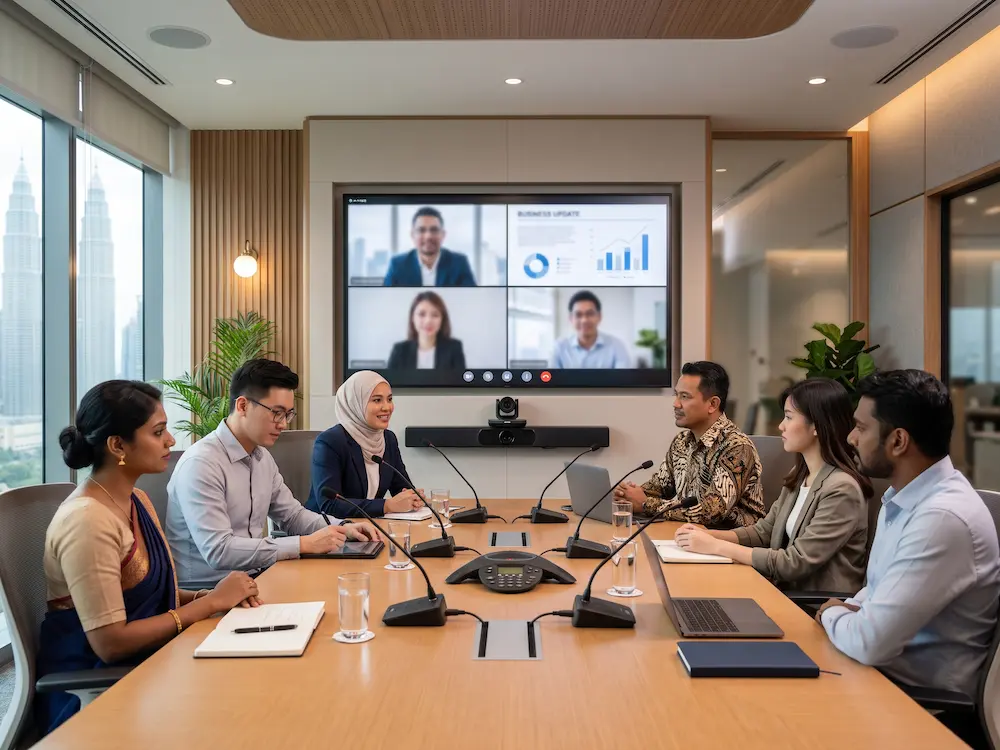

A PTZ camera for meeting room use can make hybrid meetings look more professional and feel more natural for remote participants. PTZ stands for pan, tilt, and zoom, which means the camera can move left and right, tilt up and down, and zoom into specific speakers or areas of the room.
For Malaysian boardrooms, training rooms, council rooms, classrooms, and corporate spaces, a fixed webcam may not capture everyone clearly. A practical PTZ camera for meeting room setup gives the room better coverage, clearer speaker framing, and more flexibility during presentations, discussions, and hybrid collaboration.
What Is a PTZ Camera?
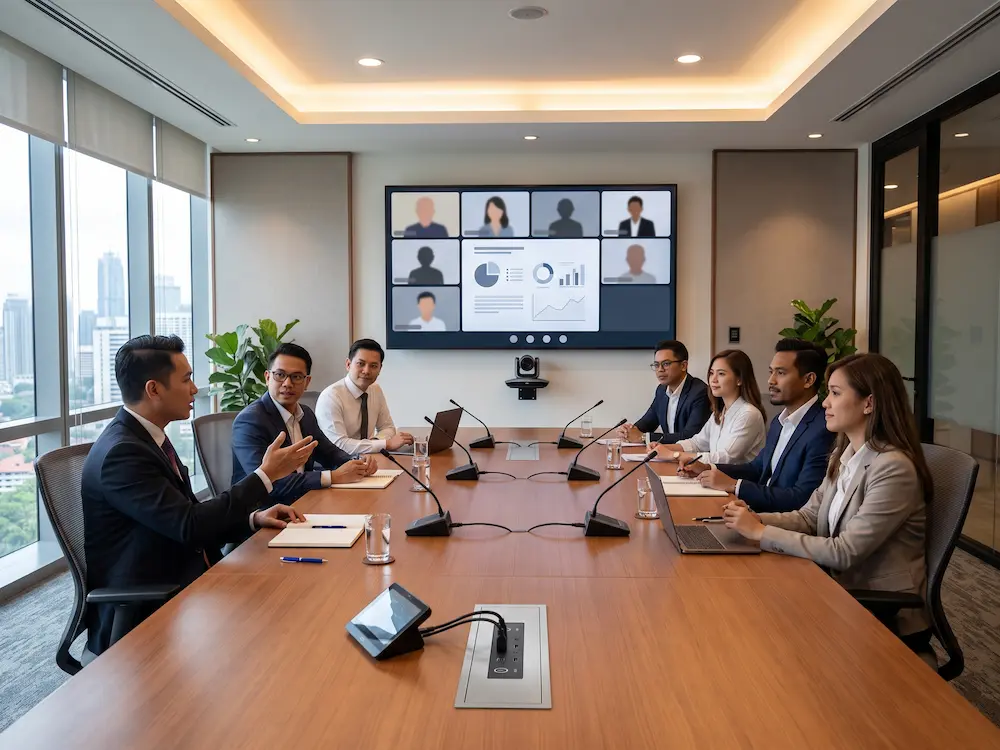
A PTZ camera is a motorised camera that can pan, tilt, and zoom to capture different parts of a room. It is commonly used in meeting rooms, lecture halls, houses of worship, event spaces, and video production environments. The wider technology is often described as a
pan-tilt-zoom camera.
Unlike a basic webcam, a PTZ camera can be positioned to capture the whole room, focus on a speaker, or zoom into a presenter without physically moving the device. Some models also support presets, remote control, auto framing, and integration with common video conferencing platforms.
PTZ Camera for Meeting Room: 6 Practical Benefits
1. Better Room Coverage
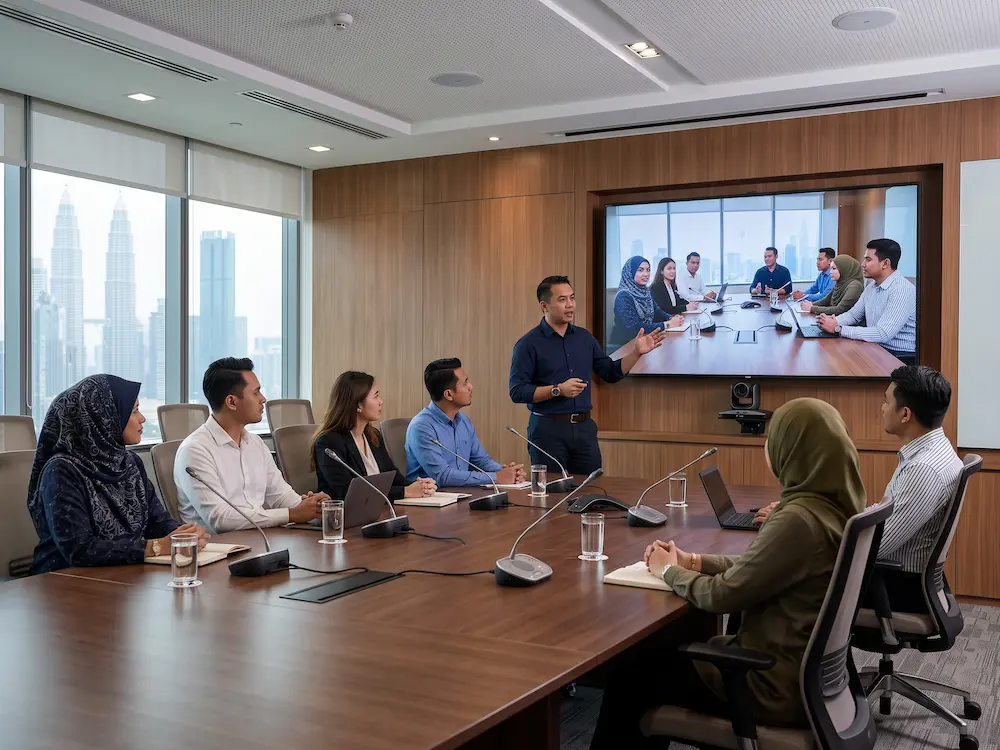
A PTZ camera can cover a wider meeting space than a standard webcam. This is useful for long boardroom tables, U-shaped discussions, training rooms, and multi-purpose spaces. Instead of forcing everyone to sit close to the screen, the camera can be placed where it captures the room naturally.
2. Clearer Speaker Framing
Remote participants can follow a meeting more easily when they can see who is speaking. A PTZ camera for meeting room workflow can use presets or automatic framing to focus on the presenter, discussion table, audience area, or panel speakers. This makes the meeting feel more intentional and less like a static room recording.
3. Optical Zoom for Larger Rooms
Optical zoom keeps the image clearer when the camera needs to focus on a person or screen from a distance. This is especially useful in training rooms, seminar rooms, council chambers, and larger meeting spaces. A digital zoom can reduce image quality, while optical zoom gives a more professional result when used correctly.
4. Presets for Faster Meetings
Camera presets allow users to save common angles. For example, one preset can show the whole table, another can focus on the presenter, and another can frame the front display. This reduces setup time and helps non-technical users start meetings with less confusion.
5. Cleaner Integration With Room AV
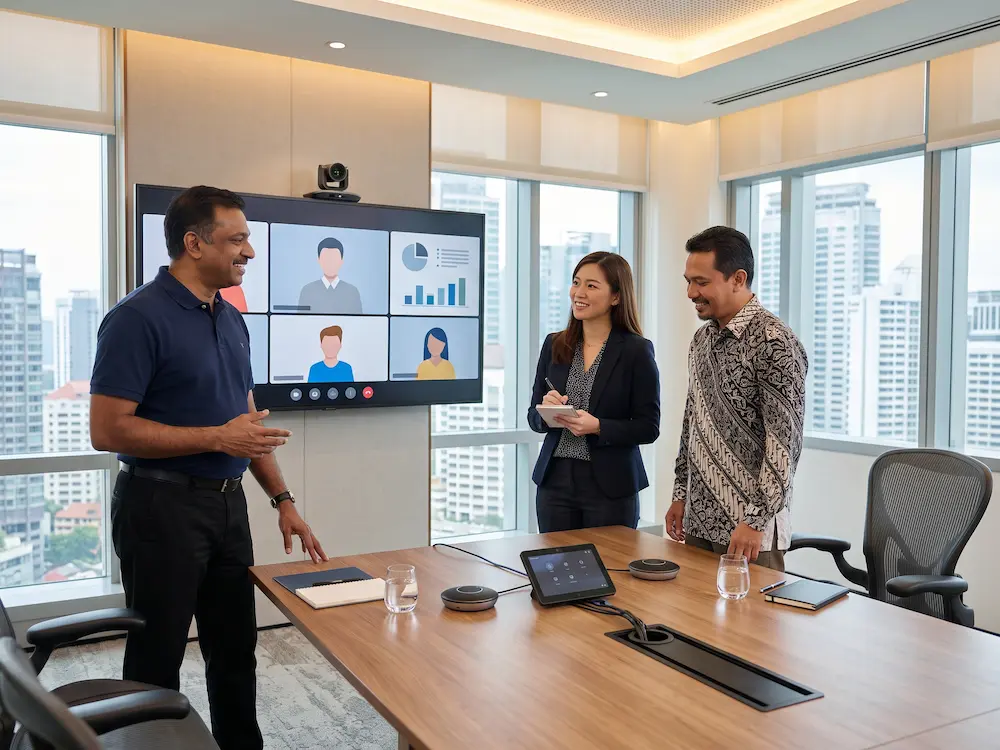
A PTZ camera can be planned together with microphones, speakers, displays, wireless sharing, and room controls. This is important because video quality alone does not create a good meeting. The camera should work with the audio system and display layout so that local and remote users experience the meeting clearly.
6. More Professional Hybrid Communication
Hybrid meetings are easier to follow when remote participants can see the room from the right angle. A PTZ camera for meeting room use helps show presenters, discussions, and shared content more clearly. This supports better engagement for remote teams, clients, management, and training participants.
Where Does a PTZ Camera Work Best?
| Room Type | Why It Helps |
|---|---|
| Boardroom | Frames speakers around a long meeting table. |
| Training room | Captures the trainer, audience, and front display. |
| Lecture hall | Uses zoom and presets to follow the presenter. |
| Council or committee room | Switches between chairperson, panel, and participants. |
What to Check Before Buying
- Room size and distance between the camera and participants.
- Required zoom level, viewing angle, and camera placement.
- Compatibility with video conferencing platforms and room devices.
- Microphone and speaker coverage across every seat.
- Mounting position, cabling, power, and control method.
Arvia PTZ Camera and Meeting Room Solutions
Arvia provides
video conferencing solutions
for boardrooms, meeting rooms, training rooms, lecture spaces, and hybrid collaboration environments. A solution can include PTZ cameras, microphones, speakers, displays, mounting, cabling, installation, testing, and user guidance.
For a complete room experience, the camera can also be planned with a
smart meeting room system,
an
interactive smartboard,
or a full
video conferencing room setup.
A site discussion helps identify the right PTZ camera for meeting room needs based on the actual layout and meeting style.
Need the right PTZ camera setup?
Share your room size, seating layout, camera distance, and meeting workflow with Arvia for a practical recommendation.
Final Thoughts
A PTZ camera can improve meeting quality when the room needs flexible framing, optical zoom, and better coverage than a basic webcam. It is especially useful for boardrooms, training rooms, lecture halls, and spaces where remote participants must clearly see the speaker and discussion flow.
The best PTZ camera for meeting room projects should be selected with the full room setup in mind. Camera placement, microphone coverage, display position, lighting, controls, and user workflow should all work together to create a smoother hybrid meeting experience.