A meeting room can have a premium display, a powerful camera, and the latest conferencing license, yet still waste the first 10 minutes of every call. The problem is rarely one device. It is usually the room design, cable routing, audio coverage, network readiness, control setup, and user experience working poorly together. That is why video conferencing installation services should be planned as an operational project, not treated as a simple equipment delivery.
For Malaysian organizations managing hybrid teams, external stakeholders, classrooms, boardrooms, and multi-site operations, a well-installed system helps people join on time, hear every speaker, share content clearly, and make decisions without technical disruption. The right installation also makes life easier for IT and facilities teams after handover.
What Video Conferencing Installation Services Should Cover
A complete installation begins before hardware arrives. The room needs to be assessed for its size, seating layout, lighting, acoustics, display position, available power, network ports, and intended meeting platforms. A six-person huddle room has different requirements from a training room, executive boardroom, command center, or divisible function space.
The goal is not to fill a room with more technology than it needs. It is to specify the right components and configure them as one usable system. This may include a video bar or PTZ camera, microphones, speakers, interactive display or commercial display, wireless presentation tools, room scheduling panel, control interface, cabling, and network integration.
A capable provider should also account for how people actually use the room. A sales team may need quick screen sharing for customer presentations. A university may need lecturer tracking, content capture, and clear audio for remote learners. A government agency may require controlled access, standardized systems across locations, and dependable support documentation. The hardware can be similar, but the workflow should not be copied blindly from one environment to another.
Start With the Room, Not the Product List
The most common installation mistake is selecting equipment from a specification sheet before understanding the room. Camera framing, for example, depends on room depth and the number of participants. A wide-angle camera may suit a small huddle room but can make people appear distant in a longer boardroom. A PTZ camera may provide better coverage for larger spaces, especially when presenters move around the room.
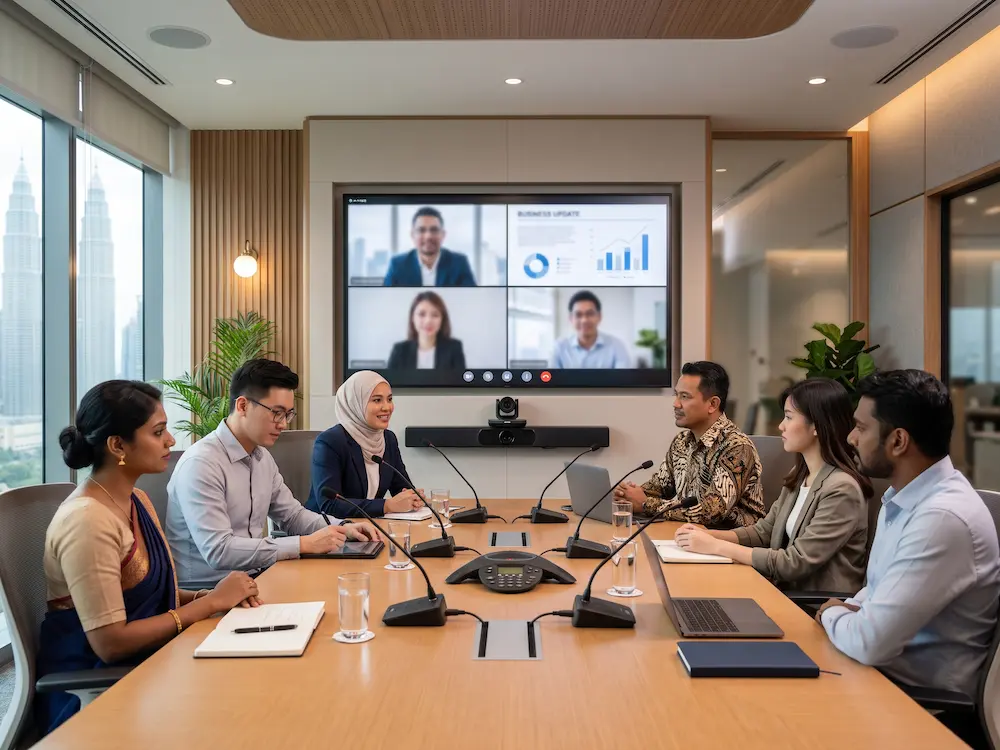
Audio deserves the same attention. Poor audio is more damaging than imperfect video because remote participants cannot follow the discussion, ask questions at the right time, or contribute confidently. Open rooms, glass partitions, hard surfaces, air-conditioning noise, and ceiling height all affect sound quality. Depending on the space, a soundbar may be sufficient, while larger rooms may need ceiling microphones, tabletop microphones, digital signal processing, or speaker coverage designed around the seating plan.
Display placement matters as well. Participants should be able to see remote attendees and shared material without turning awkwardly or blocking the screen. In rooms used for workshops, an
interactive smartboard can combine video calls, whiteboarding, annotation, and presentation in one front-of-room solution. In executive rooms, a dual-display arrangement may allow participants to view people on one screen and shared content on another.
Design for the Meeting Platform Your Teams Use
A room system must support the platform people already rely on, whether that is Microsoft Teams, Zoom, Google Meet, Webex, or a mix of services. Compatibility is only the starting point. The installation should make joining a meeting simple enough that a visitor or senior leader can use the room without calling IT.
That often means configuring a dedicated room controller, calendar integration, one-touch join functions, and clear on-screen prompts. Wireless presentation should be reliable and secure, while wired connections remain available for users who need a dependable fallback. If a room is frequently used by external guests, the process for guest sharing and ad hoc meetings should be considered during design rather than improvised later.
There are trade-offs. A fully integrated room system gives a consistent, professional experience but may require more planning, licensing, and structured administration. A bring-your-own-device setup can be more flexible and lower in initial cost, but it depends on users connecting their own laptops correctly. Many organizations benefit from a hybrid approach: a dedicated room system for scheduled meetings, with USB and HDMI connectivity for visiting presenters.
Installation Quality Is Visible in Daily Use
Good installation is often invisible when a meeting starts. The camera turns on correctly, microphones pick up voices evenly, cables are out of sight, the display wakes at the right time, and the system connects without multiple remote controls or confusing inputs.
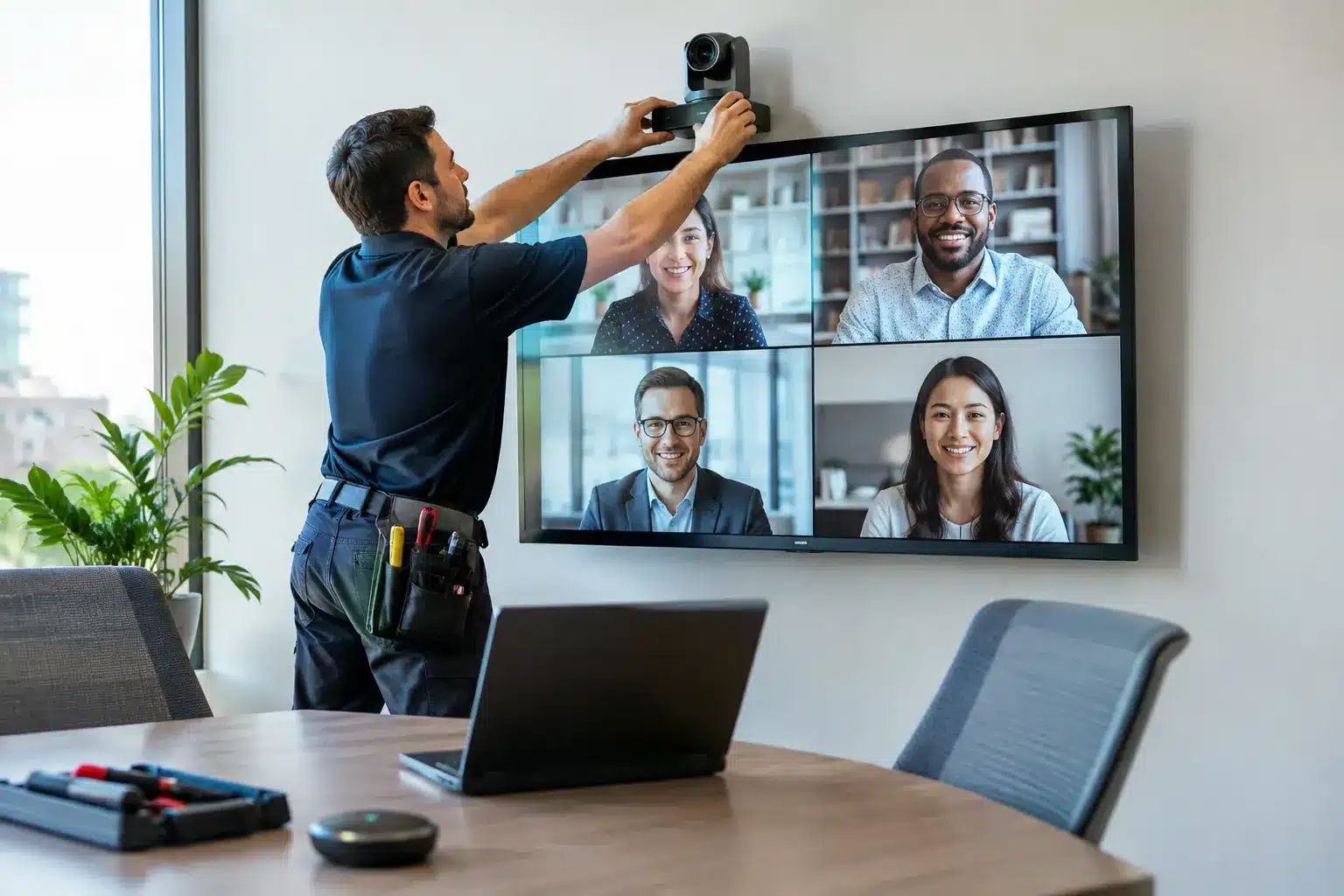
Behind that experience is detailed work. Engineers need to mount displays and cameras safely, route and label cables, configure network settings, test audio echo cancellation, align camera presets, verify screen sharing, and confirm that every connection performs under normal use. They should also ensure the room remains serviceable. A tidy cabinet with clear labeling saves hours when maintenance, upgrades, or troubleshooting are needed later.
For facilities and procurement teams, physical installation should include appropriate mounting, power planning, cable containment, and site safety practices. For IT teams, it should include IP addressing, VLAN requirements where applicable, security policies, firmware alignment, account setup, and performance testing. These responsibilities often sit with different departments, which is why a single accountable implementation partner can reduce project friction.
Standardize Where It Helps, Customize Where It Matters
Organizations with multiple meeting rooms should avoid making every room entirely different.
Standardized interfaces, connection methods, camera behavior, and support procedures reduce training time and make it easier for employees to move between rooms. IT teams can manage spares, updates, and troubleshooting more efficiently when systems follow a common design.
However, standardization should not force a poor fit. A small manager’s room, a classroom, an executive boardroom, and an all-hands training space serve different purposes. The better approach is to create a few approved room types, each with defined equipment and user workflows. This gives the organization consistency without ignoring real operational needs.
For example, a huddle room may need a compact video bar, a 65-inch display, and wireless sharing. A medium meeting room may require a larger display, touch controller, and expanded microphone coverage. A training room may combine an interactive display, tracking camera, ceiling microphones, recording capability, and flexible layout controls. Each room type can still use the same conferencing platform and familiar joining process.
What to Expect During a Professional Deployment
A reliable project follows a practical sequence. It starts with consultation and a site survey, followed by a proposed solution that explains the intended room experience, equipment choices, installation scope, and support expectations. Once approved, the provider coordinates procurement, delivery, on-site implementation, configuration, testing, and user orientation.
Before sign-off, test the system in realistic conditions. Make internal and external calls, share content from different devices, check audio from every seat, test camera presets, and confirm that room scheduling reflects actual availability. This is also the right time to verify who owns licenses, administration credentials, and first-line support responsibilities.
Training should be focused on the people who will use and support the room. End users need a short, clear guide to starting calls and sharing content. IT or AV administrators need deeper handover information covering settings, accounts, network dependencies, warranty procedures, and escalation paths. A sophisticated room is only valuable when people trust it enough to use it without hesitation.
Choose Support That Matches Your Operating Reality
Video conferencing rooms are shared infrastructure. When a system fails before a client presentation, interview panel, tender briefing, or leadership meeting, the issue affects more than one user. Support responsiveness, field-engineer coverage, and parts availability should therefore be evaluated alongside product specifications.
For organizations operating across Malaysia, local accountability is especially valuable. A provider with nationwide deployment capability can support standard room designs across offices, campuses, branches, and public facilities while coordinating on-site requirements with local stakeholders. Arvia brings this model together through consultation, equipment supply, certified installation, and after-sales support backed by more than 15 years of project experience and over 4,500 completed projects.
Ask practical questions before appointing an installer. Who will perform the site survey? Is network configuration included? What is tested at handover? How are faults reported? Are service-level expectations documented? Can the provider support future expansion, additional rooms, or integration with displays, room booking systems, and
digital signage?
The best video conferencing room is not the one with the longest specification list. It is the room people enter confidently, use immediately, and leave knowing the conversation moved forward.