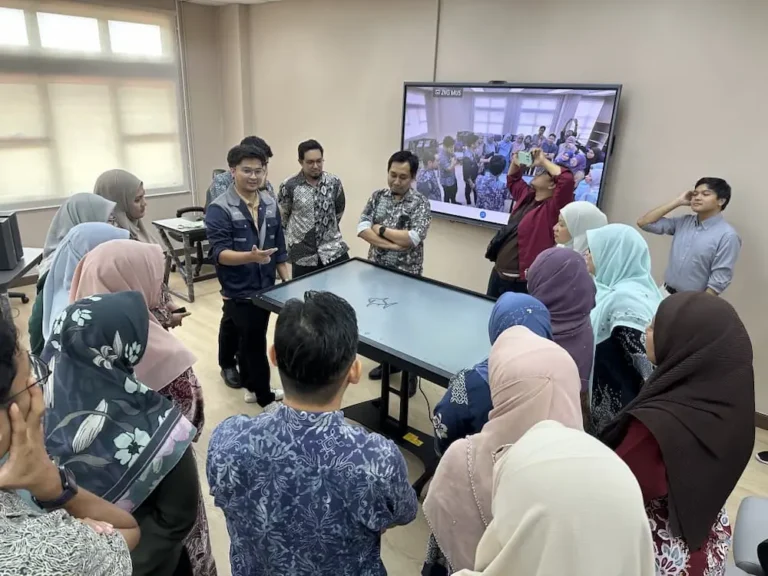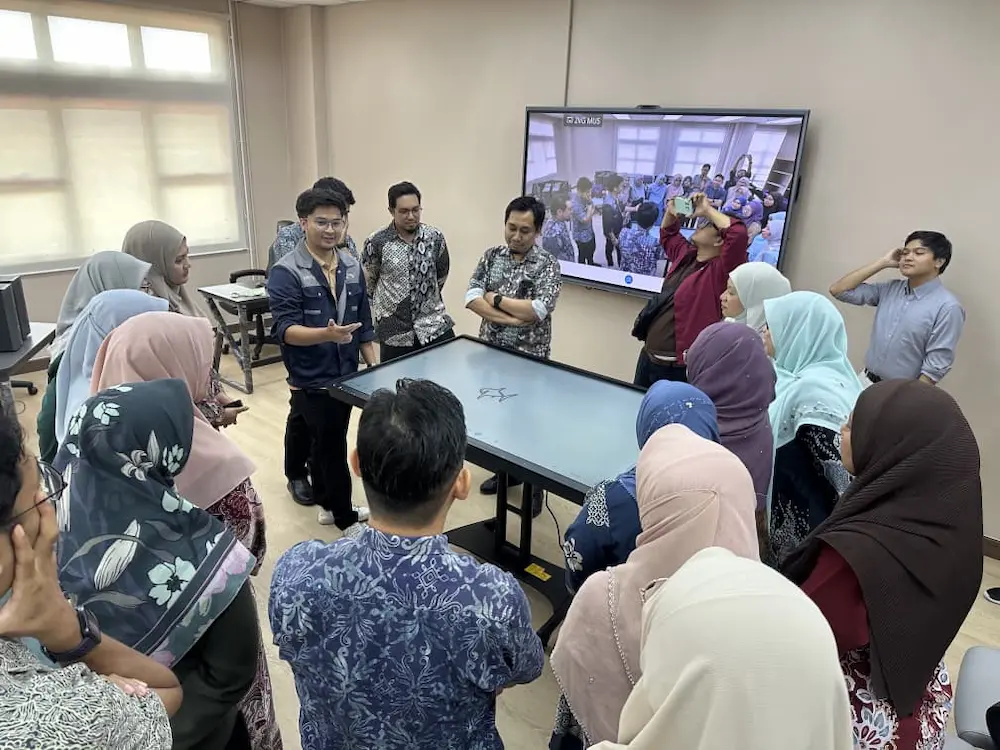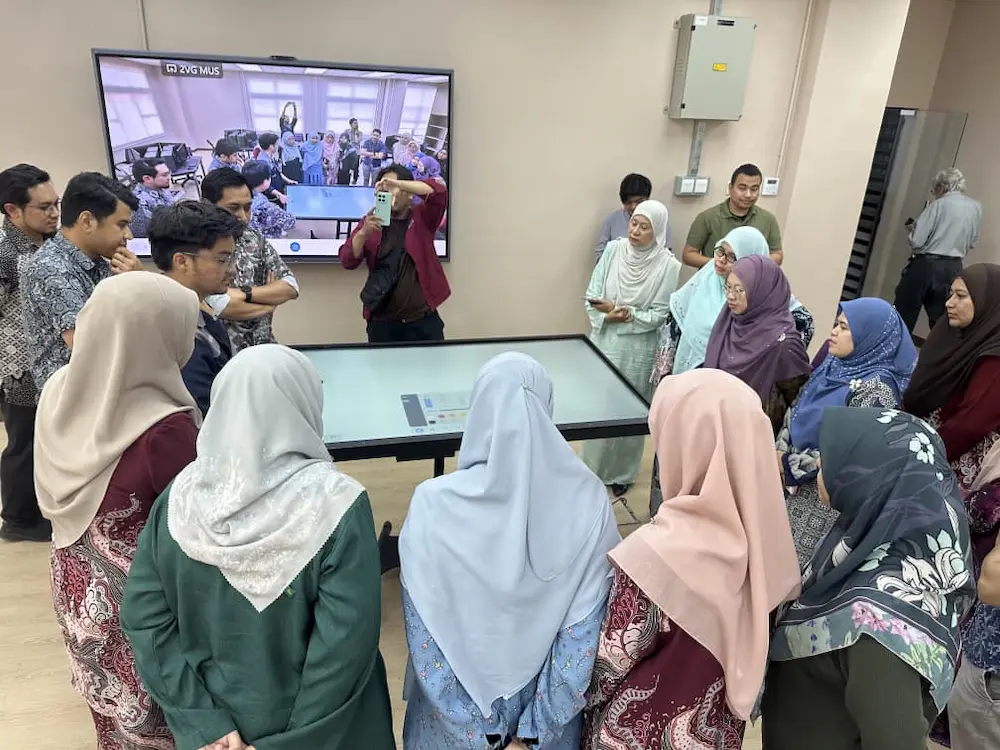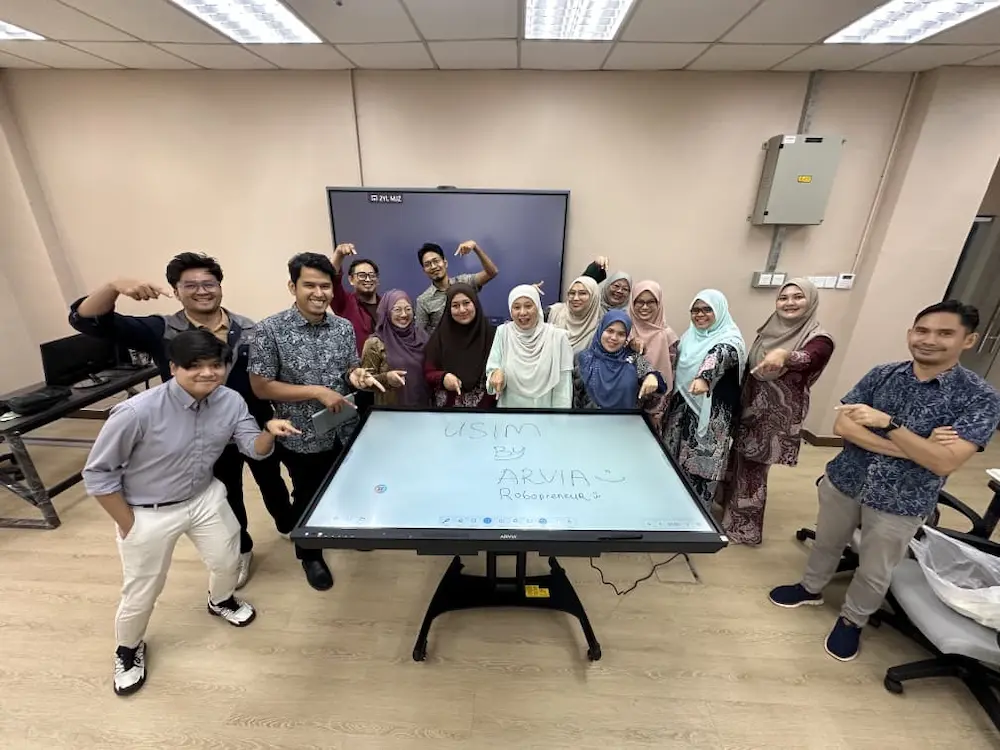
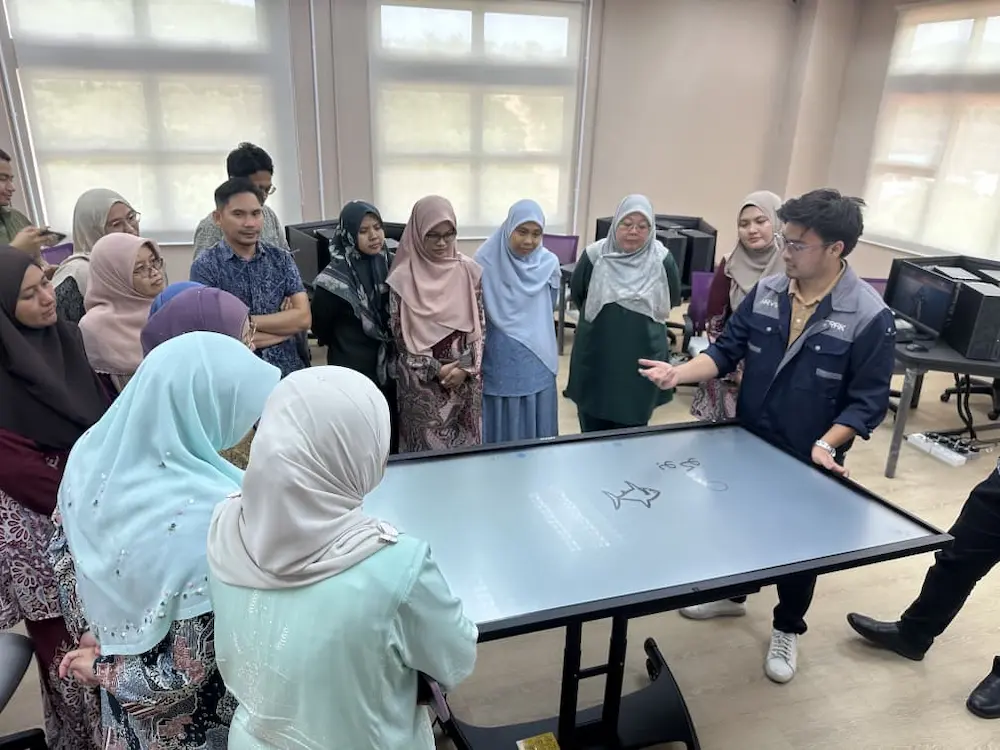
The Arvia team recently showcased Smartboard AI Arvia USIM, an interactive demonstration held for Universiti Sains Islam Malaysia (USIM) in Nilai, Negeri Sembilan. USIM staff had the opportunity to explore the smartboard’s features hands-on, including a standout moment where the display was adjusted to function like a smart table for collaborative group work.
Project Overview
| Client | Universiti Sains Islam Malaysia (USIM) |
| Location | Nilai, Negeri Sembilan |
| Product Demonstrated | Smartboard AI Arvia |
Project Challenge
Like many institutions considering an upgrade to interactive displays, USIM staff needed a clear, hands-on understanding of what an AI-powered smartboard could actually do beyond a standard touchscreen. Reading a spec sheet or watching a video only goes so far when a team is trying to picture how a tool like this would fit into their own teaching, meetings and collaborative sessions. Before the Smartboard AI Arvia USIM session, staff had mostly seen interactive displays used for one-way presentations, with little sense of how a board could support genuine group interaction in a lecture hall or meeting room.
Universities in particular need technology that can serve more than one purpose, since the same room might host a lecture in the morning and a small committee meeting in the afternoon. Without seeing a board handle both scenarios directly, it can be difficult for a decision-making team to judge whether a single piece of equipment can genuinely support such different needs.
Solution Provided
The Arvia team conducted a live, hands-on Smartboard AI Arvia USIM demonstration, walking through the board’s core functions in a real setting rather than a slide presentation. Instead of only explaining the features, the Arvia team let USIM staff try the board directly, giving them a genuine feel for how it responds and how it could support their day-to-day work. The session covered both individual use, such as writing and navigating content, and group scenarios where several staff members interacted with the board at once.
Key Features
A few features stood out during the Smartboard AI Arvia USIM session, giving staff a practical sense of how the board could fit into both teaching and meeting environments.
Smart Table Mode for Collaborative Work
One of the highlights of the session was seeing the smartboard adjusted so it could function like a smart table, allowing USIM staff to gather around it and interact with content together rather than facing a wall-mounted screen. This kind of flexibility makes the board useful for both formal presentations and smaller, more collaborative group discussions.
Hands-On Interactive Demonstration
Rather than a passive walkthrough, the Arvia team focused on letting USIM staff explore the smartboard themselves, from writing and annotation to navigating its AI-assisted tools, so they could form their own impression of how it performs in practice.
Built for Teaching and Meeting Spaces
As a university, USIM’s interest in the smartboard spans both academic and administrative settings, from lecture halls to meeting rooms, and the demonstration was designed to reflect that range rather than a single narrow use case. Staff who attended were able to picture the board being used for lecturing to a full class in one setting and, in another, being adjusted into smart table mode for a smaller working group discussing a project.
Why This Demo Mattered
For a university weighing a technology upgrade, a hands-on session tends to carry more weight than a written proposal. The Smartboard AI Arvia USIM demonstration let staff form their own view of the board’s usability, responsiveness and flexibility, rather than relying only on a vendor’s description of the product. Seeing the smart table mode in person, in particular, gave a clearer sense of what day-to-day collaborative use could actually look like.
Project Outcome
The Smartboard AI Arvia USIM demonstration gave staff a clearer, firsthand understanding of what the board can offer, particularly the smart table mode that sparked strong interest among attendees. Sessions like this reflect how Arvia continues to support Malaysian institutions, including universities exploring digital tools for education, such as those highlighted by Robopreneur in the broader STEM and innovation space. To learn more about USIM itself, visit the official USIM website.
Institutions interested in a similar hands-on session can explore Arvia’s interactive smartboard range or find out more at arvia.my.
Want to Experience Smartboard AI Arvia?