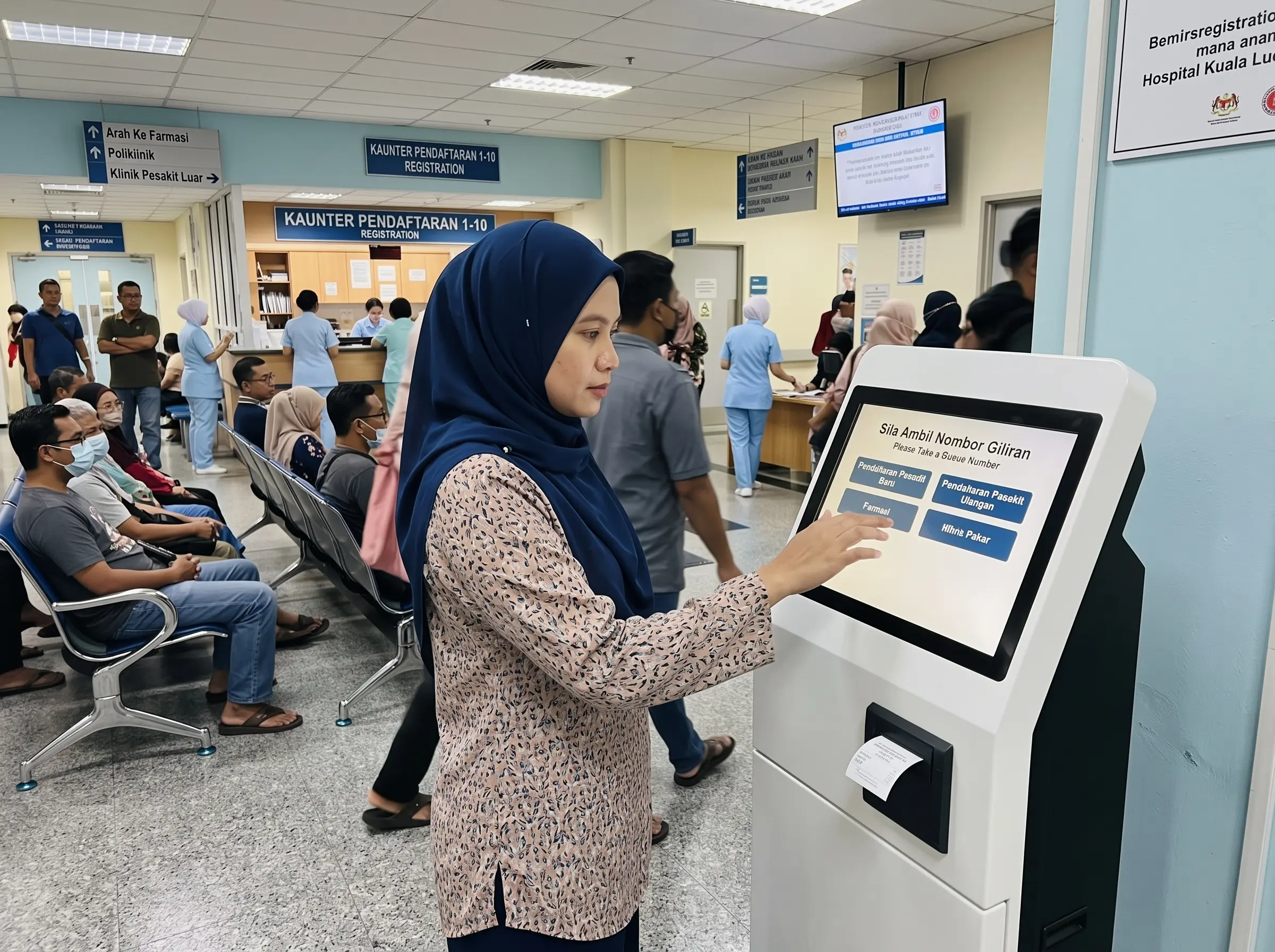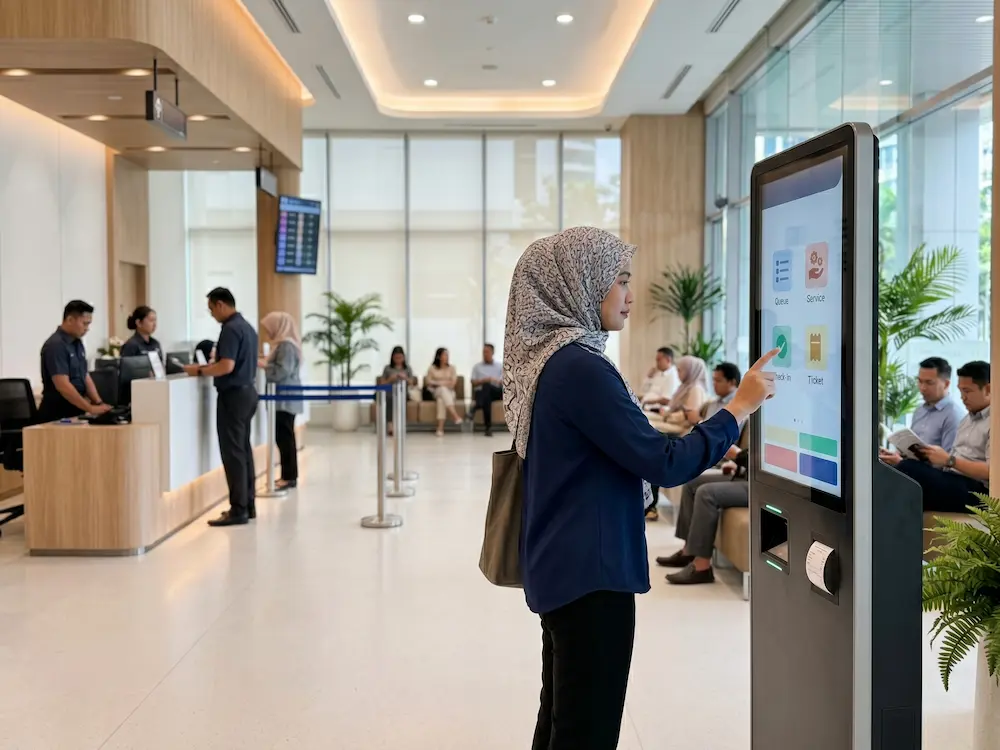

Understanding common self service kiosk mistakes before deployment can save businesses from unnecessary redesign, low user adoption and operational frustration. A kiosk may look straightforward from the outside, but successful deployment involves much more than placing a touchscreen in a public area.
Businesses first need to understand what customers are expected to do, how the kiosk connects to existing processes and what happens when a user needs assistance. These decisions affect the software, hardware, location and overall experience.
Here are seven self service kiosk mistakes businesses in Malaysia should consider before moving from idea to deployment.
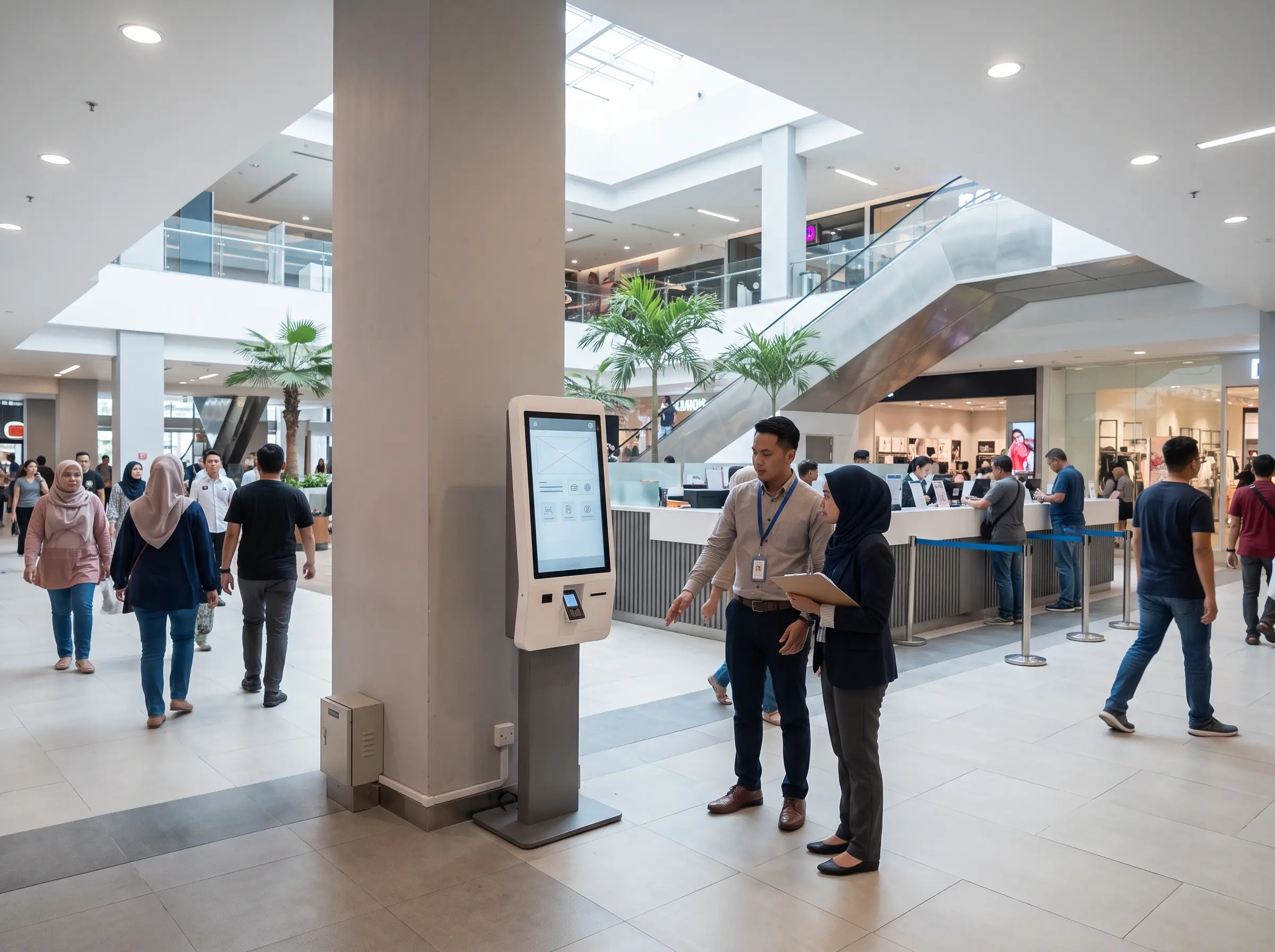
Why Self-Service Kiosk Planning Matters
An interactive kiosk is designed to let users access information or complete selected tasks without relying entirely on staff assistance. Depending on the application, that could include registration, ordering, ticketing, payment, directory search or information access.
The challenge is that every use case has a different workflow. A restaurant ordering kiosk does not require the same interface or peripherals as a hospital registration kiosk, retail directory or government service terminal.
7 Self Service Kiosk Mistakes to Avoid
1. Buying the hardware before defining the workflow
One of the most common mistakes is choosing a kiosk based on screen size or appearance before deciding what the user actually needs to accomplish.
Start with the journey. For example, does the customer only need to browse information, or do they also need to scan a QR code, print a receipt, make a payment or verify an appointment? These functions determine the hardware and software requirements.
2. Adding too many steps to the user interface
Self-service should make a task easier. If customers need to move through too many screens, enter unnecessary information or search for the correct button, the kiosk can create another point of friction instead of removing one.
Buttons should be clear, touch targets should be easy to select and instructions should be short. Users should understand what to do next without requiring staff to explain every screen.
3. Ignoring software integration until the final stage
A kiosk often needs to communicate with another system. This could be a POS, queue management platform, booking system, membership database or internal application.
Integration should be discussed early. Businesses need to confirm whether the existing system has an API or another supported method for exchanging information. Otherwise, the selected kiosk may be ready physically but unable to complete the intended workflow.
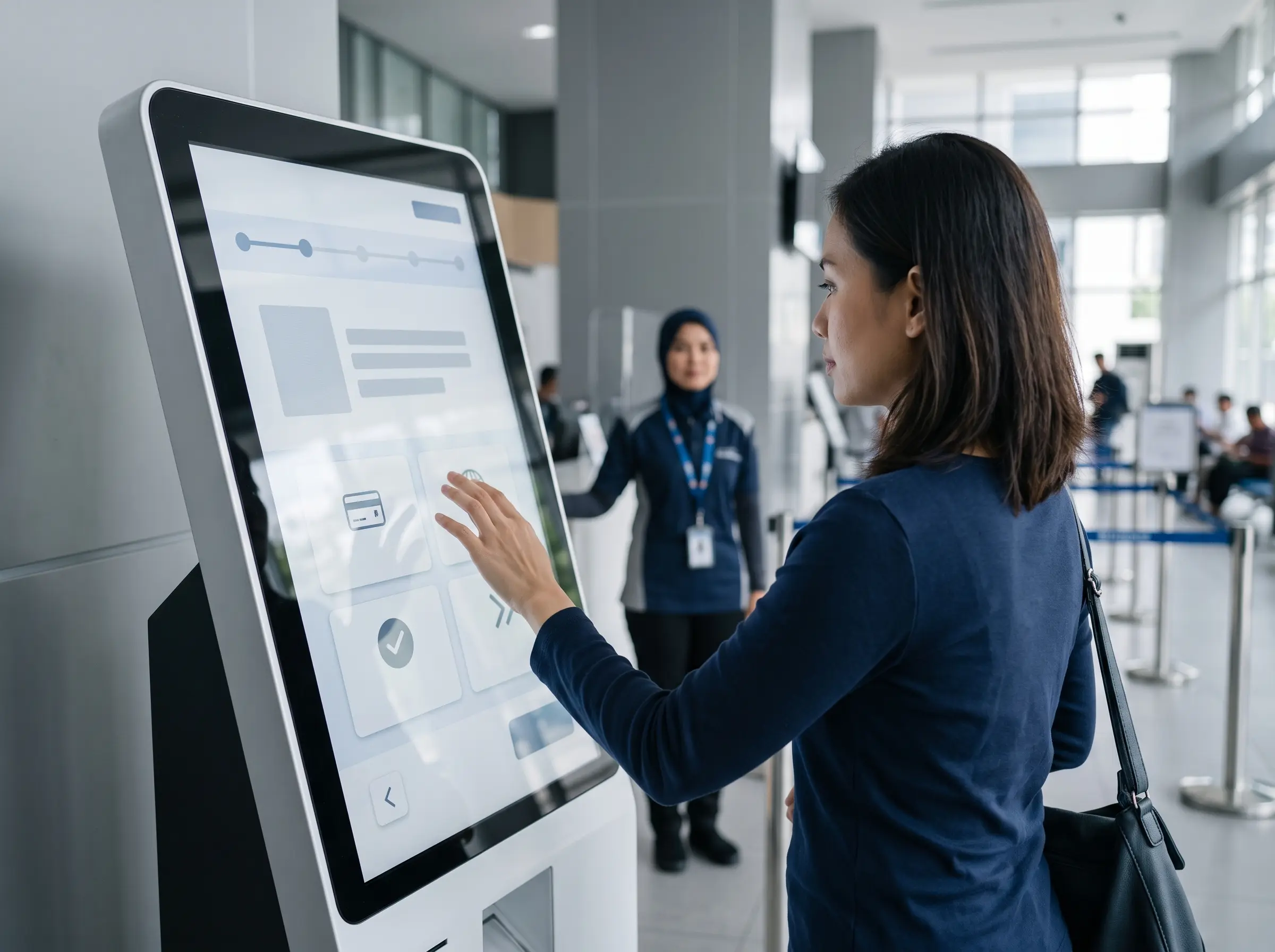
4. Choosing the wrong location
Even a well-designed kiosk may be underused if customers do not notice it. Placement should follow the natural customer journey rather than simply using an empty corner of the building.
For example, a check-in kiosk may need to be positioned before the service counter, while a directory kiosk works better near the entrance or decision point. Power access, internet connection, walking space and accessibility should also be considered.
5. Forgetting that some users will still need assistance
Self-service does not mean every user must complete the journey independently. Older customers, first-time users or people with accessibility requirements may still need assistance.
A better deployment plan identifies where human assistance remains available. Staff should also understand the kiosk workflow so they can quickly help if a customer becomes stuck.
6. Adding peripherals without checking the real requirement
Printers, scanners, card readers, QR readers and payment terminals can all be useful, but each component adds cost, integration requirements and maintenance.
One of the easiest self service kiosk mistakes to avoid is adding hardware simply because it is available. Every peripheral should support a specific step in the user journey.
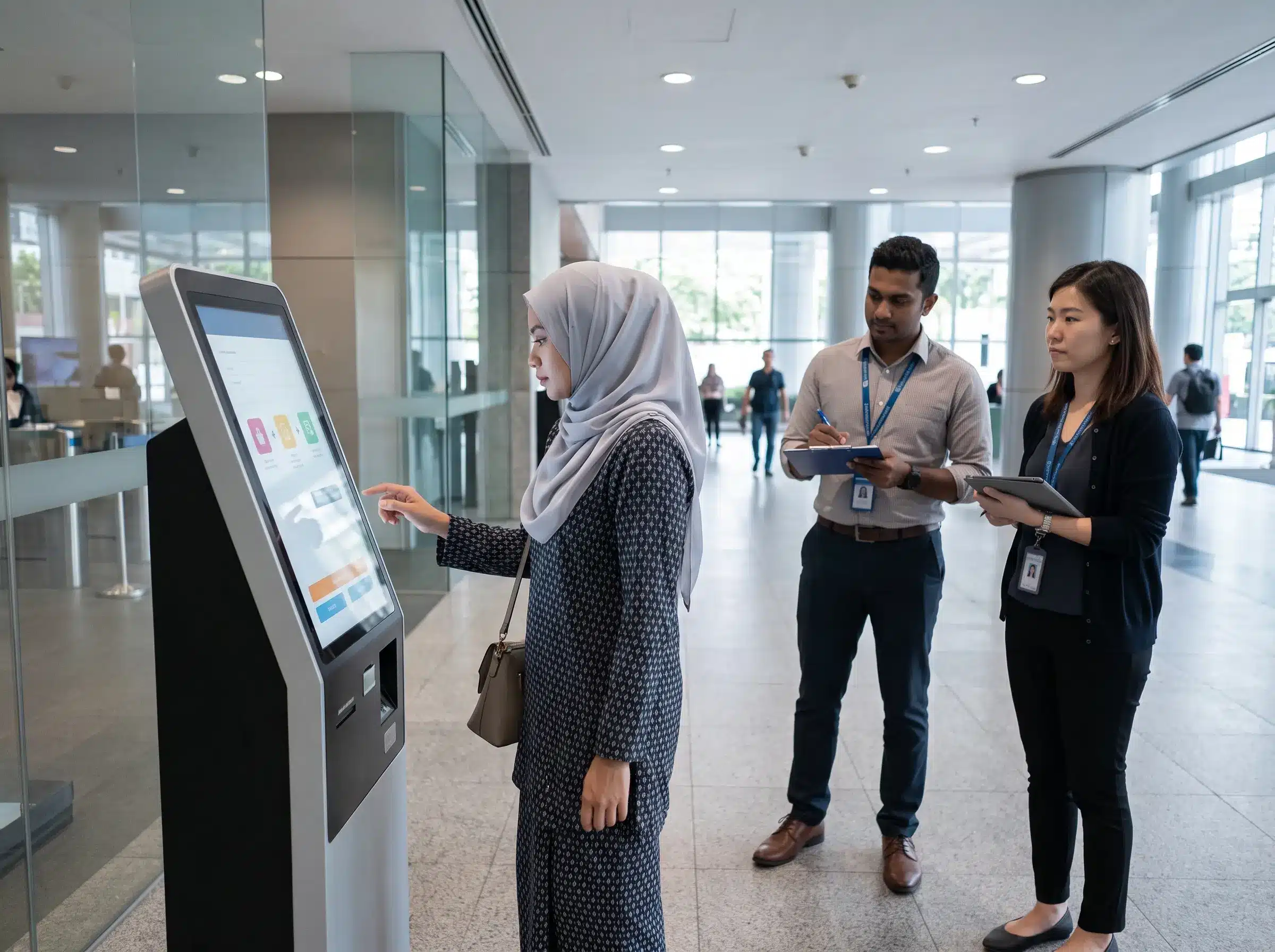
7. Deploying without testing with real users
A workflow that appears obvious to the project team may not feel obvious to a first-time customer. Before a wider rollout, businesses should test the kiosk with a small group of users who were not involved in designing the interface.
Watch where users hesitate, which instructions they misunderstand and how long common tasks take. Small adjustments before deployment are usually easier than changing the user journey after multiple units have already been installed.
Quick Checklist Before Self-Service Kiosk Deployment
| Area | Question to Ask |
|---|---|
| Workflow | What exact task should the user complete? |
| Software | Does the kiosk need to connect to an existing system? |
| Hardware | Which peripherals are actually required? |
| Location | Will users naturally see the kiosk before reaching the counter? |
| Support | Who helps when a customer cannot complete the process? |
| Testing | Has the complete journey been tested by first-time users? |
Start with a Pilot Before a Large Rollout
For businesses planning multiple kiosks across branches in Malaysia, starting with a controlled pilot can be useful. One or two units can help reveal issues with interface design, location, integration and actual customer behaviour.
After the pilot, the business can refine the workflow before deploying the same configuration across more locations. This is particularly important when the project involves payment, registration or integration with an existing business system.
Self-Service Kiosk Solutions in Malaysia
Arvia provides Interactive Kiosk solutions for business, corporate and public-facing applications in Malaysia. Configuration can be planned around the required touchscreen size, enclosure, software workflow and supporting peripherals.
Projects that require interactive displays without a self-service transaction workflow can also explore Arvia’s Touchscreen Solutions. If the requirement is mainly to display promotions or information rather than receive user input, Digital Signage may be a more appropriate solution.
For projects that require compliance documentation, businesses can confirm the applicable SIRIM documentation and kiosk configuration during the quotation stage.
Frequently Asked Questions
What should a business decide before buying a kiosk?
Start with the user journey. Define what customers need to do, what information they must provide and whether the kiosk needs to communicate with an existing system.
Does every self-service kiosk need payment integration?
No. Payment is only required when it forms part of the intended transaction. Information kiosks, directories, check-in terminals and registration kiosks may not require payment functionality.
Can the same kiosk design be used across multiple branches?
Potentially, yes. A pilot deployment should first confirm that the workflow, software and physical configuration work well before the design is replicated across additional locations.
Planning a Self-Service Kiosk Project?
Share your customer workflow, kiosk location and required functions. Arvia can help recommend a suitable kiosk configuration for your project.
Final Thoughts
Most self service kiosk mistakes happen when businesses treat the project as a hardware purchase rather than a complete customer journey. The touchscreen is only one part of the solution.
Define the workflow first, confirm integration requirements, choose only the necessary peripherals and test the experience with real users. A well-planned pilot can help identify problems before they are repeated across multiple locations.