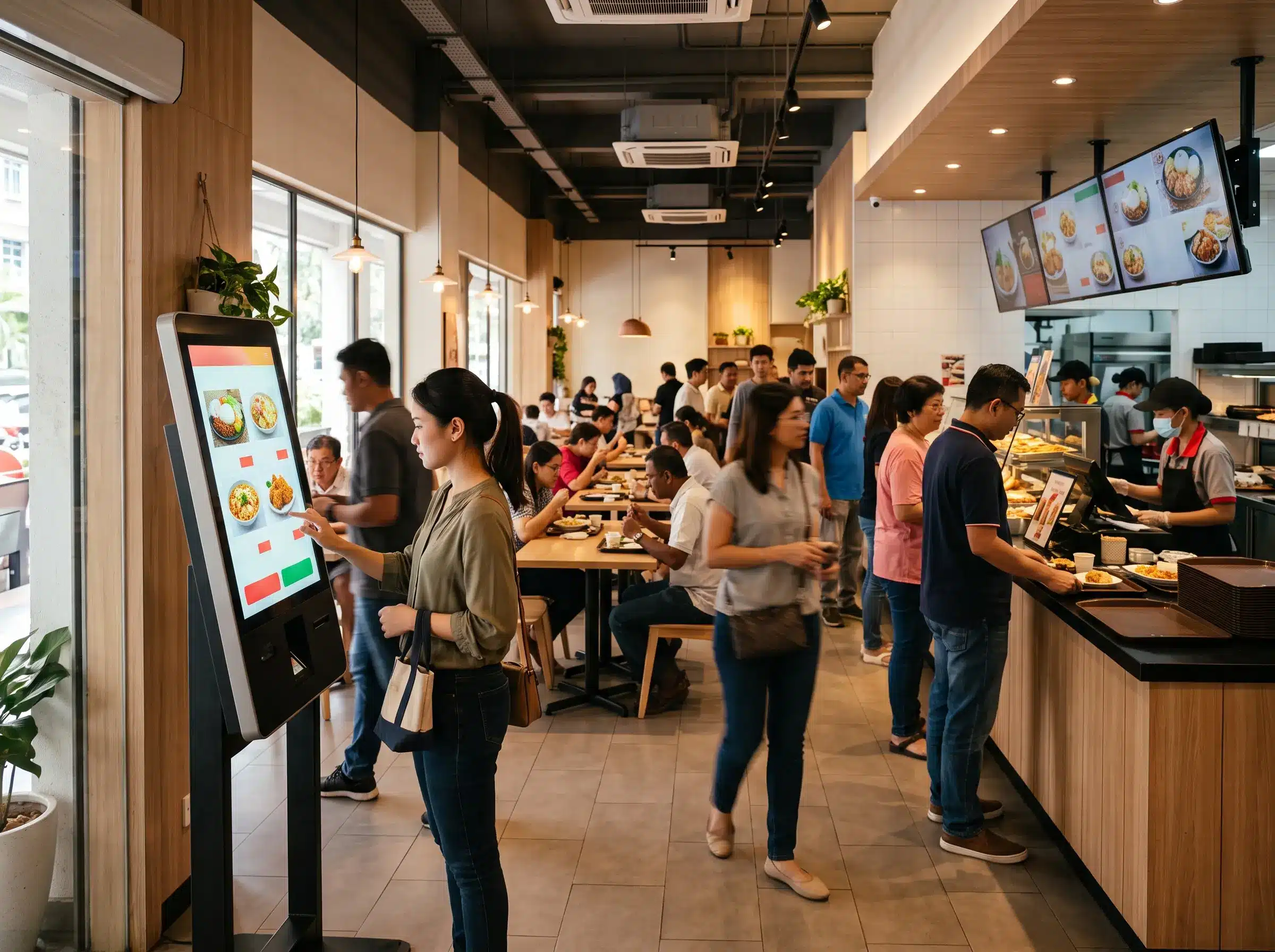

Interactive kiosk restaurant systems are becoming a practical way for restaurants to handle ordering without placing every transaction at the cashier counter. Customers can browse the menu, customise items and submit orders directly through a touchscreen kiosk.
For busy quick-service restaurants, cafés and food outlets, the value is not simply about replacing staff. A well-planned self-order system can redistribute repetitive ordering tasks, reduce pressure during peak periods and give front-line staff more time to focus on food preparation, collection counters and customer assistance.
The important part is the customer journey. A kiosk should make ordering easier, not add another complicated screen to the restaurant. Here are seven ways an interactive self-order kiosk can improve restaurant operations when the workflow is designed properly.
What Is an Interactive Kiosk Restaurant System?
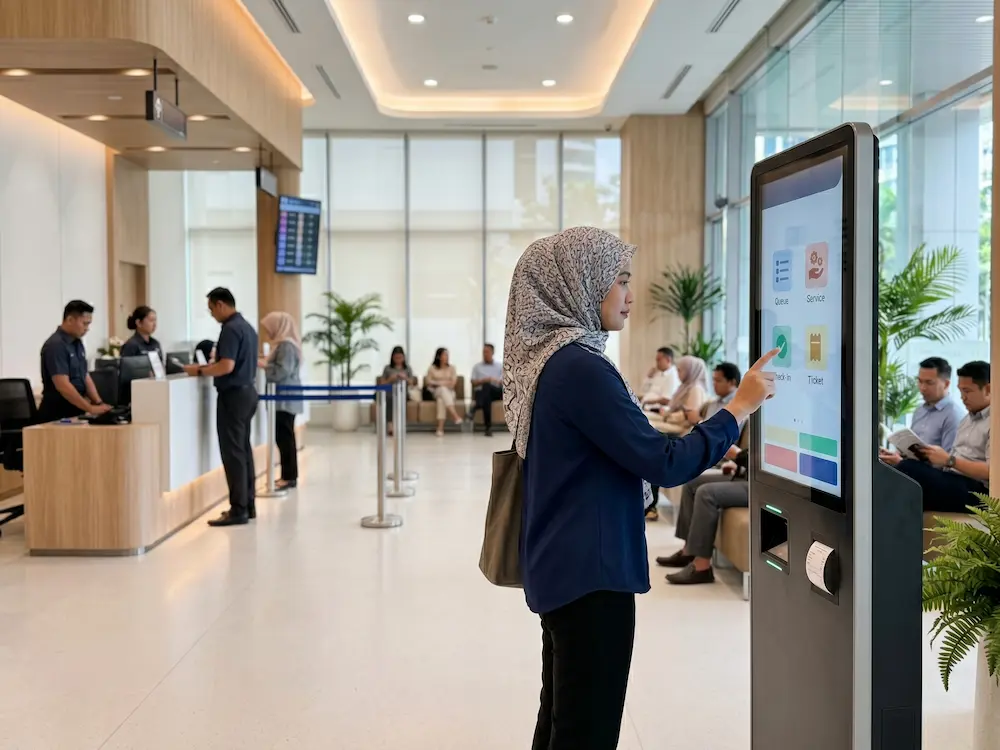
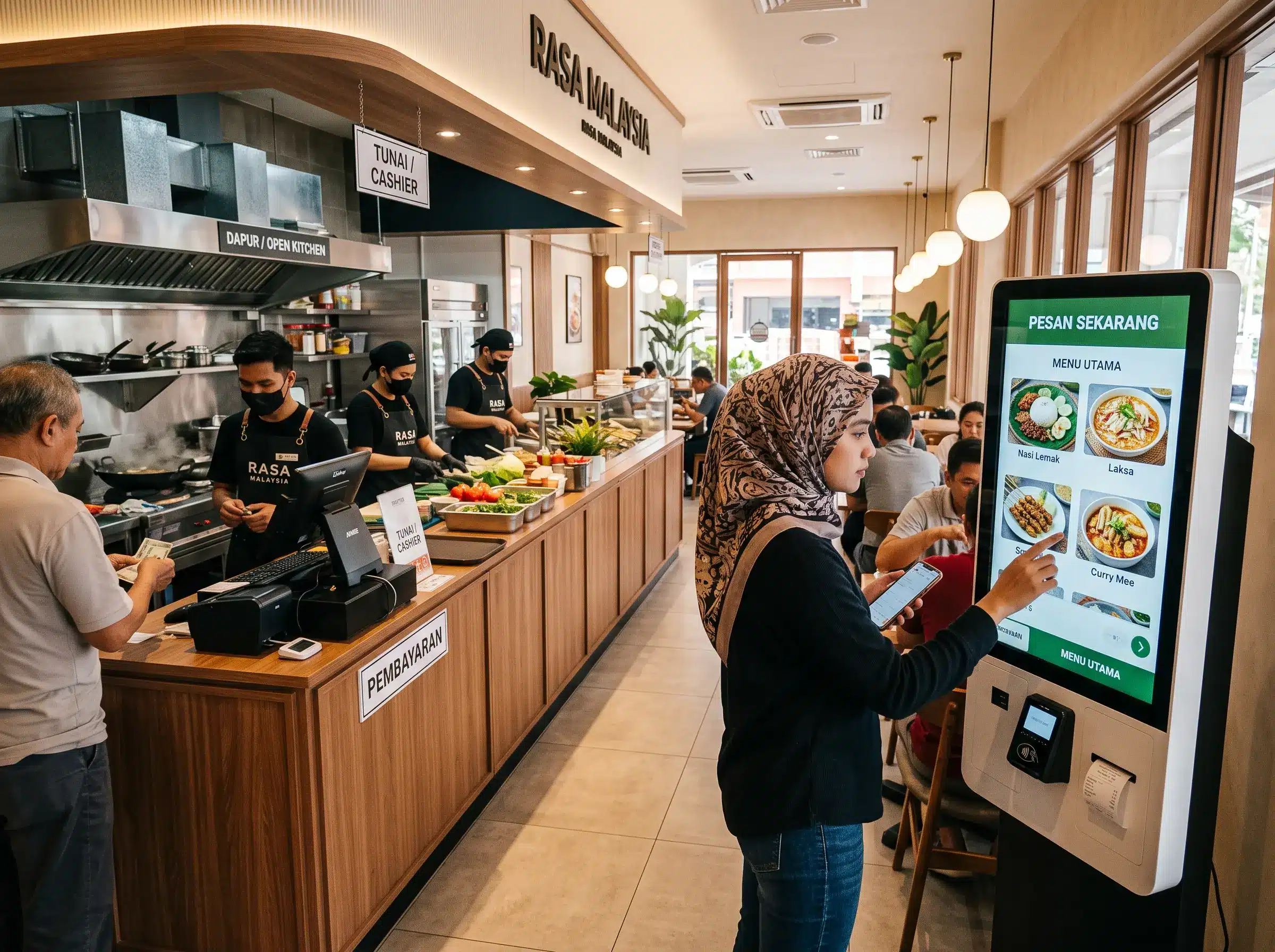
An interactive kiosk restaurant system is a touchscreen terminal that allows customers to perform part of the ordering process themselves. Depending on the setup, customers may browse categories, select meals, add options, review the order and proceed to payment or send the order to the restaurant’s ordering system.
Interactive kiosks are widely used across retail, hospitality and food service for self-service applications. A general overview of the technology is available on Wikipedia’s interactive kiosk reference, which notes the use of kiosks in food service and self-ordering environments.
7 Ways Self-Order Kiosks Can Improve Restaurant Operations
1. Reduce pressure at the cashier counter
During lunch and dinner peaks, one cashier may need to handle menu questions, custom requests and payment at the same time. Self-order kiosks create an additional ordering channel. Customers who are comfortable ordering independently can use the kiosk, while staff remain available for customers who prefer the counter.
2. Let customers browse without feeling rushed
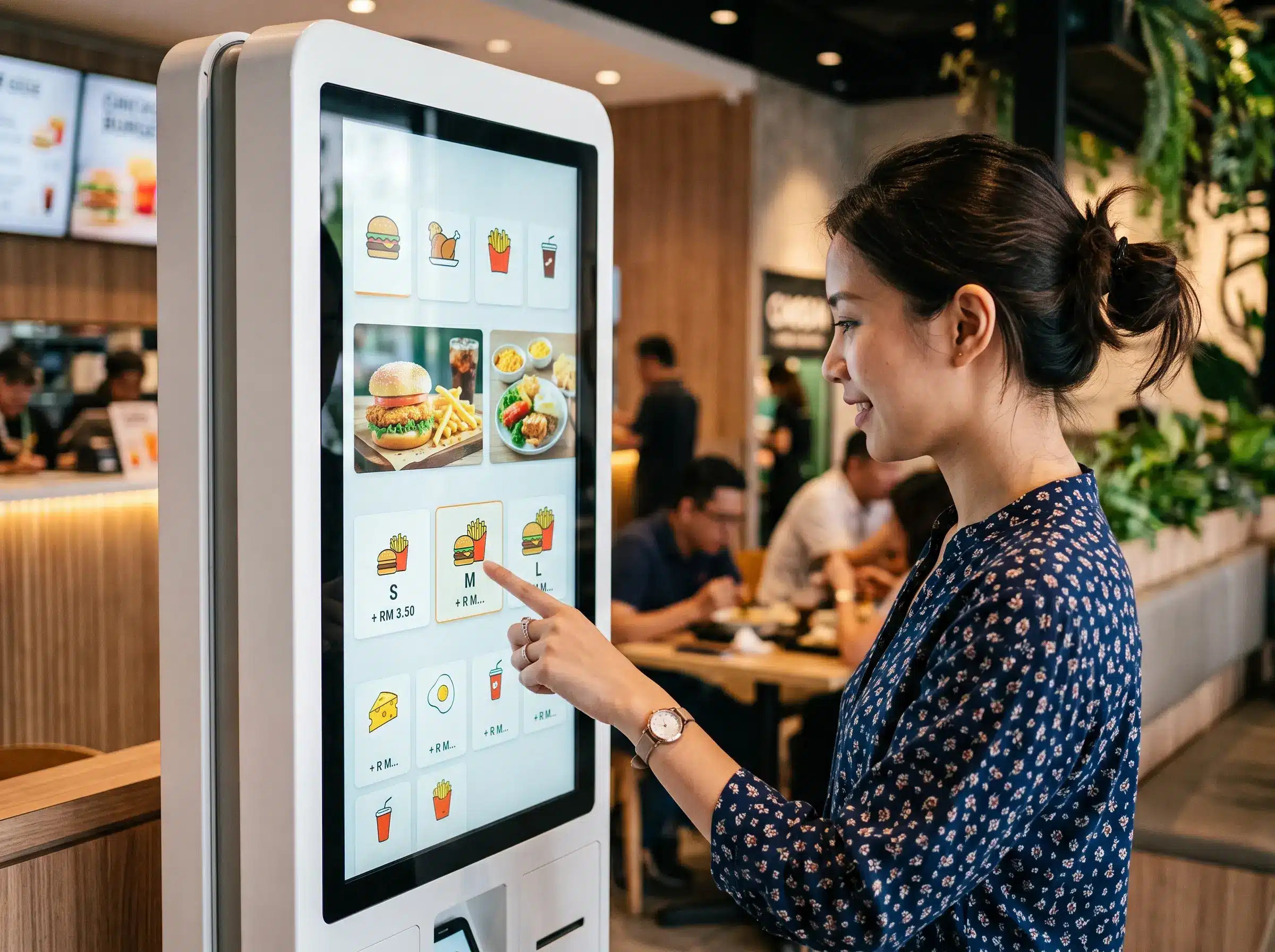
A customer standing in front of a long queue may feel pressured to make a quick decision. On a kiosk, the menu can be organised by category with pictures, prices and available options. Customers can review their order before submitting it, which makes the process easier for menus with multiple sizes, toppings or set combinations.
3. Improve order clarity
Customers select the options themselves, so the order can be presented clearly before confirmation. This is particularly useful for choices such as drink size, side dishes, spice level or add-ons. The actual improvement still depends on how the kiosk software is integrated with the restaurant’s POS or kitchen workflow.
4. Present add-ons consistently
Instead of relying on staff to remember every promotion, the kiosk can present relevant options at the right stage of the order. For example, a customer ordering a burger can be shown the available set, drink or side options. This does not guarantee a higher basket value, but it creates a more consistent opportunity for customers to discover available extras.
5. Update digital menus more easily
Printed menu boards become inconvenient when prices, promotions or product availability change frequently. With the right kiosk software, restaurant operators can update menu items digitally without reprinting the physical menu for every change.
6. Give staff more room to focus on service
Self-service does not have to mean removing human service. In many restaurants, it works better as an additional channel. Staff can assist first-time users, manage food collection, answer special requests and focus on tasks that benefit more from human attention.
7. Create a more scalable ordering flow
A restaurant that becomes busier may not always have enough counter space to add another cashier station. An interactive kiosk restaurant setup can provide another order entry point, subject to available floor space, network connection and back-end system capacity.
What Should a Restaurant Self-Order Kiosk Include?
The hardware is only one part of the project. Before choosing a kiosk, restaurant operators should map out how an order moves from the customer to the kitchen and collection counter.
- Touchscreen size that is comfortable to use while standing
- Clear menu interface with readable pricing and options
- POS or order-management integration where required
- Payment integration if the kiosk is intended to accept payment
- Stable internet or local network connectivity
- Accessible placement with enough space for customers to queue safely
Interactive Kiosk vs Traditional Counter Ordering
| Area | Self-Order Kiosk | Counter Ordering |
|---|---|---|
| Menu browsing | Customer browses independently | Staff guides the order |
| Customisation | Options shown on screen | Explained verbally |
| Peak-hour capacity | Adds another ordering point | Depends on available staff |
| Human assistance | Available when needed | Built into every order |
Choosing an Interactive Kiosk for Restaurants in Malaysia
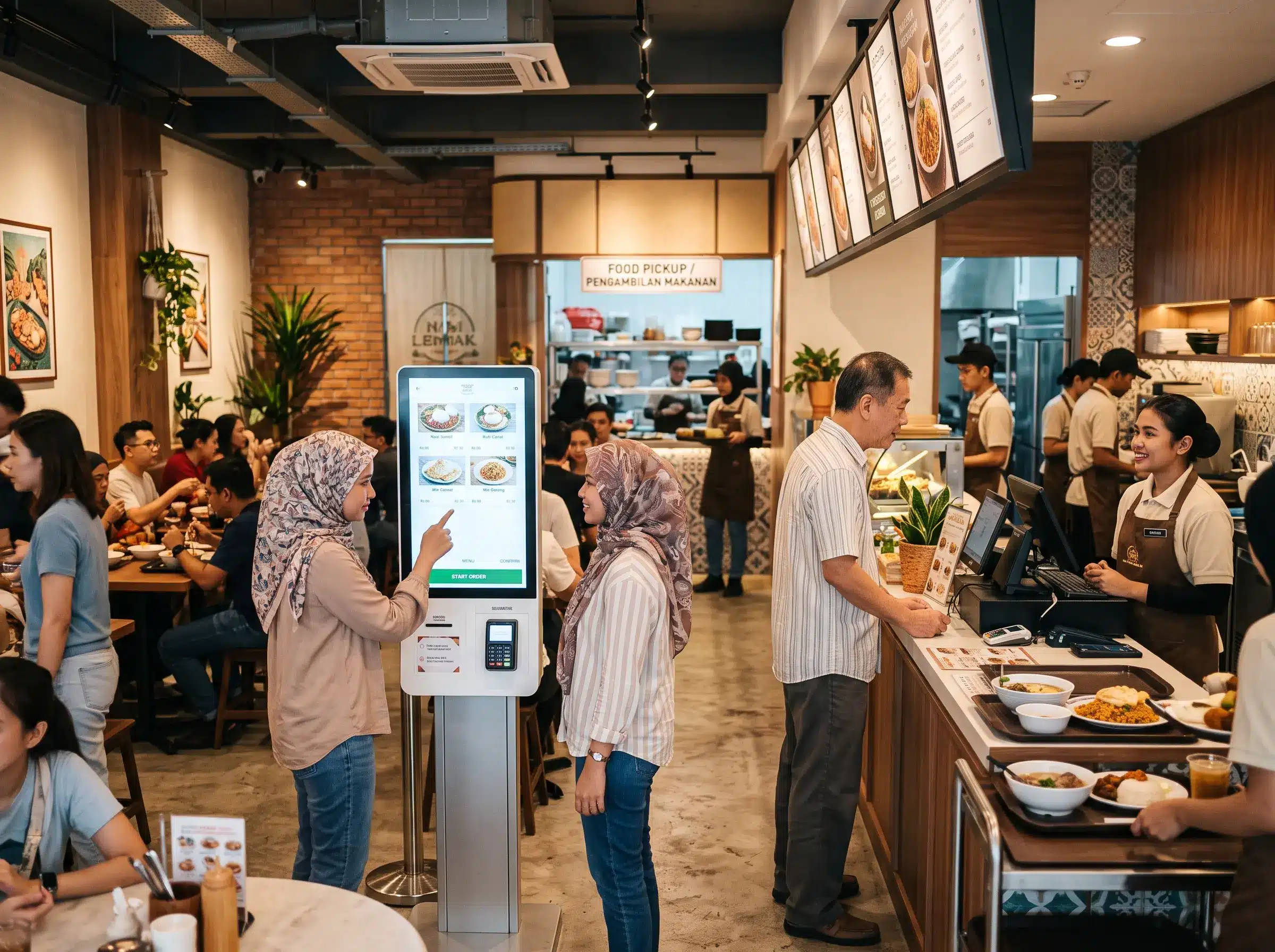
Restaurants should start with the workflow rather than the kiosk model. Consider the available floor space, expected number of orders, software requirements, payment method and where customers will collect their food.
Arvia provides interactive kiosk solutions for different self-service applications in Malaysia. Restaurants that need other touchscreen formats can also review Arvia’s touchscreen solutions before deciding on the final hardware configuration.
Frequently Asked Questions
Can a restaurant kiosk accept payment?
It can, provided the kiosk configuration, software and payment hardware are designed for that function. Payment integration should be confirmed during project planning.
Does a self-order kiosk replace the cashier?
Not necessarily. Many restaurants use kiosks together with staffed counters. This gives customers a choice while allowing staff to focus on service and operational tasks.
Is an interactive kiosk suitable for a small café?
It depends on order volume, available space and the complexity of the menu. A site assessment can help determine whether a kiosk adds enough operational value for the outlet.
Planning a Self-Order Kiosk for Your Restaurant?
Share your restaurant layout, menu workflow and required integrations. Arvia can recommend a kiosk configuration based on how your customers actually order.
Final Thoughts
An interactive kiosk restaurant system works best when it removes friction from the ordering process. The strongest setup is not necessarily the kiosk with the most features, but the one that fits the restaurant’s menu, queue, payment process and kitchen workflow.
For restaurants considering self-order technology in Malaysia, start by mapping the customer journey first. Once the workflow is clear, hardware and software decisions become much easier to evaluate.