
A visitor has arrived for an appointment, but the building name on their invitation does not match the lobby signage. Another guest needs an accessible route to a service counter. A delivery driver is searching for the correct loading bay. These are small friction points, yet they shape confidence in an organization before a conversation even begins. A digital wayfinding directory system gives visitors clear, current guidance while giving operations teams a practical way to manage complex spaces.
For offices, hospitals, campuses, retail centers, government buildings, showrooms, and community facilities, wayfinding is not simply a screen at reception. It is part of service delivery. When people can locate a destination independently, front-desk teams handle fewer repetitive questions, appointments start more promptly, and the overall environment feels more organized.
What a Digital Wayfinding Directory System Should Do
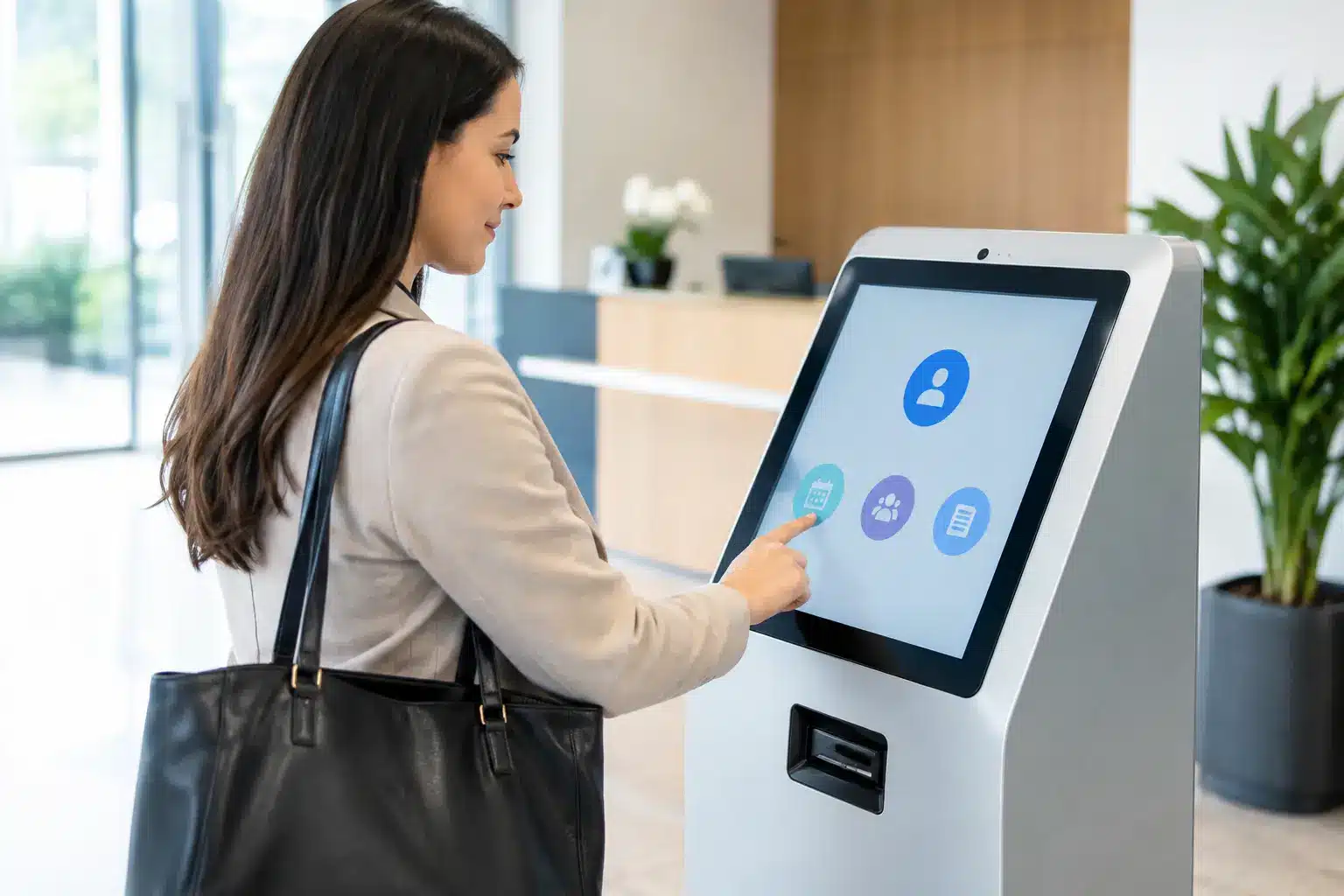
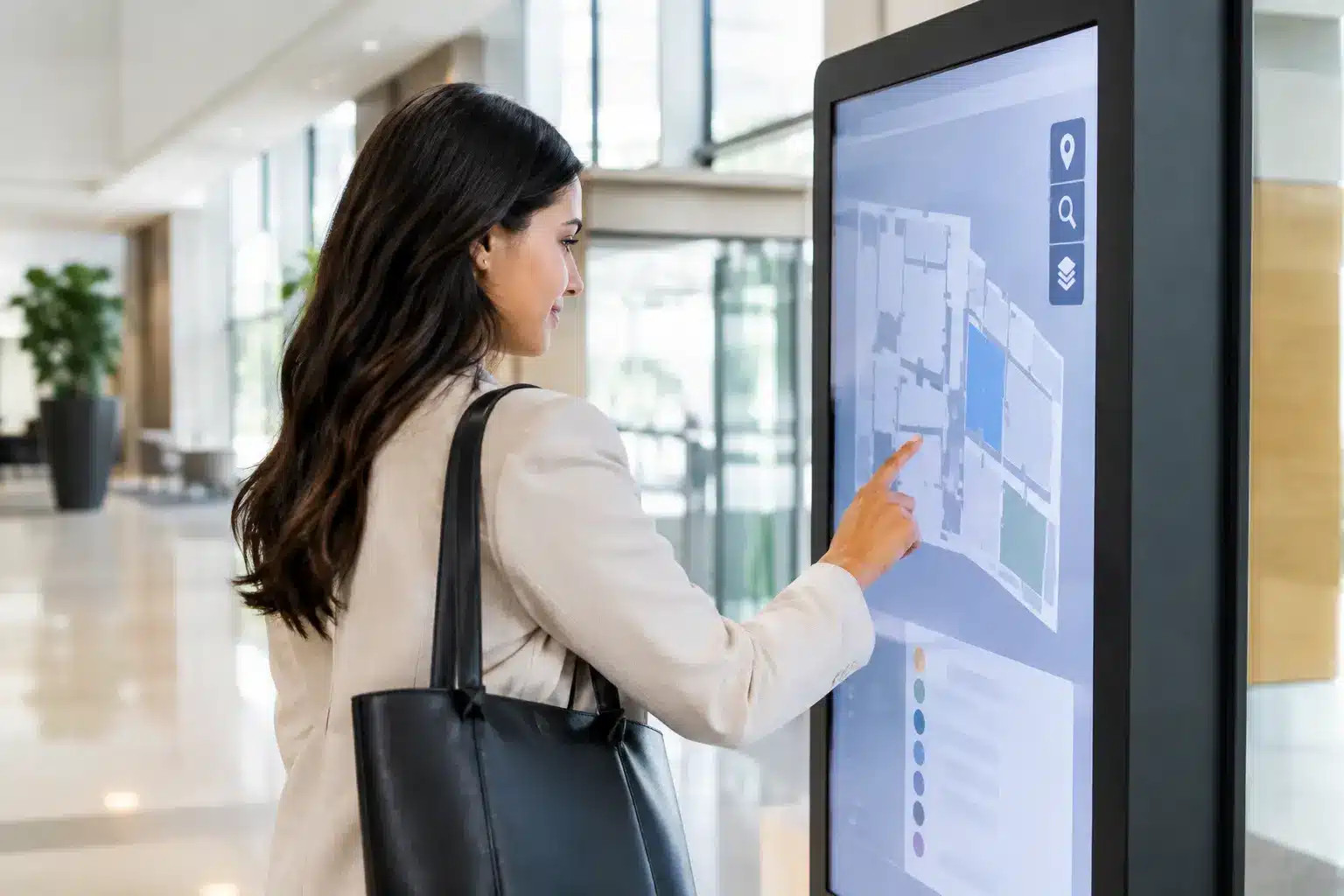
A directory system should answer the question a visitor has at that exact moment: Where am I, where do I need to go, and what is the best route? The experience may begin with a searchable tenant list, department directory, floor plan, or category menu. From there, an interactive map can highlight the selected destination and show a route from the kiosk’s current location.
The strongest systems do more than display a static map. They combine live directory information, branded visual design, interactive touch controls, and content management in one operational tool. A property manager can update a tenant listing after a move. A university can direct students to a temporary registration venue. A hospital can display a route around a closed corridor. The value comes from keeping information accurate without replacing printed signs throughout the building.
That flexibility matters most in locations where people arrive with different levels of familiarity. Regular employees may know the layout well, while first-time visitors, elderly guests, contractors, parents, and international travelers may need more direct guidance. Clear interfaces reduce the need to ask for help and support a more inclusive visitor journey.
Start With Visitor Journeys, Not Screen Specifications
It is tempting to start a project by selecting screen size, brightness, or kiosk finish. Those details matter, but they should follow an understanding of how people move through the site. A 55-inch touchscreen near a main entrance may be suitable for a corporate lobby, while a large-format display is more appropriate for a high-traffic mall atrium. A compact directory can work near an elevator bank, where visitors only need floor and tenant information.
Before selecting hardware, map the main journeys. Consider what a visitor sees from the parking area, reception, elevator lobby, and each decision point along the route. Identify where people hesitate, turn around, or ask staff for directions. This process often reveals that one directory at the entrance is not enough. The site may need a main interactive kiosk, directional displays at corridor junctions, and room-level signage for the final step.
Content structure is equally important. Users should be able to search by a company name, person, department, suite number, service, or facility. A healthcare facility might organize destinations by clinic, ward, diagnostic service, and payment counter. A campus might prioritize faculties, lecture halls, student services, and event venues. The labels must reflect the language visitors use, not internal terminology that only staff understand.
Design for the 10-Second Interaction
Most visitors will not study a directory for long. They need a fast result, especially during busy arrival periods. Use large text, clear categories, high-contrast maps, and a visible “You are here” marker. Avoid putting every possible detail on one screen. A dense map may be technically complete but difficult to use under pressure.
Touch targets should be large enough for comfortable use, and the interface should provide a clear way back to the home screen. If the system supports multiple languages, make language selection obvious at the start. Accessibility also deserves practical attention: readable type, sufficient contrast, accessible route options, and placement that works for wheelchair users improve usability for everyone.
Connect Wayfinding to Daily Operations
A digital wayfinding directory system becomes more useful when it connects to the information teams already maintain. Directory data can be managed from a central content platform, allowing authorized staff to edit listings, upload announcements, schedule promotional content, and adjust operating-hour notices. This reduces the risk of outdated tenant names or event information remaining on screen for weeks.
For meeting-heavy workplaces, the directory can support room-finding and visitor navigation alongside meeting-room booking systems. In retail and mixed-use developments, it can highlight stores, promotions, dining zones, parking information, and events. In exhibition settings, it can help guests find booths, session rooms, exhibitors, and registration areas.
Integration should be purposeful. Connecting every available system can add cost and maintenance without improving the visitor experience. For example, real-time room status may be valuable in a large corporate office, while a simple centrally updated directory may be the better fit for a small government branch. The right scope depends on traffic volume, frequency of changes, the number of destinations, and who will own daily content updates.
Static, Interactive, or Both?
Interactive kiosks are effective when visitors need to search, browse, or receive a personalized route. However, they are not always the only answer. A non-touch display can communicate directions, event schedules, or tenant highlights to many people at once. It is often useful at a corridor entrance, elevator lobby, or queueing area.
A combined approach can work well: use an interactive directory at the main arrival point, then reinforce routes with digital signage at decision points. This reduces dependence on a single kiosk and keeps information visible to people who do not wish to use a touchscreen. It also creates useful space for announcements, safety messages, campaigns, and seasonal content when directory use is low.
Plan the Installation for Real Conditions
A good directory interface can still fail if the physical deployment is poorly planned. Screen location, viewing angle, ambient light, power access, network stability, and cable management should be reviewed before installation. A display facing direct sunlight may need higher brightness. A public kiosk needs a stable enclosure and durable touch surface. A wall-mounted display in a heritage building may require a different mounting method than one in a new commercial tower.
Network design deserves early attention. Cloud-managed systems offer convenient remote updates across multiple sites, but they depend on reliable connectivity and clear access controls. Some organizations may require local hosting, segmented networks, or approval from internal IT teams. These are not obstacles, but they should be addressed during solution design rather than after hardware has arrived.
Content ownership is another operational decision. Facilities teams may manage tenant listings, while marketing manages campaign content and IT controls user access. Set these roles clearly. A simple approval process helps maintain accurate information without slowing down urgent updates, such as temporary closures or event changes.
For organizations with multiple branches, standardizing the interface, content rules, and hardware approach can reduce support complexity. The displays do not have to look identical in every location, but users should recognize the interaction pattern. Consistency makes training easier and protects the brand experience.
Measure Whether the System Is Working
The best indicator is not how modern the lobby looks. It is whether people reach destinations more easily. Front-desk teams can track recurring navigation questions before and after deployment. Facilities managers can review which directory searches are most common, which destinations are difficult to find, and whether certain routes need clearer supporting signs.
Content analytics can also guide decisions. If users frequently search for a department that has recently moved, that may signal a need for stronger directional messaging. If a specific service is rarely found through the directory, the category name may be unclear. These insights turn wayfinding from a one-time installation into an improvement process.
Reliability should be measured as well. A public-facing screen that is offline, frozen, or showing old content creates the opposite of confidence. Specify support arrangements, response expectations, warranty coverage, and the process for remote monitoring or on-site service. For multi-site organizations, nationwide field support can be a meaningful procurement requirement rather than an optional extra.
Choose a Partner That Can Deliver the Whole Environment
Wayfinding projects sit across visual design, AV hardware, software configuration, networking, installation, and ongoing support. Purchasing a screen alone does not resolve those dependencies. A capable technology partner should assess the site, recommend the appropriate display and kiosk format, configure the directory experience, coordinate installation, and support the system after handover.
Arvia approaches these projects as part of a connected smart environment, with interactive displays, LED screens, digital signage, kiosks, meeting-room tools, and nationwide engineering support available where the project requires them. Its experience across more than 4,500 projects helps organizations move from a navigation problem to a workable deployment plan.
The most useful first step is a site walkthrough with the people who know where visitors get lost: reception, security, facilities, operations, and customer service teams. Their daily observations will reveal the routes, questions, and exceptions that a floor plan alone cannot show. Build the directory around those moments, and it can make every arrival feel more certain and more welcoming.