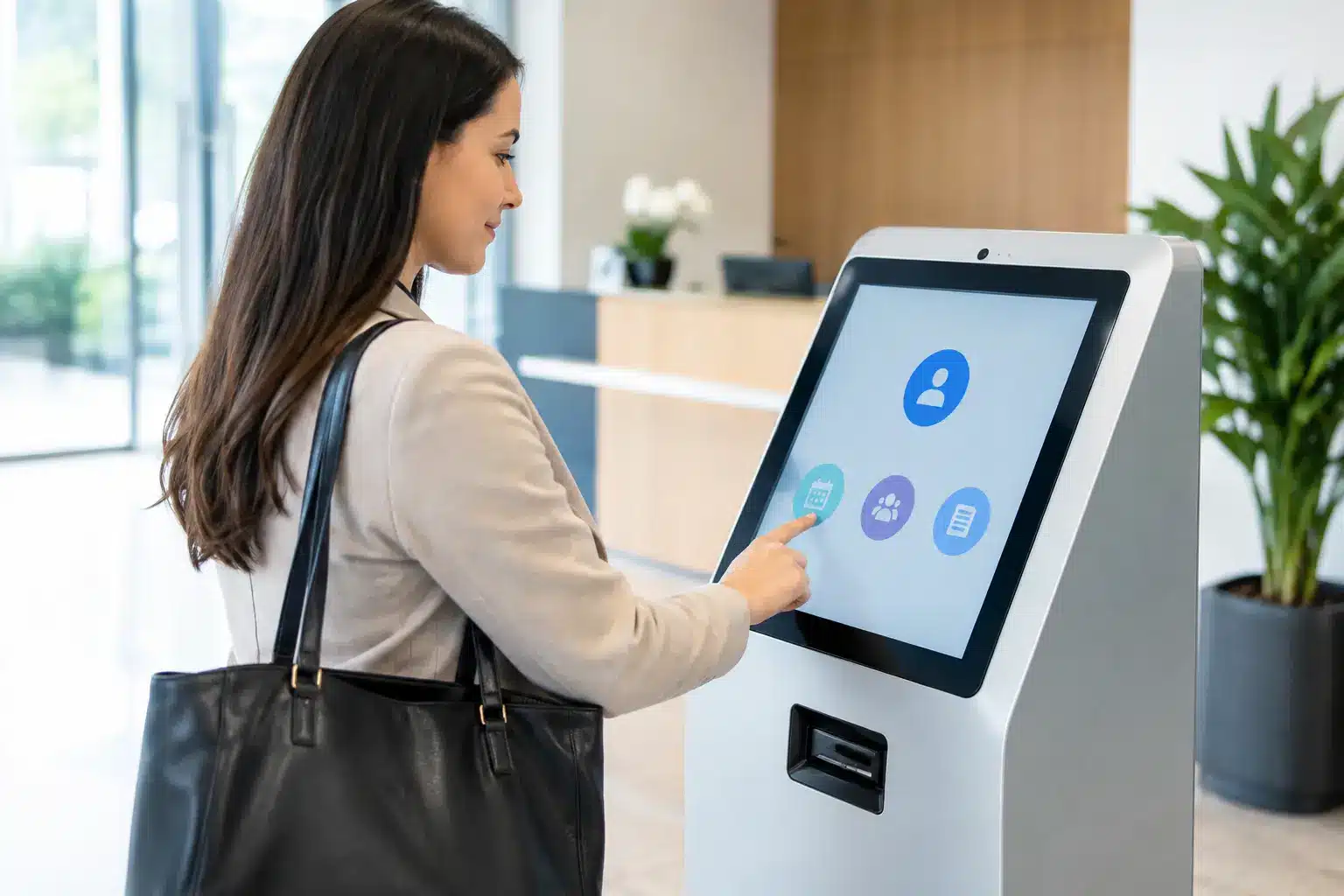

A visitor arriving at a corporate office, school, government building, or showroom should not have to wait while a receptionist searches for a paper logbook or calls several departments. An interactive kiosk for visitor registration gives organizations a more controlled first point of contact: visitors can check in, confirm who they are meeting, accept site rules, and receive clear next-step instructions in minutes.
For facilities teams, the value is not simply a screen at the lobby. It is a better process for security, reception capacity, host accountability, and visitor records. The right deployment turns an often-fragmented front-desk task into a dependable operational workflow.
Why Visitor Registration Needs More Than a Paper Logbook
Paper sign-in books are familiar, but they create avoidable gaps. Handwriting can be unreadable, arrival records are difficult to search, and visitor information may be visible to anyone standing at the counter. Reception staff also spend valuable time entering details, calling hosts, printing passes, and answering the same directional questions throughout the day.
These issues become more visible in high-traffic environments. A university may receive parents, vendors, contractors, and guest lecturers in one morning. A corporate headquarters may need to verify appointments while maintaining a professional welcome experience. A property management office may need an accurate record of contractors working across different floors or buildings.
An interactive kiosk creates a consistent check-in path. Visitors enter required details, select or search for their host, scan a QR code or identification document where appropriate, and acknowledge safety, privacy, or site-entry policies. The system captures time-stamped data automatically, giving authorized teams a clearer record of who is on site.
The objective is not to remove people from the reception area. In many organizations, a receptionist remains essential for hospitality, exceptions, and sensitive visitors. The kiosk handles repeatable administrative steps so staff can focus on the interactions that need judgment and personal attention.
What an Interactive Kiosk for Visitor Registration Should Do
A useful visitor kiosk must match the organization’s real arrival process. An attractive touchscreen alone will not solve congestion if the workflow asks visitors for irrelevant information or cannot alert the right host.
At a minimum, the system should guide visitors through registration in plain language, capture the information required by site policy, record the check-in time, and provide confirmation. Depending on the setting, it can also print visitor badges, take a visitor photo, collect a digital signature, scan appointment QR codes, or notify hosts by email, SMS, or a connected collaboration platform.
For a multi-language environment, language selection can be especially valuable. English, Bahasa Malaysia, Mandarin, and Tamil options can make a public-facing process easier to complete correctly. The best interface uses large touch targets, readable type, and clear prompts rather than forcing users through a long form designed for desktop computers.
Registration is only the first step
The strongest deployments connect check-in to what happens next. A visitor may receive a badge with their name, host, destination, and expiry time. A contractor may be required to confirm induction requirements before entry. A guest at a showroom may be directed to a waiting area, meeting room, or product demonstration zone.
For offices with meeting-room systems, visitor registration can support better host coordination. For properties using digital signage and wayfinding, the kiosk can display directions after check-in. In these cases, the visitor kiosk becomes part of a connected front-of-house environment rather than an isolated device.
Design the Workflow Before Choosing the Hardware
Organizations often begin by comparing screen sizes, kiosk finishes, or peripheral options. Those choices matter, but the workflow should come first. A facilities manager should identify what must happen from the moment a visitor enters until they leave the premises.
Start with visitor categories. A pre-registered guest should not face the same process as a walk-in applicant. A delivery rider may need a quick confirmation and collection instruction, while a contractor may require document checks, safety acknowledgement, and host approval. Separating these paths keeps the common journey fast without weakening controls for higher-risk visits.
Next, decide which fields are genuinely necessary. Collecting excessive personal data slows registration and creates a larger privacy responsibility. Many sites only need a name, contact method, company, host, purpose of visit, arrival time, and consent acknowledgement. Requirements vary by organization, industry, and internal policy, so the system should be configured around approved data practices rather than copied from another site.
Finally, plan the exception process. What happens when a host cannot be found, a visitor arrives without an appointment, a badge printer is unavailable, or the network goes down? A reception solution is dependable when staff know how to handle these situations without creating confusion at the entrance.
Choosing the Right Kiosk Configuration
The ideal configuration depends on traffic volume, physical space, security expectations, and the level of assistance visitors need. A compact countertop touchscreen may suit a small clinic or showroom where a receptionist is always nearby. A freestanding kiosk is often better for a corporate lobby, campus building, exhibition entrance, or public service area where visitors need to self-register.
A larger display can improve accessibility and provide more room for wayfinding, announcements, or event information. However, it should not be so large that it dominates a narrow lobby or encourages visitors to stand in a circulation path. Placement matters as much as display size. The kiosk should be visible on arrival, accessible to users, and positioned so that private details are not easily viewed by people in the queue.
Peripheral choices should support a clear operational need. A badge printer is useful when visitor identification is required beyond reception. A QR scanner speeds up check-in for pre-invited guests. A camera can support photo badges or identity verification, but it also introduces additional consent and data-governance considerations. Card readers, document scanners, and access-control integration may be appropriate for controlled facilities, yet they are unnecessary complexity for every site.
Security, Privacy, and Reliability at the Front Desk
Visitor registration involves personal information, which means security and privacy must be built into the design. The screen should not expose previous visitor details. Staff access should be role-based, with only authorized personnel able to view, export, amend, or delete records. Data retention periods should be defined in line with company policy and applicable requirements.
Physical reliability also matters. A kiosk in a public lobby must withstand frequent use, remain stable, and use commercial-grade components suited to operating hours. Power, network connectivity, cable management, printer consumables, and cleaning routines should be addressed during planning, not after the system is installed.
For organizations handling sensitive visitors or operating in regulated environments, involve IT, security, facilities, and compliance stakeholders early. Their input helps avoid a common failure: deploying a polished front-end experience that cannot meet internal approval requirements or connect safely to existing systems.
Deployment That Works Beyond Launch Day
A successful kiosk project includes site assessment, workflow mapping, interface configuration, installation, testing, and staff training. The first week after launch is particularly useful for observing where visitors hesitate. A single unclear label, a missing host directory entry, or an overly long consent screen can affect adoption more than a sophisticated hardware specification.
Organizations should also establish ownership. Facilities may oversee the physical unit, IT may manage connectivity and user access, reception may maintain host directories, and security may review entry rules and reports. When responsibilities are clear, the system remains accurate after staff changes, office moves, and policy updates.
For a multi-site organization, standardizing the core process can improve reporting and visitor experience across locations. Still, each site may need local adjustments. A school campus, manufacturing facility, retail showroom, and government office have different traffic patterns and safety requirements. Standardize what supports consistency, then configure what supports the actual environment.
Arvia approaches these projects as part of a wider workplace and visitor-experience system, combining kiosk hardware with integration, installation, and Malaysian field support. With more than 15 years of experience and 4,500-plus completed projects, the focus is on a deployment that reception teams can operate confidently, not a device left disconnected from daily operations.
Measure the Impact After Installation
The most useful results are operational. Track average check-in time, number of visitors processed without staff intervention, host response time, peak-hour queue length, and the completeness of visitor records. Where badges are used, teams can also monitor whether visitors are checking out correctly and whether temporary access credentials are being returned.
These measures reveal whether the kiosk is meeting its purpose. If check-in is still slow, the answer may be a simpler form or more pre-registration, not a new screen. If hosts are missing alerts, notification settings and directory accuracy may need attention. The technology should be adjusted based on real visitor behavior.
A well-planned visitor kiosk creates a calmer arrival experience while giving operations teams better visibility of the people entering their premises. Begin with the visitor journey, define the controls that matter, and choose a system that your staff can maintain with confidence long after opening day.