
A meeting starts late because the presenter cannot connect a laptop. A lecturer loses ten minutes switching between a document camera and a presentation. A visitor walks past a directory that shows outdated information. These are not isolated equipment problems. They are signs that AV integration has been treated as a collection of devices rather than an operational system.
For organizations planning new facilities or upgrading existing ones, the goal is not simply to install a larger screen or add more video conferencing equipment. The goal is to create spaces where people can teach, meet, communicate, decide, and serve customers without technical delays getting in the way.
What AV Integration Means in Practice
AV integration brings audiovisual technologies together so they work as one coordinated environment. Depending on the space, this can connect interactive displays, LED walls, microphones, speakers, cameras, room-control panels, wireless presentation tools, digital signage, booking systems, and network infrastructure.
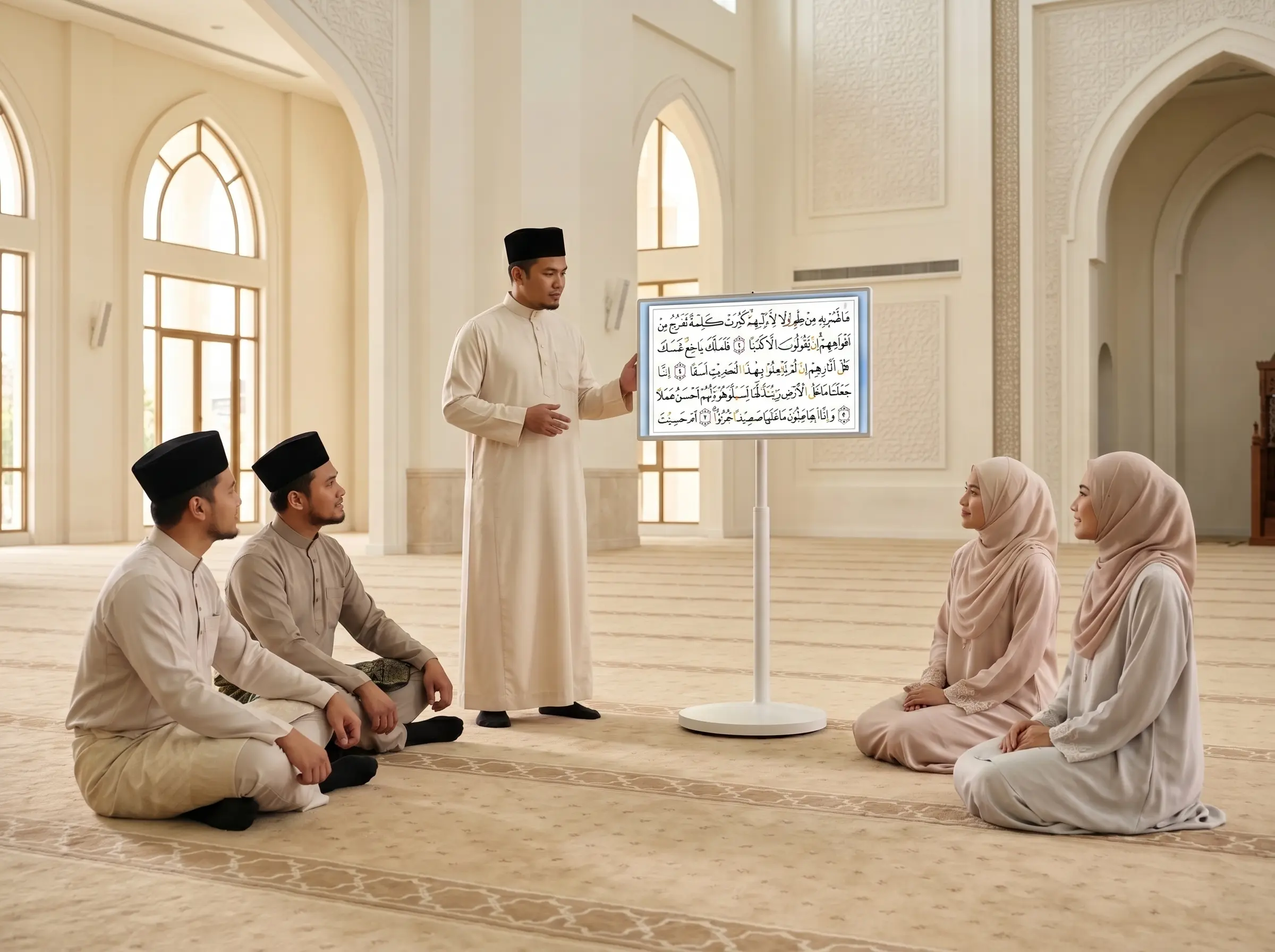
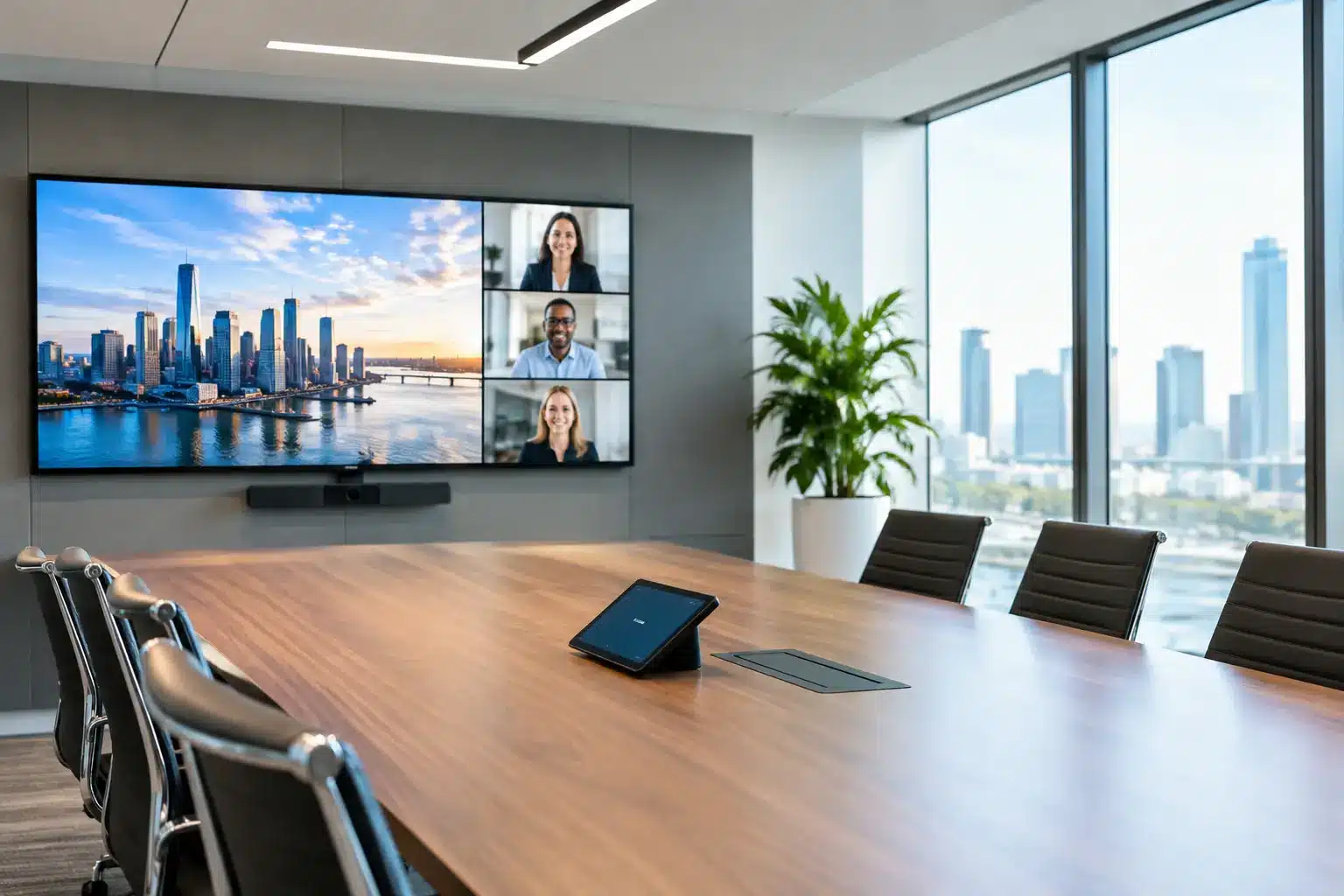
In a smart meeting room, a single touch panel may start the display, select the video conference platform, activate the camera and microphones, and adjust the room settings. In a classroom, an interactive smartboard can work with a teacher’s laptop, document camera, lesson content, and audio system. In a public lobby, digital signage, wayfinding screens, and interactive kiosks can share information from centrally managed content.
The distinction matters because individual devices can perform well on their own while creating a frustrating user experience together. A high-quality camera does not help if the room microphone is poorly positioned. A digital directory does not improve navigation if its content cannot be updated quickly. Integration addresses the connection between equipment, users, workflows, and support.
Start With the Outcome, Not the Equipment List
The most effective projects begin with questions about how a space needs to perform. A boardroom used for hybrid leadership meetings has different requirements from a training room that hosts workshops, or a command center that needs to display live operational data around the clock.
For a corporate meeting room, priorities may include reliable video calls, quick wireless sharing, clear audio for participants at the far end, and a simple way to book the room. A university may need teaching spaces that let lecturers annotate content, record sessions, and support students joining remotely. A retail operator may prioritize centrally controlled promotional content, queue information, and screens that remain visible under bright lighting.
This is where trade-offs become clearer. A compact room may not require multiple cameras, while a long boardroom may need camera framing that follows the speaker or captures several discussion zones. An all-in-one collaboration display can simplify smaller spaces, but larger training rooms often benefit from separate professional cameras, ceiling microphones, speakers, and control systems. The right design depends on room size, acoustic conditions, user behavior, budget, and the cost of downtime.
Define the user journey
A useful design exercise is to walk through the first five minutes of using the room. Can a guest connect without calling IT? Can staff start a scheduled meeting from the room panel? Can a lecturer switch between teaching materials without turning away from students? Can facilities teams identify when a room or display needs attention?
If those actions require multiple remotes, adapters, passwords, or trial and error, the system needs more planning. Good technology should reduce the number of decisions users must make in the moment.
The Core Elements of an Integrated AV System
A successful deployment usually combines four layers: visual communication, audio and video capture, control, and operational management. Each layer should support the others.
Visual communication may include interactive smartboards, commercial displays, LED screen displays, video walls, or digital signage. The selection should consider viewing distance, ambient light, content type, operating hours, and maintenance access. An LED display can create strong impact in an auditorium or showroom, for example, but it requires thoughtful decisions on pixel pitch, mounting structure, power, ventilation, and content resolution.
Audio and video capture determine whether remote participants can genuinely take part. In many meeting rooms, audio has a greater effect on call quality than the camera. Echo, HVAC noise, glass walls, and poor microphone placement can make a well-equipped room difficult to use. Camera position also matters. A camera mounted too high, too far away, or directly below a large display can create an awkward experience for remote attendees.
Control is what makes the environment easy to operate. This may be a wall-mounted touch panel, an on-screen interface, or a simplified button controller. The best approach is usually the one that fits the people using it. Executive rooms and multi-purpose halls may need customized controls, while a huddle room may only need a clear, one-touch start process.
Operational management connects the room to the wider organization. Centralized content management lets teams update digital signage across locations. Device monitoring can help technical teams spot offline screens or network issues before users report them. Room booking data can reveal underused spaces, recurring scheduling conflicts, and opportunities to improve workplace planning.
Why Infrastructure Decisions Cannot Be an Afterthought
AV equipment is only as dependable as the infrastructure around it. Network capacity, Wi-Fi coverage, power availability, cable pathways, mounting conditions, and ventilation all influence the finished result.
A wireless presentation system may work perfectly during a showroom demonstration yet struggle in a high-density office with unmanaged network traffic. Video conferencing can be affected by insufficient bandwidth, firewall settings, or poor Wi-Fi design. A large display installation may need structural checks and dedicated power circuits before equipment arrives on site.
Planning this early avoids expensive rework. IT, facilities, interior designers, architects, and AV specialists should align before ceilings are closed, furniture is finalized, or network points are fixed. This coordination is especially valuable in new campuses, government facilities, multi-floor offices, hotels, command centers, and retail rollouts where one design decision can affect dozens of spaces.
Design for Everyday Adoption
An AV system delivers value only when employees, educators, and visitors are comfortable using it. That means interfaces should be consistent across similar rooms. If one meeting room starts calls through a touch panel and another relies on separate remotes, users will hesitate and support requests will rise.
Training should focus on real tasks rather than technical terminology. Show a lecturer how to annotate a lesson and save the material. Show an executive assistant how to schedule a meeting room and start a call for a visiting client. Show a facilities manager how to update a digital sign during an event or emergency.
Documentation also has a role, but it should be practical. A short, visible quick-start guide can be more useful than a lengthy manual stored in a shared folder. For complex environments, designated room champions and responsive local support help protect adoption after the installation team leaves.
Measure the Operational Return
The return on AV integration is not limited to the price of equipment. It appears in time saved, fewer interrupted meetings, better participation from remote staff, faster communication, and improved use of physical space.
A school can track lesson continuity and teacher adoption of interactive tools. A corporate team can examine room utilization, support-ticket volume, and hybrid meeting quality. A property operator can measure visitor interactions with wayfinding or kiosk systems. Retail and F&B teams can review how quickly promotional content reaches branches and whether digital menus reduce printing changes.
Not every result is immediately financial, but each should be observable. If a new room system still requires IT assistance for common tasks after several weeks, the issue may be user training, interface design, network configuration, or a mismatch between the solution and the room’s actual use.
Choose a Partner That Owns the Full Deployment
Procurement teams should look beyond a product quotation. A complete AV project requires consultation, site assessment, design, equipment selection, installation, configuration, testing, user handover, warranty support, and a clear path for future expansion.
Local accountability is particularly valuable when systems are deployed across multiple sites or used for critical operations. Arvia supports this model with consultation-led design, certified field engineers, nationwide Malaysian coverage, and experience across more than 4,500 projects. For buyers, the practical benefit is having one partner responsible for how the full environment performs, not just for delivering individual boxes.
Before approval, ask how the proposed system will be tested, who will train users, how faults will be handled, which components can be managed centrally, and whether the design can grow with changing requirements. These questions reveal whether a proposal is built for a demonstration or for years of daily use.
A productive next step is to map one high-impact room or customer-facing area, document its current friction points, and design the experience people should have instead. That focus turns AV from a facilities expense into infrastructure that helps the organization move faster.