
A new display on a wall does not automatically create a better meeting, lesson, customer journey, or control room. The value comes from how the screen, network, software, room layout, users, and support plan work together. That is why organizations evaluating technology installation services Malaysia should look beyond product supply and assess the full deployment process.
For Malaysian schools, government agencies, corporations, retailers, property operators, and SMEs, technology projects often begin with an immediate need: replace an aging projector, improve hybrid meetings, guide visitors through a building, or centralize business data. The real requirement is usually broader. Teams need a system that staff can operate confidently, IT can manage securely, and facilities teams can maintain without disrupting daily operations.
Technology Installation Services Malaysia Need to Cover More Than Hardware
A technology installation project has several moving parts. An interactive smartboard may require wall reinforcement, power points, structured cabling, network access, audiovisual connections, and user training. A digital signage network may need media players, content management software, display placement, scheduled content, and a clear process for updating messages after launch.
When these elements are planned separately, organizations can end up with equipment that works technically but fails operationally. A meeting room may have a high-quality video conferencing camera but poor microphone coverage. A lobby display may be visible but difficult for staff to update. A smart classroom may be installed correctly yet underused because teachers were not shown practical teaching workflows.
A capable installation partner starts with the operating outcome, not the product catalog. The discussion should address questions such as: Who will use the system? What needs to happen in the room or location? Which existing systems must connect? Who owns support after handover? These questions shape the specification, installation method, and long-term cost.
Start With Site Assessment and Solution Design
Site assessment is where practical constraints become visible before they become expensive changes. Engineers should inspect room dimensions, viewing distances, ambient light, wall structure, ceiling access, electrical supply, network availability, and cable routes. In high-traffic areas, they should also assess mounting height, accessibility, safety, and the risk of physical damage.
For example, an LED display in an event space has different requirements from a touchscreen directory in a commercial property. The LED wall needs a suitable viewing distance, load-bearing structure, ventilation, control equipment, and content input plan. The directory needs a user interface designed around how visitors search, along with a reliable way to maintain tenant, floor, and wayfinding information.
This design stage is also the right time to identify integration requirements. A smart meeting room may connect room booking panels, video conferencing equipment, wireless presentation tools, digital whiteboarding, and centralized device control. An SME ERP project may need finance, HR, sales, inventory, and project workflows brought into one platform. Buying each component independently can appear less expensive at first, but it often shifts complexity to internal teams later.
The trade-off is straightforward: a standard package can speed up deployment for a simple use case, while a tailored solution takes more planning but better fits specialized rooms, larger rollouts, or integration-heavy environments. Neither approach is automatically better. The right choice depends on how much the space, workflow, and user group differ from a standard setup.
Installation Is a Coordinated Field Operation
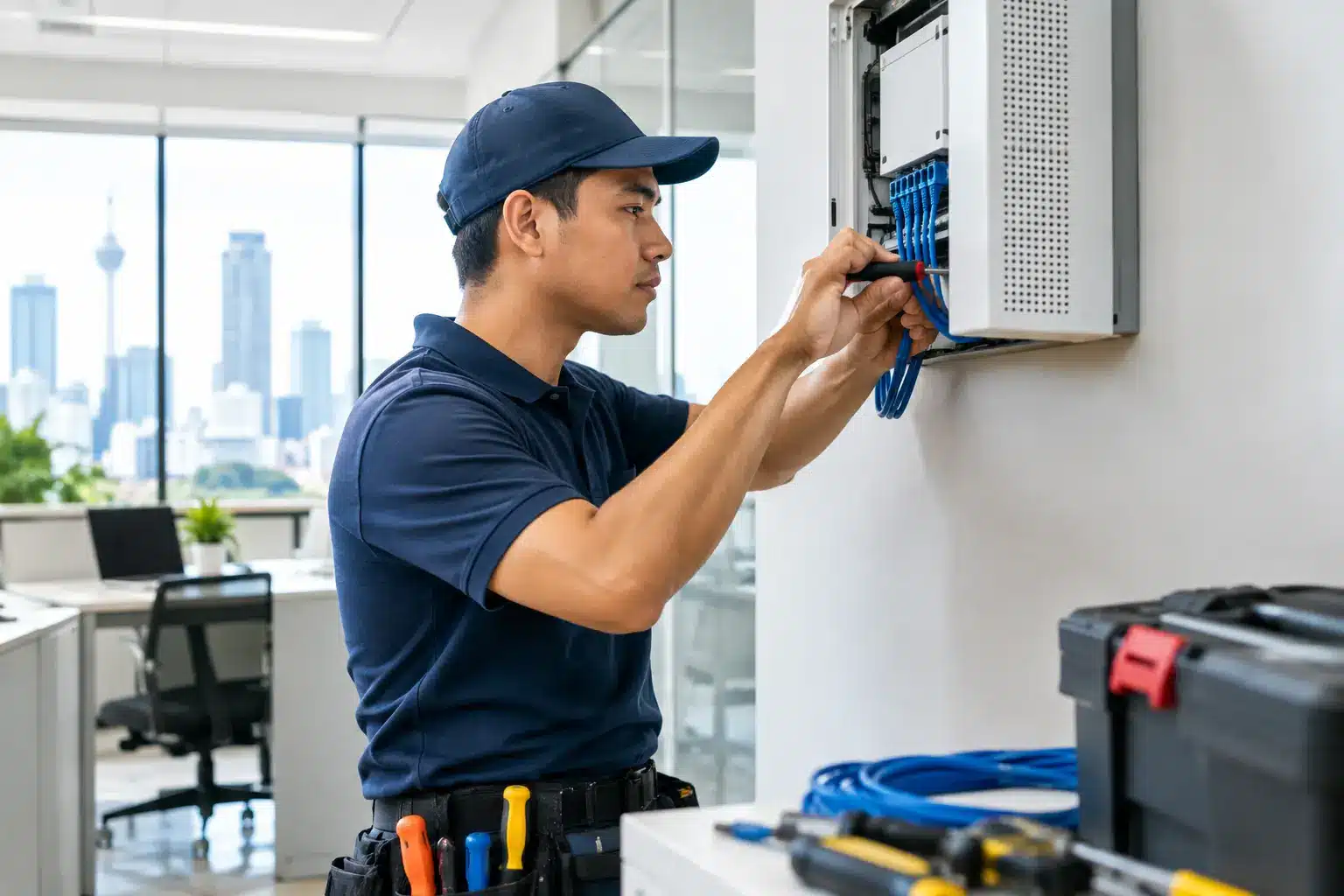
Installation quality is often judged by what people can see: a clean display, a tidy meeting table, a working kiosk. Yet much of the work that determines reliability happens behind the scenes. This includes cable management, mounting, network configuration, device labeling, testing, and documentation.
For multi-site organizations, coordination matters as much as technical skill. A national retail rollout, school deployment, or government installation requires agreed site readiness standards, delivery schedules, access approvals, and consistent commissioning across locations. One site may have a strong network and prepared electrical points, while another needs infrastructure work before technology can be activated.
A well-managed provider should clarify responsibilities early. The customer may need to provide access permits, network credentials, floor plans, or electrical works. The installer should define scope, installation windows, safety practices, acceptance testing, and escalation channels. Clear ownership prevents a project from stalling when a seemingly small issue, such as a missing network port or unsuitable mounting surface, is discovered onsite.
Installation timing also deserves realistic planning. Work in a school may need to happen during holidays or after class hours. Corporate meeting rooms may require evening cutovers. Retail and F&B locations may only permit work outside trading hours. The lowest-cost installation schedule is not always the least disruptive schedule.
Commissioning Turns Equipment Into a Working Environment
Commissioning is the transition from installed hardware to an operational system. It should include testing that reflects actual use, not only a basic power-on check. In a video conferencing room, this means checking camera framing, microphone pickup, speaker clarity, wireless sharing, display performance, and call quality. In a smart classroom, it means verifying that teachers can annotate content, connect devices, access learning materials, and switch inputs without assistance.
For digital signage, commissioning should test content playback, scheduling, remote monitoring, screen orientation, and recovery after a power or network interruption. For kiosks and touchscreen systems, the test should include interface responsiveness, accessibility, content accuracy, and the user journey from beginning to end.
Documentation matters here. Asset records, configuration details, warranty information, user instructions, and support contacts allow internal teams to resolve routine issues faster. They also make future expansion easier. When an organization adds new rooms, campuses, outlets, or displays, documented standards reduce variation and avoid repeated design work.
Training Should Reflect How People Actually Work
Technology adoption falls when training focuses only on features. A facilities manager does not need the same session as a teacher, receptionist, IT administrator, or finance manager. Each group needs to understand the tasks they perform most often and what to do when something does not work as expected.
A useful smartboard session may center on starting a lesson, annotating documents, saving notes, and sharing content with students. A meeting-room session may cover joining calls, presenting from a laptop, reserving the room, and switching to a backup workflow if a participant cannot connect. A digital signage administrator needs practical guidance on uploading approved content, scheduling campaigns, and checking whether screens are online.
Training should also identify a small number of internal champions. These users become the first point of help for common questions and provide feedback on whether the solution is delivering the intended result. That feedback is valuable because usage patterns often reveal adjustments needed after launch, such as revised screen content, different room settings, or additional user permissions.
Local Support Is Part of the Technology Decision
Organizations do not buy technology for installation day alone. They buy it for years of meetings, classes, transactions, campaigns, and operational decisions that follow. Warranty coverage, service response expectations, spare-part availability, remote troubleshooting, and onsite engineering coverage should be evaluated before procurement is finalized.
This is particularly relevant for public-facing or business-critical systems. A failed display in a boardroom is inconvenient. A failed queue management kiosk, command center screen, or digital menu board can affect service delivery and customer confidence. The appropriate support model depends on the system’s criticality, the number of sites, and the organization’s internal technical capacity.
A Malaysian provider with certified field engineers and nationwide coverage can offer a practical advantage when projects extend beyond Kuala Lumpur. Arvia supports deployments across all 13 states, combining consultation, product supply, systems integration, installation, and after-sales service. Its track record of more than 4,500 projects, supported by SIRIM-certified products and established local support processes, reflects the level of accountability procurement teams should expect from a technology partner.
How Procurement Teams Can Compare Providers
Price should be compared against scope, not treated as a standalone number. A lower quotation may exclude critical work such as cabling, mounting, configuration, training, commissioning, or post-installation support. Conversely, a broader proposal may include services that are unnecessary for a simple, self-contained deployment.
Ask providers to explain their site assessment process, proposed equipment choices, integration assumptions, installation schedule, acceptance criteria, training plan, warranty terms, and support escalation path. For larger projects, request a demonstration or proof of concept. Seeing an interactive display, room booking system, LED screen, or ERP workflow in use often exposes operational questions that specification sheets cannot answer.
A showroom visit can be especially useful when several products are being considered together. Decision-makers can compare screen sizes, touch performance, meeting-room controls, signage formats, and practical user flows before committing to a rollout. This reduces the risk of selecting technology that looks suitable on paper but does not fit the space or the people who will use it.
The best technology installation is rarely the one with the longest feature list. It is the one that fits the environment, works reliably on a busy day, and gives staff a clear way to keep moving when priorities change.