

Introduction
Technology continues to transform the way we teach, learn, and collaborate. One of the most powerful tools driving this transformation is the Interactive Smartboard. Found in classrooms, training centres, meeting rooms, and universities, this modern digital board replaces traditional whiteboards and projectors with a smarter, more dynamic experience.
But what exactly is an Interactive Smartboard, and why are organizations rapidly adopting it? In this guide, we will explain what it is, how it works, and why it has become a key tool for modern communication and education.
What Is an Interactive Smartboard?
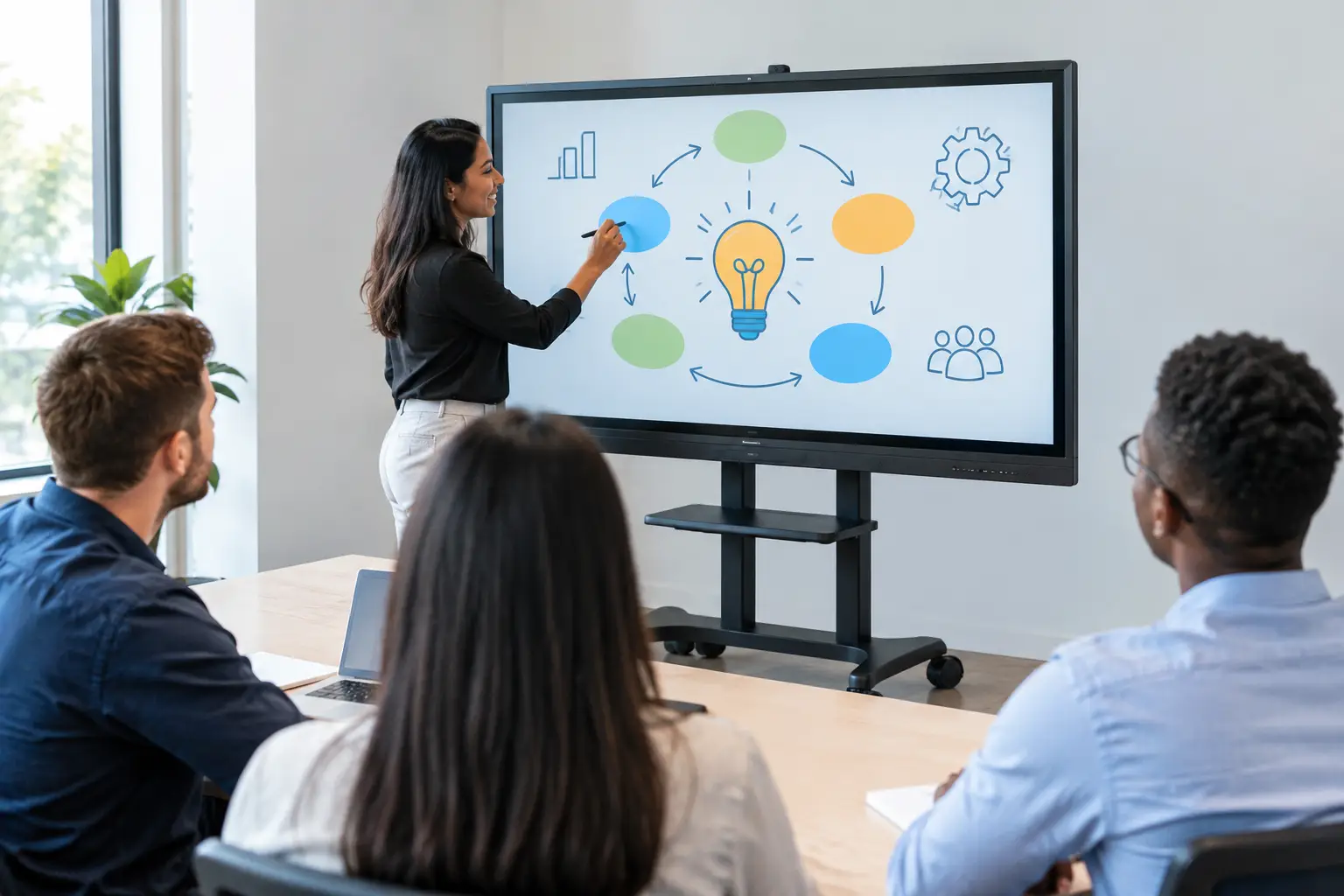
An Interactive Smartboard is a large touchscreen display that allows users to interact directly with digital content using their fingers or a stylus. It functions as both a presentation screen and an interactive whiteboard, enabling users to write, draw, annotate, and manipulate digital objects in real time.
Unlike traditional boards that require markers and erasers, an Interactive Smartboard connects to computers, cloud platforms, and the internet. This allows users to display presentations, videos, documents, and applications directly on the screen while interacting with them.
Interactive Smartboards are commonly used in smart classrooms, corporate meeting rooms, and training facilities because they combine multiple tools into a single system.
How Does an Interactive Smartboard Work?
An Interactive Smartboard works through a combination of touch technology, display hardware, and integrated software. The screen detects touch input and translates it into commands that control applications or tools displayed on the board.
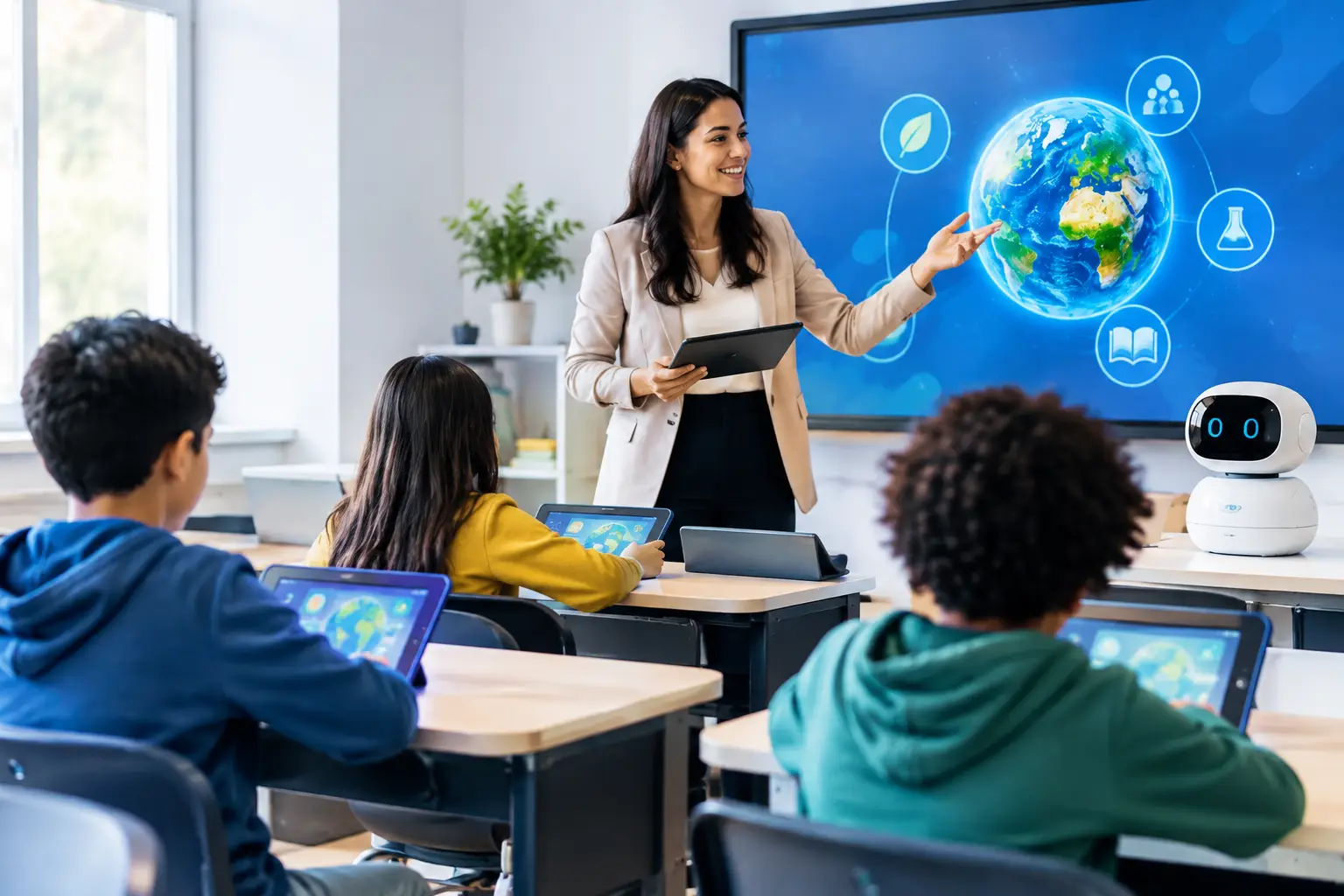
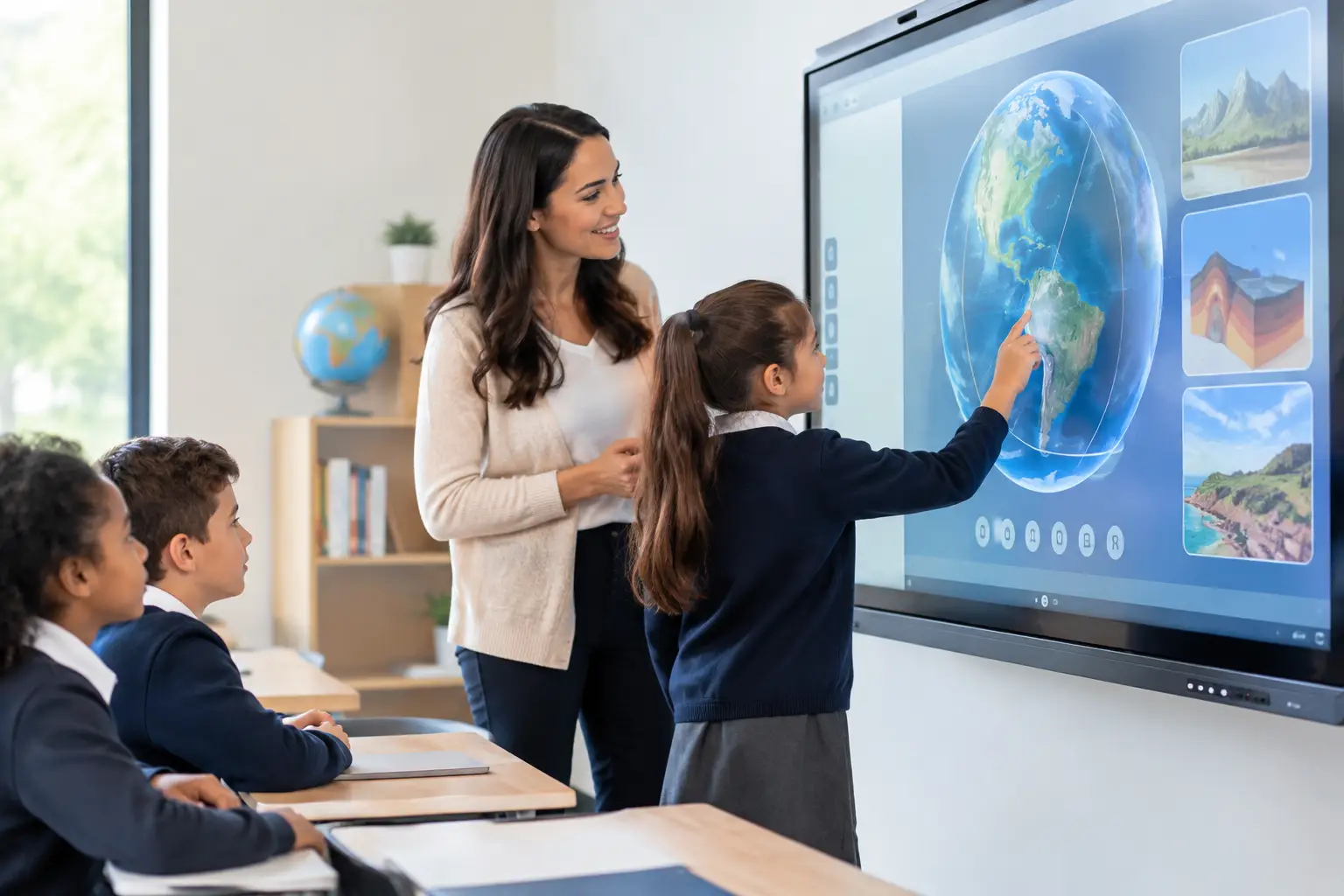
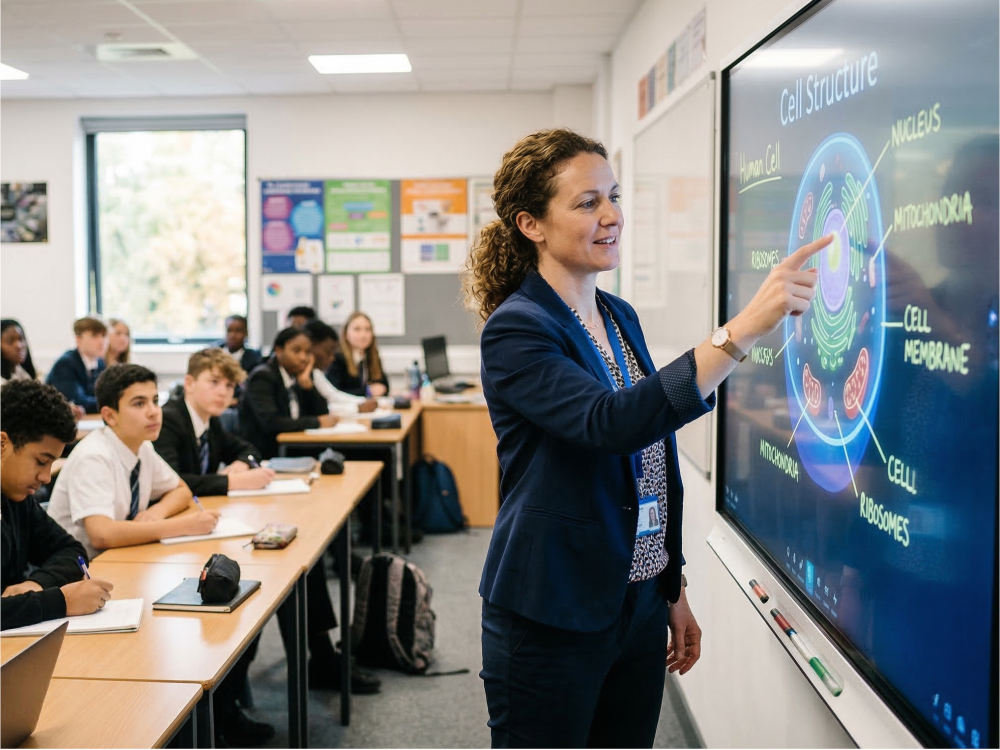
For example, a teacher can write notes during a lesson, highlight key points on slides, or draw diagrams while explaining a concept. At the same time, students can come up to the board and interact with the content themselves.
Most modern smart interactive board also include built-in operating systems such as Android or Windows, enabling users to run applications, access files, and connect to online learning platforms without needing additional devices.
Key Features of an Interactive Smartboard
1) Multi-Touch Interaction
Interactive Smartboards allow multiple users to interact with the screen simultaneously. This feature encourages collaboration during lessons or brainstorming sessions.
2) Wireless Screen Sharing
Users can connect laptops, tablets, or smartphones wirelessly to display their content on the board.
3) Annotation Tools
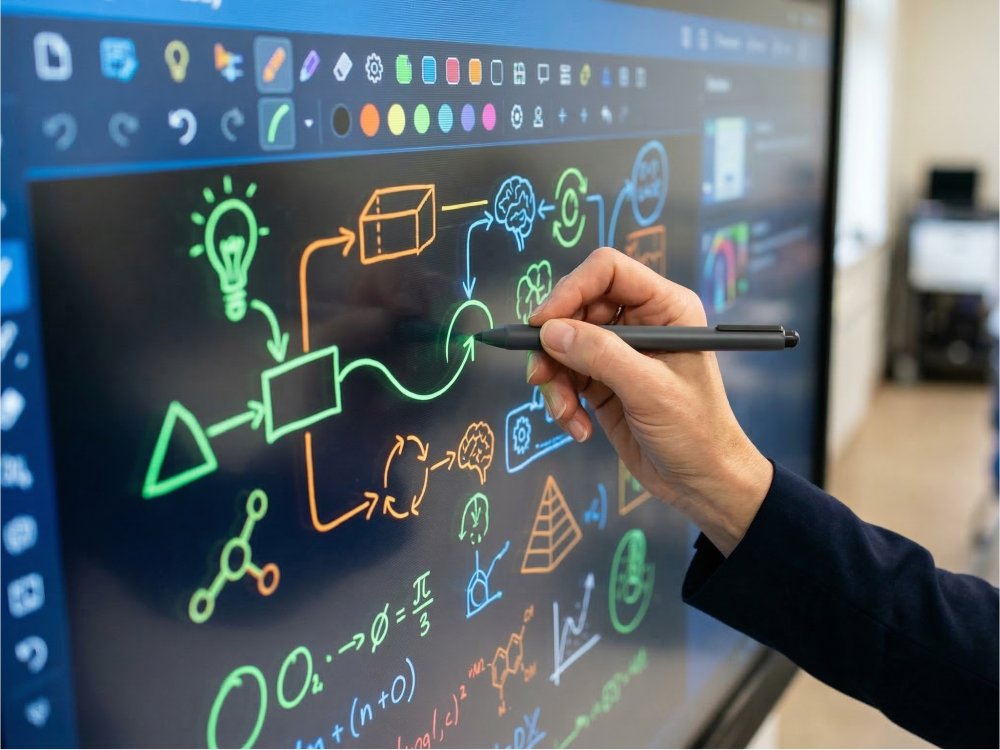
You can write notes, highlight text, draw diagrams, and annotate documents directly on the screen.
4) Built-In Applications
Many smartboards come with whiteboard software, browsers, video players, and presentation tools pre-installed.
5) Cloud Connectivity
Files and notes created on the board can be saved to cloud services like Google Drive or OneDrive for easy access later.
Benefits of Using an Interactive Smartboard
1) Improves Student Engagement
Interactive lessons encourage students to participate actively rather than passively watching presentations.
2) Supports Visual Learning
Teachers can use images, videos, diagrams, and animations to explain complex topics more effectively.
3) Encourages Collaboration
Students and employees can work together on the screen to solve problems, brainstorm ideas, or present solutions.
4) Saves Time and Resources
Notes can be saved digitally, reducing the need for printed materials and manual note-taking.
5) Enhances Hybrid Learning
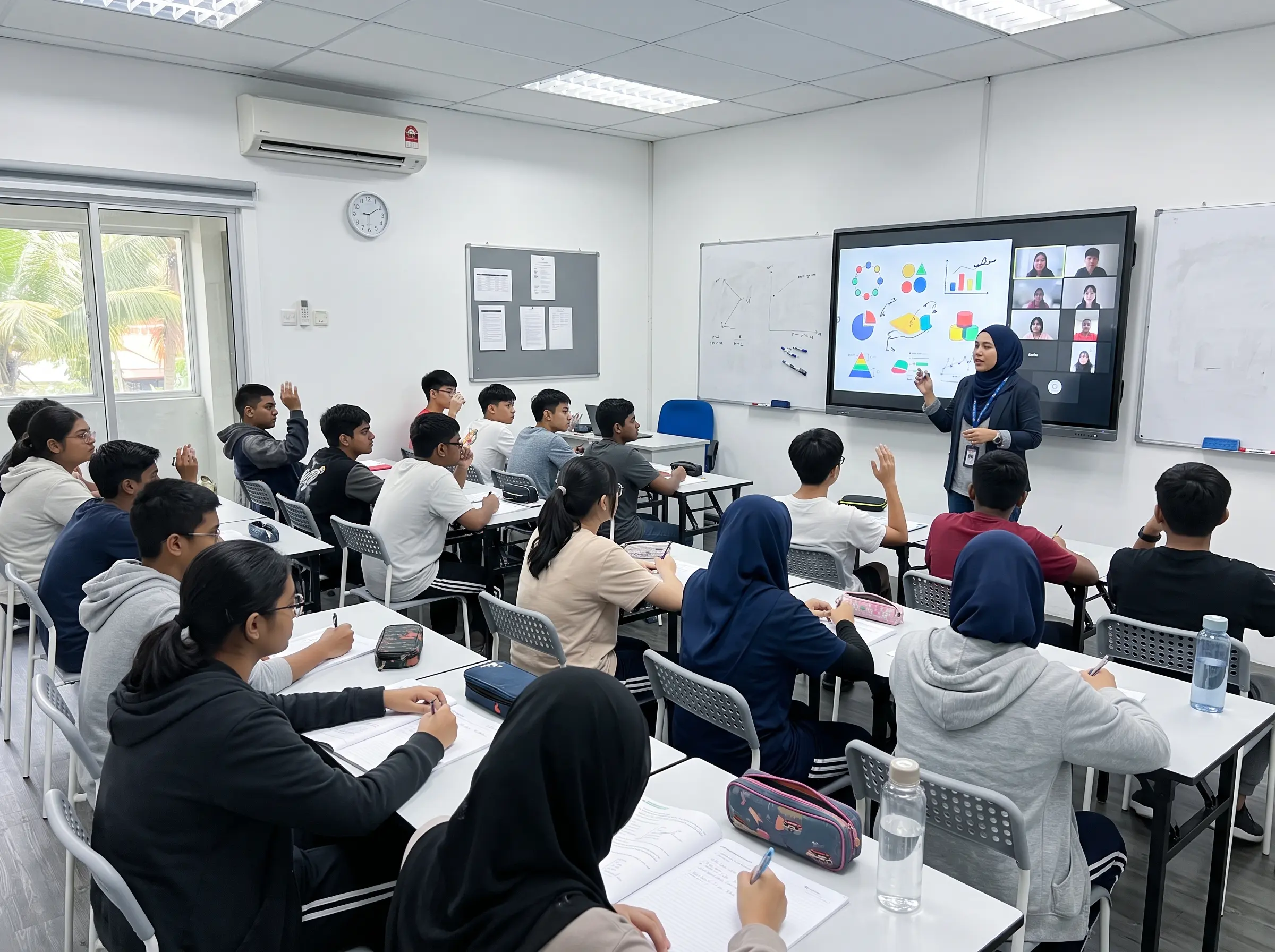
Interactive Smartboards work well with video conferencing tools, allowing remote participants to see and interact with content.
Where Are Interactive Smartboards Used?
1) Schools and Universities
Teachers use smartboards to create interactive lessons and digital learning experiences.
2) Corporate Meeting Rooms
Teams use them for presentations, project discussions, and hybrid meetings.
3) Training Centers
Organizations use smartboards to conduct workshops and training sessions.
4) Government and Public Sector
Government departments use smartboards for briefings, planning sessions, and collaborative discussions.
Why Interactive Smartboards Are the Future
As organizations continue to adopt digital technologies, the need for smarter collaboration tools will grow. The smart interactive board represents the next step in replacing traditional teaching and meeting tools with intelligent, connected solutions.
With touch interaction, multimedia capabilities, and seamless connectivity, the Interactive Smartboard enables more engaging communication and learning experiences.
According to Grand Canyon University, interactive classroom technology significantly improves student engagement and collaboration.
Conclusion
The Interactive Smartboard is more than just a digital whiteboard — it is a powerful platform for collaboration, learning, and communication. By combining touch technology, multimedia capabilities, and cloud connectivity, it transforms how information is shared in classrooms and meeting spaces.
As schools, businesses, and institutions move toward smarter environments, smart interactive board will continue to play a crucial role in enabling interactive and effective communication.
Learn more about our Interactive Smartboard solutions for classrooms and meeting rooms.