
A lecturer should not lose the first 10 minutes of class troubleshooting cables, switching inputs, or asking students at the back if they can see the screen. Yet these small disruptions add up across a semester. AI smart classroom solutions address that operational gap by connecting interactive displays, collaboration tools, video conferencing, content systems, and practical AI capabilities into one teaching environment.
For school leaders, university administrators, and IT teams, the objective is not to add more technology to a classroom. It is to make teaching more visible, participatory, and manageable while giving support teams a setup they can maintain at scale. The strongest results come from a planned system, not a collection of disconnected devices.
What AI Smart Classroom Solutions Should Deliver
A smart classroom should improve what happens before, during, and after a lesson. Before class, educators need fast access to lesson materials without relying on personal adapters or complicated logins. During class, they need to annotate, share screens, show multimedia, involve remote participants, and preserve key discussion points. After class, students may need access to notes, recordings, or structured follow-up materials.
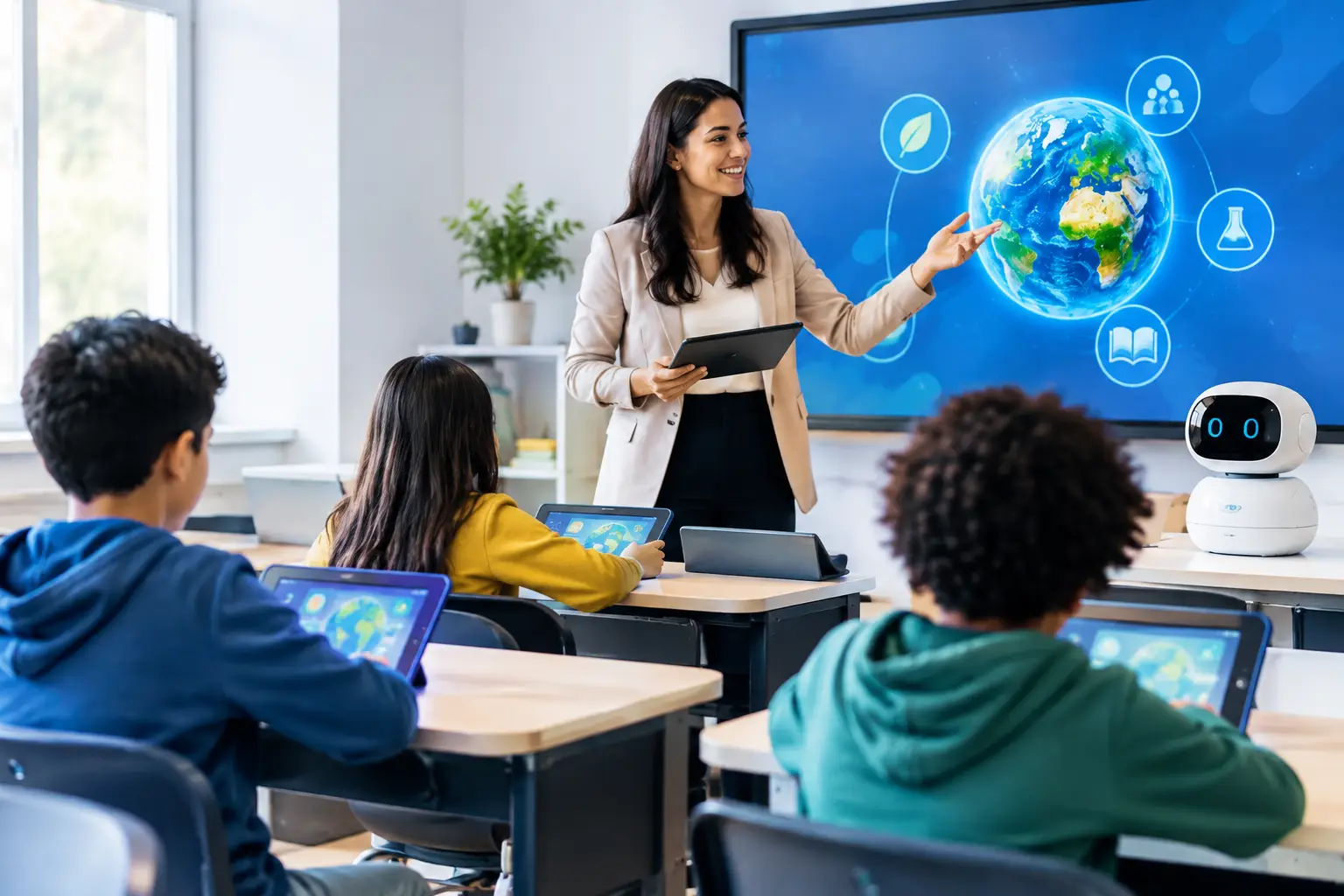
AI can make these workflows more useful, but it should serve a clear educational purpose. For example, AI-assisted transcription can create searchable lesson notes for students who need revision support. Meeting and lecture summaries can help educators capture action items after a group presentation. Translation and captioning features can support more inclusive learning environments, particularly where students have different language needs.
The technology should also reduce pressure on teaching staff. A lecturer who can walk into a room, connect wirelessly, write on a large interactive display, and save the session at the end is more likely to use the room consistently. If every lesson requires IT intervention, adoption will drop regardless of how advanced the hardware appears on paper.
The Connected Classroom, Not Just the Display
An interactive smartboard is often the visible center of a smart classroom, but it is only one part of the system. The right configuration depends on room size, teaching style, class capacity, network readiness, and whether the room supports hybrid learning.
Interactive Displays for Active Teaching
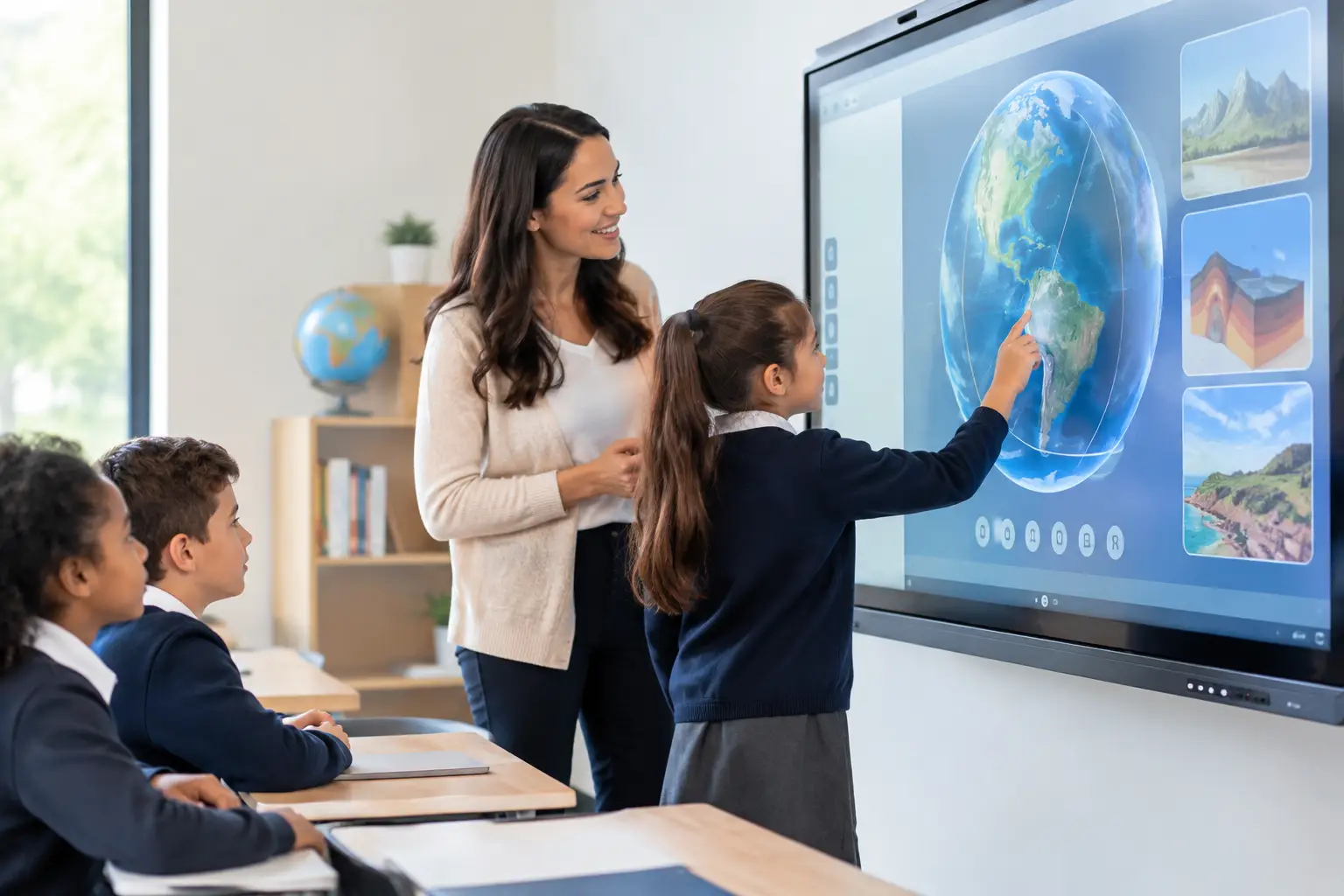
A large-format interactive display gives educators a shared canvas for diagrams, annotations, presentations, browser-based content, and student collaboration. In a science classroom, an instructor can mark up a model or experiment result in real time. In a business faculty, students can work through a case study directly on screen. In a training room, teams can map processes, compare options, and save the final output for follow-up.
Display size matters. A screen that works well in a small seminar room may not provide adequate visibility in a lecture hall. Resolution, brightness, touch responsiveness, and front-facing speaker quality also affect daily use. Procurement teams should assess the room from the learner’s perspective, including viewing distance, ambient light, and seating arrangement.
Hybrid Learning Tools That Work Together
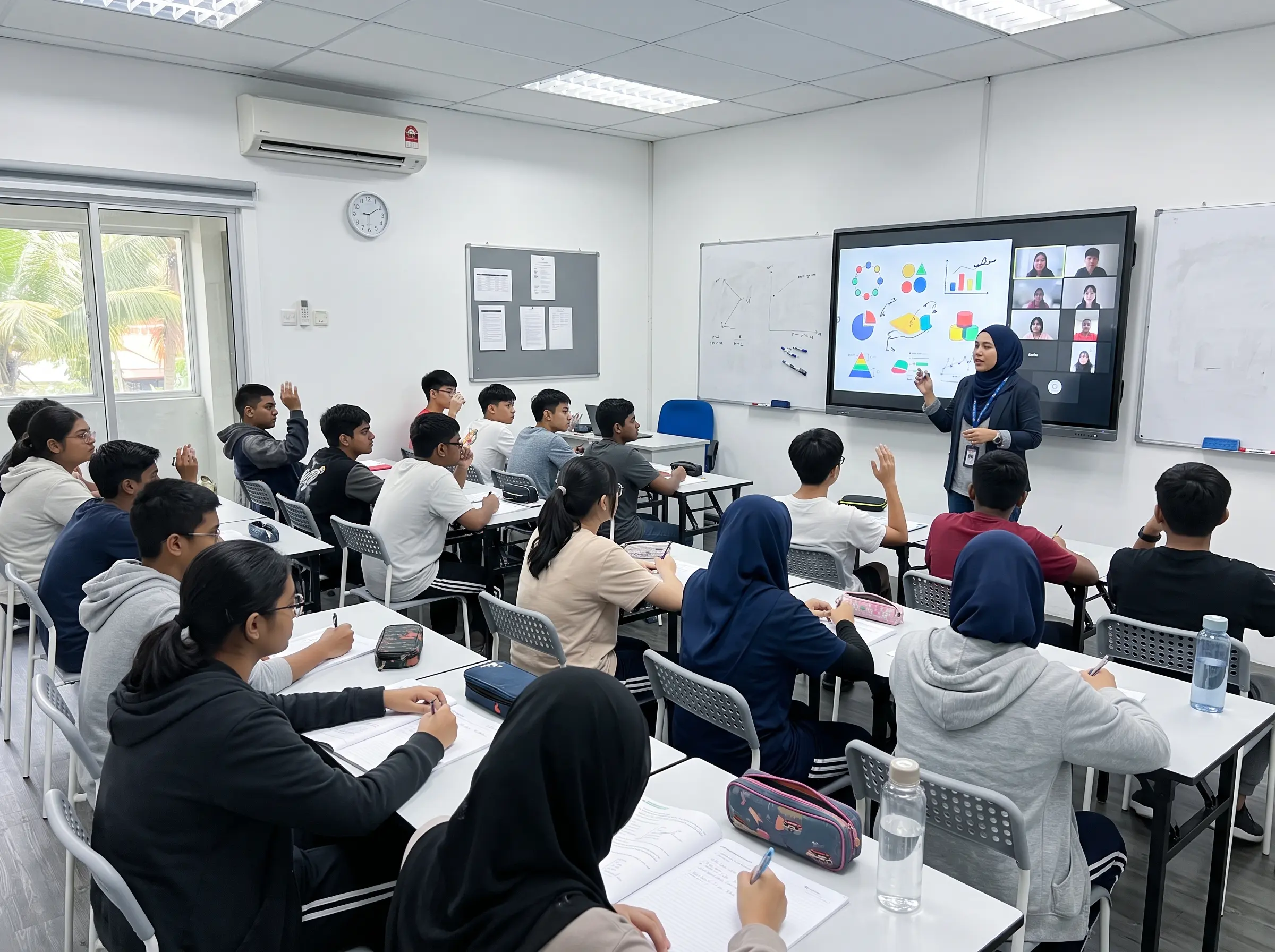
A hybrid classroom needs more than a webcam placed on a desk. The camera, microphone, speakers, display, and conferencing platform must work as one system. Auto-framing cameras can keep a presenter in view, while speaker tracking can make discussions easier for remote participants to follow. Ceiling or array microphones may be necessary in larger spaces where students contribute from different parts of the room.
This is where system design matters. A high-quality camera will not solve poor audio, and a powerful interactive display cannot compensate for unstable connectivity. Institutions should establish baseline requirements for network capacity, Wi-Fi coverage, account access, device management, and technical support before rolling out hybrid rooms across campus.
Content, Signage, and Room Coordination
Smart classroom planning can extend beyond the teaching wall. Digital signage can show room schedules, event notices, campus announcements, and emergency messages. Meeting-room booking panels can help shared teaching spaces stay organized. Interactive kiosks and wayfinding directories can guide visitors and students through larger campuses.
These systems are most effective when they support the same operational goals. A classroom display, room booking system, and signage network should not create three separate administrative burdens. Centralized content and clear ownership help facilities and IT teams keep information current.
Where AI Adds Value, and Where It Does Not
AI has real classroom applications, but it is not a replacement for instructional design or educator judgment. Its value is strongest when it removes repetitive work, improves access to information, or gives teachers more time to focus on students.
Useful applications include automatic captions for recorded sessions, AI-generated draft summaries, searchable transcripts, content recommendations, and analytics that identify whether classroom technology is being used as intended. In certain settings, AI tools can assist with quiz creation, translate supporting materials, or provide students with structured revision prompts.
The trade-off is governance. Schools and universities must consider where data is stored, who can access recordings and transcripts, how long information is retained, and whether AI-generated content is reviewed before it is shared. A tool that records every session may be useful for lecture capture, but it may not be appropriate for every discussion-based class, counseling session, or assessment environment.
A practical policy should define approved use cases, user permissions, consent requirements, and escalation procedures. IT teams should also verify that AI features work within existing identity, security, and data-management standards. Technology adoption becomes easier when staff understand both the capability and the boundaries.
A Practical Deployment Plan for Schools and Universities
The most reliable smart classroom projects begin with a room audit. Rather than selecting equipment from a catalog first, institutions should identify how each room is used and what friction educators currently face. A standard teaching classroom, a lecture theater, a computer lab, and a collaborative learning studio will not require the same solution.
Start by grouping spaces into room types. This allows an institution to standardize where appropriate while retaining flexibility for specialized areas. Standardization helps with training, spare equipment, warranties, user support, and future expansion. A lecturer should not need to learn a different startup process every time they move to another classroom.
Then test the proposed setup with actual users. Invite educators, students, IT personnel, and facilities representatives to use the system in a live demonstration environment. Ask direct questions: Can an instructor start a session without assistance? Can a student at the back read the display? Does remote audio remain clear when several people speak? Can notes be saved securely? These operational details matter more than a long specification sheet.
Installation should include cable management, mounting, power planning, network configuration, room calibration, user training, and acceptance testing. The final handover should document how to use the room, how to report faults, and what service response is available. For organizations with multiple campuses or sites, nationwide engineer coverage becomes especially relevant because support should not depend on a single local technician.
Selecting a Technology Partner for Long-Term Use
A smart classroom is a long-term operational asset. The supplier should therefore be assessed as an implementation and support partner, not simply as a hardware source. Look for experience with integrated AV systems, clear warranty terms, certified engineers, installation capability, and a defined service-level process for faults and maintenance.
It also helps to see solutions in use before committing to a wider deployment. A live showroom demonstration can reveal how responsive an interactive display feels, how quickly wireless sharing connects, and whether camera and audio performance match the stated requirement. For larger projects, a pilot room is often the sensible next step before standardizing across a campus.
Arvia supports this approach through consultation-led design, product supply, installation, and after-sales coverage across Malaysia. With more than 4,500 completed projects and field-engineer support in all 13 states, the focus is on building classroom systems that teams can operate confidently after deployment.
Build for the Teaching Experience First
The best AI smart classroom solutions are rarely the ones with the longest feature list. They are the rooms where an educator can begin on time, every learner can participate, remote attendees can contribute clearly, and IT teams can support the environment without constant firefighting.
Start with the teaching experience you want to create, then design the display, audio, AI, collaboration, and support model around it. That is how a classroom becomes a dependable learning space rather than another room filled with underused technology.