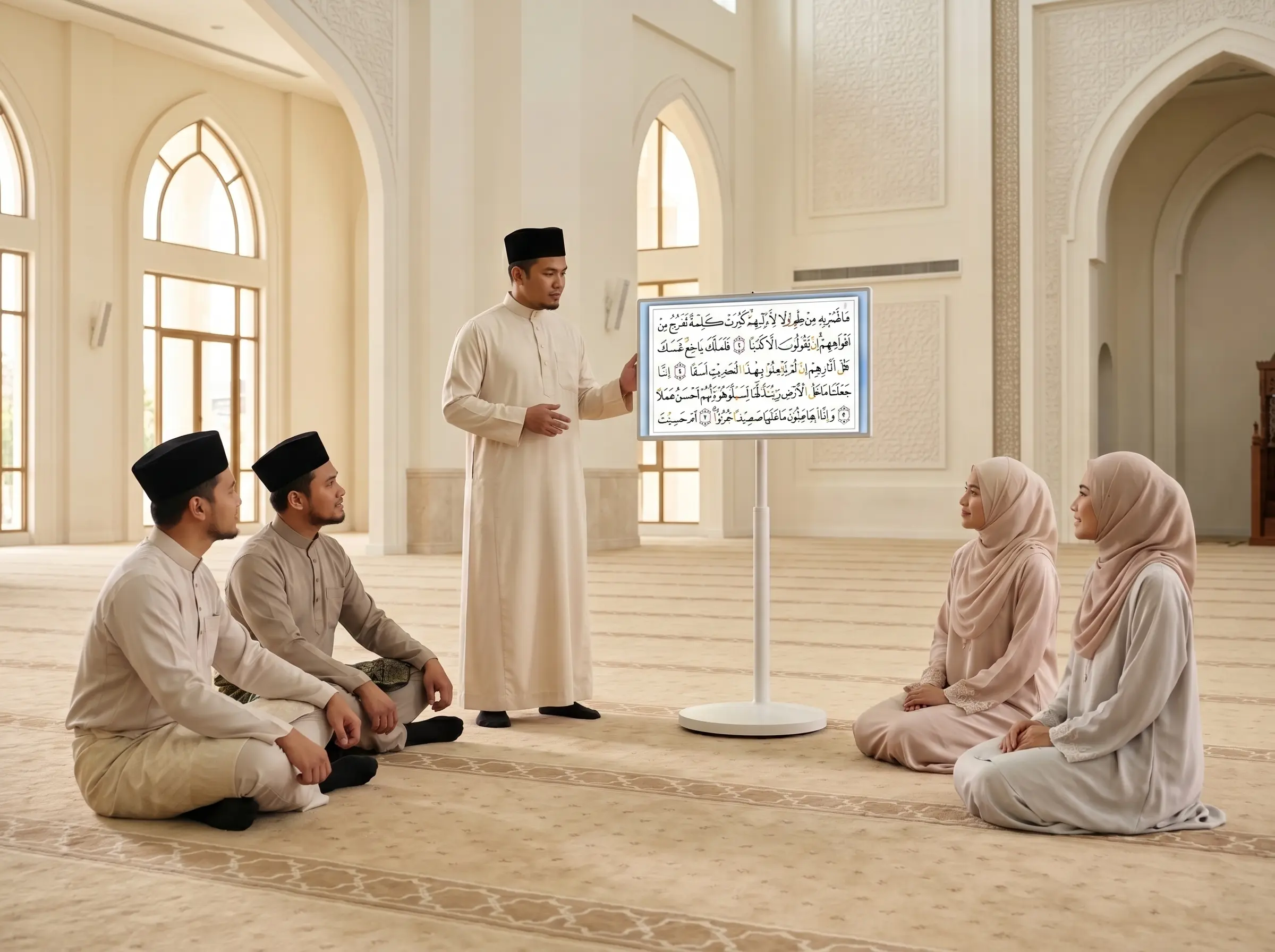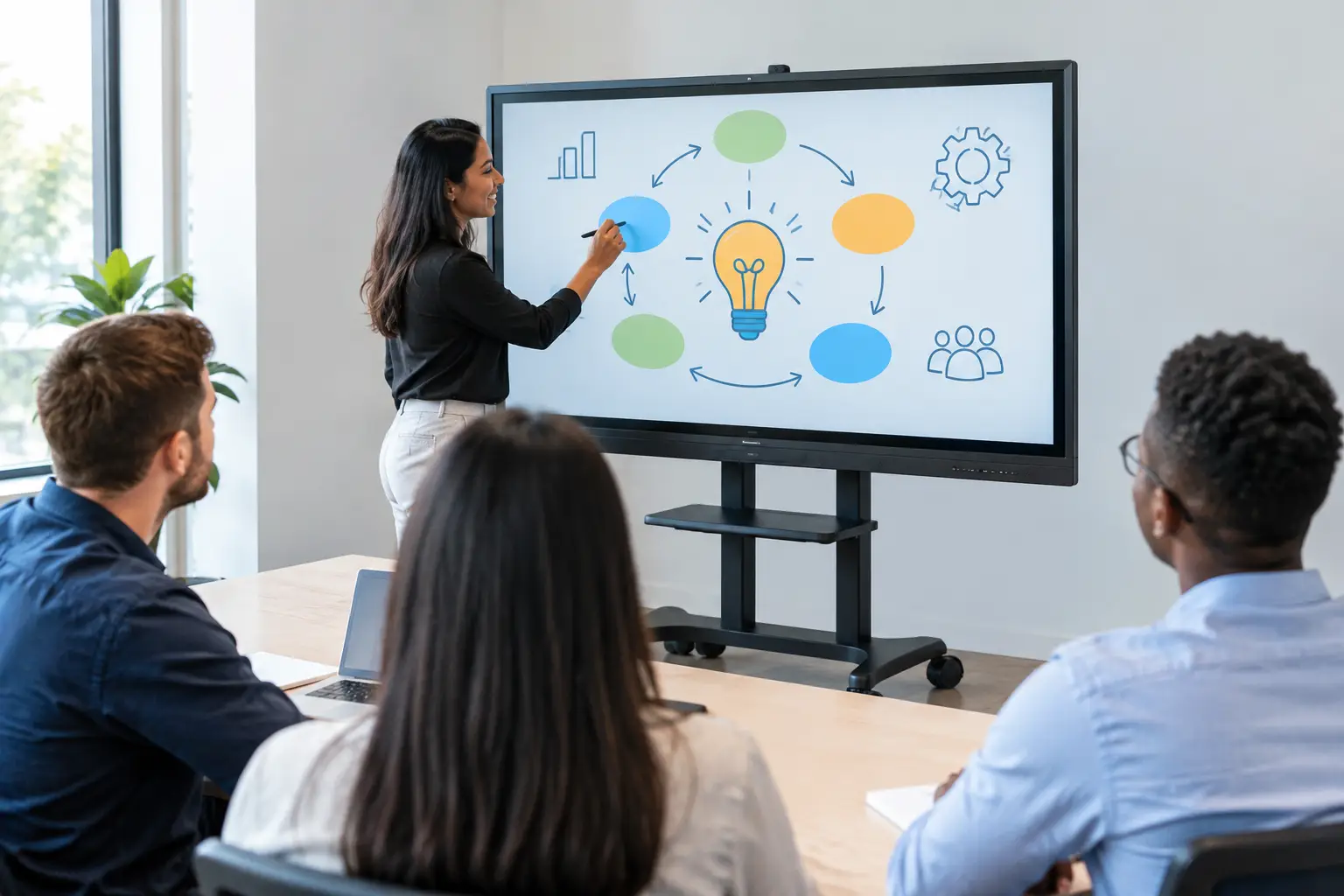

A training room should not need a permanent AV installation to become productive. When onboarding moves to a meeting room, safety briefings take place near the production floor, or facilitators need to train teams across multiple sites, a portable interactive display for training gives them a practical way to bring visual, hands-on learning wherever it is needed.
For Malaysian organizations, portability is not simply a convenience feature. It can reduce room dependency, shorten setup time, and help training teams deliver a more consistent experience across branches, campuses, offices, and field locations. The right display lets a facilitator roll into a room, switch it on, connect a laptop or open materials directly on the screen, and begin.
Why Fixed Training Rooms No Longer Fit Every Program
Traditional projector-based training rooms can work well when sessions always happen in the same location. But many organizations now train employees, students, contractors, and partners in spaces that change from week to week. HR may need a room for induction in the morning and a workshop area in the afternoon. A university department may run small-group sessions across several faculties. A government agency may need to brief staff at a regional office without rebuilding each room.
A portable interactive display removes much of that friction. It combines a large touchscreen, display, whiteboard, annotation tool, and presentation surface on a movable stand. Rather than asking learners to crowd around a laptop or rely on a projector image that is hard to read in daylight, trainers can place content at the center of the room and invite people to participate.
The operational gain is straightforward: fewer cables, less time adjusting equipment, and less reliance on one designated training suite. This matters when sessions run back-to-back and facilitators cannot afford to spend the first 15 minutes troubleshooting inputs, audio, or screen visibility.
What a Portable Interactive Display for Training Should Do
Not every mobile screen is suited to training. A conventional TV on a trolley can show slides, but it does not necessarily support collaborative activities, document markup, or direct learner interaction. The best choice depends on the type of training being delivered and who will operate the system.
Make Content Visible and Usable
Screen size should match the room, not just the budget. A compact display can suit breakout discussions or small teams, while larger screens are more effective for classroom-style training and department briefings. The key test is whether participants at the back can read detailed spreadsheets, diagrams, policy documents, and training videos without straining.
Brightness and anti-glare performance also matter. Many meeting rooms and multipurpose areas have windows, overhead lighting, or variable lighting conditions. A display that looks excellent in a dark showroom may perform poorly in an active office or training facility. Organizations should assess the intended environment before choosing a screen size or panel type.
Support Participation, Not Just Presentation
Training becomes more effective when participants can contribute. Interactive touch capability allows facilitators to annotate slides, circle key procedures, capture questions, and work through scenarios directly on the display. Learners can take turns completing diagrams, prioritizing tasks, or mapping a customer journey in front of the group.
For compliance, technical, and operational training, this can be especially useful. A trainer can mark up a safety checklist, compare correct and incorrect process steps, or record key points during a discussion. The final whiteboard notes can then be saved and shared after the session, reducing the chance that useful input disappears when the room is reset.
Multi-touch support is worth considering for workshop formats. It enables more than one person to work on the screen at once. However, it is not essential for every organization. If most sessions involve one facilitator presenting to a larger audience, usability, writing accuracy, and fast annotation may matter more than a high number of simultaneous touch points.
Connect to Existing Training Tools
A useful portable display should work with the tools trainers already use. This commonly includes laptop connectivity, wireless screen sharing, video conferencing platforms, USB access, and document formats such as PDFs, presentation files, and spreadsheets. Built-in whiteboarding is valuable, but it should complement existing workflows rather than force trainers to recreate all materials in a new system.
Wireless sharing can speed up transitions between presenters, especially during group exercises. At the same time, IT teams should consider network controls, guest access, and device compatibility. A feature that is simple for a facilitator can create avoidable risk if it bypasses the organization’s security policies.
Where Portable Displays Deliver the Most Value
The strongest business case usually comes from repeated use across multiple rooms or departments. A portable interactive display can serve a wider purpose than a single training program, which improves utilization and reduces duplicated purchases.
In corporate environments, it can support induction, sales enablement, leadership workshops, product knowledge sessions, and team briefings. HR teams can use it for onboarding activities, while operations teams can bring it closer to the work area for process reviews and shift handovers.
Schools, universities, and training centers can use a mobile display for tutorial rooms, faculty development, hybrid learning, and skills-based workshops. The ability to move the screen between classrooms is particularly helpful when permanent smartboards are available only in selected rooms.
For government agencies and public-sector organizations, portability supports training across departments and regional sites. It can also be used for stakeholder sessions, community engagement, and internal presentations. In retail, hospitality, and F&B operations, supervisors can use the same unit for staff training, menu or product briefings, and visual operational updates.
Deployment Details That Affect Daily Use
The display itself is only part of the solution. The stand, power arrangement, connectivity, storage, and support model determine whether it remains useful after the first few sessions.
A stable mobile stand should roll smoothly but lock firmly in place. This is particularly important in busy offices, schools, and public facilities where the display may be moved frequently. Consider door widths, elevator access, floor transitions, and where the unit will be stored between sessions. A large display that cannot pass through a common doorway is not genuinely portable in practice.
Battery-powered models can offer greater flexibility where power outlets are limited. They are useful for open areas, event spaces, and temporary training setups. The trade-off is that teams must manage charging cycles and understand expected runtime. For training programs that last a full day, reliable access to power may be more practical than relying entirely on battery operation.
Audio also deserves attention. Built-in speakers may be enough for a small room, but larger groups or video-based modules may require external audio. Similarly, an integrated camera can help with hybrid sessions, yet camera position, room acoustics, and conferencing platform setup will still influence the experience for remote participants.
Before procurement, involve the people who will use and support the display. Trainers can identify usability needs, IT can confirm network and device requirements, and facilities teams can assess movement and storage. This short consultation often prevents a technically capable display from becoming an underused asset.
A Practical Evaluation Checklist
When comparing options, assess the full operating environment rather than focusing only on screen size or headline specifications. A procurement review should confirm these areas:
- Whether the display is easy for non-technical trainers to start, connect, annotate, and shut down.
- Whether the screen remains readable in the actual rooms where training will take place.
- Whether touch response, handwriting, and whiteboard saving support the planned learning activities.
- Whether ports, wireless sharing, conferencing tools, and network settings fit organizational IT policies.
- Whether the stand, wheels, power arrangement, and storage plan support safe daily movement.
- Whether installation, user orientation, warranty coverage, and local technical support are available after delivery.
A live demonstration is often more valuable than comparing specification sheets. Ask a facilitator to connect a typical laptop, open a real training deck, annotate a document, play a video, and switch between presenters. That reveals far more about day-to-day usability than a feature list alone.
Treat the Display as Part of the Training Environment
A portable display works best when it is planned as a shared training resource, not as a stand-alone screen purchase. Organizations should decide who owns booking, where the unit is stored, what materials are preloaded, and how trainers receive basic guidance. A simple operating standard helps ensure that every session begins consistently.
For larger rollouts, integration matters even more. A portable display may sit alongside room booking systems, video conferencing equipment, digital signage, interactive kiosks, or permanent smartboards. Arvia approaches these projects as connected environments, with local deployment planning, certified field-engineer support, and coverage across Malaysia rather than a box-delivery transaction.
The right portable interactive display does not replace good training design. It gives good facilitators a more flexible stage: one that can move to the people, make complex information easier to see, and turn passive presentations into active working sessions.