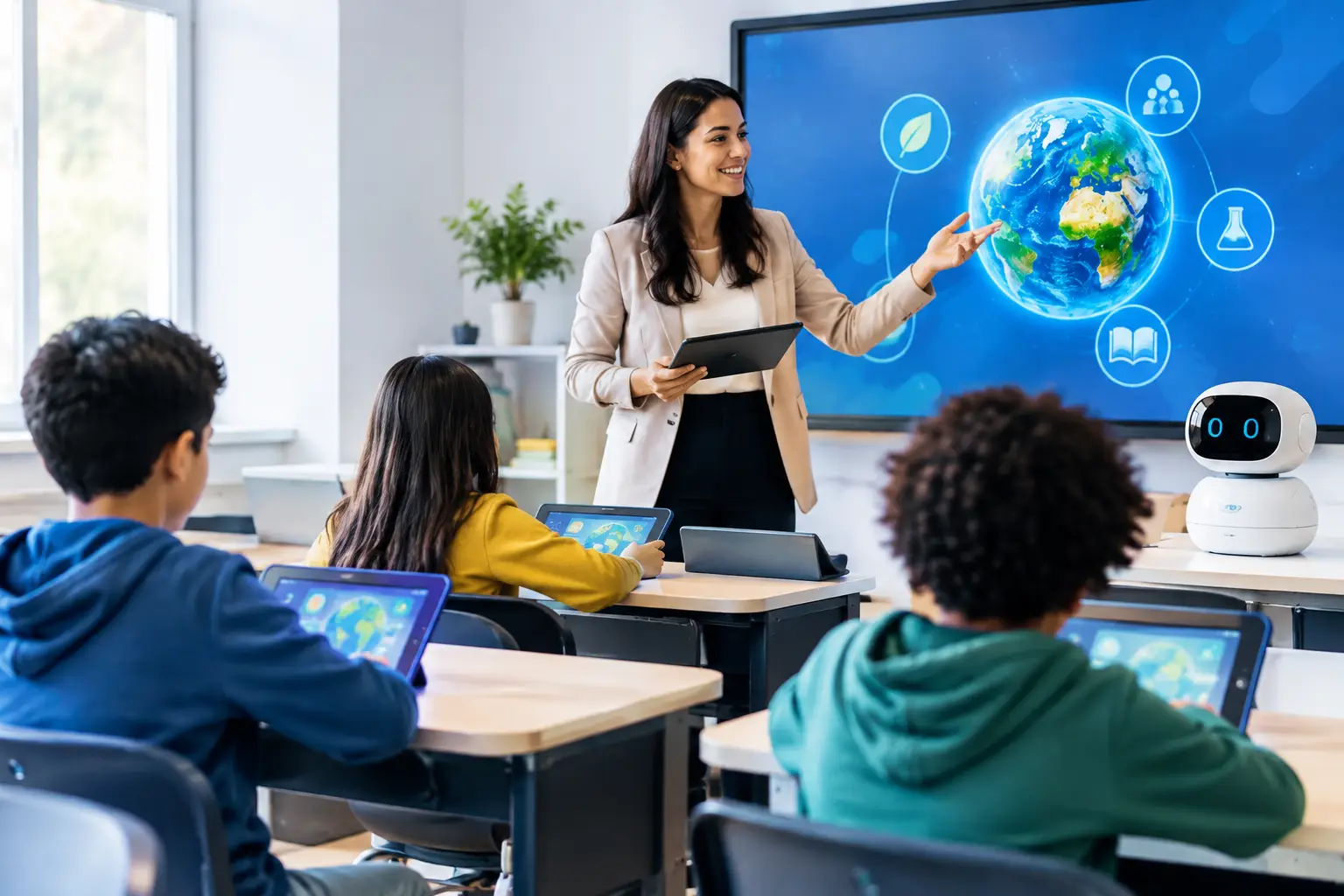
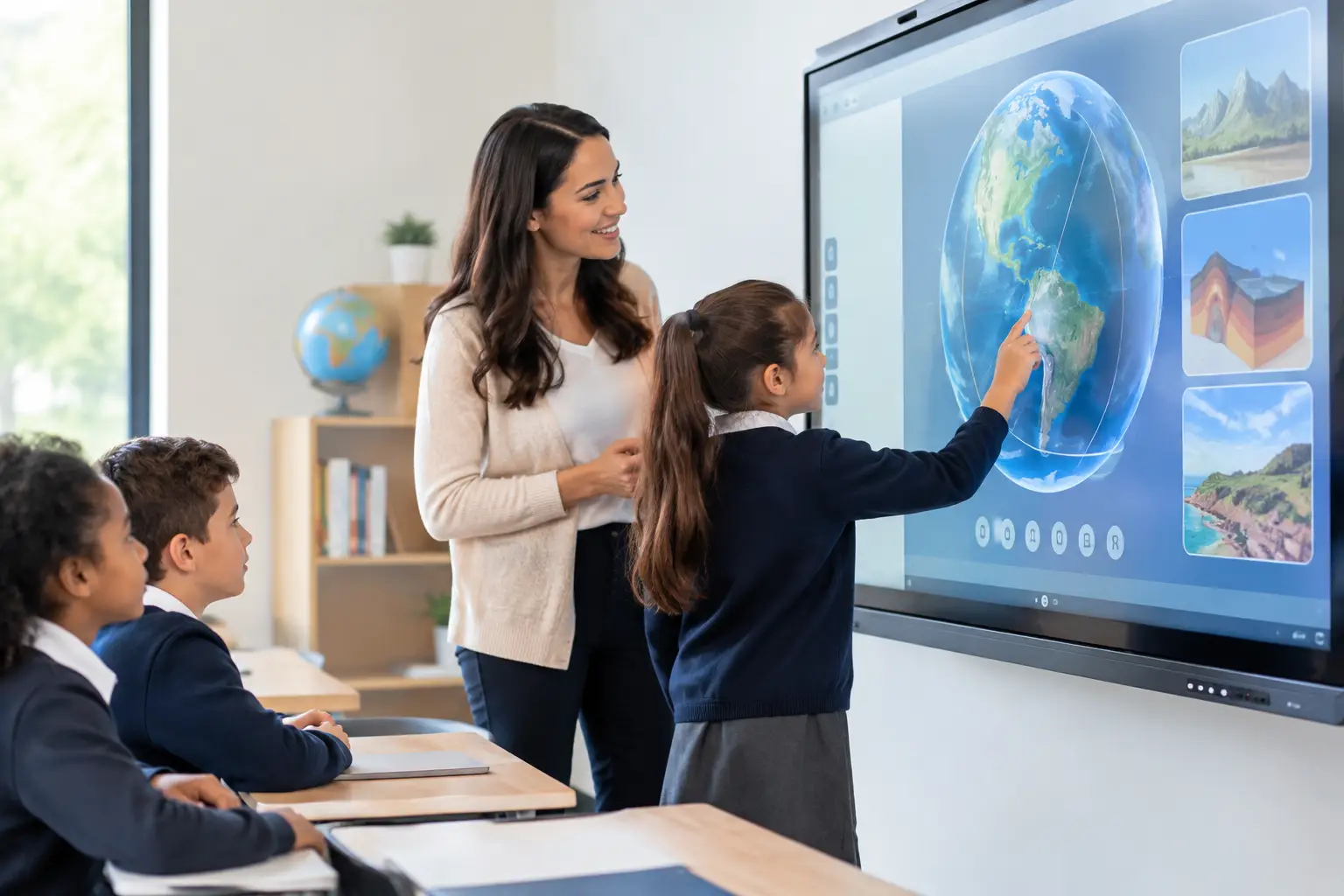
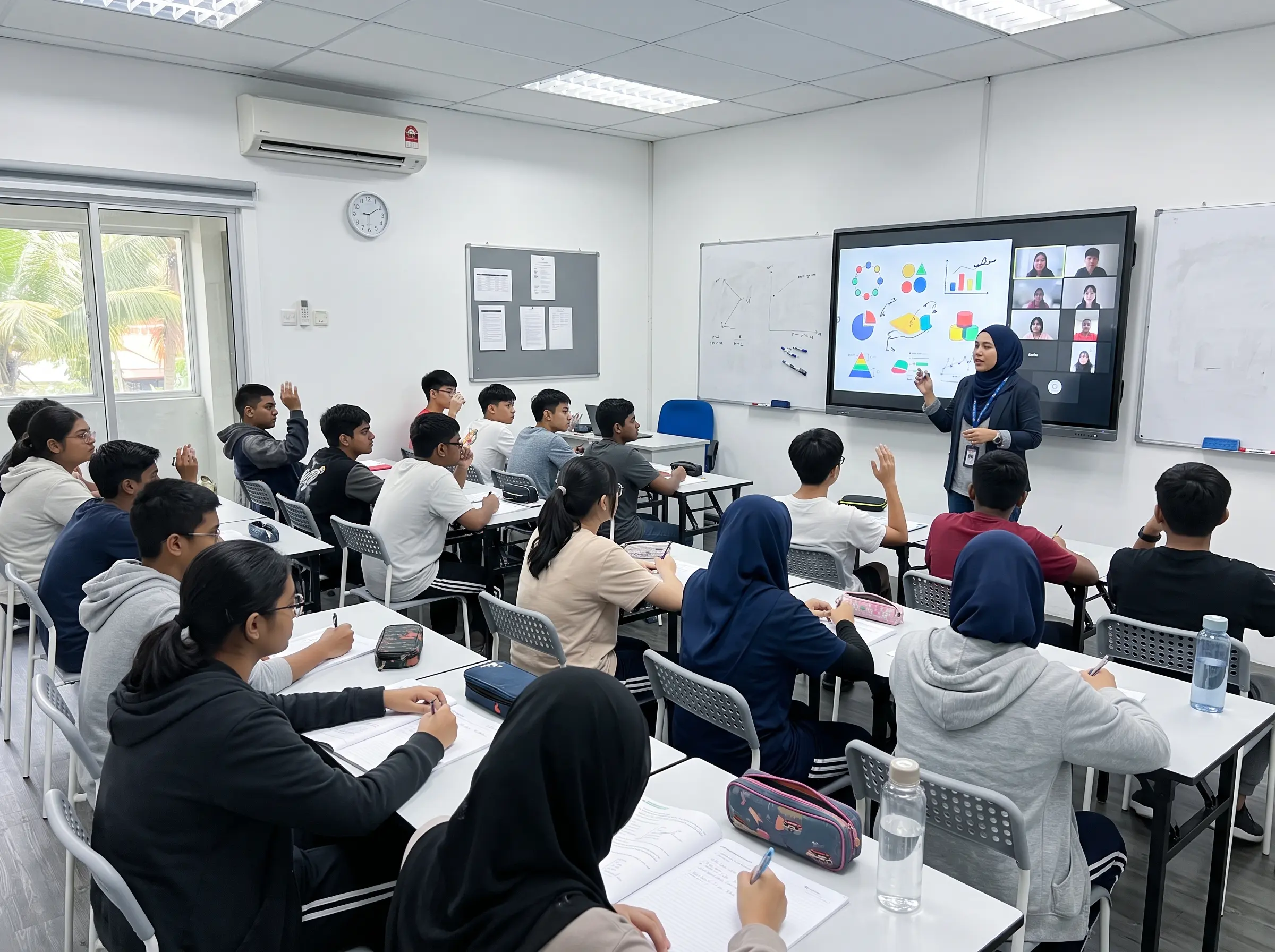
The smartboard market has come a long way. What started as glorified electronic whiteboards a decade ago has evolved into AI-powered teaching and presentation hubs that fundamentally change how we work, learn, and collaborate. The latest AI smartboard features 2026 bring a level of intelligence that wasn’t possible just a few years ago.
But not all smartboards are created equal. As you evaluate options for your school, university, or office in 2026, certain AI features have become non-negotiable: the features that separate truly modern smartboards from outdated touchscreen displays. Here are the 5 essential AI smartboard features 2026 every modern smartboard should have.
1. AI Handwriting Recognition (Including Jawi, Arabic & Chinese)
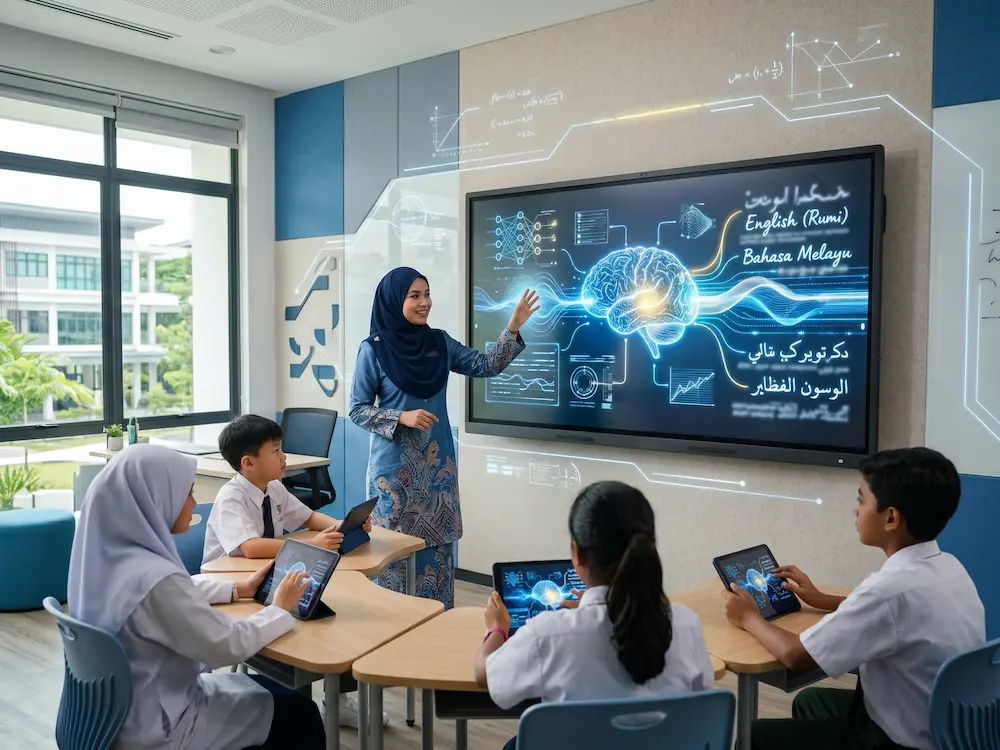
The single most important of the AI smartboard features 2026 lineup is intelligent handwriting recognition. The best smartboards can recognise:
- ✅ English handwriting: convert messy notes into clean digital text
- ✅ Bahasa Melayu: Rumi script with full vocabulary support
- ✅ Jawi script: critical for Islamic education and Tahfiz classes
- ✅ Arabic: essential for Pendidikan Islam and Quran teaching
- ✅ Mandarin: for Chinese language classes and international schools
- ✅ Mathematical equations: convert handwritten formulas to LaTeX or rendered math
- ✅ Shapes & diagrams: auto-correct hand-drawn shapes into perfect geometry
Why It Matters
Imagine a Pendidikan Islam teacher writing Arabic on the board. With AI recognition, the smartboard:
- Recognises the Arabic text instantly
- Displays proper tajwid colour-coding
- Offers translation if needed
- Saves the lesson with searchable text
- Allows students to compare their handwriting to the standard
For SPM students preparing Add Maths, the AI converts handwritten equations into rendered formulas that can be solved step-by-step. For language classes, AI handwriting transforms learning into an interactive experience.
Without AI handwriting recognition, a smartboard is just an expensive whiteboard.
2. Real-Time Translation Between Languages
Malaysian classrooms are inherently multilingual. Teachers regularly switch between Bahasa Melayu and English, sometimes adding Mandarin, Tamil, or Arabic depending on the school’s demographics. Among AI smartboard features 2026 priorities, seamless real-time translation ranks at the top.
What This Looks Like in Practice
A teacher in a Sekolah Jenis Kebangsaan (Cina) explains a Sains concept in Mandarin. With AI translation:
- The smartboard displays the same content in Bahasa Melayu for non-Mandarin students
- English translation is available for international students
- Translations happen in real-time as the teacher writes or speaks
For international schools, this means students from different language backgrounds can learn together without language barriers. For government schools with diverse student populations, it ensures no student is left behind due to language gaps.
Beyond the Classroom
In corporate boardrooms, real-time translation enables truly global meetings. A KL-based team can present in English while colleagues in Beijing or Jakarta read the same content in their language, all on the same smartboard.
3. Lesson Recording with AI Indexing
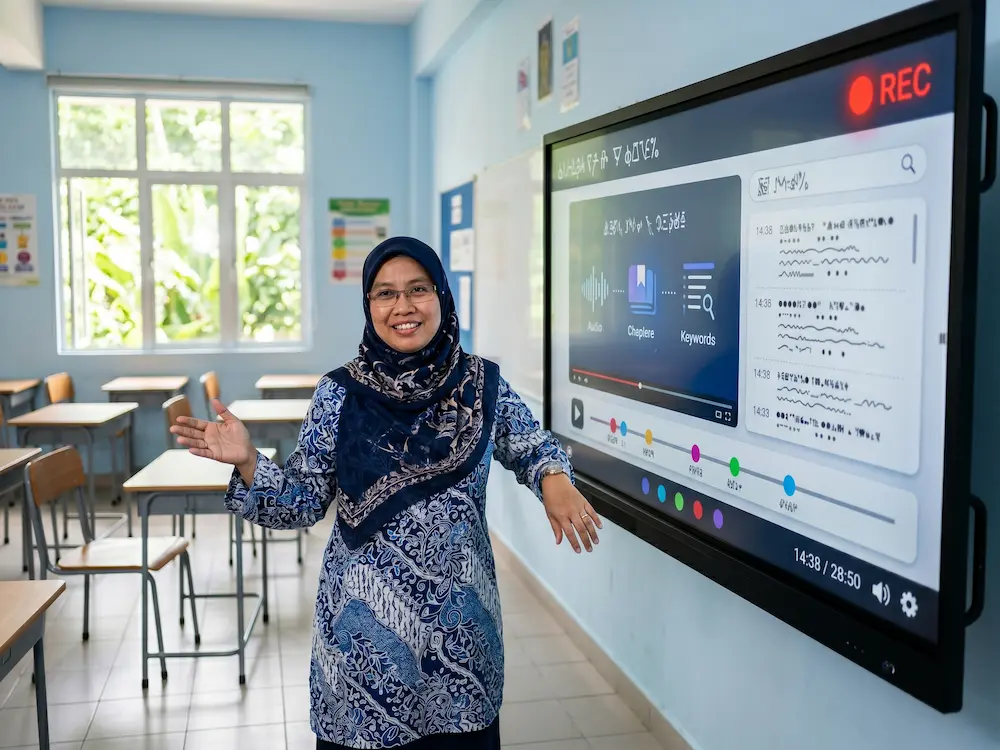
Recording lessons has been possible for years. What’s new in AI smartboard features 2026 is AI-powered lesson indexing: making those recordings actually useful.
The Old Way (Pre-AI)
- Teacher records a 60-minute lesson
- Student wants to revise one specific topic
- Student has to scrub through the entire recording to find it
- Frustration, time wasted, learning impact reduced
The Modern Way (With AI)
- Teacher records the same lesson
- AI automatically transcribes spoken audio into searchable text
- AI identifies key topics and moments (chapter markers)
- AI tags important diagrams and equations written on the board
- AI creates a searchable index
- Student types “perpuluhan dan pecahan” and jumps directly to that section
- Revision becomes targeted, efficient, and effective
Why This Matters for Malaysian Education
For students preparing for SPM, UPSR, or PT3 exams, the ability to instantly find and replay specific lesson moments is invaluable. For students who missed class due to illness, they get the full lesson with the ability to focus on what they need.
For tahfiz students, AI-indexed lesson recordings allow them to practice specific Quran verses, hear the teacher’s tajwid model, and self-correct, accelerating memorisation significantly.
4. Multi-Point Touch with AI Gesture Recognition
Basic touch is a baseline expectation. What modern AI smartboard features 2026 offer is 20-point multi-touch with AI gesture recognition.
What’s the Difference?
Basic multi-touch lets multiple people touch the screen simultaneously, useful for group activities.
AI gesture recognition goes further. The smartboard understands:
- ✅ Pinch to zoom: like a tablet, zoom in and out of content
- ✅ Two-finger swipe: switch between apps or pages
- ✅ Palm erase: use your whole palm to erase like a real whiteboard
- ✅ Stylus vs finger detection: stylus draws fine lines, finger draws thick lines, both work simultaneously
- ✅ Multi-user write zones: 4 students can write in different corners without interference
- ✅ Pressure sensitivity: press harder for thicker lines, lighter for thinner
Real Classroom Impact
In a primary school art class, 6 students gather around the smartboard. Each draws their own picture in their assigned zone. The AI distinguishes between their inputs perfectly: no interference, no lag, no confusion.
In a university physics lab, a lecturer and 3 students collaboratively solve a complex problem. The lecturer uses a stylus for precise diagrams. Students use fingers for annotations. Everything works smoothly together.
This level of multi-user interaction simply wasn’t possible 5 years ago. In 2026, it should be standard.
5. AI-Powered Smart Whiteboard Tools
The fifth essential of the AI smartboard features 2026 list is the collection of AI-powered whiteboard tools that make smartboards genuinely “smart”:
Smart Shape Correction
Draw a rough circle and the AI converts it to a perfect circle. Draw a wobbly rectangle and the AI cleans it up. This sounds simple but transforms teaching: diagrams look professional without slowing down the lesson flow.
Smart Colour Detection
Highlight handwritten text and the AI suggests appropriate colours based on context. Math equations get one colour, definitions get another, examples get a third. The visual organisation improves comprehension.
Smart Layout Adjustment
When a teacher pastes content from different sources, AI auto-arranges them into a clean, presentation-ready layout. No more fumbling with manual alignment.
Smart Image Search
Draw a rough sketch of an object, say a flower, and the AI suggests high-quality images from the web that match. Perfect for visual lessons, art classes, or quick reference.
Smart Subject-Specific Tools
Different subjects benefit from different AI tools:
- Math: AI equation solver, graph generator, geometry constructor
- Science: 3D molecular models, periodic table integration, physics simulators
- Language: dictionary lookup, translation, pronunciation guide
- History: timeline generator, map overlay, historical image search
- Art: colour theory suggestions, perspective grids, brush simulation
These AI-powered tools turn a smartboard from a passive display into an active teaching assistant.
Beyond the Top 5: Honourable Mentions
While the 5 features above are essential, look for these nice-to-have features that signal a truly forward-thinking smartboard in 2026:
- Wireless screen casting from multiple devices (up to 9 simultaneously)
- Built-in 4K camera and noise-cancelling microphones for hybrid meetings
- Cloud sync with major platforms (Google Drive, OneDrive, iCloud)
- Battery backup for uninterrupted lessons during power fluctuations
- Energy-efficient design with eco modes and auto-shutoff
- Modular accessories (mobile stands, secondary cameras, audio enhancements)
What to Avoid: Red Flags in Smartboard Shopping
Not every “AI smartboard” delivers on the promise. Watch out for:
- ❌ Vague AI marketing: suppliers who say “AI-powered” without explaining specific features
- ❌ No handwriting recognition demos: if they can’t show it working live, it probably doesn’t work well
- ❌ English-only AI: critical features must support Bahasa Melayu, Jawi, and Arabic for Malaysian schools
- ❌ Subscription-locked features: real AI features should be built-in, not require ongoing subscriptions
- ❌ No local Malaysian support: without nationwide service, your investment is risky
- ❌ Missing SIRIM certification: required for government procurement, signals quality elsewhere
The Future Is Now
The 5 AI smartboard features 2026 outlined above aren’t future predictions, they’re available today in leading smartboards. For Malaysian schools, universities, and businesses making smartboard investment decisions in 2026, these features should be the minimum baseline, not premium add-ons.
The Arvia ARV600 AI Smartboard delivers all five essential AI smartboard features 2026 and more, designed specifically for Malaysian educational and business contexts, with full support for Bahasa Melayu, Jawi, Arabic, and English.
Frequently Asked Questions
Are AI smartboard features 2026 actually useful, or is it just marketing?
Genuine AI features deliver measurable improvements: faster lesson delivery, higher student engagement, and reduced teacher administrative time. Look for AI features that solve specific problems (like Arabic handwriting recognition for Pendidikan Islam) rather than generic “AI-powered” marketing claims.
Do AI features require a constant internet connection?
The best smartboards run core AI features (handwriting recognition, gesture detection, shape correction) offline, with optional cloud features (translation, image search, sync) requiring internet. This ensures smartboards work reliably even when WiFi is unreliable.
Will AI smartboards become obsolete quickly given how fast AI evolves?
Quality smartboards from established suppliers include software update support, ensuring the AI features improve over time without hardware replacement. Look for products with documented update commitments (typically 5 to 7 years of updates).
How do AI smartboards compare to using AI on a regular computer or tablet?
AI smartboards integrate AI directly with the teaching and presentation surface. While you can run AI apps on any device, smartboards integrate them seamlessly with the large display, touch interaction, and lesson recording, creating a unified teaching tool rather than juggling multiple devices.
Are AI smartboard features 2026 culturally sensitive for Malaysian Islamic education?
Quality smartboards designed with Malaysian context include features specifically for Islamic education: Arabic and Jawi handwriting recognition, Quran display with tajwid colour-coding, Hadith libraries, and prayer time integration. Verify these features are present (and well-implemented) when evaluating options for madrasah or tahfiz centres.
Make the Smart Choice
If you’re evaluating smartboards for your school, university, or office in 2026, make sure the option you choose delivers all 5 essential AI smartboard features 2026. Anything less is yesterday’s technology dressed in a new chassis. To see how a truly modern AI smartboard performs, explore the Arvia smartboard range, built for Malaysian classrooms and boardrooms, with AI features designed for real teaching, real meetings, and real results.
Experience True AI Smartboard Power
See Arvia’s AI features in action, book a live demo today.
AI handwriting (Jawi, Arabic, English, Mandarin) · Real-time translation · Lesson recording with AI indexing · 20-point multi-touch · SIRIM certified, 2-year warranty