

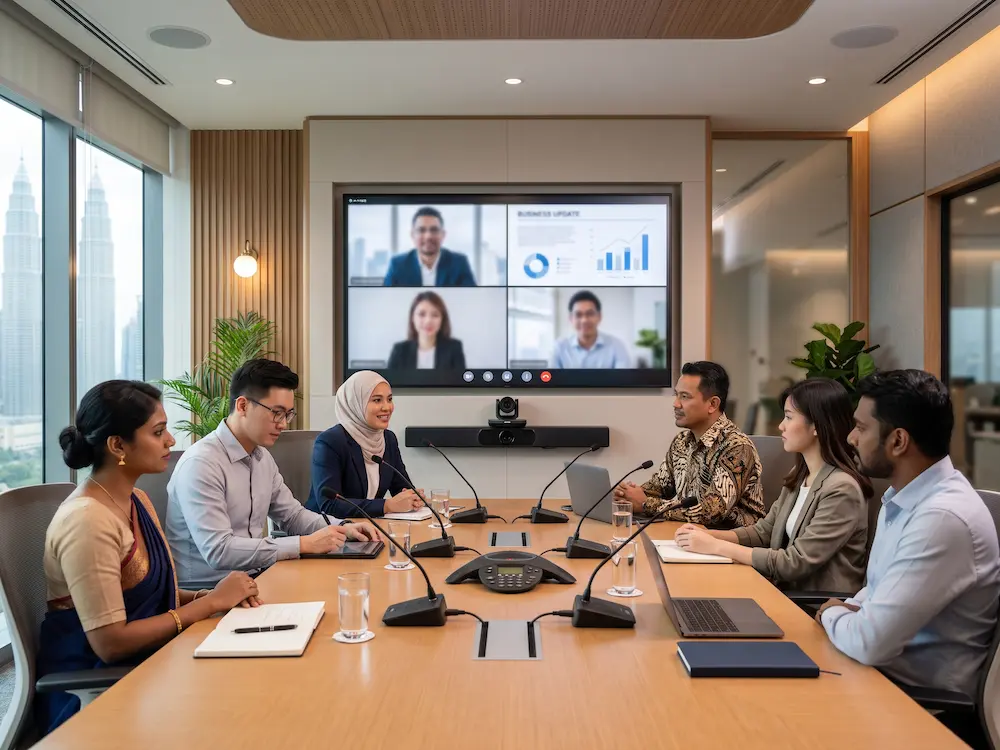

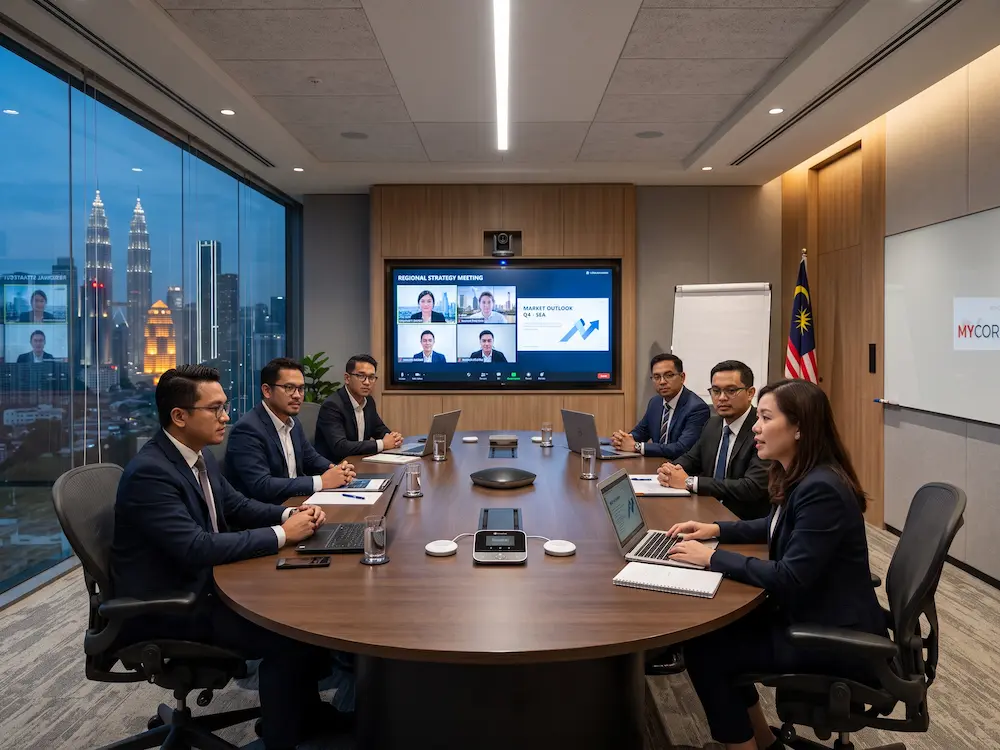
A video conferencing room setup helps teams run clearer meetings with better audio, sharper visuals, and fewer technical interruptions. For modern Malaysian offices, training rooms, classrooms, and boardrooms, the goal is not only to join an online call. The room should help everyone in the space communicate naturally with remote participants.
A weak setup can make meetings feel tiring. People may struggle with poor sound, dark video, echo, unstable sharing, or unclear camera angles. A practical video conferencing room setup considers the room size, display, camera, microphone, speaker, lighting, network, and user workflow before installation begins.
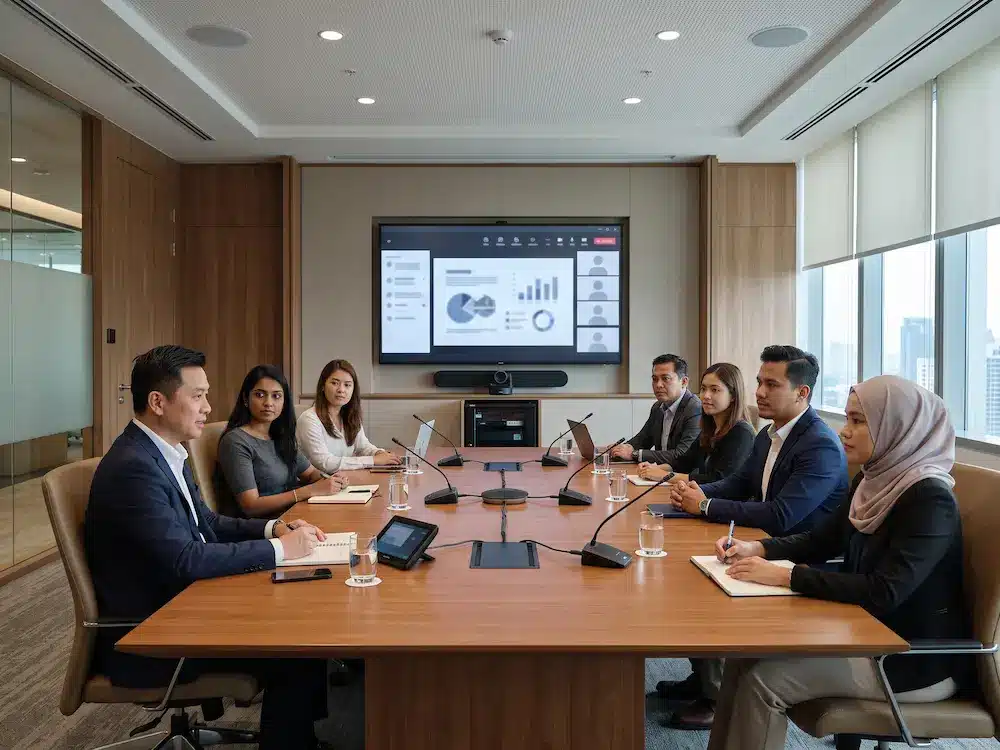
What Is a Video Conferencing Room Setup?
A video conferencing room setup is a planned combination of equipment and room design that supports online and hybrid meetings. It usually includes a display, camera, microphone, speaker, computer or conferencing device, network connection, and a way to share content from laptops or smart displays.
The concept is related to
video conferencing,
where audio and video communication allow people in different locations to meet in real time. The difference between a basic call and a professional room is planning. A proper room setup makes the meeting experience consistent for both local and remote users.
Video Conferencing Room Setup: 7 Essential Items
1. A Clear Main Display
The display should be large enough for people in the room to see remote participants, shared slides, documents, and meeting controls. A meeting room may use a commercial display, interactive smartboard, or larger LED display depending on room size and viewing distance. The screen should be positioned at a comfortable height so users can look forward naturally.
2. A Camera That Fits the Room
A small room may only need a wide-angle camera, while a boardroom, training room, or council room may need a PTZ camera with optical zoom and flexible framing. Camera placement should show faces clearly without cutting off participants at the edges. For a more natural meeting, the camera should be near the main display so remote participants feel like they are being addressed directly.
3. Microphones With Proper Coverage
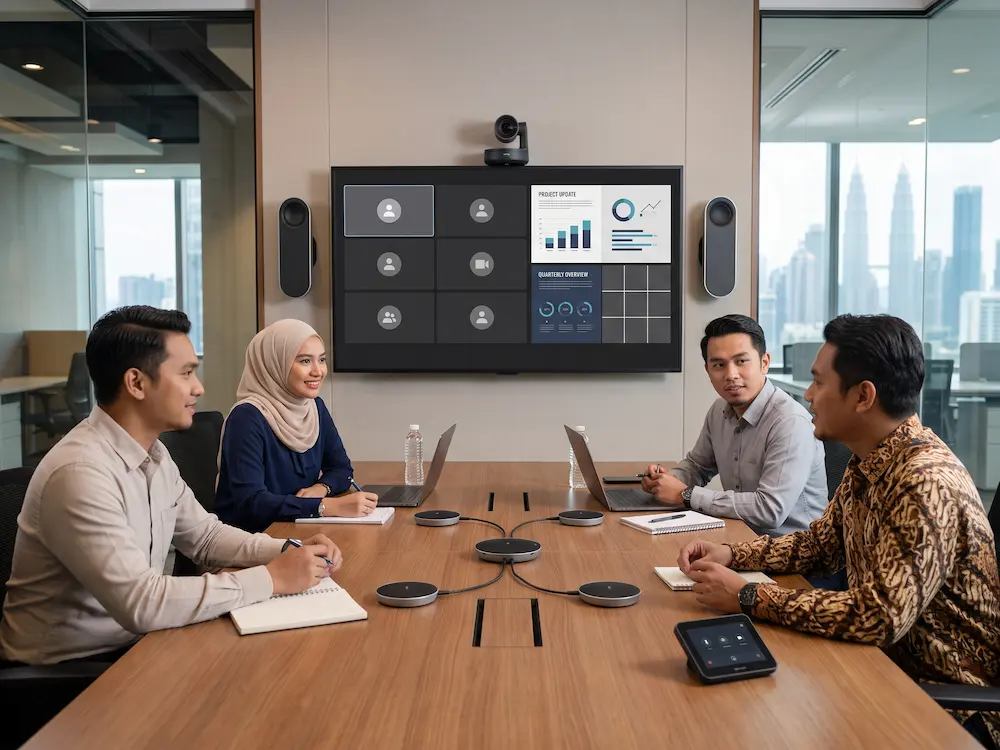
Audio quality often matters more than video quality. If remote participants cannot hear clearly, the meeting quickly becomes unproductive. The microphone should cover every seat without forcing people to lean forward or speak loudly. Table microphones, ceiling microphones, wireless microphones, or integrated conference audio systems may be used depending on the room.
4. Speakers That Sound Natural
Speakers should deliver clear speech across the room without echo or distortion. In small spaces, a built-in display speaker or compact soundbar may be enough. Larger rooms may require wall-mounted speakers, ceiling speakers, or a dedicated audio system. The audio design should prevent feedback between microphones and speakers.
5. Stable Network and Device Connection
A stable internet connection is essential for video calls. Wired network connections are usually more reliable than Wi-Fi for fixed meeting rooms. The system should also support common meeting platforms, content sharing, and device connections without requiring users to troubleshoot cables before every session.
6. Lighting That Supports Clear Video
Good lighting helps the camera capture faces clearly. Avoid placing participants with bright windows behind them because the camera may darken their faces. Soft front lighting, balanced ceiling lights, and controlled window glare can make the video feed look more professional without turning the room into a studio.
7. Simple Control and Room Workflow
A professional video conferencing room setup should be easy for non-technical users. Meeting controls, input selection, camera presets, volume, and content sharing should be clear. If users need to call IT support before every meeting, the room design is too complicated.
Planning by Room Type
| Room Type | Main Priority | Suggested Planning Focus |
|---|---|---|
| Small huddle room | Fast daily calls | Wide camera, simple audio, easy screen sharing |
| Boardroom | Professional hybrid meetings | PTZ camera, table microphones, display integration |
| Training room | Presenter and audience visibility | Camera presets, wireless microphone, large display |
| Smart classroom | Teaching and remote learning | Interactive display, teacher camera, clear voice capture |
Common Setup Mistakes to Avoid
- Choosing a camera without considering room depth and seating layout.
- Using a microphone that only captures people near the front of the table.
- Installing displays too high, too low, or too far from the main seating area.
- Relying on unstable wireless internet for permanent meeting rooms.
- Making the room difficult to use without IT support.
Arvia Video Conferencing Solutions in Malaysia
Arvia supports organisations with
video conferencing solutions
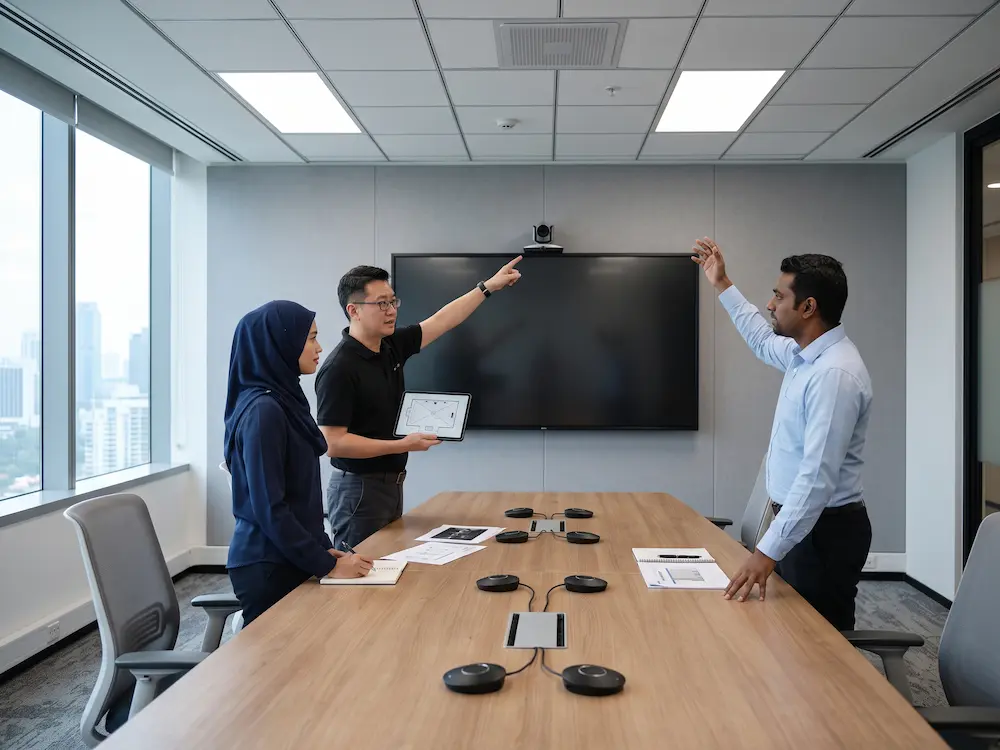
for meeting rooms, training rooms, boardrooms, classrooms, and hybrid collaboration spaces. The setup can include cameras, microphones, speakers, displays, mounting, cabling, installation, testing, and user guidance.
For a more complete workplace experience, the room can also be planned with Arvia’s
smart meeting room solution
or an
interactive smartboard
for presentation, annotation, and wireless sharing. A site discussion helps identify the right video conferencing room setup for the actual space and meeting style.
Planning a better meeting room?
Share your room size, meeting style, camera needs, and audio requirements with Arvia for a practical solution recommendation.
Final Thoughts
A good meeting room is easy to use, clear to hear, and comfortable to join from any location. The best result comes from planning the display, camera, microphone, speaker, lighting, network, and controls as one complete environment.
By preparing a video conferencing room setup around real users and room conditions, Malaysian organisations can reduce meeting delays, improve collaboration, and create a more professional experience for both in-room and remote participants.




[…] camera can also be planned with a smart meeting room system, an interactive smartboard, or a full video conferencing room setup. A site discussion helps identify the right PTZ camera for meeting room needs based on the actual […]