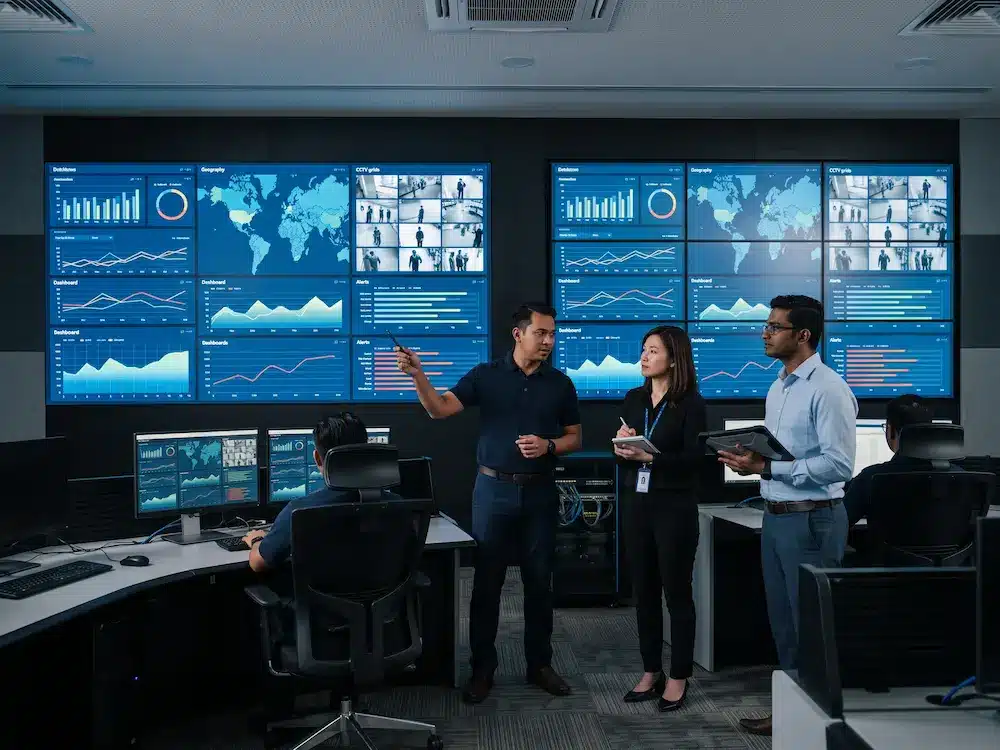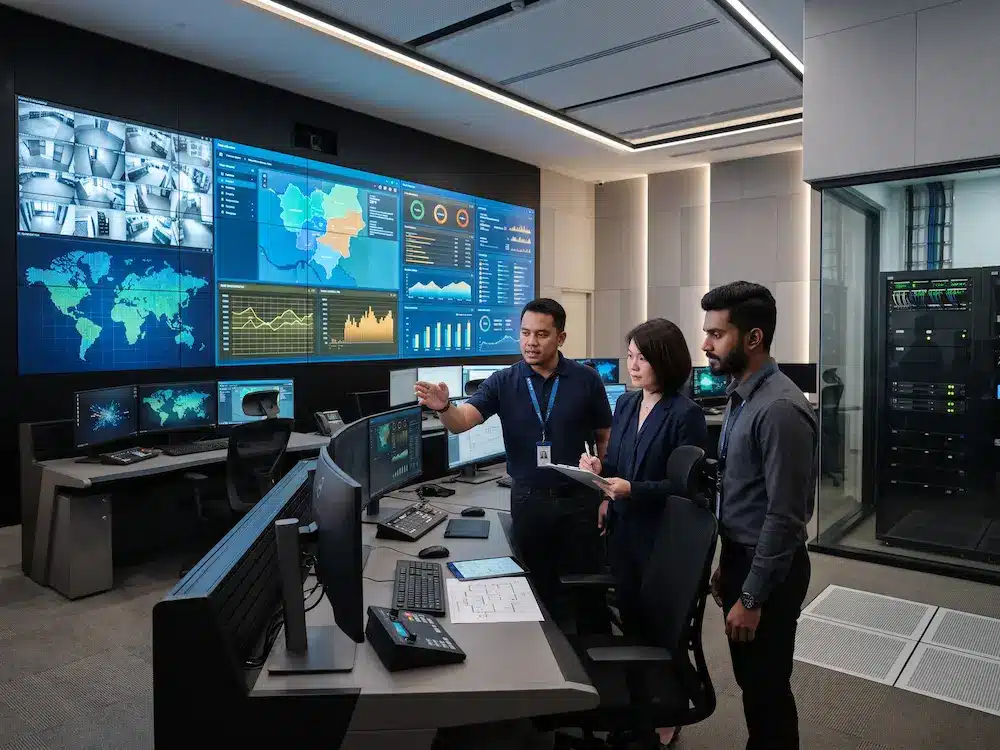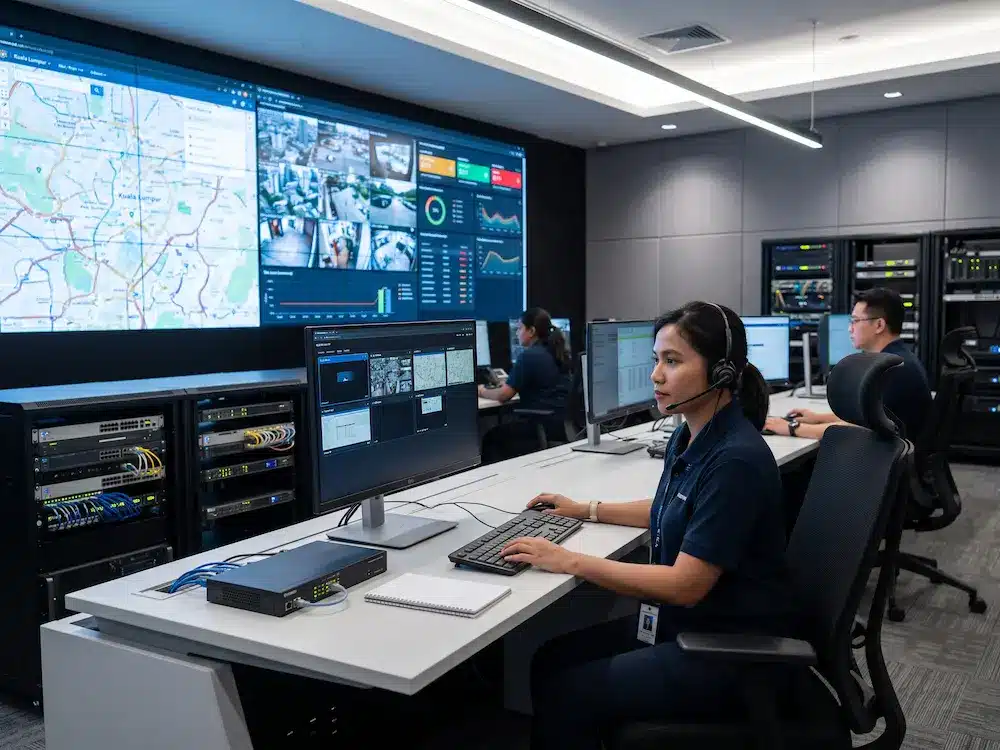

A KVM over IP command center allows operators to access and control multiple computers, servers, and source systems through a secure network. Instead of placing a separate keyboard, monitor, and mouse at every workstation for every system, operators can switch between authorised sources from a cleaner and more flexible console.
For Malaysian control rooms, this can simplify daily monitoring, improve workspace organisation, and support faster collaboration during incidents. The value becomes especially clear when a command centre manages CCTV systems, dashboards, servers, maps, remote sites, and specialist applications at the same time.
What Is KVM Over IP?
KVM stands for keyboard, video, and mouse. A traditional
KVM switch
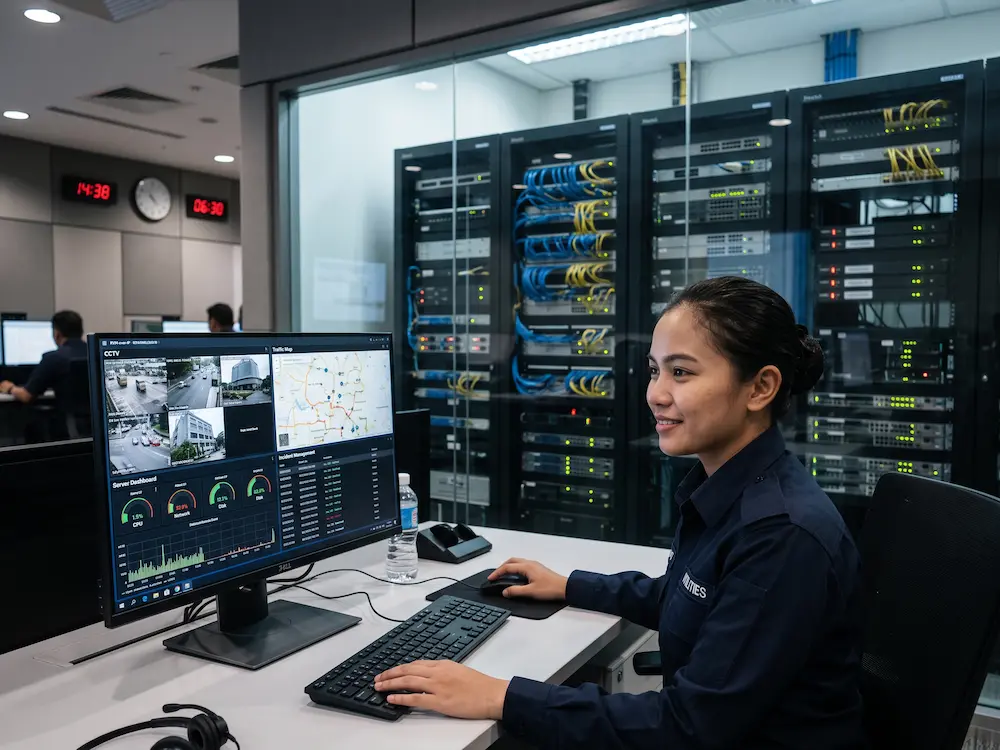
allows one operator to control several computers using a shared set of peripherals. KVM over IP extends this idea across an IP network, allowing authorised users to reach connected systems from different workstations or locations.
In a KVM over IP command center, computers can remain inside secure equipment rooms while operators control them from the main operations floor. This separates the user workspace from heat, noise, and hardware clutter while keeping access fast and organised.
KVM Over IP Command Center: 6 Practical Benefits
1. Control Multiple Systems From One Workstation
An operator may need to move between CCTV software, a GIS map, an incident platform, a building management system, and a reporting dashboard. KVM over IP allows these sources to be opened from one console without adding separate keyboards and monitors for every computer. This reduces physical clutter and gives the operator a more consistent working method.
2. Improve Workspace Flexibility
Because access is delivered through the network, a source does not have to remain tied to one desk. An authorised user can access the same system from a different workstation, a supervisor position, or a dedicated incident desk. This flexibility is useful when teams change shifts, reassign responsibilities, or create a temporary response group.
3. Support Faster Collaboration
When an incident occurs, several people may need to view or control the same source. A KVM over IP command center can help supervisors and operators share access more efficiently, depending on the permission design. Important information can also be routed to the main video wall so the wider team sees the same operational picture.
4. Strengthen Access Control
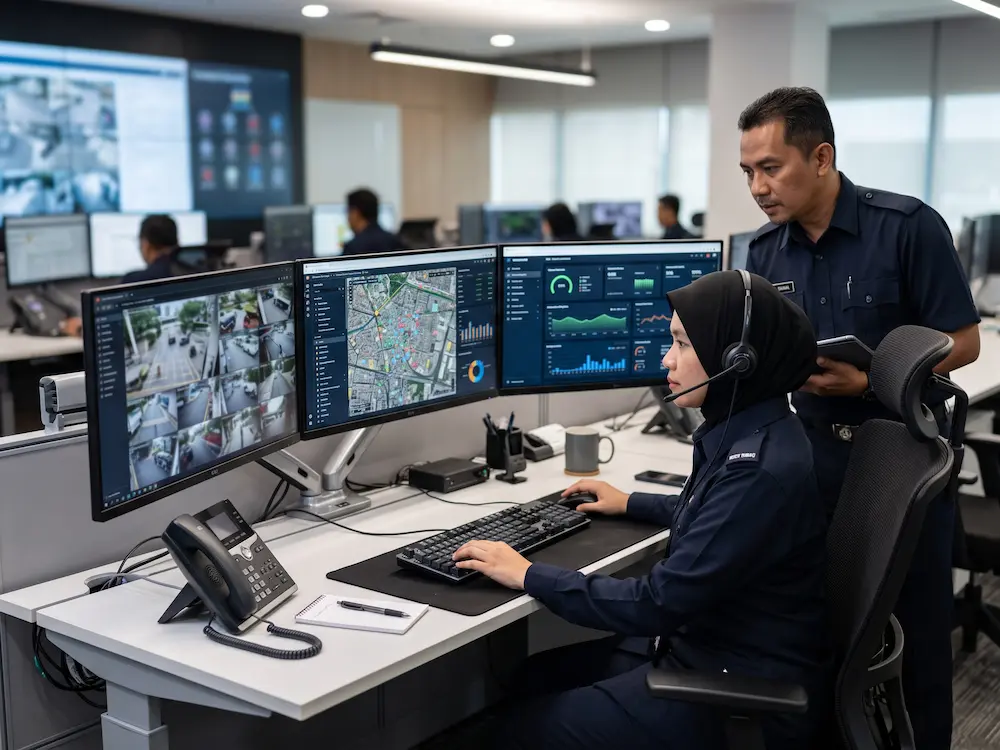
Not every operator should control every source. A properly designed system can assign access by user, role, workstation, department, or security level. The project team should define who can view a source, who can take control, whether sessions are logged, and what happens when two users request the same computer.
5. Keep Computers in a Secure Equipment Room
Computers and servers can remain inside a protected rack room while operators work in a quieter and cooler space. This makes physical access easier to control and simplifies equipment maintenance. It also prevents heat, fan noise, and unnecessary hardware from filling the operations floor.
6. Scale as the Command Center Grows
A growing operation may add new computers, sources, desks, departments, or remote sites. A scalable KVM over IP command center can expand without redesigning every workstation. Capacity should still be planned early, including network bandwidth, switch ports, encoder and decoder quantities, redundancy, and future user licences.
What Should Be Planned Before Installation?
| Planning Area | Questions to Confirm |
|---|---|
| Sources | How many computers, servers, and applications must be controlled? |
| Users | Who can view, control, share, or take over each source? |
| Network | Is there enough bandwidth, switching capacity, and redundancy? |
| Displays | Which sources must appear on local monitors and the main video wall? |
| Continuity | What happens if a network path, power supply, or device fails? |
These requirements should be reviewed together with the room layout, operator desks, video wall, controller, power, cooling, and communication systems. Arvia’s
command center solutions
can combine these components into one coordinated operational environment.
How KVM Works With the Video Wall
KVM and video wall control perform different but connected roles. KVM gives operators control of computers, while the video wall system presents selected information to the wider room. A source may remain under one operator’s control while also being displayed on the main wall for supervisors and other teams.
The display platform may use an
LED screen display
or LCD video wall depending on viewing distance, image detail, room size, and budget. For a complete planning sequence, teams can also refer to the
command center design checklist
and the comparison of
LED vs LCD video wall options.
Arvia KVM Over IP Command Center Solutions in Malaysia
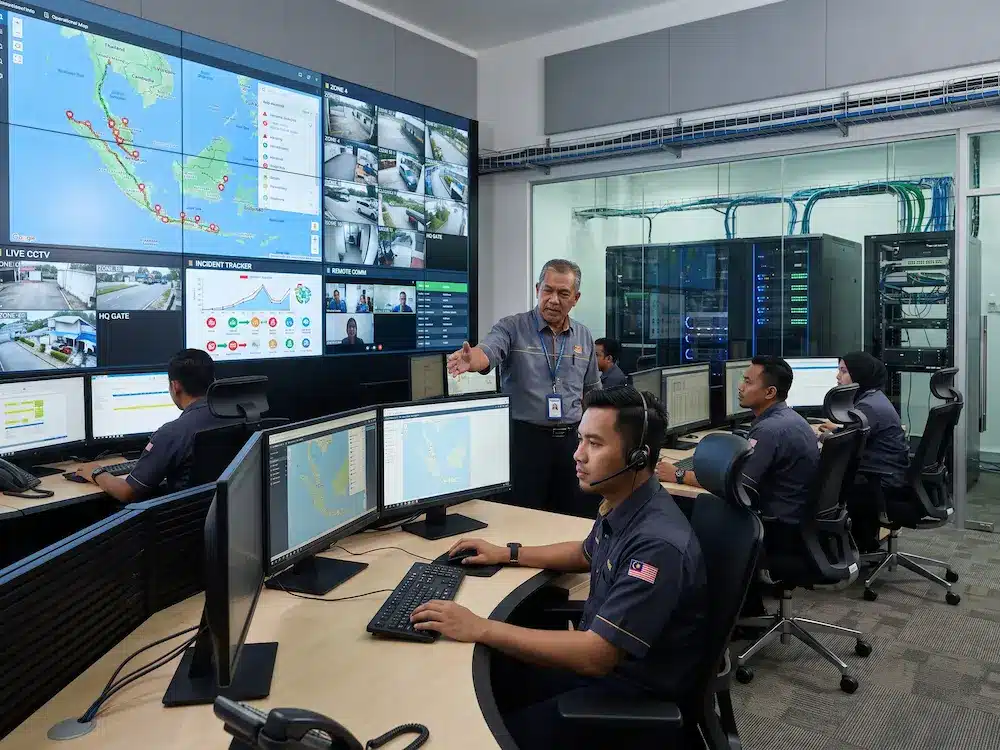
Arvia supports command centre projects involving KVM, source control, video walls, operator workstations, conferencing, equipment racks, installation, testing, and user training. The system can be planned according to the number of computers, operators, security roles, network design, room layout, and expansion requirements.
A site assessment helps identify cable routes, network capacity, rack locations, power access, workstation positions, and the sources that must appear on the main display. This gives Malaysian organisations a clearer basis for comparing technical proposals and planning a reliable KVM over IP command center.
Planning a KVM-enabled command center?
Share your source count, operator requirements, room layout, and security needs with Arvia for a practical system recommendation.
Final Thoughts
KVM over IP gives operators a cleaner and more adaptable way to control multiple systems. It can improve workspace organisation, collaboration, security, equipment management, and future expansion when the network and access rules are planned properly.
A successful KVM over IP command center should be designed around the actual operator workflow rather than treated as a standalone device purchase. When KVM, workstations, video walls, network infrastructure, and room operations are planned together, the result is easier to use and support over the long term.