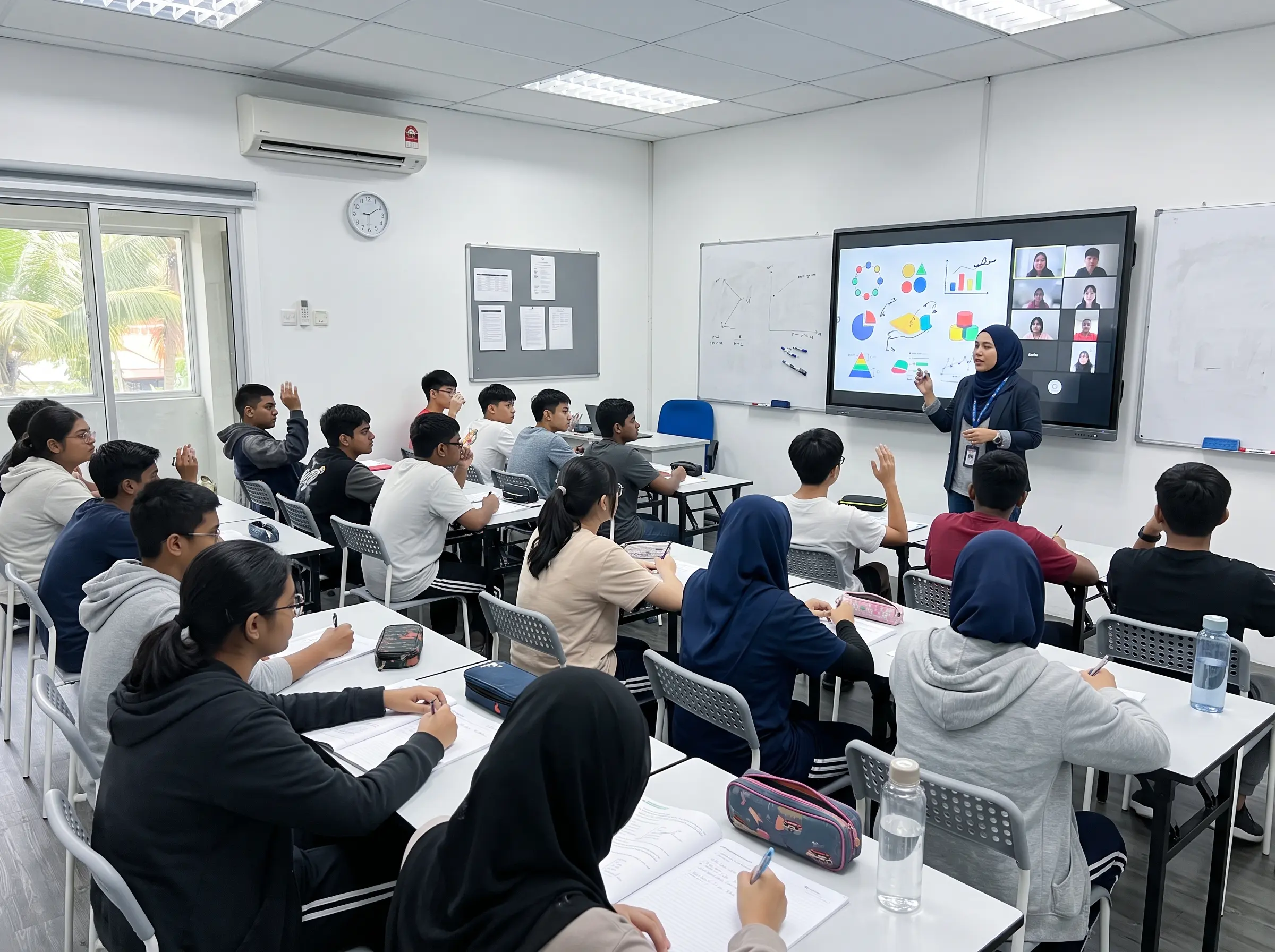

Smartboard tuition centre setups are becoming more useful as classes move between physical teaching, online lessons and hybrid learning. Instead of relying on a projector, whiteboard, laptop and separate display, tutors can manage more of the lesson from one interactive screen.
This is especially relevant for tuition centres in Malaysia that teach multiple subjects, run replacement classes online or have students joining from different locations. A smartboard does not automatically make a class better, but it can reduce the number of steps needed to present, explain and share learning materials.
Here are seven practical ways a smartboard tuition centre setup can support hybrid classes.
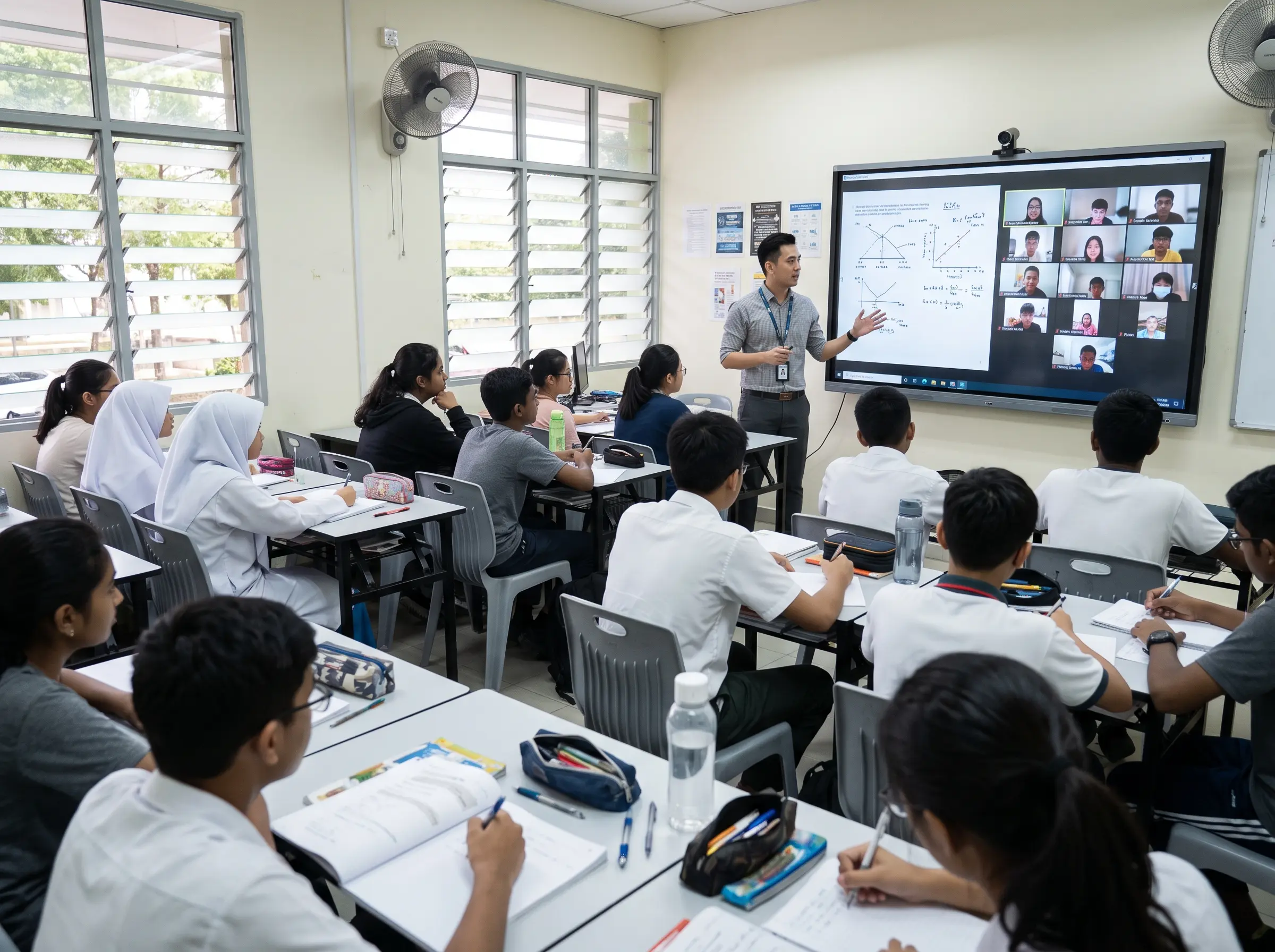
What Is a Smartboard Tuition Centre Setup?
A smartboard combines a large display with touchscreen interaction, digital whiteboard functions and access to presentation content. Depending on the configuration, tutors can open files, browse online resources, write on the screen and share a laptop or mobile device wirelessly.
This fits naturally with blended learning, where face-to-face teaching is combined with digital learning activities.
7 Ways Smartboards Can Make Hybrid Classes Easier
1. Teach physical and online students from one screen
In a hybrid lesson, the tutor may need to monitor students in the classroom while also managing an online meeting. The smartboard can act as the main visual display for lesson materials, online participants and shared content when paired with suitable video conferencing equipment.
For tuition centres that regularly conduct remote classes, combining the screen with a suitable video conferencing setup can make the room easier to manage.
2. Write directly on worksheets and slides
Tutors often need to solve questions step by step. With an interactive display, they can write directly over a worksheet, diagram or presentation instead of switching between the projector and a separate whiteboard.
This is particularly useful for Mathematics, Science, Accounting and language classes where explanations are easier to understand when students can follow the working process visually.
3. Switch between different teaching materials quickly
A single class may involve slides, PDFs, educational videos, online quizzes and browser-based learning platforms. A smartboard tuition centre setup allows the tutor to move between these formats without changing display equipment.
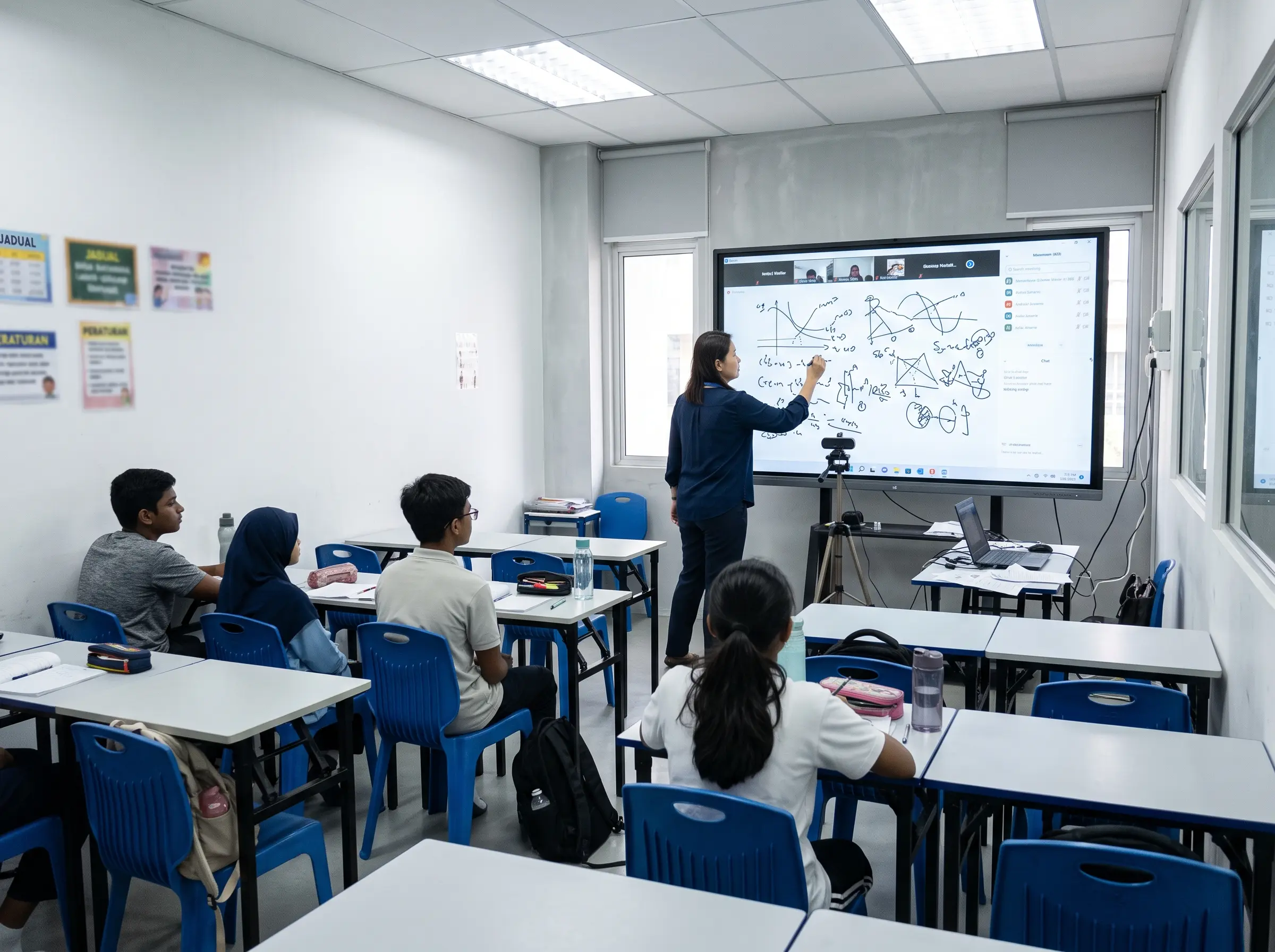
4. Let students share their work on the main display
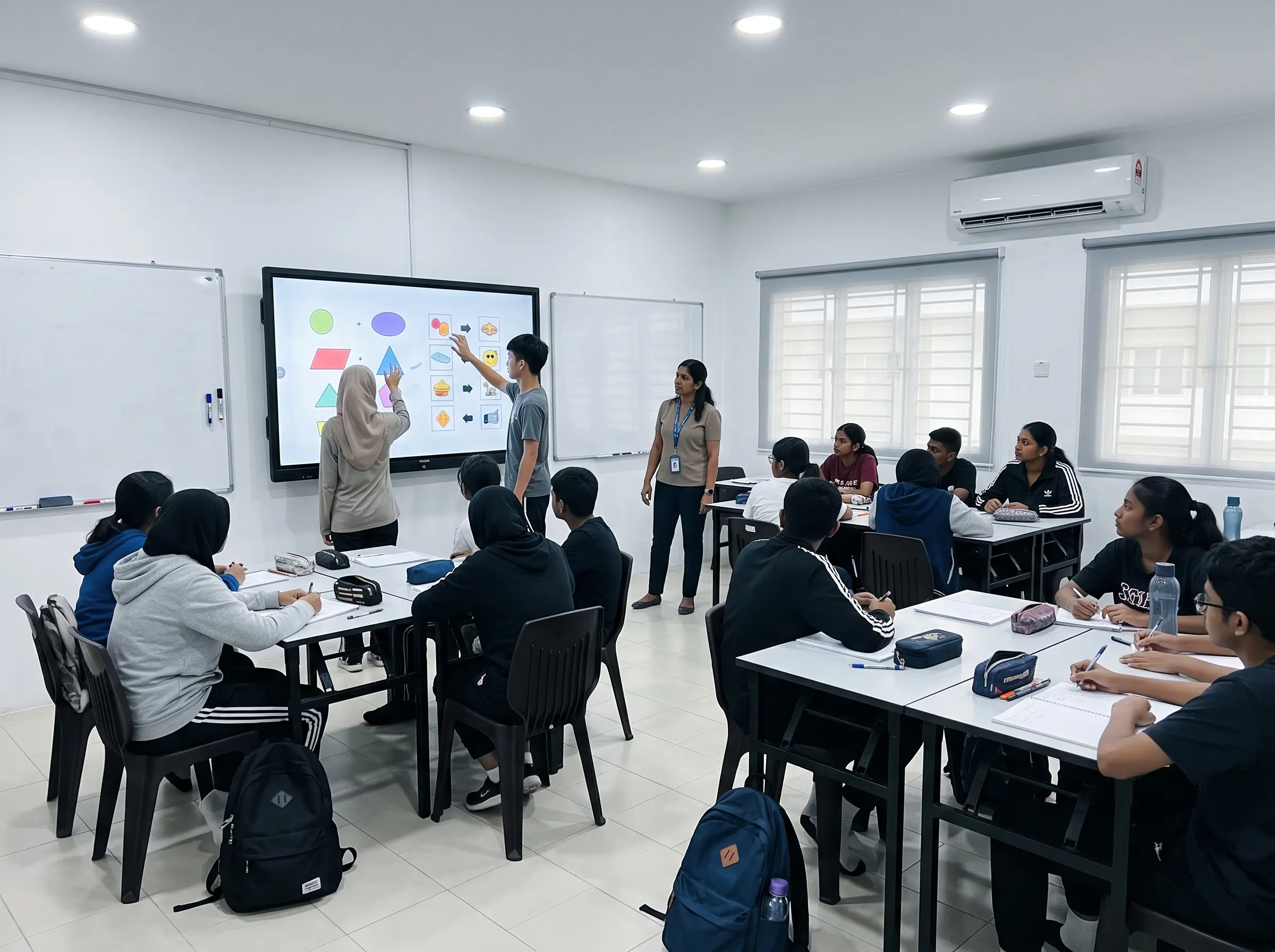
For group activities, students may need to present answers from a laptop or mobile device. Wireless screen sharing can reduce the need to pass one HDMI cable around the classroom.
It also helps tutors review answers together with the class instead of checking every device individually.
5. Turn lessons into interactive activities
Touch interaction gives tutors more options for activities such as matching answers, arranging steps, labelling diagrams or completing exercises directly on screen.
This does not mean every lesson needs to become a game. The main advantage is giving students another way to participate instead of only watching the tutor present.
6. Reuse lesson notes for different classes
Tuition centres often teach the same syllabus to several groups. Digital whiteboard pages and prepared lesson materials can make it easier for tutors to repeat a topic consistently without starting from an empty whiteboard every time.
A structured smartboard tuition centre workflow can also help when several tutors teach the same subject across different sessions.
7. Use the room for more than tuition classes
Outside teaching hours, the same screen can support tutor briefings, staff training, parent presentations or internal meetings. This can be useful for tuition centres that have limited room space and need each classroom to serve multiple functions.
Smartboard vs Projector for Tuition Centres
A projector can still be suitable if the main requirement is simply to show slides or videos. Smartboards become more relevant when tutors regularly write over digital content, conduct interactive activities or run hybrid classes.
| Use | Smartboard | Projector |
|---|---|---|
| Presentation | Suitable | Suitable |
| Touch interaction | Built into the display | Usually requires additional equipment |
| Annotation | Write directly on screen | Separate whiteboard or device |
| Hybrid learning | Flexible with the right setup | Primarily display-focused |
What Should a Tuition Centre Check Before Buying?
Choosing a screen based only on price or size can lead to an unsuitable setup. Tuition centre owners should first look at the classroom environment and how tutors actually teach.
- Classroom size and viewing distance
- Number of students per class
- Subjects being taught
- Need for Windows or Android applications
- Wireless screen sharing requirements
- Hybrid or online class requirements
- Camera and microphone requirements
- Wall mount or mobile stand
Smartboard Solutions for Tuition Centres in Malaysia
For tuition centres in Malaysia, the right configuration depends on room size, teaching style and how often hybrid classes are conducted. Arvia provides Interactive Smartboard options for education and training environments.
Centres planning a more complete classroom environment can also explore Smart Classroom solutions. For buyers who require local compliance documentation, the current SIRIM-certified smartboard models and applicable configurations can be confirmed during quotation.
Frequently Asked Questions
Is a smartboard suitable for a small tuition centre?
Yes. The screen size should match the classroom size and viewing distance. A smaller room does not automatically require the largest available display.
Can tutors use their own laptops?
Yes. Laptops can normally connect through wired inputs or wireless screen sharing, depending on the smartboard model and device compatibility.
Does every tuition centre need hybrid learning equipment?
No. If all classes are fully physical, video conferencing equipment may not be necessary. It is more useful for centres that regularly conduct online lessons, replacement classes or remote tutoring.
Planning a Smartboard Setup for Your Tuition Centre?
Share your classroom size, student capacity and hybrid teaching requirements. Arvia can recommend a suitable smartboard configuration for your learning space.
Final Thoughts
A smartboard tuition centre setup can make hybrid teaching easier when the screen is used as part of the lesson workflow rather than only as a presentation display.
The best setup depends on how tutors teach, the number of students in each class and whether online learners need to participate regularly. Start with the classroom workflow first, then choose the screen size and supporting equipment.