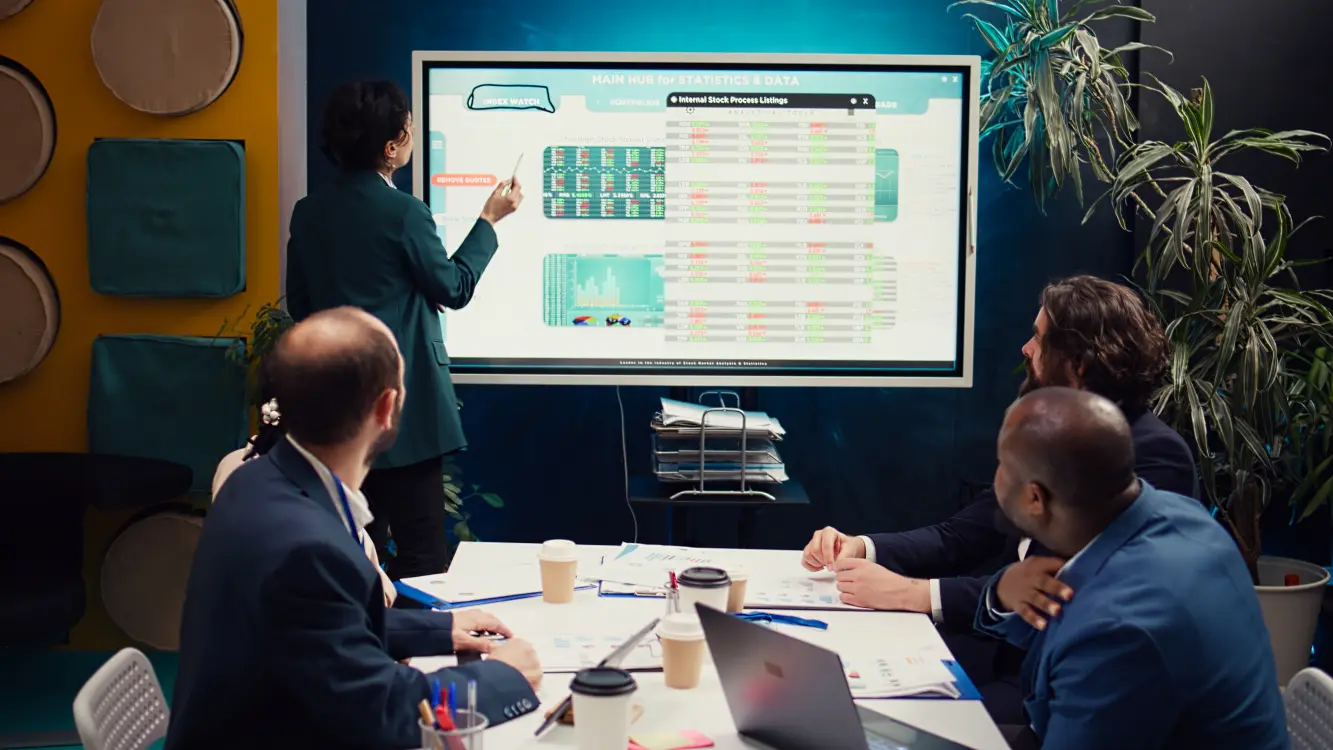
A meeting that starts 10 minutes late because the room is occupied, the display will not connect, or two teams believe they have the same reservation is more than a minor inconvenience. It disrupts decisions, wastes paid working time, and creates frustration across the office. A meeting room booking system gives organizations a clear, real-time way to manage shared spaces before those issues reach the door.
For facilities managers, IT leaders, and operations teams, the value is not simply putting a calendar outside each room. The right system connects room availability, meeting schedules, equipment status, and workplace usage into one practical operating model. It helps employees find the right room quickly while giving administrators the visibility to make smarter decisions about space and technology investment.
What a Meeting Room Booking System Should Solve
A meeting room booking system should make the booking experience easier for employees and the management experience more reliable for the organization. At minimum, users should be able to see whether a room is available, reserve it through their existing calendar workflow, and confirm its status at the room entrance.
But availability alone is not enough. A six-person huddle should not occupy a boardroom designed for 20 people, while a client presentation should not be placed in a small room without video conferencing or display capability. Good room booking supports better matching between the purpose of a meeting and the space required.
For Malaysian organizations with multiple departments, campuses, or branches, this becomes an operational control point. Teams need to know which room has the right capacity, display, video conferencing setup, accessibility features, or proximity to a visitor reception area. Administrators need to avoid duplicate reservations, unclear ownership, and rooms that appear busy on the calendar but sit empty for hours.
The real cost of unmanaged rooms
Most organizations recognize scheduling clashes immediately. The less visible costs are equally significant. Employees spend time searching for rooms or walking between floors. Meetings are interrupted when another team arrives claiming the space. Underused rooms remain fitted with expensive AV equipment while frequently used rooms lack the tools people need.
These patterns affect workplace planning. Without accurate usage data, a facilities team may assume it needs more meeting rooms when the actual issue is poor booking discipline, unsuitable room sizing, or no-show reservations. A system that records real usage provides a more dependable basis for decisions.
How the System Works in a Real Workplace
A well-designed deployment normally combines booking software with room display panels and the organization’s calendar platform. Staff can schedule a room from a familiar calendar interface, see availability on a floor plan or booking portal, and view the day’s schedule at the room entrance.
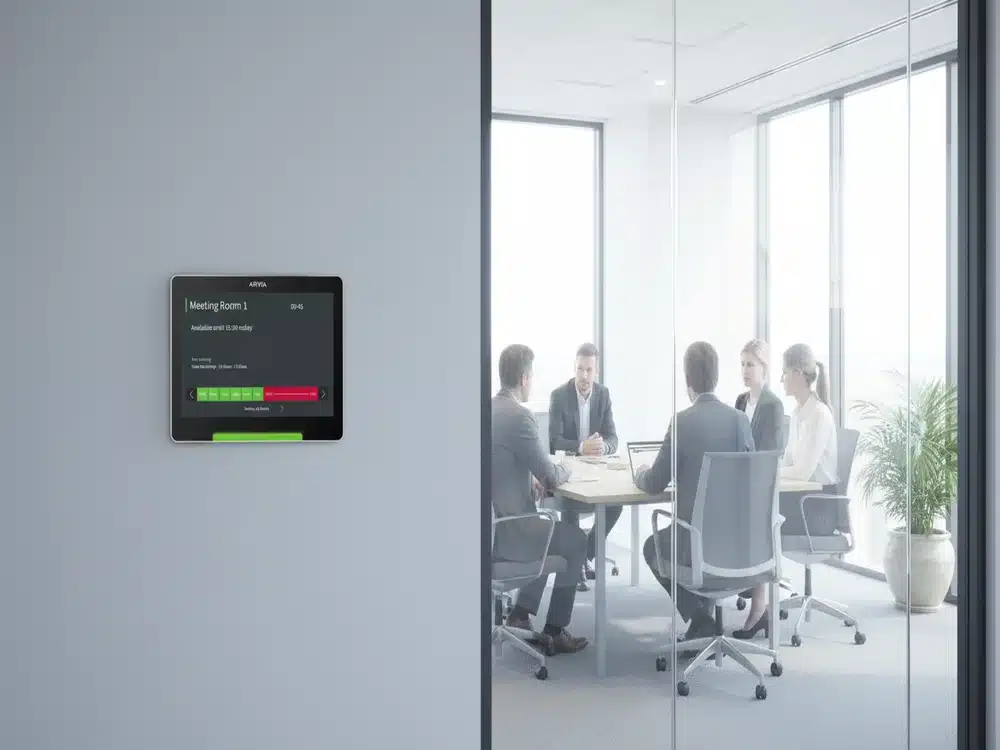
At the door, a compact display panel can show the current meeting, the next reservation, and whether the room is available. Green and red status indicators allow employees to assess availability from a distance. If policy permits, a user can book an empty room directly from the panel for an ad hoc discussion.
This is especially useful in offices where teams move quickly between project meetings, interviews, training sessions, and client calls. It removes the need to ask reception, check handwritten signs, or interrupt colleagues to confirm whether a room is free.
The system can also be configured around the organization’s working rules. Some companies require approval for executive meeting rooms. Others reserve training rooms for HR or learning teams during specific hours. A property operator may make selected rooms available to tenants but restrict access to back-of-house spaces. The best configuration depends on the operating model, not on a one-size-fits-all template.
Features That Matter More Than a Long Specification Sheet
Procurement teams can easily encounter a long list of software features. The practical question is whether those functions solve a defined workplace problem and can be supported after installation.
Calendar integration is fundamental. A room booking system should work with the calendar environment employees already use, such as Microsoft 365 or Google Workspace where appropriate. If staff must switch to a separate platform for every reservation, adoption is likely to suffer.
Room displays should be clear at a glance. The panel needs to show availability, meeting details based on the organization’s privacy settings, and simple actions for checking in, extending, or releasing a booking. The interface should be understandable for visitors and occasional users, not only trained administrators.
No-show management is another high-value capability. A check-in rule can automatically release a room if nobody arrives within a selected time window. This prevents rooms from being blocked by meetings that were canceled informally but never removed from the calendar. However, the policy should be introduced carefully. A very short release window may frustrate teams delayed by a previous meeting or visitor registration.
Usage analytics help turn booking data into space planning insight. Facilities teams can review occupancy by room, time period, capacity, and equipment type. This reveals whether demand is concentrated around certain floors, whether large rooms are being used for small meetings, and whether a planned expansion is justified.
For larger deployments, integration matters beyond the calendar. The system may need to work with
digital signage, visitor management, access control, sensors, or collaboration displays. Each integration adds value only when it has a clear operational purpose. A sensor can distinguish between a reserved room and an occupied room, but it also introduces installation, network, and privacy considerations that should be reviewed early.
Match the Booking Experience to the Room Experience
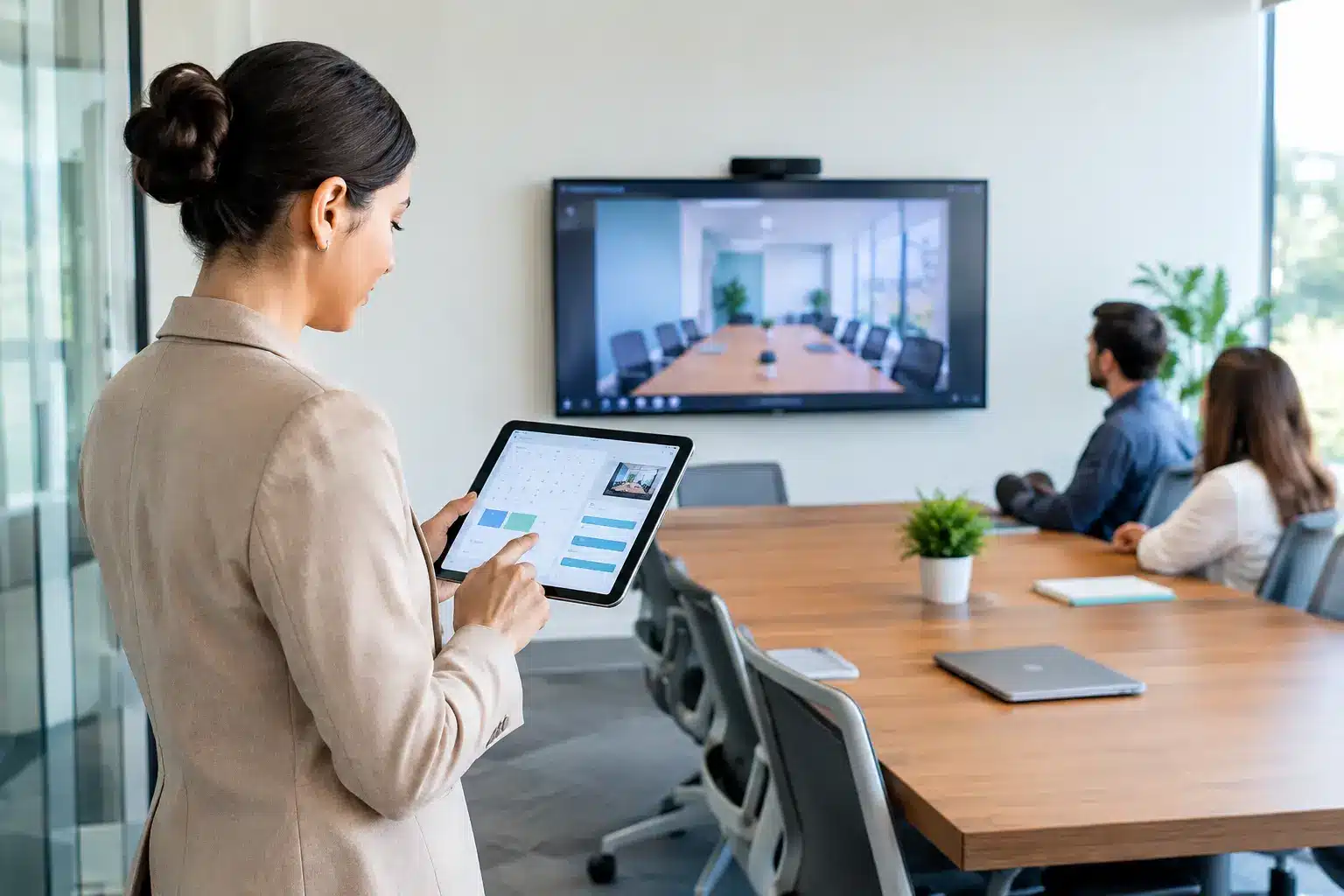
A booking platform cannot compensate for a meeting room that is difficult to use. If employees reserve a video-enabled room but spend the first 15 minutes looking for adapters or trying to start a conference call, the meeting experience is still poor.
This is why room booking should be planned alongside the wider collaboration environment. A room intended for presentations may need an
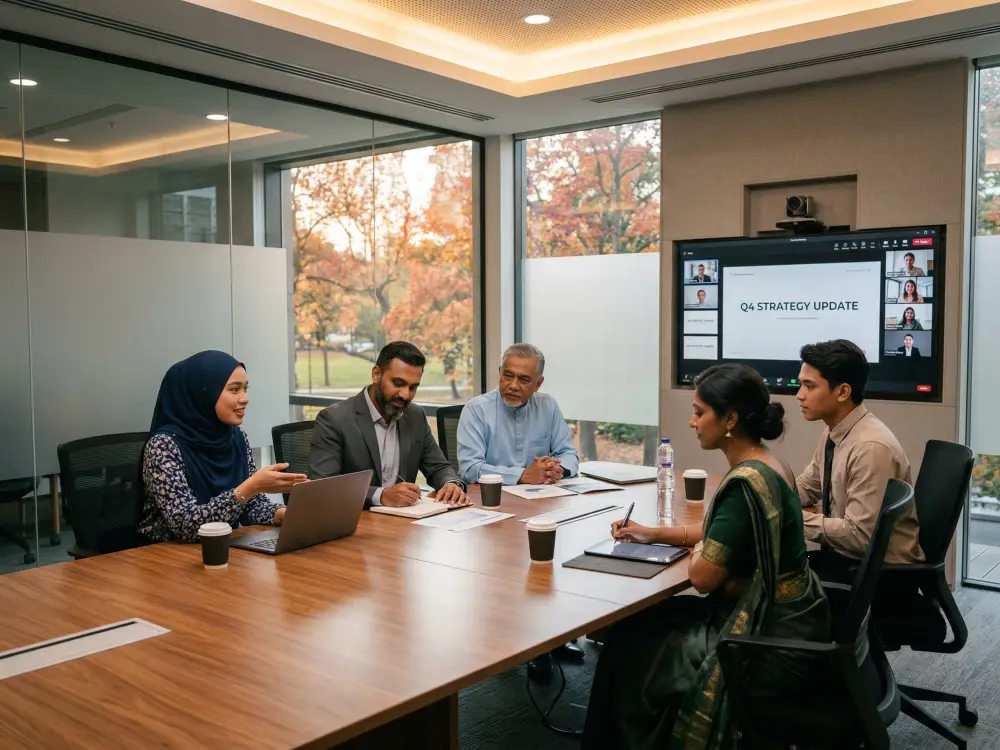
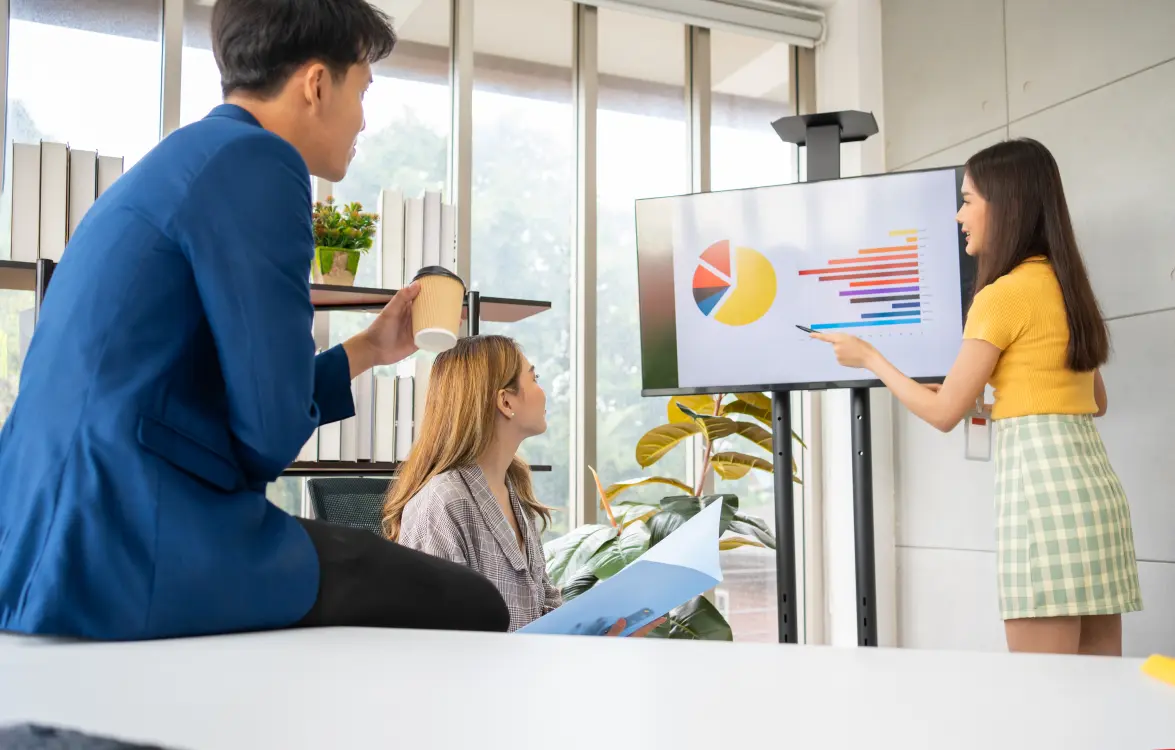
interactive smartboard or commercial display. A hybrid meeting room may need a camera, microphone, speakers, and video conferencing solution designed for its size and acoustics. Smaller huddle rooms may benefit from a simple wireless presentation setup rather than a complex AV control system.
The booking interface should communicate these differences clearly. Instead of listing only “Meeting Room 3,” show useful details such as seating capacity, video conferencing availability, whiteboard access, display size, and location. Employees can then select the room with confidence, and IT receives fewer last-minute support requests.
Consider the needs of different users
A corporate headquarters may prioritize hybrid collaboration and executive scheduling. A university may need rooms booked by lecturers, student services, and visiting partners, with different access permissions. A government agency may require clear audit trails and controlled access to sensitive meeting spaces. A shared office or property operator may need tenant-facing booking rules and usage reporting.
The core platform can be similar, but the deployment should reflect who uses the rooms, how they work, and what governance is required. This is where consultation-led planning is more valuable than simply purchasing displays and licenses separately.
Planning a Reliable Deployment
Before selecting equipment, map the spaces that will be included. Record room capacity, current AV tools, network availability, power points, wall or glass mounting conditions, and the calendar platform in use. It is also useful to identify which rooms are frequently disputed or underused. These are often the first spaces where improvements become visible.
Next, define booking policies with the people who manage the workplace. Decide whether instant bookings are allowed, how long a no-show window should be, whether recurring reservations need limits, and who can reserve high-demand spaces. Clear policies should be communicated before launch, not after employees have formed habits around the system.
Installation quality matters. Room panels need suitable positioning, stable network connectivity, clean cable management, and durable mounting. Meeting spaces also need consistent naming across the panel, calendar, signage, and internal workplace maps. A technically working system can still confuse users if one platform calls a room “Level 8 Boardroom” and another calls it “Conference A.”
Training should focus on the actions people perform every day: booking through the calendar, checking in, canceling a room, and reporting a problem. Administrators need additional training on policy management, device monitoring, analytics, and escalation procedures. The goal is not to make everyone a system expert. It is to make the correct action the easiest action.
Why Local Delivery and Support Affect Results
Meeting room technology sits at the intersection of IT, facilities, AV, and user experience. When a panel fails, it is not enough to receive generic remote guidance if the room is needed for a board meeting, tender presentation, or training session that morning.
Organizations should evaluate the supplier’s ability to survey the site, integrate the software, install the hardware, support warranty claims, and respond after go-live. Local field engineers are particularly valuable for multi-site organizations that need a consistent rollout across offices, education facilities, or public-facing venues.
Arvia approaches these projects as part of a connected
smart meeting room environment, combining room booking with visual collaboration, video conferencing, digital signage, and installation support. With more than 15 years of delivery experience, 4,500-plus projects, and field-engineer coverage across Malaysia, the focus is on technology that works reliably in daily operations, not just during a demonstration.
Start With the Rooms Creating the Most Friction
A full workplace rollout is not always the right first move. For some organizations, a pilot on the busiest floor, executive suite, training center, or client-facing meeting rooms will provide the clearest evidence of adoption and impact. It allows the team to refine room names, booking rules, and display settings before scaling.
The useful measure is not how many panels are installed. It is whether people can find the right space, begin meetings on time, and use shared rooms more effectively. Start with the rooms creating the most friction, build the policies around real work, and make support part of the deployment plan from day one.