
A smartboard purchase can look simple until the first meeting begins. If the display is difficult to connect, handwriting lags, audio is unclear, or the room layout was never considered, staff quickly return to whiteboards and personal laptops. Finding the best smartboard in KL Selangor is therefore less about choosing the biggest screen or the lowest quotation. It is about choosing a collaboration system that people will confidently use every day.
For schools, corporate offices, government agencies, training centers, and property operators, the right interactive display should improve how people teach, present, decide, and share information. It also needs to fit the realities of Malaysian operations: mixed device environments, busy room schedules, procurement requirements, on-site installation, and support that is available after handover.
What Makes the Best Smartboard in KL Selangor?
The best smartboard is the one that fits the room, audience, and workflow. A 65-inch display may be appropriate for a small huddle room, while a 75-inch or 86-inch model is often more practical for a classroom, boardroom, or training room. Screen size should be based on viewing distance, not simply budget. Participants at the back of the room must be able to read documents, annotations, and charts without straining.
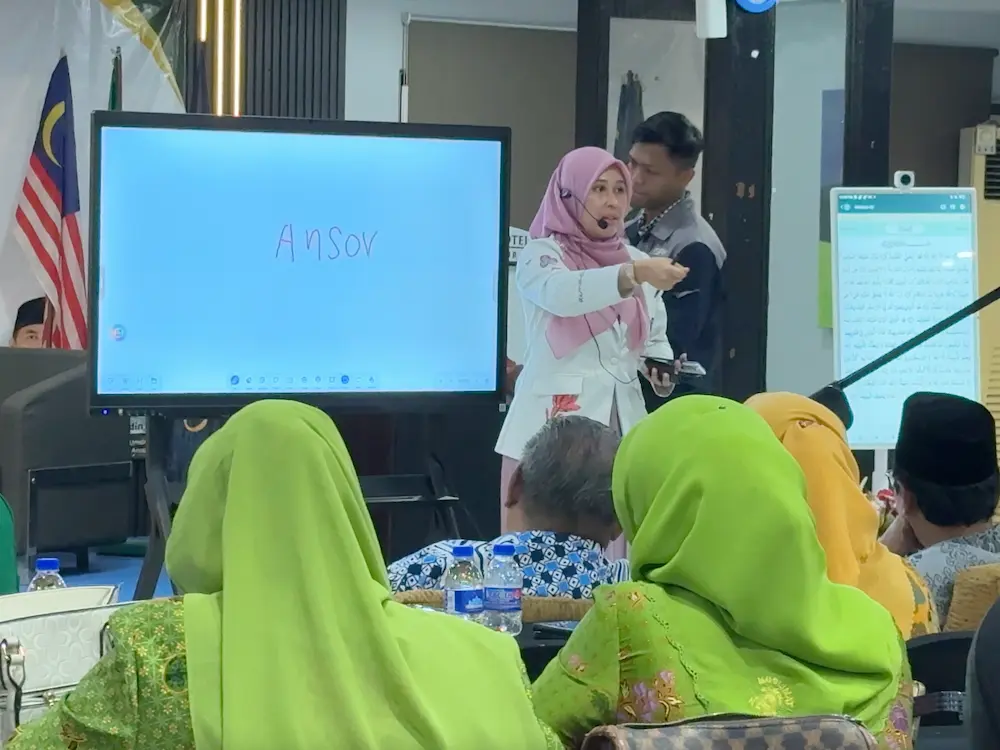
Touch performance matters just as much. A display should recognize multiple touch points accurately so several people can write or move content at the same time. Teachers may annotate lesson materials while students contribute answers. In a meeting, a project team may mark up a floor plan, sales dashboard, or process map together. Delayed touch response makes these activities frustrating and undermines adoption.
Picture clarity also affects practical use. A 4K display provides clear text for spreadsheets, engineering drawings, presentation slides, and video content. Anti-glare glass is valuable in rooms with strong daylight, especially in offices with large windows or classrooms facing open corridors. Brightness must be adequate for the room, but excessive brightness is not automatically better. The goal is comfortable, readable viewing across normal operating hours.
The operating system and connectivity question
Many organizations need both built-in apps and flexible device connectivity. An Android-based smartboard can open whiteboarding tools, presentation files, browsers, and video conferencing apps without requiring a separate computer. This is useful for quick lessons and ad hoc discussions.
However, IT teams should also consider how staff will connect Windows laptops, Macs, document cameras, room PCs, and conferencing equipment. Wired USB-C connectivity can provide video, touch control, network access, and charging through one cable when supported. Wireless screen sharing is convenient, but it should be tested in the actual network environment. A good deployment plan provides simple options for regular users without compromising security or reliability.
Start With the Room, Not the Product Sheet
A smartboard is part of a working space, not a standalone appliance. Before selecting a model, assess who uses the room and what they need to accomplish there. A university lecture room has different requirements from a municipal command center, a client-facing showroom, or a corporate interview room.
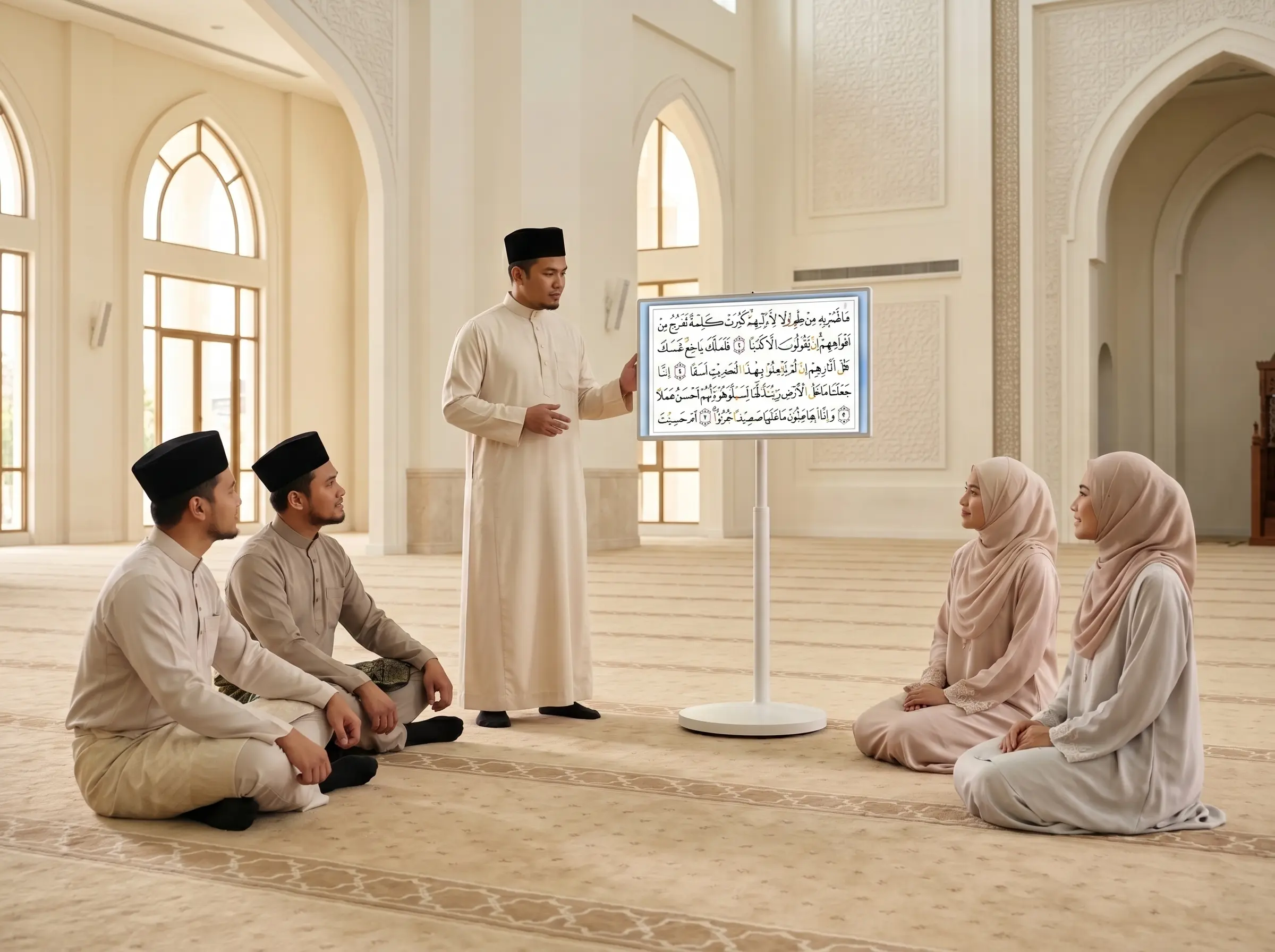
In education, the priority is usually lesson delivery, annotation, multimedia content, and easy access for teachers with varying levels of technical confidence. A height-adjustable mobile stand may help institutions share a display between rooms or support inclusive teaching. For fixed classrooms, wall mounting can save floor space and reduce the risk of accidental movement.
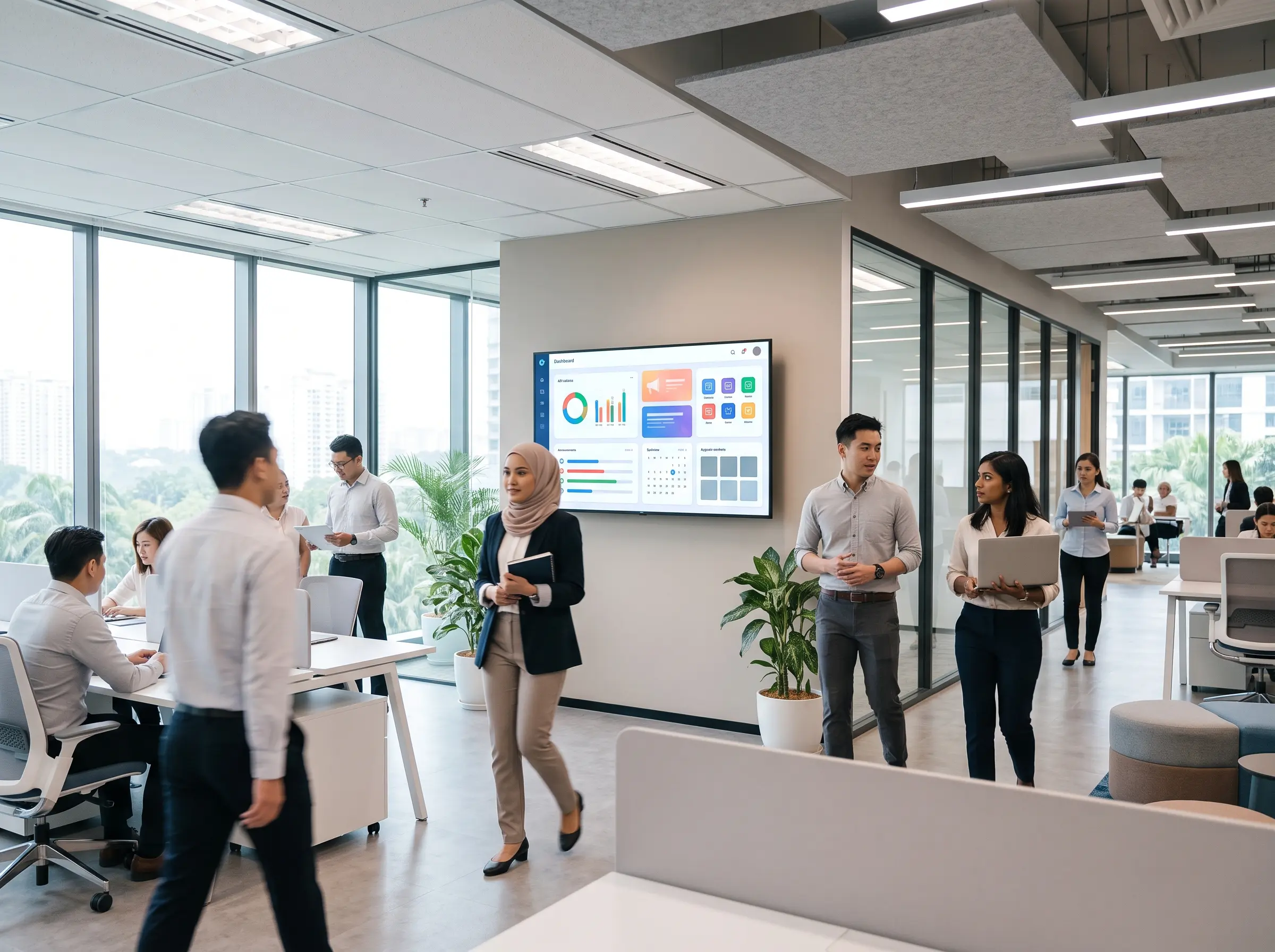
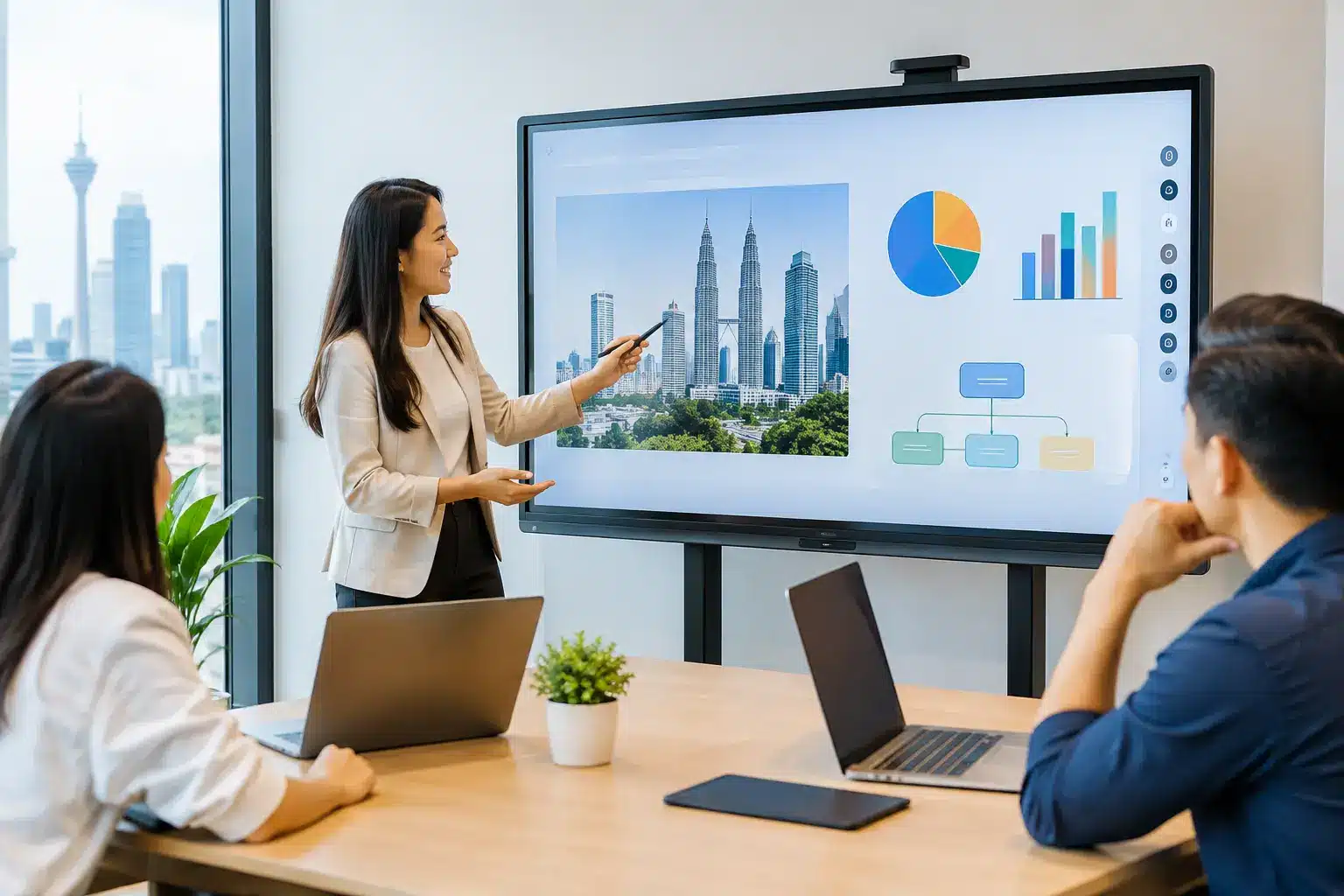
For corporate meeting rooms, consider how the smartboard will work with cameras, microphones, speakers, and video conferencing platforms. A high-quality interactive display is valuable, but remote participants still need to hear the discussion and see annotations clearly. In larger rooms, a single all-in-one display may not be sufficient. A properly designed video conferencing system, additional displays, or room audio may be required.
Facilities and operations teams should also inspect power points, data cabling, wall strength, lighting, room acoustics, and cable routes before installation. These details are often overlooked during purchasing, then become the source of delays and additional costs later. A site assessment creates a more accurate scope and helps ensure the finished room looks professional, not improvised.
Choose Features That Will Be Used
Specifications can be persuasive, but feature lists do not guarantee value. Focus on functions that address real activities in your organization.
A built-in digital whiteboard is useful when it can save notes, export them, and let users resume work in a later session. Screen annotation is valuable for reviewing documents, training materials, designs, and reports. Split-screen capability helps facilitators compare content or show a presentation beside a whiteboard. Device management becomes essential when an organization has multiple smartboards across campuses, branches, or meeting rooms.
For sensitive environments, ask about user accounts, file deletion, network controls, and whether guest users can access the display without exposing internal data. Public-sector, healthcare, financial, and enterprise teams may need specific policies for data handling and device administration.
There is also a trade-off between portability and permanence. A mobile smartboard can be rolled into any room, plugged in, and used for a workshop or briefing. That flexibility is ideal for growing teams and multi-purpose spaces. A wall-mounted system delivers a cleaner, more permanent room setup, particularly for executive boardrooms, classrooms, and client presentation areas.
Local Deployment and Support Are Part of the Purchase
Organizations in Kuala Lumpur and Selangor can source displays from many vendors. The meaningful difference appears during installation, user onboarding, warranty claims, and future expansion.
A reliable technology partner should be able to advise on the full room solution rather than merely deliver a box. That includes mounting, cabling, network readiness, video conferencing integration, user training, and post-installation testing. If a screen is installed at the wrong height or the room PC does not communicate properly with the touch display, the project is not complete.
Ask suppliers how they manage service requests. Clarify warranty coverage, expected response procedures, availability of replacement parts, and whether qualified engineers can attend on site. For organizations operating beyond the Klang Valley, nationwide support coverage may be a deciding factor when standardizing equipment across locations.
Arvia approaches interactive displays as part of connected smart classrooms, meeting rooms, and operational spaces, backed by Malaysian field engineers, SIRIM-certified products, and experience across more than 4,500 projects. For procurement teams, this type of capability matters because it reduces the gap between selecting equipment and achieving a usable outcome.
Compare Proposals on Total Operating Value
The lowest upfront price can become expensive if it excludes installation, training, accessories, or support. Compare proposals based on what the organization will actually receive and operate over several years.
Check whether the quote includes a suitable wall mount or mobile stand, HDMI and USB-C cabling, a room PC if needed, wireless sharing accessories, installation labor, commissioning, and user orientation. If video conferencing is part of the objective, confirm whether the camera, microphone, speaker system, and platform configuration are included or priced separately.
It is also wise to request a live demonstration. Staff should try writing on the display, sharing from their own laptops, opening typical files, and joining a video call. A demonstration reveals practical differences that specification sheets cannot show, including interface clarity, touch accuracy, audio quality, and startup speed.
For larger rollouts, standardize the user experience where possible. Using similar interfaces, accessories, and support processes across rooms reduces training time and makes it easier for IT teams to maintain the environment. Standardization should not mean forcing every room into the same design. A boardroom, training lab, and reception area may each need a different configuration.
A Better Decision Starts With a Real Use Case
The best smartboard in KL Selangor is not defined by a single brand, panel size, or feature count. It is the display system that supports the way your people work, fits the room properly, connects reliably, and comes with accountable implementation support.
Bring actual users into the evaluation early. Let a teacher test lesson annotation, let a department head run a typical meeting, and let IT review network and management requirements. When a smartboard is selected around real work instead of assumptions, it becomes a practical tool for clearer communication and faster decisions rather than another screen on the wall.