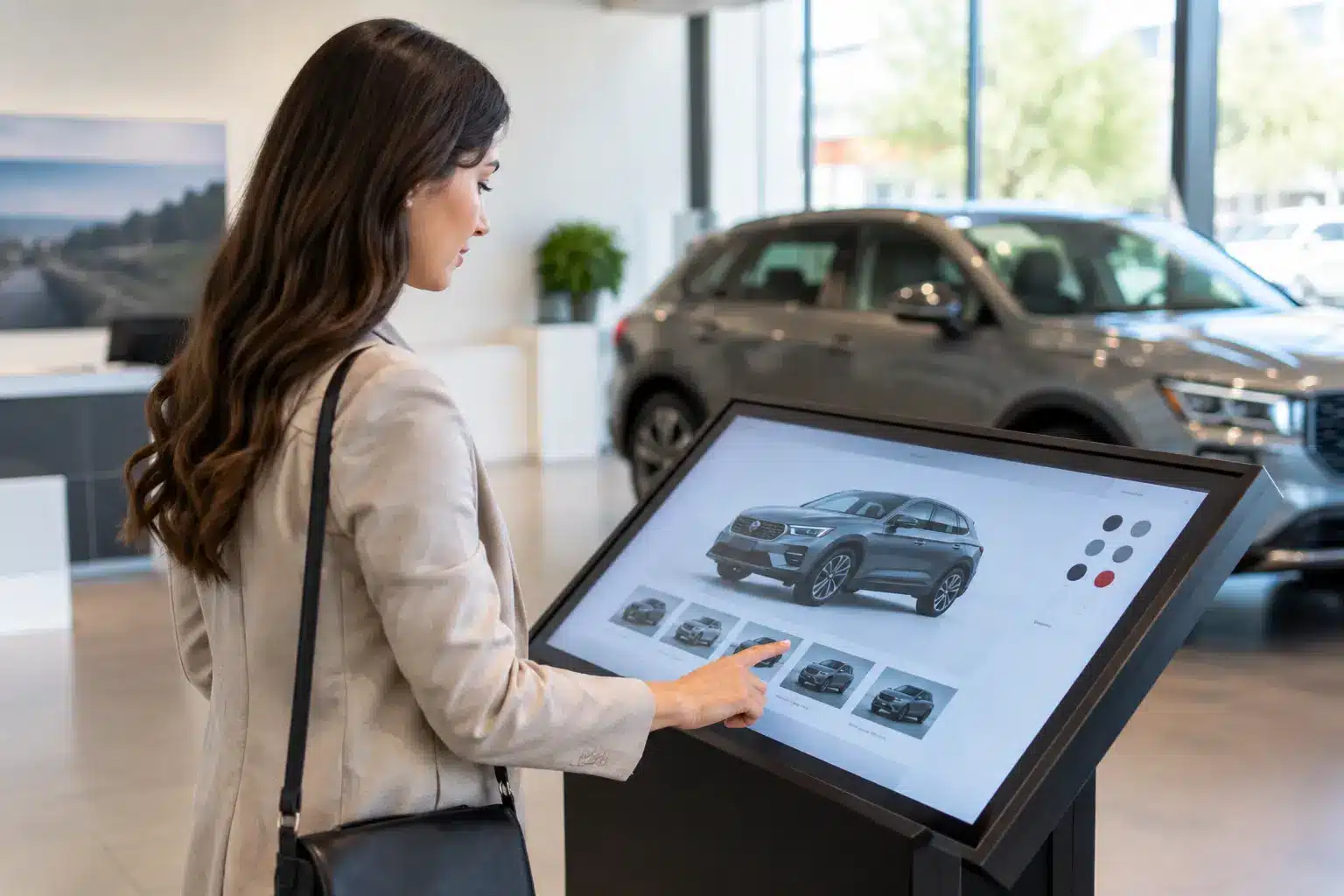
A customer walks into a showroom, sees a product they like, and immediately asks three questions: Does it come in another finish? What are the available configurations? Can I compare it with the model beside it? If the answers depend on printed brochures, a busy sales representative, or a website that does not match the physical display, interest can fade quickly. A
touchscreen display for showrooms gives visitors a direct way to explore while giving sales teams a stronger starting point for an informed conversation.
For automotive, property, retail, furniture, technology, and experience centers, the value is not simply a larger screen. The right interactive display connects physical products with current information, guided content, and lead capture. It helps a showroom operate with more consistency when customer traffic is high and product choices are complex.
What a Touchscreen Display for Showrooms Should Do
A showroom touchscreen should reduce friction between curiosity and action. Visitors should be able to browse models, compare features, view product images, check specifications, and understand available options without needing a staff member to explain every basic detail.
That does not mean the display should replace the sales team. Its role is to handle early-stage discovery well, so staff can spend more time on needs analysis, objections, financing, design advice, and closing the sale. A buyer who has already compared sizes, colors, packages, or floor plans is more prepared for a useful discussion.
For an
automotive showroom, an interactive display can present trim comparisons, accessories, safety features, and vehicle videos. In a property gallery, it can let prospects explore unit layouts, neighborhood amenities, construction progress, and virtual tours. A furniture retailer can show materials, room settings, dimension guides, and related products that may not be on the sales floor.
The system also gives operations teams better control. Instead of reprinting collateral after every pricing change or product refresh, content can be updated centrally. This is especially valuable for organizations with multiple locations, seasonal promotions, or product ranges that change frequently.
Start With the Customer Journey, Not the Screen Size
Screen size matters, but it is not the first decision. A 55-inch display may be ideal for one person or a sales associate standing beside a customer. A 65-inch or 75-inch display is often better for group viewing, detailed visual content, or a feature wall in a high-traffic showroom. The correct choice depends on viewing distance, available wall space, ambient light, and how many people will use the screen at once.
Start by mapping what a visitor needs at each point in the showroom. At the entrance, a display may act as a digital welcome point with campaign content and wayfinding. Near a product zone, it can provide comparisons and configuration choices. In a consultation area, the same display may support a guided presentation, video call, or quotation review.
This approach prevents a common problem: installing an impressive interactive screen that has no clear job. When the display is treated as part of the customer journey, every location and content choice has a purpose.
Self-Service, Assisted Selling, or Both?
Some showroom visitors prefer to browse privately before speaking to anyone. Others expect a representative to guide them through the options. Most successful deployments support both behaviors.
A self-service interface should be simple enough for a first-time user. Large buttons, clear category labels, limited steps, and familiar touch gestures matter more than visual effects. If a visitor needs instructions to find a product range or compare two models, the interface is doing too much.
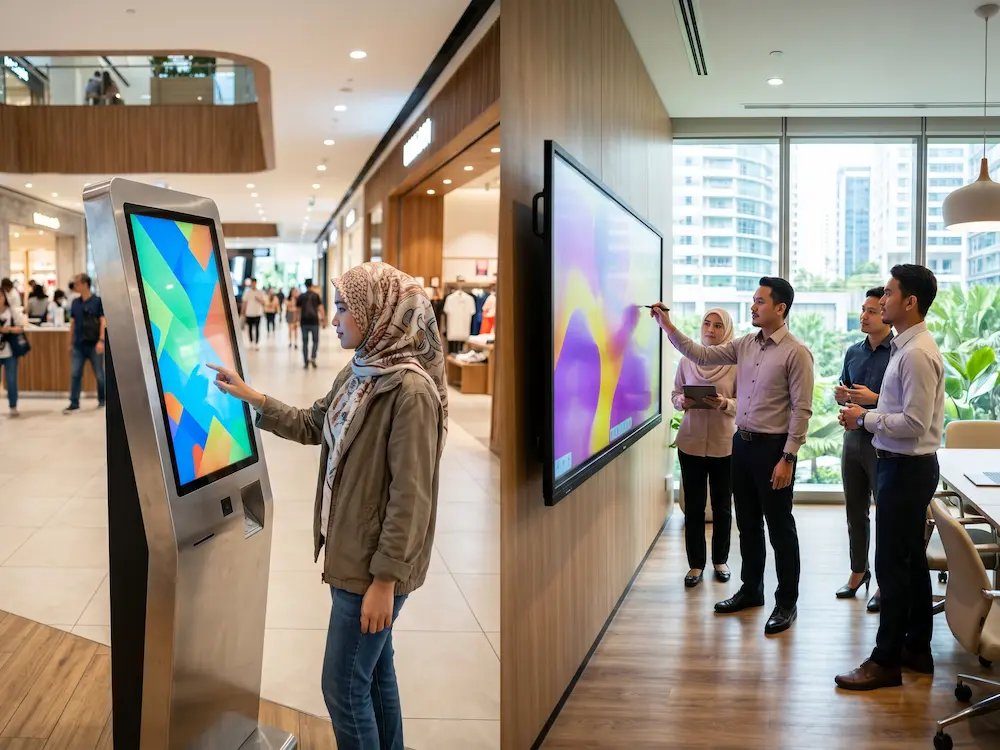
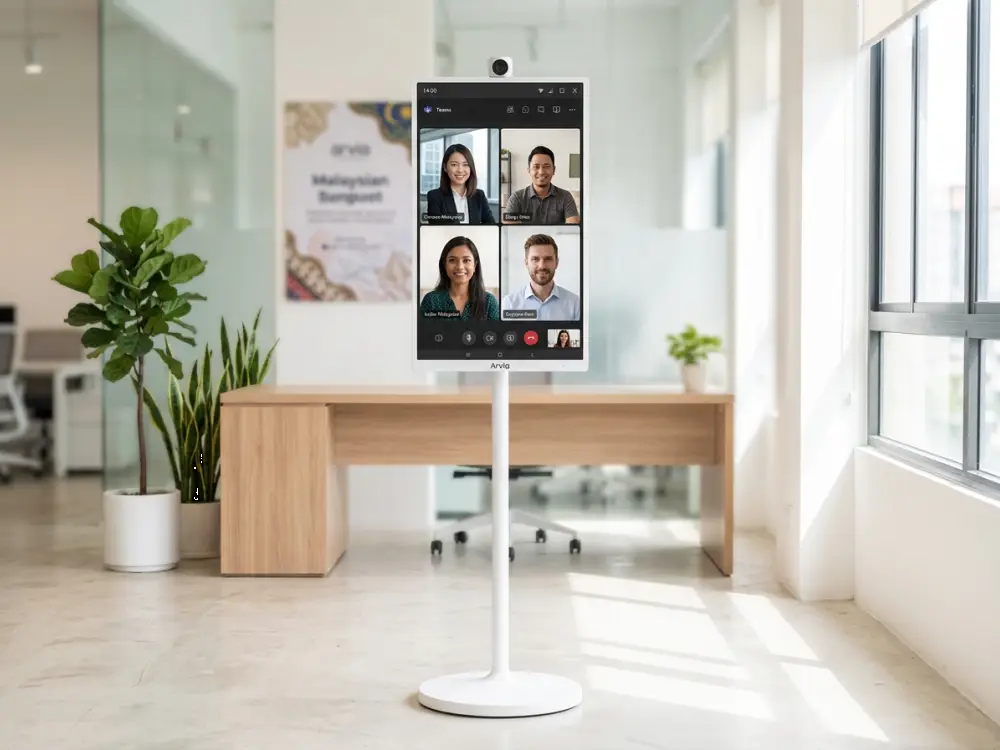
Assisted selling requires another layer of flexibility. Sales staff should be able to take over the screen, open a presentation, annotate content, share a product video, or mirror a laptop when a discussion becomes more detailed. An interactive display with built-in collaboration tools can make this transition feel natural rather than forcing the team to move to a separate meeting room.
Selecting the Right Hardware for a Showroom
Commercial showroom use places different demands on a display than office or home use. It may run for long hours, face frequent public interaction, and sit under bright retail lighting. Procurement teams should assess the full operating environment rather than comparing specifications in isolation.
Brightness is a practical example. A screen that looks clear in a controlled meeting room can appear washed out near glass frontage or strong ceiling lights. Resolution is equally relevant when customers need to read floor plans, product details, technical drawings, or pricing tables at close range.
Touch performance should match the intended use. Multi-touch capability is useful for collaborative product exploration, while responsive touch and palm rejection support sales presentations and annotations. For public-facing use, durable glass and easy-to-clean surfaces deserve attention, particularly in high-traffic automotive, retail, and public environments.
Consider these four operational questions during evaluation:
- Will the display run all day, every day, or only during staffed demonstrations?
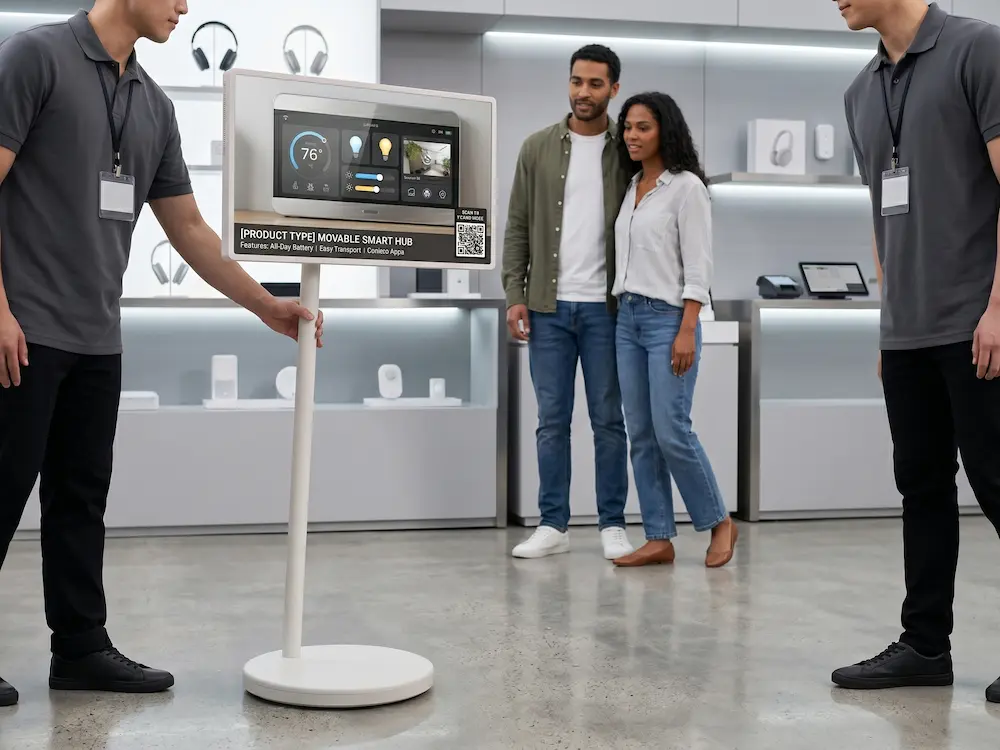
- Is it wall-mounted, placed on a movable stand, built into a kiosk, or integrated into custom furniture?
- Will customers use it independently, or will sales staff operate it with them?
- Who will update content, troubleshoot issues, and maintain the device after installation?
The final question is often underestimated. A display with strong specifications still creates frustration if there is no clear owner for content, connectivity, support, and day-to-day checks.
Content Is What Turns Interaction Into Sales Support
A touchscreen does not improve the showroom just because it is interactive. The content needs to answer real buyer questions in a logical order. Product pages should go beyond marketing images and include useful decision-making details such as dimensions, available options, comparisons, application examples, and next steps.
For higher-consideration purchases, visual tools can make complex choices easier. A property developer may use an interactive site map to show unit availability by tower or floor. An automotive team may use a digital configurator to demonstrate exterior colors and accessories. A commercial equipment provider may let visitors select an industry and view relevant use cases.
Keep the interface focused. A showroom is not a corporate website on a larger device. Visitors are standing up, often with limited time and competing visual distractions. Short pathways work best: explore, compare, save, request help, or book a consultation.
Lead capture should be offered at the right moment. Asking for contact details before visitors can see useful information can feel intrusive. A better approach is to invite them to send a saved configuration, brochure, quotation request, or appointment booking to themselves after they have found something relevant.
Integration Makes the Display More Valuable
The strongest showroom installations are connected to the wider sales and operations process. A display can support QR handoff, allowing visitors to continue reviewing a product on their own device. It can send selected items to a sales representative for follow-up or connect to a CRM workflow where appropriate.
In a property environment, integration may include live availability data, appointment scheduling, or digital registration. In a retail setting, it may connect customers to product variants, inventory information, or a digital catalog. For corporate showrooms and experience centers, the display can also serve as a presentation screen for visiting clients and remote stakeholders.
Integration should be planned carefully. Live data is useful only when the source is accurate and the update process is reliable. If pricing, availability, or technical information cannot be maintained in real time, use controlled content updates instead of exposing customers to information that may be outdated.
Plan for Installation, Support, and Scale
A showroom system is a visible part of the customer experience. A blank screen, unreliable touch function, or outdated campaign can damage confidence more quickly than a traditional printed sign. This is why installation planning and after-sales support should be part of the purchase decision.
Site surveys should account for power, network access, mounting surfaces, cable management, lighting, visitor flow, and accessibility. For multi-site rollouts, teams also need a repeatable configuration, content governance process, and clear service response path.
Arvia approaches showroom technology as a connected project rather than a standalone display purchase, combining consultation, system design, installation, and technical support through Malaysian field-engineer coverage. With more than 4,500 completed projects and support across all 13 states, the focus is on helping organizations deploy technology that staff can operate confidently after handover.
Before committing, ask for a live demonstration using content close to your real showroom use case. Test readability under similar lighting, see how quickly staff can switch between content, and assess whether the interface supports the questions customers actually ask. A physical demonstration often reveals practical issues that a specification sheet cannot.
The most effective showroom display does not compete with the products around it. It gives every visitor a clearer path to understand them, gives every sales representative a better conversation to begin, and keeps the experience useful long after the first impression.