
A wall of displays can either make operational information instantly clear or create a costly visual distraction. The decision between lcd versus led video walls affects how people read dashboards, follow presentations, respond to incidents, and experience your brand in a physical space. The right choice is rarely about choosing the newest technology. It is about matching the display to viewing distance, room conditions, content, operating hours, and service expectations.
For a boardroom where people sit close to the screen, a narrow-bezel LCD wall may be the sensible choice. For a command center, auditorium, retail frontage, or large lobby where content must remain visible from a distance, direct-view LED often delivers the stronger result. The specification matters, but so does the way the system will be used every day.
LCD Versus LED Video Walls: The Core Difference
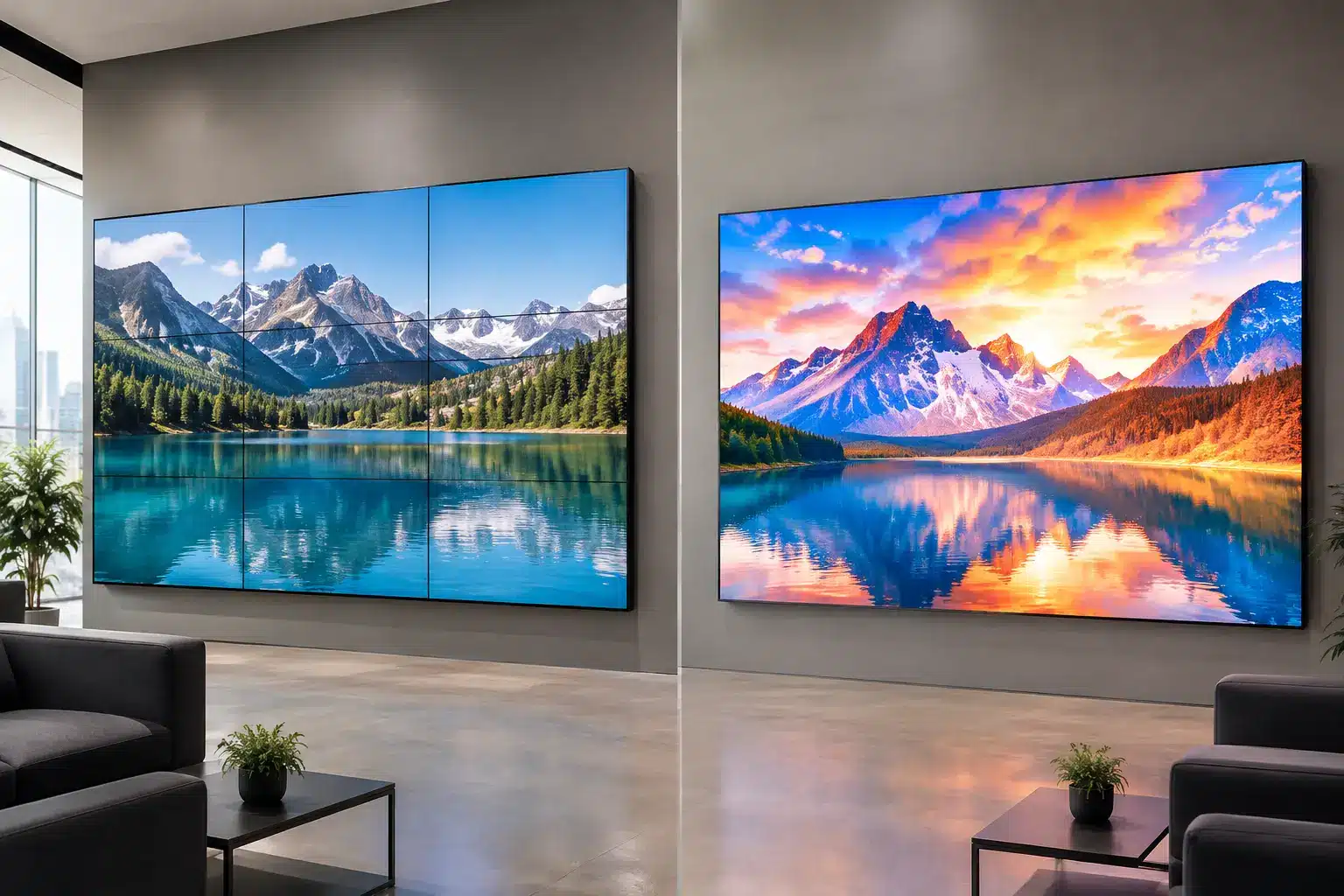
An LCD video wall combines multiple commercial LCD panels into one larger display surface. Each panel has a bezel, even when it is designed to be ultra-narrow. A video wall controller distributes content across the panels so users see one image, dashboard, video feed, or combination of sources.
An LED video wall is built from modular LED cabinets. Instead of panels with visible edges, it uses individual light-emitting diodes to form a continuous image. Pixel pitch – the distance between pixels – determines how close viewers can stand before they notice the pixel structure.
This distinction changes the viewing experience. LCD usually provides crisp detail at close range and is well suited to structured content such as spreadsheets, maps, camera feeds, and presentations. LED creates a more continuous, high-impact canvas at large sizes, performs strongly in bright spaces, and can be configured in dimensions that standard LCD panels cannot easily match.
Neither format is automatically better. A 1.2 mm fine-pitch LED wall may look excellent in an executive briefing center, but it can be unnecessary for a small meeting room. Conversely, an LCD wall may be sharp and cost-effective in a control room, but its bezel lines can become distracting when the application relies on a single full-screen visual.
Start With the Viewing Distance, Not the Screen Size
The most useful first question is not, “How large should the wall be?” It is, “How close will the nearest and farthest viewers stand?” This is especially important with LED.
A tighter pixel pitch supports closer viewing, while a wider pixel pitch is more appropriate when viewers are farther away. Fine-pitch LED can support detailed content at shorter distances, but it requires a higher investment. Selecting an overly coarse pitch for a reception area or meeting space can make text, faces, and fine graphics appear less defined from the front row.
LCD panels have a fixed native resolution. Their pixel density is often advantageous when employees need to read small labels, application windows, engineering drawings, or multi-camera security layouts from desks located near the wall. However, the bezel grid remains visible. In a command center, that may be acceptable if content is arranged intentionally around panel boundaries. In a brand experience center or event venue, it may not be.
Before approving a display design, map the audience position, typical standing or seating distance, wall width, and content type. A site survey prevents a common mistake: buying a large display that is technically impressive but uncomfortable to use at the intended distance.
Brightness, Lighting, and the Physical Environment
Ambient light changes the decision quickly. A bright retail space with glass frontage, a showroom with spotlights, or a lobby exposed to daylight may favor LED because it can produce the brightness needed to maintain image visibility. LED also handles large, visually dynamic promotional content particularly well.
LCD works effectively in controlled indoor environments such as meeting rooms, operations centers, training rooms, and classrooms. It can provide rich color and clear imagery without the additional cost associated with a fine-pitch LED installation. Yet glare from windows and ceiling lights should be assessed early. Repositioning lights, adding window treatment, or selecting suitable panel brightness may be necessary.
Environmental conditions also matter beyond brightness. Consider heat management, ventilation, wall construction, access behind the wall, dust exposure, operating schedules, and power availability. A display solution is part of the room infrastructure, not a stand-alone purchase.
Where LCD Video Walls Make Practical Sense
LCD video walls are often a strong fit for spaces where people work close to the display and need a predictable, detailed image. Security operations rooms, network monitoring centers, training facilities, internal communications areas, and corporate briefing rooms are common examples.
They can also suit organizations that need a defined video wall size based on familiar panel dimensions. A 2×2 or 3×3 layout is straightforward to visualize, budget, and deploy. When paired with a reliable controller and content-management approach, LCD walls can display live data, meeting content, digital signage, and video sources in flexible layouts.
The trade-off is the bezel. Ultra-narrow-bezel panels reduce the interruption, but they do not eliminate it. If a single continuous visual is central to the experience, the organization should compare an LED option before committing.
Where LED Video Walls Earn Their Investment
LED video walls are usually the better choice when scale, visual impact, and continuous imagery are priorities. They are well suited to large reception areas, public venues, exhibition spaces, auditoriums, event stages, retail environments, automotive showrooms, worship spaces, and high-visibility corporate lobbies.
Their modular design also supports creative formats. An LED wall can be wider, taller, curved, or built around architectural features more easily than a wall of standard LCD panels. That flexibility is valuable for property developers, visitor centers, and brands that want the display to become part of the environment rather than a device mounted on it.
For 24/7 use, LED can be a compelling option, particularly when the system is designed with suitable redundancy, monitoring, and service access. Still, buyers should not assume every LED product is equal. Cabinet build quality, power design, refresh rate, calibration, control system, spare-module availability, and installer capability all affect long-term performance.
Content Determines Whether the Wall Feels Useful
A video wall should be specified around its daily content, not the supplier’s showroom demo. High-energy brand videos and animated campaigns can look exceptional on LED, while close-up dashboards and small-font applications may require a tighter pixel pitch or an LCD configuration.
For command centers, consider how many simultaneous feeds will appear on screen. Operators may need clear camera images, GIS maps, incident dashboards, and messaging channels at once. The controller should allow teams to place, resize, and switch sources without rebuilding the layout each time.
For meeting rooms and learning spaces, think about how users will connect. A wall may need wireless sharing, video conferencing integration, touch control, and compatibility with room booking or control systems. For digital signage, the question shifts to scheduling, remote updates, approval workflows, and whether different zones need different messages.
Resolution should be planned across the entire system. Sending a low-resolution source to a very large LED canvas will not create extra detail. Likewise, displaying content designed for a 16:9 screen across an unusually wide wall can lead to awkward cropping unless the content is created for that format.
Budget for Ownership, Not Only Installation
Purchase price is visible. Long-term operating requirements are often less visible until the wall is already installed. Compare display hardware, mounting, structural work, electrical upgrades, controllers, cabling, commissioning, training, warranty coverage, and ongoing support as one project cost.
LCD may offer a lower entry cost for certain indoor layouts, especially when existing wall space and standard panel sizes align. LED can involve a higher initial investment, particularly at fine pixel pitches, but may deliver a stronger visual result at large scale and avoid bezel interruptions.
Maintenance planning should be specific. Ask how failed components are replaced, whether access is front or rear serviceable, what spare parts will be held, how color consistency is maintained, and what response time applies if the wall supports business-critical operations. A display in a command center cannot wait weeks for a replacement module or panel.
For Malaysian organizations, local installation capability and after-sales accountability can carry as much weight as the product brand. Arvia supports projects through consultation, system integration, certified field engineers, and nationwide coverage across all 13 states, helping teams plan the full operating environment rather than simply purchase a screen.
Make the Decision Around the Space You Need to Run
Choose LCD when close viewing, fine detail, standard indoor wall sizes, and controlled lighting are the priority. Choose LED when you need a bezel-free canvas, large-scale visibility, custom dimensions, high ambient-light performance, or stronger visual impact from a distance.
The best specification is the one employees can read comfortably, facilities teams can support confidently, and visitors can understand immediately. Bring actual content into the design discussion, assess the site before finalizing pixel pitch or panel layout, and treat installation and service access as part of the solution. That approach turns a video wall from a display purchase into a working communication system.