A meeting starts late because the room is double-booked. A lecturer loses ten minutes connecting a laptop. A visitor walks into a large facility without knowing where to go. These are not isolated technology problems. They are daily operational friction points that a well-planned digital workplace can remove.
For organizations managing multiple teams, locations, and audiences, the goal is not to fill rooms with more screens. It is to create connected environments where people can find information, collaborate clearly, make decisions faster, and complete routine tasks with less effort.
What Is a Digital Workplace?
A digital workplace is the combination of physical technology, business platforms, workflows, and support services that help people work effectively from offices, classrooms, meeting rooms, service counters, and shared spaces. It connects the tools employees use with the environments where work actually happens.
That can include interactive displays for presentations, video conferencing for hybrid meetings, room booking panels outside meeting spaces, digital signage for internal announcements, kiosks for visitor services, and cloud systems that bring finance, HR, sales, and projects into one platform.
The difference between buying individual devices and building a digital workplace is integration. A standalone display may solve one presentation need. An integrated meeting room combines the display, camera, microphone, room booking system, content-sharing method, network requirements, and user training into one reliable experience.
For operations leaders, this distinction matters. Technology adoption drops quickly when users need separate instructions, multiple logins, or IT assistance for basic tasks. The best environments feel practical: walk into the room, connect, present, collaborate, and leave the space ready for the next team.
Start With Operational Friction, Not Product Lists
A productive project begins with the question, “Where does work slow down?” The answer is often different for every organization.
A university may need lecturers to annotate lesson content, share materials with students, and run hybrid sessions across several campuses. A corporate office may need leadership teams to make faster decisions in meeting rooms while accommodating remote participants. A property operator may need digital directories and wayfinding displays that reduce pressure on front-desk staff. Retail and F&B operators may need signage and self-service systems that communicate promotions clearly and shorten customer queues.
These needs can overlap, but they should not be forced into one standard package. A small business with two meeting rooms has different priorities from a government agency with public-facing service areas, compliance requirements, and distributed offices.
Before specifying technology, map the user journey. Consider how a person books a room, enters it, starts a presentation, joins a remote call, accesses shared content, reports a fault, and receives support. The same approach applies to a visitor using a kiosk or an employee checking a company announcement on a digital display.
A useful discovery process should clarify four areas:
- Who uses each space and what they need to accomplish there
- Which tasks currently create delays, errors, or repeated support requests
- What existing systems must connect with the new environment
- How the organization will maintain, support, and measure the solution after launch
This work may seem less exciting than selecting screen sizes or software features, but it prevents expensive mismatches later.
Core Components of a Digital Workplace
Collaboration spaces that people will actually use
Interactive smartboards, touchscreen displays, and portable collaboration screens help teams make meetings more visual and participatory. Users can annotate documents, compare options, share content, and capture decisions without relying on paper notes or a single presenter at the front of the room.
Portable displays are especially useful when a facility does not have dedicated meeting rooms. A team can roll the unit into a training room, boardroom, showroom, or project site, plug in, and present. This flexibility can be more valuable than permanently installing technology in spaces that are only used occasionally.
The trade-off is that portable equipment needs a clear storage, charging, and booking process. Otherwise, a convenient resource can become difficult to locate when it is needed most.
Hybrid meeting systems designed around the room
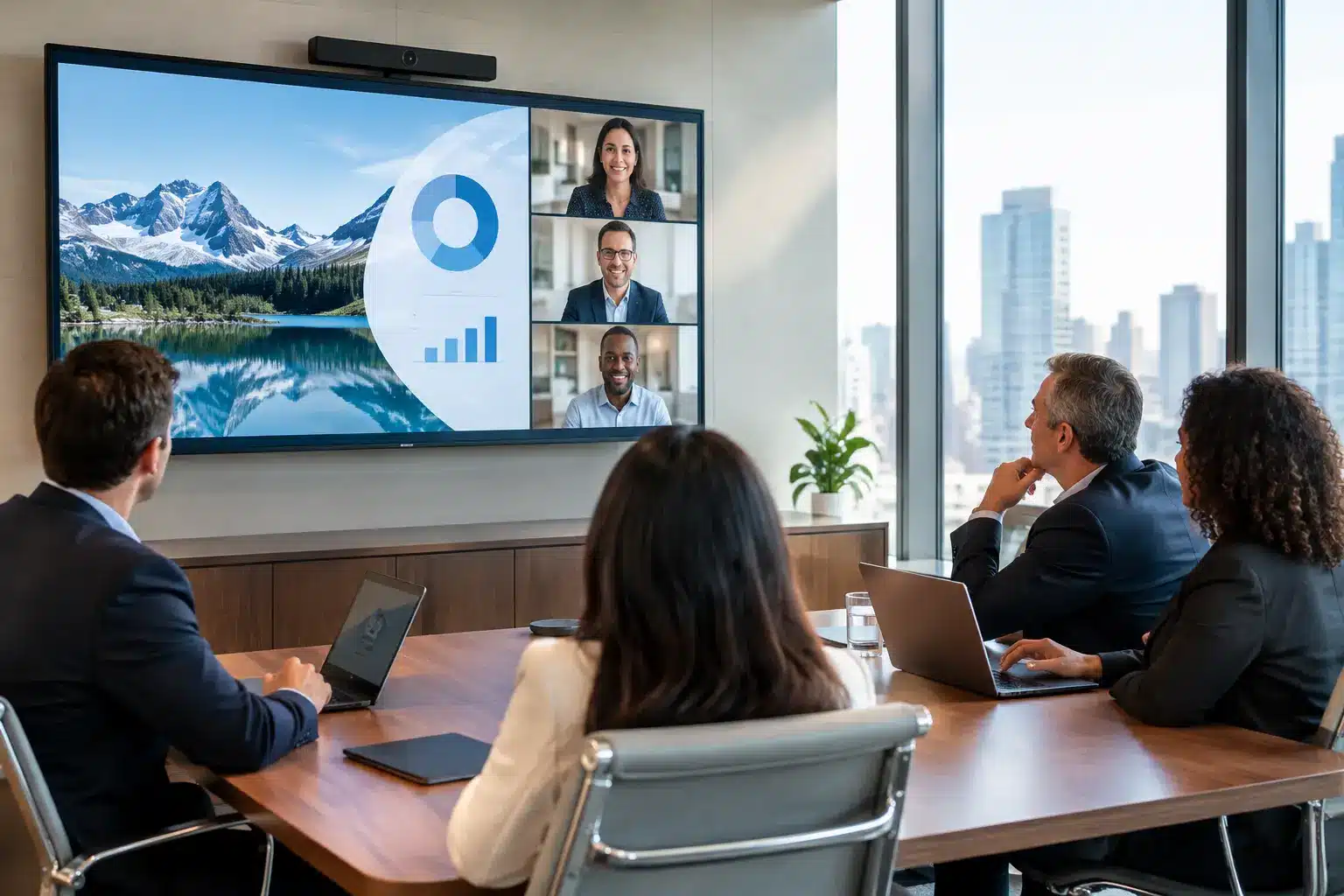
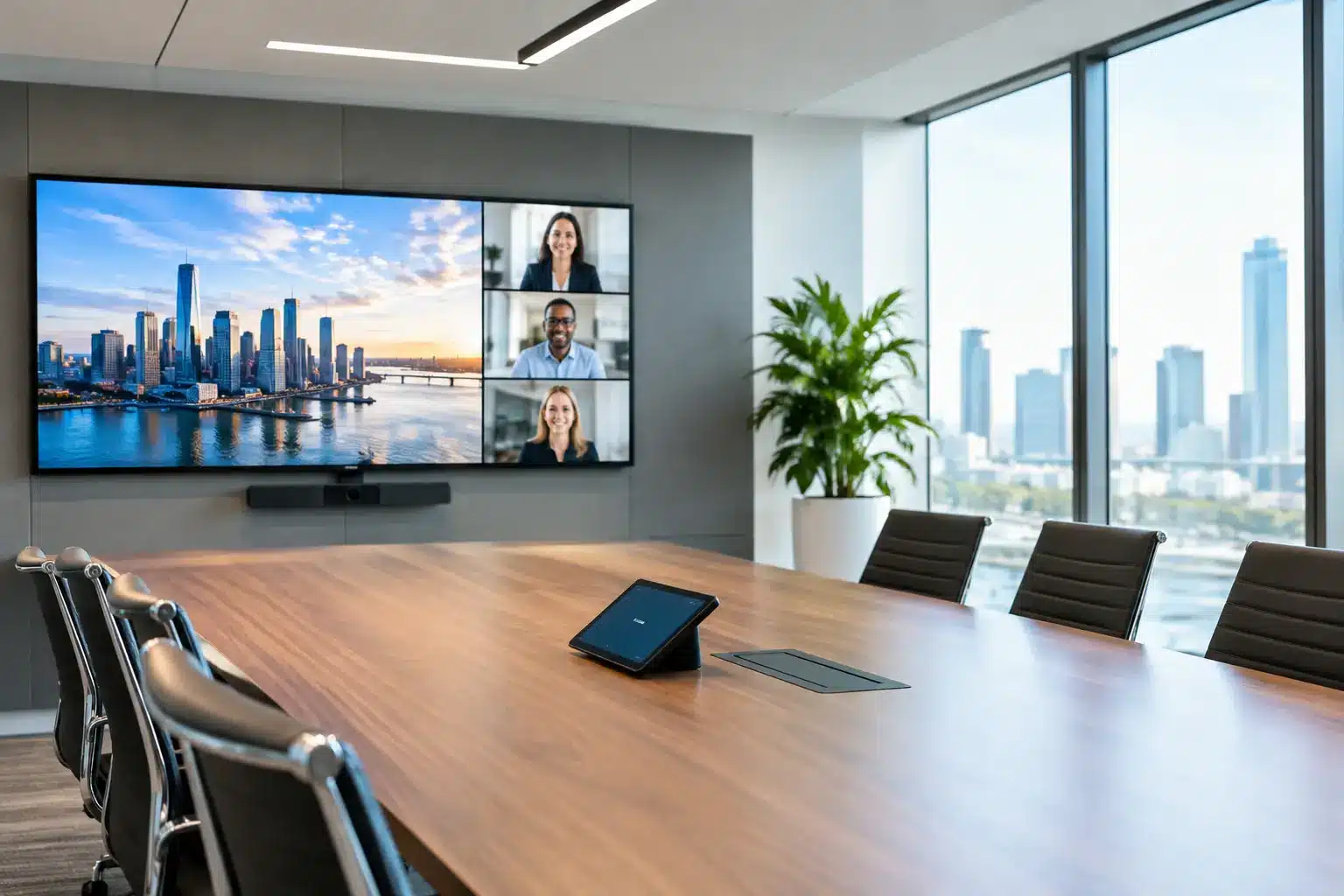
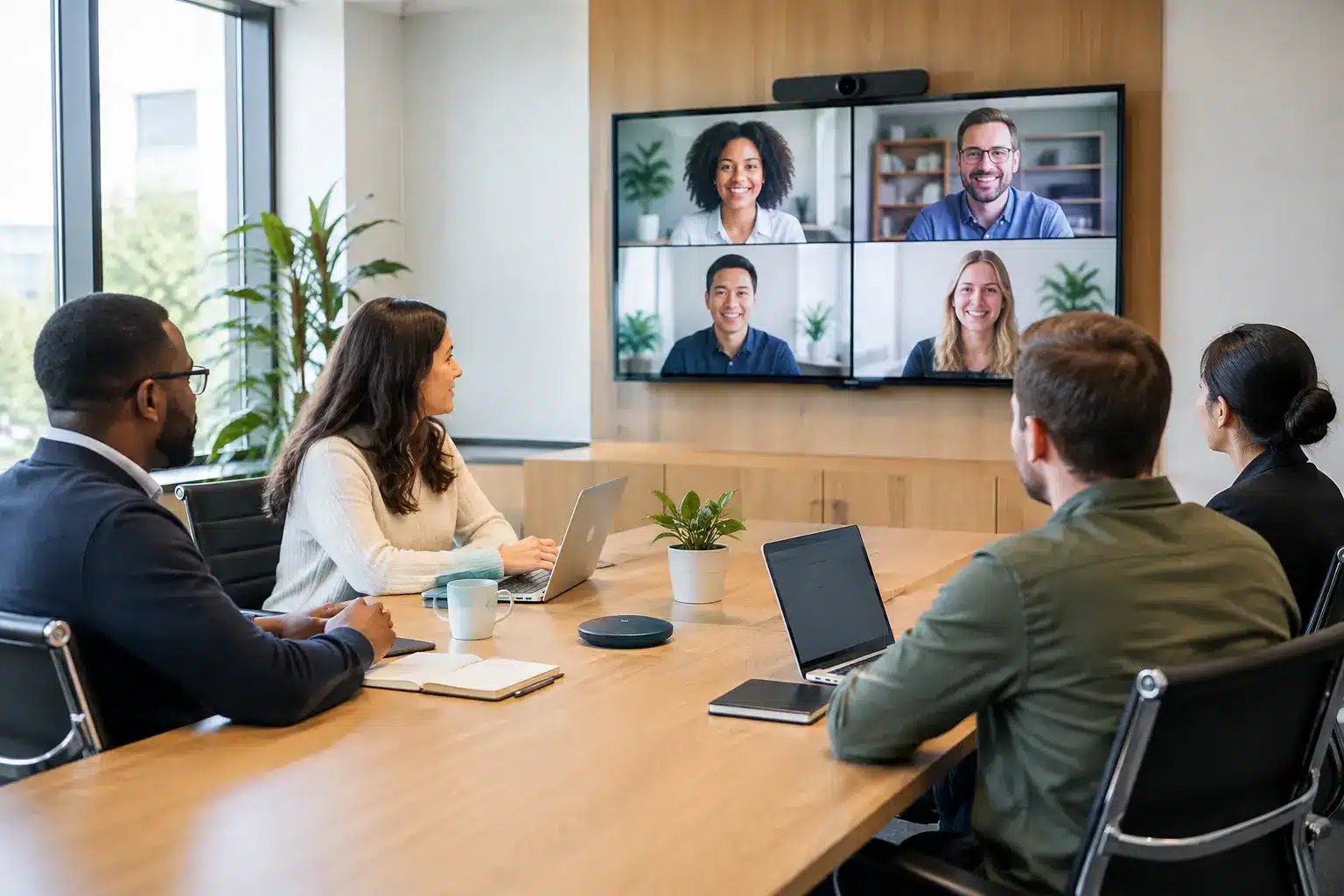
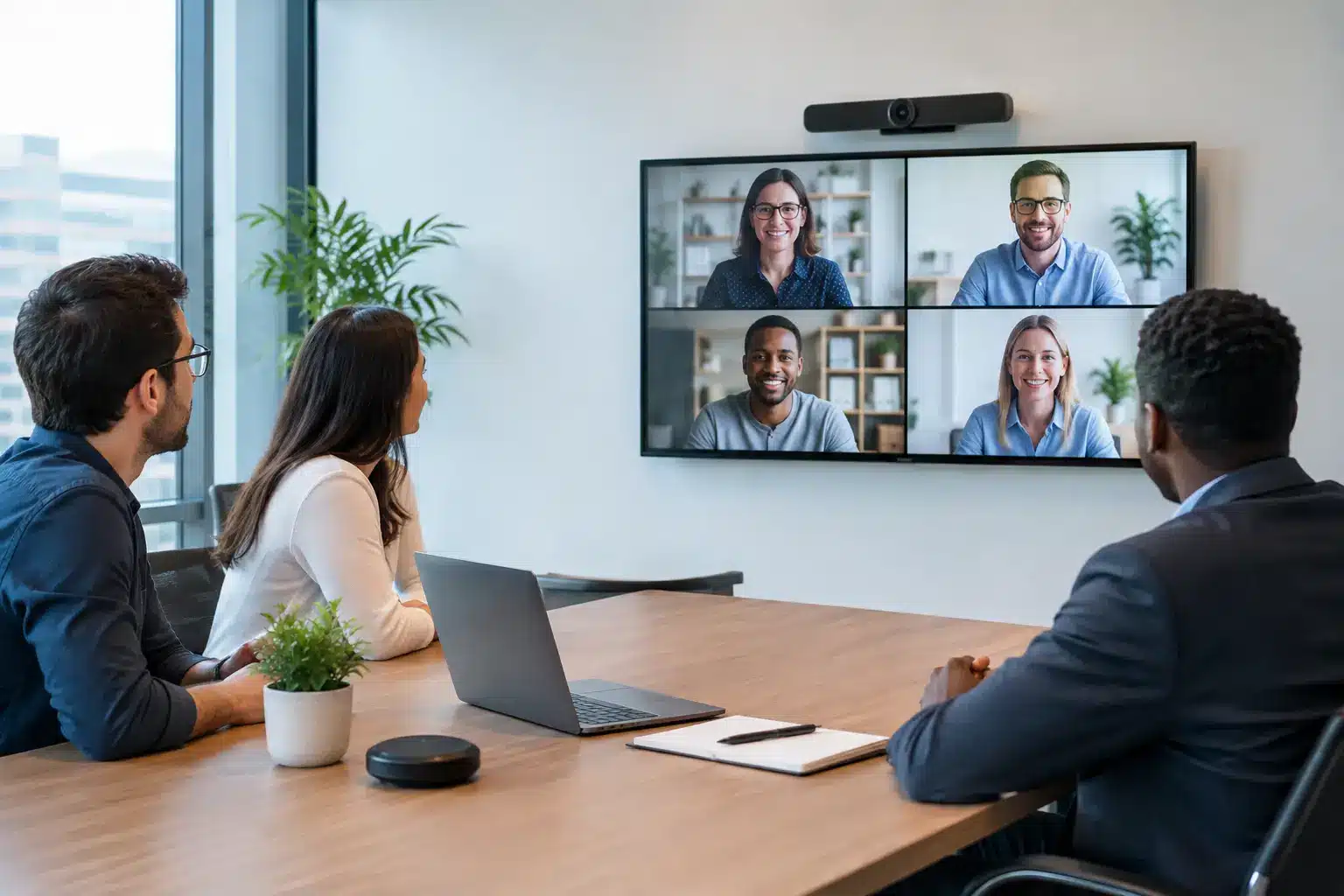
Video conferencing is not just a camera mounted below a screen. Audio quality, camera framing, room acoustics, display placement, lighting, and network capacity all affect whether remote participants can contribute.
Small huddle rooms may work well with an all-in-one video bar. Larger boardrooms may require multiple microphones, speaker tracking, dual displays, and control systems. Training rooms may need wireless presentation, interactive annotation, and recording capabilities in addition to video calls.
The right setup depends on room size, seating layout, meeting frequency, and the platforms already used by the organization. Standardizing room experiences across sites is often worth the investment because it reduces training needs and makes technology support more predictable.
Room booking and workplace coordination
Meeting-room booking systems make shared spaces easier to manage. A panel outside the room shows availability at a glance, while calendar integration helps prevent double bookings and unused reservations.
For facilities teams, the value goes beyond convenience. Booking data can reveal which rooms are consistently underused, which spaces are too small, and when demand peaks. That information supports better decisions about real estate, furniture, cleaning schedules, and future technology investment.
However, booking systems only work when room names, calendar rules, and ownership are maintained properly. Governance is part of the solution. Someone must define how rooms are assigned, when bookings expire, and how no-shows are handled.
Digital communication for employees and visitors
Digital signage gives organizations a central way to communicate updates across offices, campuses, retail locations, and public areas. It can display safety notices, event information, internal announcements, service messages, promotions, queue updates, or emergency communication.
The most effective signage has a content owner and a publishing schedule. A beautiful display showing outdated notices quickly loses credibility. For multi-site organizations, central content management with location-specific messaging provides the balance between consistency and local relevance.
Interactive kiosks and wayfinding directories extend that experience. They can help visitors locate departments, browse services, register attendance, view building information, or access self-service guidance. In busy environments, this improves the customer journey while allowing staff to focus on higher-value support.
Business systems behind the screen
A digital workplace should also connect operational data. Cloud ERP platforms can bring finance, HR, sales, procurement, inventory, and project information into one working environment, reducing the need to reconcile records across disconnected spreadsheets and applications.
Not every organization needs a full ERP deployment immediately. For some SMEs, the better approach is to start with the processes causing the most administrative pressure, then expand as teams become comfortable. The priority is usable information and accountable workflows, not a complex platform that employees avoid.
Plan the Digital Workplace as a Service, Not a One-Time Installation
The technology is only one part of the project. Organizations also need site assessment, solution design, installation, user orientation, warranty coverage, fault response, and a path for future expansion.
This is where local delivery capability has real value. A provider should understand network conditions, room constraints, electrical requirements, mounting and safety considerations, and the realities of supporting sites after handover. Procurement teams should ask who will install the system, what service levels apply, whether replacement parts are available, and how support is handled across locations.
For Malaysian organizations, nationwide coverage is particularly relevant when headquarters, branches, campuses, or project sites are spread across different states. Arvia supports this model through consultation-led design, certified field engineers, nationwide installation, and ongoing after-sales service, backed by more than 4,500 completed projects.
Credentials also matter when technology is being procured for institutional use. Product certification, verified technical standards, documented warranties, and clear handover processes reduce risk for IT, facilities, and procurement teams.
Measure Whether the Workplace Is Working
A successful deployment should produce visible changes in daily work. Meeting rooms should start on time more often. Support tickets for basic presentation issues should decline. Teams should be able to find available spaces without calling administration. Visitors should reach their destination with fewer questions. Managers should spend less time chasing updates across separate systems.
Set a baseline before implementation, then review results after adoption. Useful measures may include room utilization, meeting start delays, number of IT support requests, employee feedback, visitor service time, digital signage engagement, and time spent on manual administrative tasks.
There will always be a learning period. A new system may require training, clear quick-start instructions, and internal champions who can help colleagues. Organizations that budget for adoption usually get more value than those that treat installation day as the finish line.
The right next step is to walk through the spaces where work happens, listen to the people using them, and identify one friction point worth fixing first. That practical starting point often becomes the foundation for a digital workplace that grows with the organization.