
A meeting can lose momentum before anyone discusses the agenda. The display will not connect, remote attendees cannot hear the room, or two teams arrive to find the space already occupied. Smart meeting room solutions address these everyday failures by treating the room as one connected working environment, not a collection of separate devices.
For organizations in Malaysia, that distinction matters. A corporate boardroom, university discussion room, government briefing suite, and project war room may have different users and policies, but each needs technology that works predictably. The goal is not to add more screens. It is to help people share information faster, include remote participants clearly, and make better use of valuable meeting space.
What Smart Meeting Room Solutions Should Deliver
A smart meeting room brings together visual collaboration, video conferencing, room scheduling, content sharing, and practical room control. The experience should be simple enough for a first-time user to enter, connect, and present without calling IT, while still giving IT and facilities teams the oversight they need.
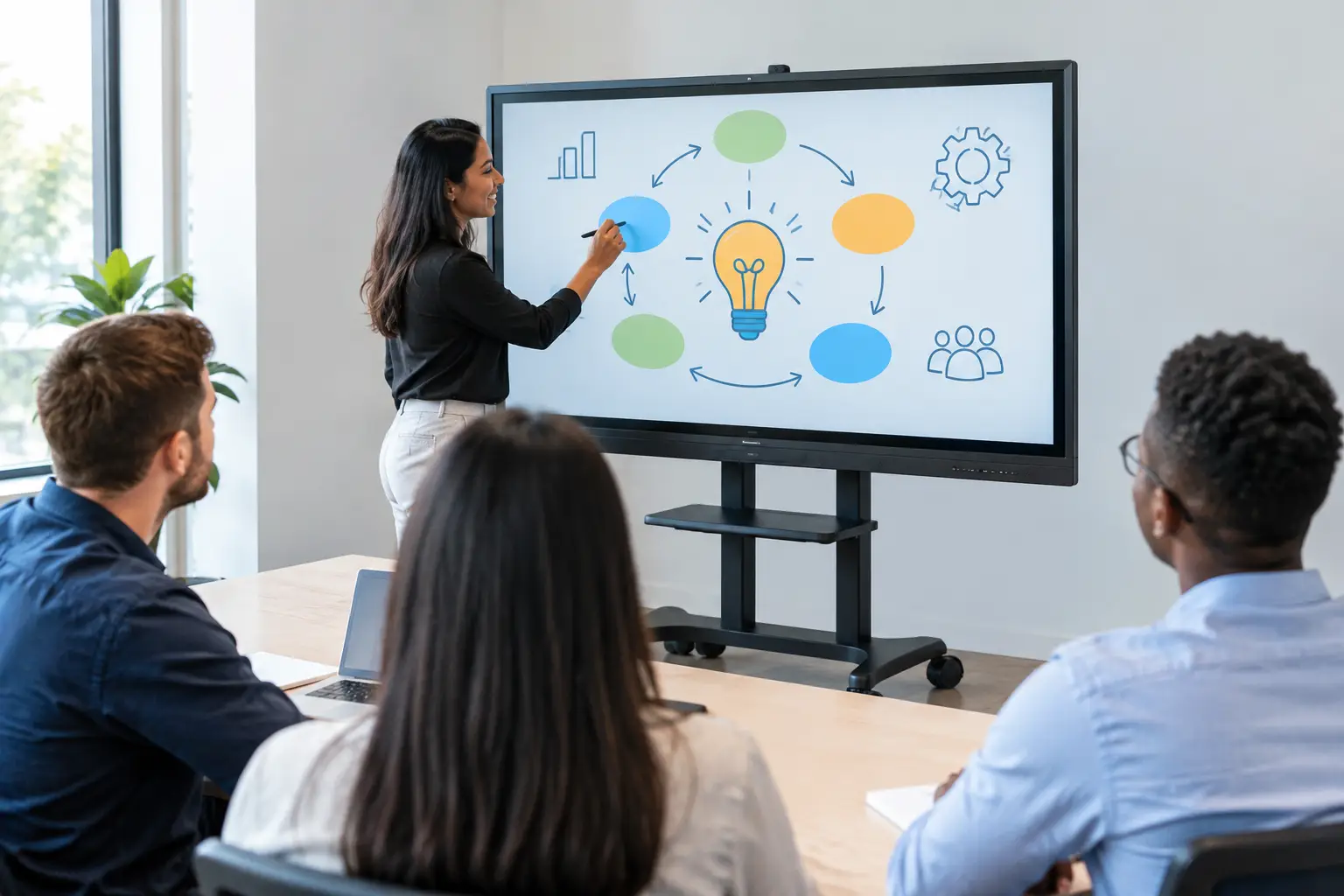
At the center is usually an interactive display or professional large-format screen. In a smaller room, an interactive smartboard lets participants annotate documents, capture whiteboard notes, and share ideas directly from a laptop. In a boardroom or training space, an LED display or commercial display can provide the scale and brightness needed for detailed dashboards, presentations, and video calls.
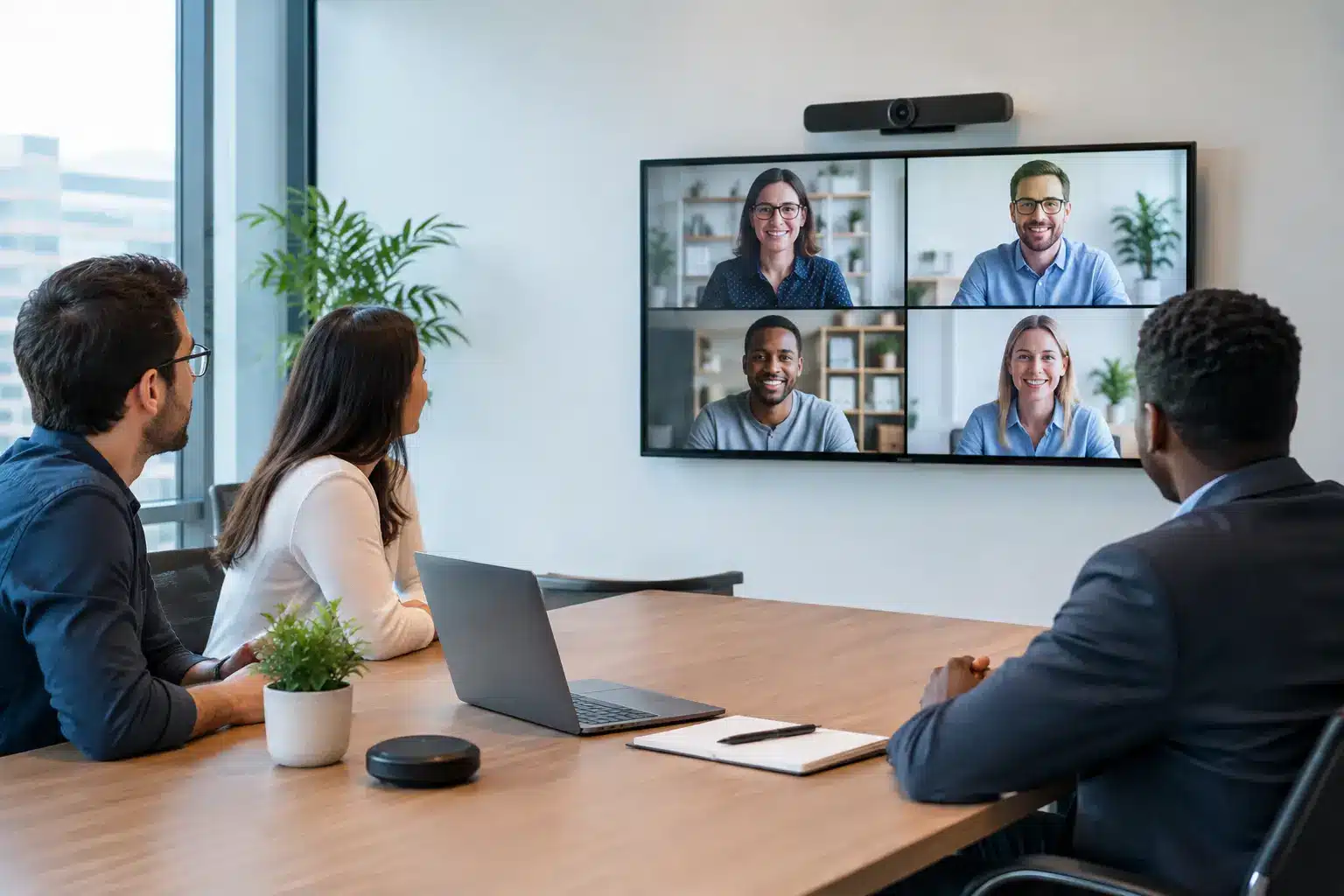
Video conferencing completes the picture, but camera quality alone is not enough. Participants also need clear audio, sensible camera framing, and an installation designed for the room’s acoustics and seating layout. A capable system makes remote attendees feel present rather than like a small window at the end of the table.
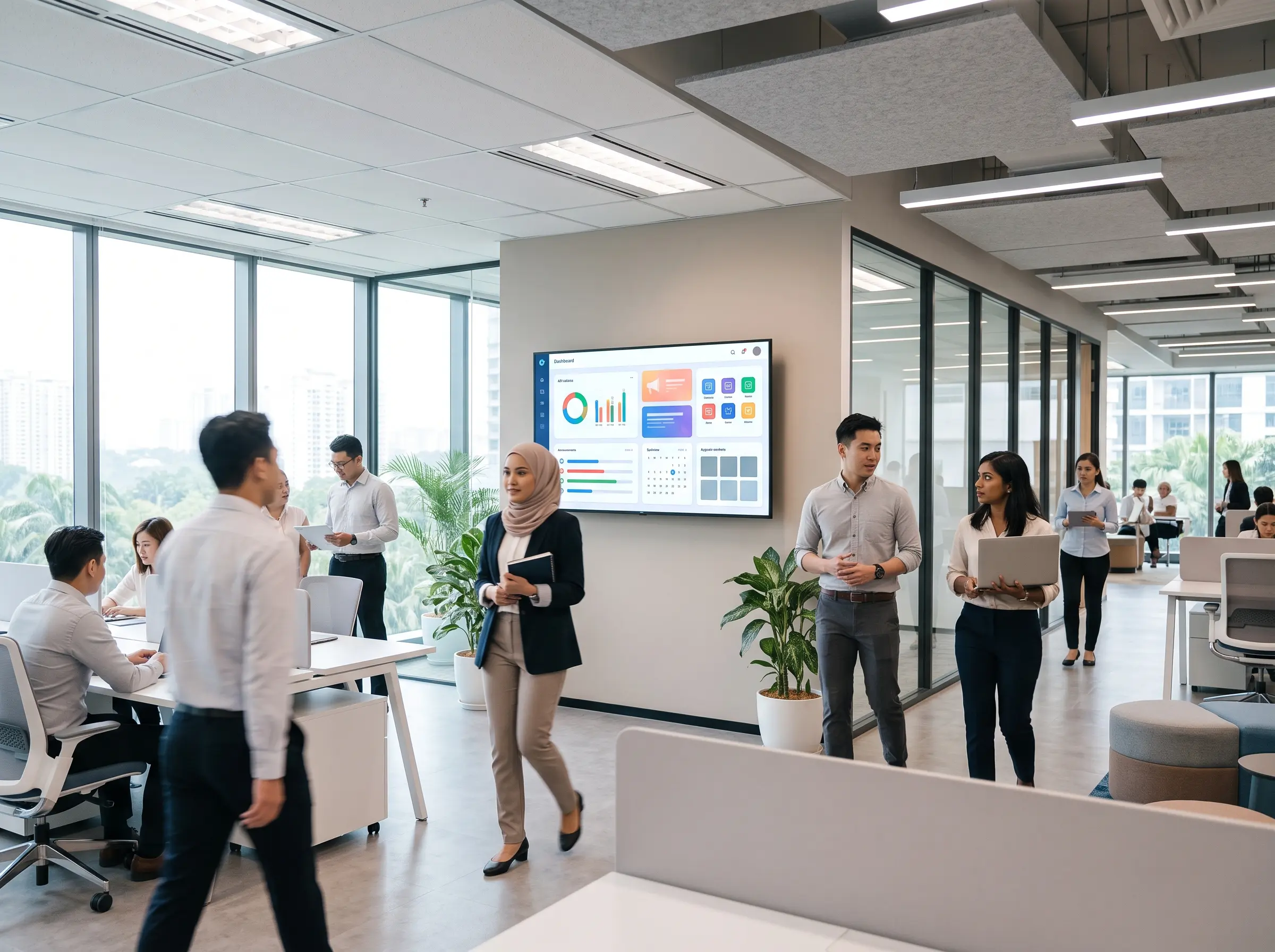
Room booking systems are equally valuable where meeting spaces are in high demand. A scheduling panel outside the room shows availability at a glance, reduces double bookings, and helps employees find a space that suits the size and purpose of their meeting. Facilities managers gain better visibility into room utilization, which can inform future space planning.
Start With the Meeting Experience, Not the Equipment
The strongest projects begin with a clear view of how people actually meet. Buying a large display because it looks impressive can create an expensive underused asset if the room is mostly used for quick hybrid check-ins. On the other hand, a basic video bar may be insufficient for a room where executives regularly review complex financial models or engineering drawings.
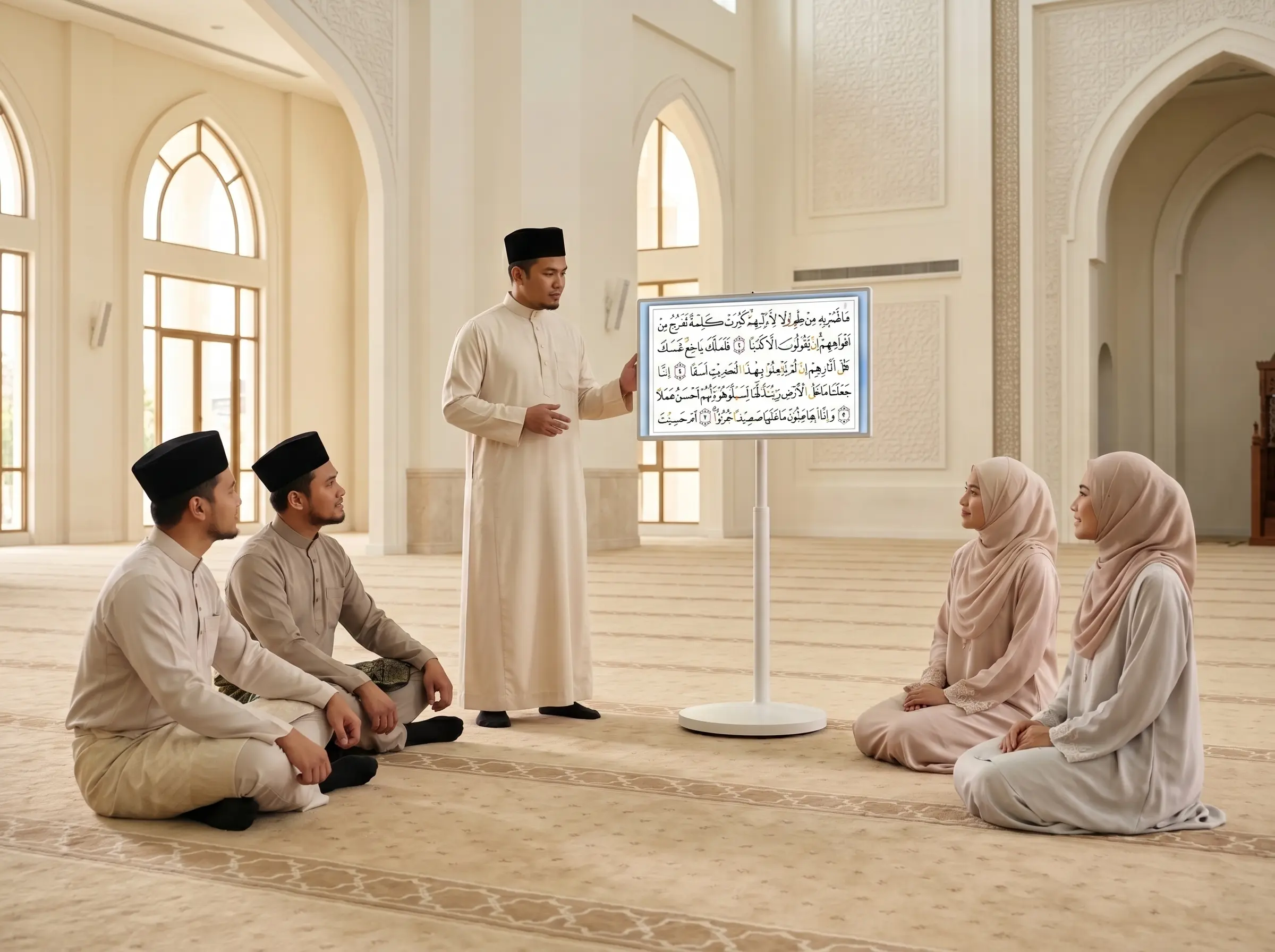
Consider the meeting types that happen most often. A leadership team may need reliable hybrid conferencing and wireless presentation. A university faculty room may benefit more from interactive annotation and easy content capture. A government operations center may require multiple displays, secure inputs, and a room layout that supports fast briefings during an incident.
The number of users also affects the design. A six-person huddle room needs different camera coverage, microphone pickup, and display size than a 20-seat boardroom. Room dimensions, lighting, glass walls, ceiling height, and background noise can all affect performance. This is why a site assessment is more useful than a generic equipment list.
There are trade-offs to manage. Wireless sharing is convenient, but some organizations require wired connections for security, reliability, or guest access. Touch displays encourage collaboration, but a non-touch display may be the better choice when most content is presented from a distance. Cloud-based room scheduling is easy to manage across locations, while on-premises requirements may apply in regulated environments.
The Core Components of a Connected Room
A practical meeting room design does not need every available feature. It needs the right components working together.
Display and interactive collaboration
The display should match the viewing distance and the type of content being shared. Presentation-heavy rooms often benefit from a large professional display with high brightness and long operating life. For workshops, planning sessions, and education-led discussions, an interactive smartboard enables writing, markup, and shared visual problem-solving.
The difference is operational. When a team can write on a digital floor plan, save the annotations, and distribute the notes immediately, it avoids the familiar problem of recreating whiteboard photos after the meeting.
Video, audio, and camera coverage
Hybrid meetings fail most often because audio is treated as an afterthought. People can tolerate a slightly imperfect camera image. They cannot contribute effectively if voices are distant, echoing, or interrupted by background noise.
Choose microphones and speakers based on room size, table shape, and participant behavior. A compact all-in-one device can work well in a small room. Larger boardrooms may require dedicated microphones, speakers, and a camera with intelligent framing or speaker tracking. The right choice depends on the space, not just the number of advertised features.
Content sharing and room control
Users should be able to share a laptop, tablet, or in-room computer without a complicated sequence of adapters. Wireless presentation can reduce cable clutter and speed up transitions between speakers. A wired connection remains useful as a dependable fallback, particularly for high-stakes presentations.
Simple room controls can bring the display, camera, audio, and source selection into one clear interface. In more advanced deployments, controls may also manage lighting, blinds, and room modes. The purpose is not automation for its own sake. It is to remove the small points of friction that make meetings start late.
Booking and utilization data
A room booking panel provides an immediate operational benefit: employees know whether a room is available before opening the door. When connected to the organization’s calendar platform, it can also show upcoming bookings and enable quick reservation of an empty room.
For facilities teams, usage data can reveal whether rooms are consistently underused, regularly over capacity, or booked but left empty. Those insights are useful when planning expansions, redesigning offices, or setting policies for shared meeting spaces.
Plan for Deployment, Adoption, and Support
Technology selection is only one part of the project. Installation quality determines whether the room remains reliable after the opening day. Displays need secure mounting, cables need proper management, cameras need correct placement, and audio must be tested from the seats where people will actually speak.
Integration with existing collaboration platforms should be confirmed early. An organization may use Microsoft Teams, Zoom, Google Meet, or a mix of platforms across departments. The room should support the intended workflow without forcing users into unnecessary workarounds. IT teams should also consider network capacity, access controls, device management, and update policies.
User adoption deserves the same attention as technical deployment. A simple quick-start guide at the table can help, but hands-on orientation is more effective for executive assistants, room coordinators, lecturers, and frequent presenters. Staff should know how to start a call, share content, use the interactive display, and get help if something goes wrong.
Local support is particularly important for organizations with offices, campuses, or branches in multiple states. A supplier should be able to assess the environment, install the system, train users, honor warranty commitments, and respond when a room is needed for an important client presentation or management meeting. Arvia supports this end-to-end approach through consultation, certified field engineers, nationwide coverage, and experience across more than 4,500 completed projects.
Measure Whether the Room Is Doing Its Job
A smart room should produce visible improvements, not simply a more impressive equipment inventory. Start by tracking the issues the project was meant to solve. These may include delayed meeting starts, repeated helpdesk calls, poor remote participation, double bookings, or low room availability.
After deployment, review how often rooms are used, whether calls begin on time, and whether employees can operate the system independently. Feedback from regular users is often more revealing than a specification sheet. If a feature is rarely used, it may need better training or may not belong in the next room design.
Standardizing successful room types can reduce future procurement and support effort. Still, standardization should allow for exceptions. A small focus room, executive boardroom, training center, and command center should share a consistent user experience where possible, but they should not be forced into identical designs.
The most effective meeting room is the one people trust. When staff can walk in, connect in moments, hear every participant, and leave with clear actions and captured ideas, the technology has done its work. That is the practical standard to use when planning your next meeting space.