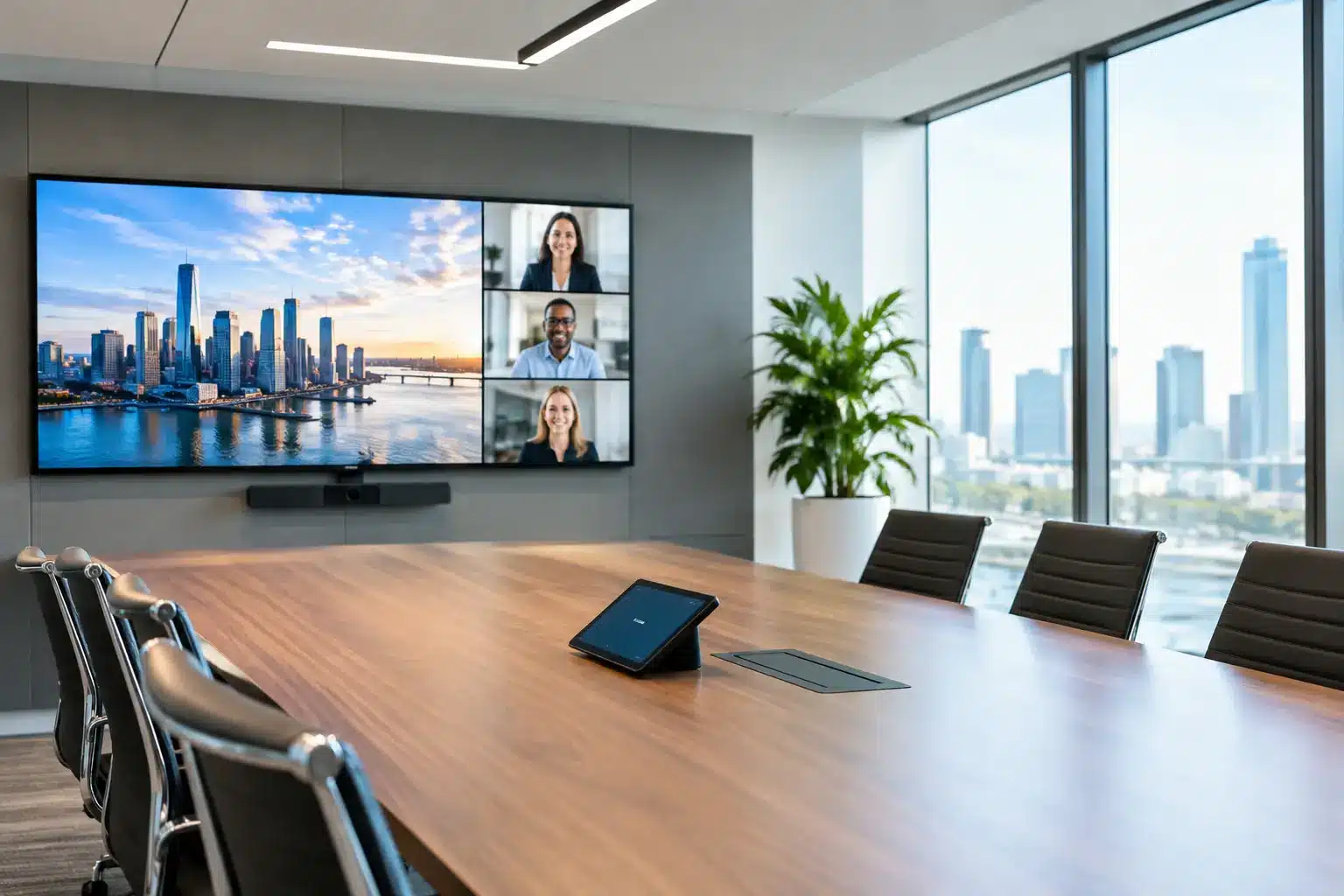
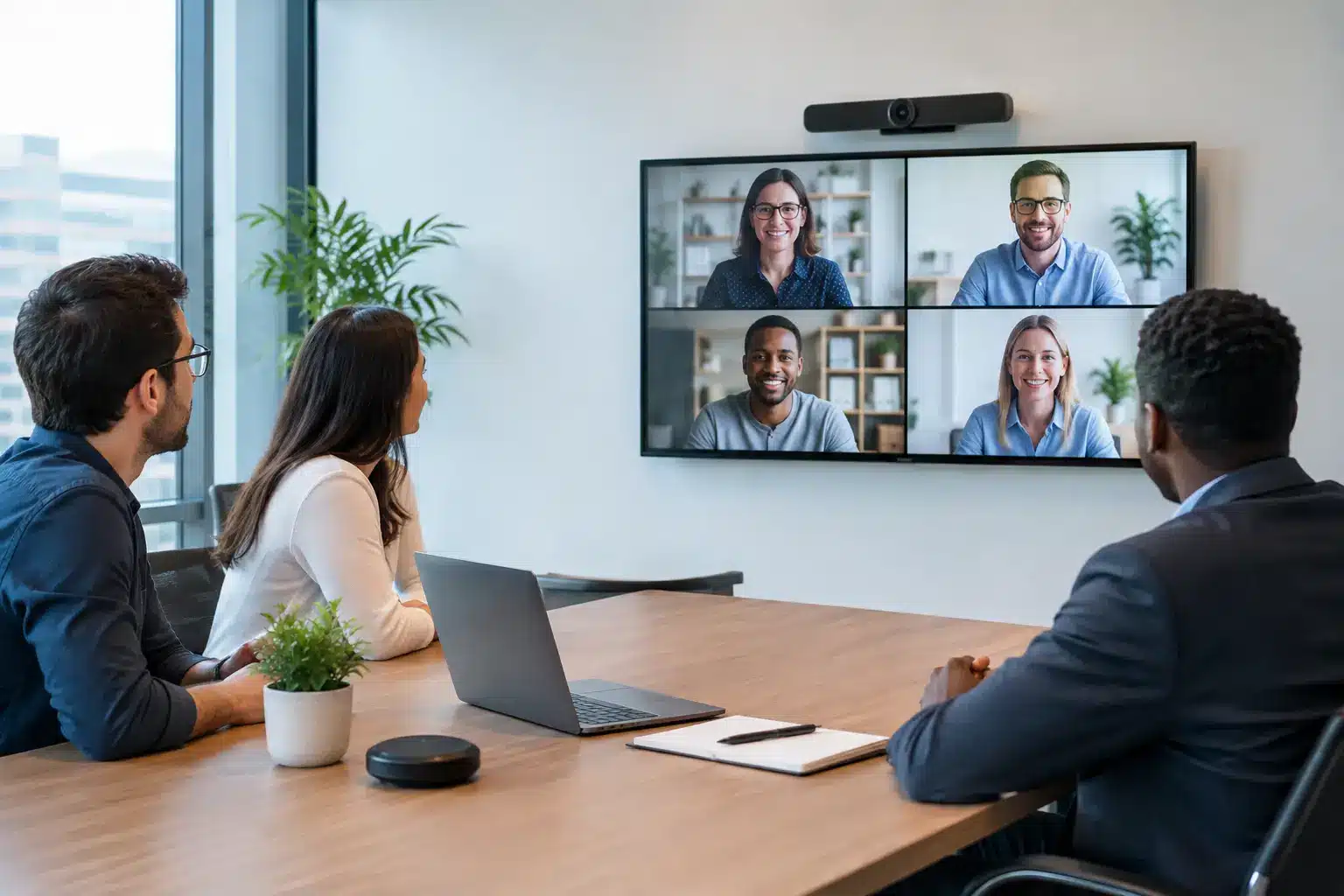
A boardroom display is often expected to fix meetings that have deeper problems: participants cannot read the numbers, remote colleagues feel sidelined, cables delay the start, and a presentation becomes a technician’s task. The
best displays for boardrooms do not simply make content bigger. They make decisions easier by giving every person in the room and on the call a clear, dependable view of the work.
For procurement, IT, and facilities teams, the right choice is rarely just a question of screen size. It is a decision about room design, meeting habits, video conferencing platforms, building infrastructure, and the support available after installation. A display that looks impressive in a showroom can still disappoint if its brightness is wrong for the room, its connectivity is awkward, or its control system is too difficult for everyday users.
What Boardroom Displays Need to Do
A boardroom is not a reception area or a retail floor. The display must handle fine detail, not only promotional video. Financial tables, engineering drawings, dashboards, legal documents, and shared presentations need to remain legible from the farthest seat. During hybrid meetings, the system also needs to show remote participants, shared content, and camera feeds without turning the meeting into a sequence of screen changes.
This is why a commercial-grade display is usually a more suitable choice than a consumer television. Commercial displays are designed for longer operating hours, more consistent performance, professional mounting, centralized management, and integration with meeting-room systems. They can also offer stronger warranty options and a clearer path for service when the room is critical to daily operations.
The best setup depends on how the room is actually used. An executive boardroom that hosts client presentations has different requirements from a project room where teams mark up documents every day. A command center may need multiple synchronized screens, while a compact meeting room may benefit most from an all-in-one
interactive display and video conferencing camera.
Choosing the Right Screen Size for the Room
Screen size should be based on viewing distance and content type, not the desire to fill a wall. A display that is too small forces attendees to lean forward or rely on printed handouts. One that is excessively large can dominate a compact room and make video participants appear unnatural.
As a practical starting point, a 65-inch display often suits small meeting rooms with six to eight seats. A 75-inch or 86-inch display is commonly a better fit for medium boardrooms, especially where teams review spreadsheets or detailed presentations. Large executive rooms may require a 98-inch commercial display, LED wall, or a dual-screen arrangement.
Resolution matters alongside size. For most boardrooms, 4K resolution provides the clarity needed for detailed content. However, 4K alone does not guarantee readability. The source device, cable quality, wireless sharing system, viewing angle, and room lighting all affect what attendees can see. Test the display with real meeting materials, including the smallest spreadsheet text your teams use, before approving a standard specification.
Consider Viewing Angles and Room Lighting
Boardrooms with long tables create a common problem: attendees at either end see the screen from a sharp angle. Choose a display with wide viewing angles and position it high enough for clear sightlines over laptops and table microphones. In rooms with glass walls or strong daylight, brightness and anti-glare treatment become essential.
A display that works well in a dim demo space can struggle in a sunlit office. Window treatments may help, but they are not always practical for customer-facing meetings. In these cases, specify a commercial display with sufficient brightness rather than expecting users to close blinds before every presentation.
Best Displays for Boardrooms: Three Practical Options
There is no single display type that wins in every boardroom. The strongest choice comes from matching the technology to the work performed in the space.
Commercial 4K Displays for Presentation-Led Rooms
A commercial 4K display is the most versatile option for many organizations. It works well for leadership updates, client presentations, video meetings, town halls, and dashboard reviews. When paired with a wireless presentation system, it allows users to walk into the room, share from a laptop, and start the discussion without searching for adapters.
This approach is particularly effective when the room already has a dedicated video conferencing system. The display becomes part of a complete environment that includes a camera, microphones, speakers, room controller, and
meeting-room booking panel. The result is less friction at the start of meetings and more consistent user experience across locations.
The trade-off is that a standard display does not offer direct annotation. If teams frequently sketch ideas, compare plans, or make changes to documents during meetings, an interactive option may deliver more value.
Interactive Smartboards for Collaborative Meetings
Interactive smartboards are well suited to boardrooms where decisions are developed live, not simply presented. Teams can annotate proposals, draw workflows, edit content, capture action items, and save meeting output for follow-up. This can be especially useful for strategy workshops, project reviews, training sessions, design discussions, and cross-functional planning.
The quality of the experience depends on more than touch capability. The display should recognize multiple touch points accurately, allow straightforward content sharing, and support the applications your organization already uses. It should also be placed where people can comfortably stand and interact without blocking the view for everyone else.
An interactive display is not automatically the right fit for a formal executive room. If the screen will mainly show slides and video calls, paying for advanced touch features may not be necessary. But where active collaboration is routine, the ability to write directly on content can shorten meetings and reduce the loss of information that often happens after whiteboard sessions.
LED Displays for Large, High-Impact Boardrooms
For large boardrooms, command environments, and spaces used for high-stakes briefings,
an LED display can create a more immersive visual experience. LED walls can be built to custom dimensions, avoiding the bezels found between multiple flat-panel displays. They are valuable when a room needs a very large canvas for data visualization, multiple content windows, or premium stakeholder presentations.
The decision requires careful planning. Pixel pitch must match the closest viewing distance, because a screen that is too coarse can look poor when attendees sit near it. Installation structure, power, ventilation, content processing, and future service access must also be considered early in the project.
LED is not always the most economical answer. For a normal-sized boardroom, a high-quality 86-inch or 98-inch commercial display may provide excellent results at lower complexity. LED earns its place when scale, visibility, custom dimensions, or visual impact genuinely matter.
Build the Display Into a Complete Meeting Room
A screen should not be planned in isolation. The most productive boardrooms combine visual display with the systems that help people meet, share, and act. This may include a video bar or PTZ camera, ceiling or table microphones, professional speakers, wireless presentation, USB-C connectivity, touch control, and room scheduling outside the door.
For hybrid meetings, camera framing and audio quality deserve as much attention as the display. Remote participants will notice poor microphones long before they comment on resolution. AI-enabled cameras can improve framing by following active speakers or presenting all in-room participants more clearly. Intelligent audio processing can reduce background noise and make conversations easier to follow.
Organizations with multiple rooms should also consider standardization. When employees know that every meeting room uses the same basic workflow, adoption improves and support calls fall. IT teams gain easier management, while users spend less time asking how to connect.
Questions to Ask Before You Buy
Before selecting a boardroom display, confirm the room’s dimensions, seating layout, lighting conditions, and average meeting size. Review whether the display will be used mainly for presentations, video calls, collaboration, or all three. Identify the conferencing platforms in use and whether the organization needs wired, wireless, or both forms of content sharing.
Also ask who will support the room after handover. A boardroom system is only useful when it is available for the meeting that cannot be postponed. Local installation quality, user training, warranty coverage, service-level commitments, and access to replacement parts should all be part of the procurement decision.
For Malaysian organizations, this is where an end-to-end technology partner can reduce project risk. Arvia combines display solutions with room integration, installation, certified field-engineer support, and nationwide coverage across all 13 states. With more than 4,500 completed projects, the focus is not simply on supplying a screen, but on building a room people can use confidently from day one.
The most effective boardroom display is the one that disappears into the meeting experience. When people can enter, connect, see clearly, hear clearly, and make a decision without troubleshooting, the room is doing its job.