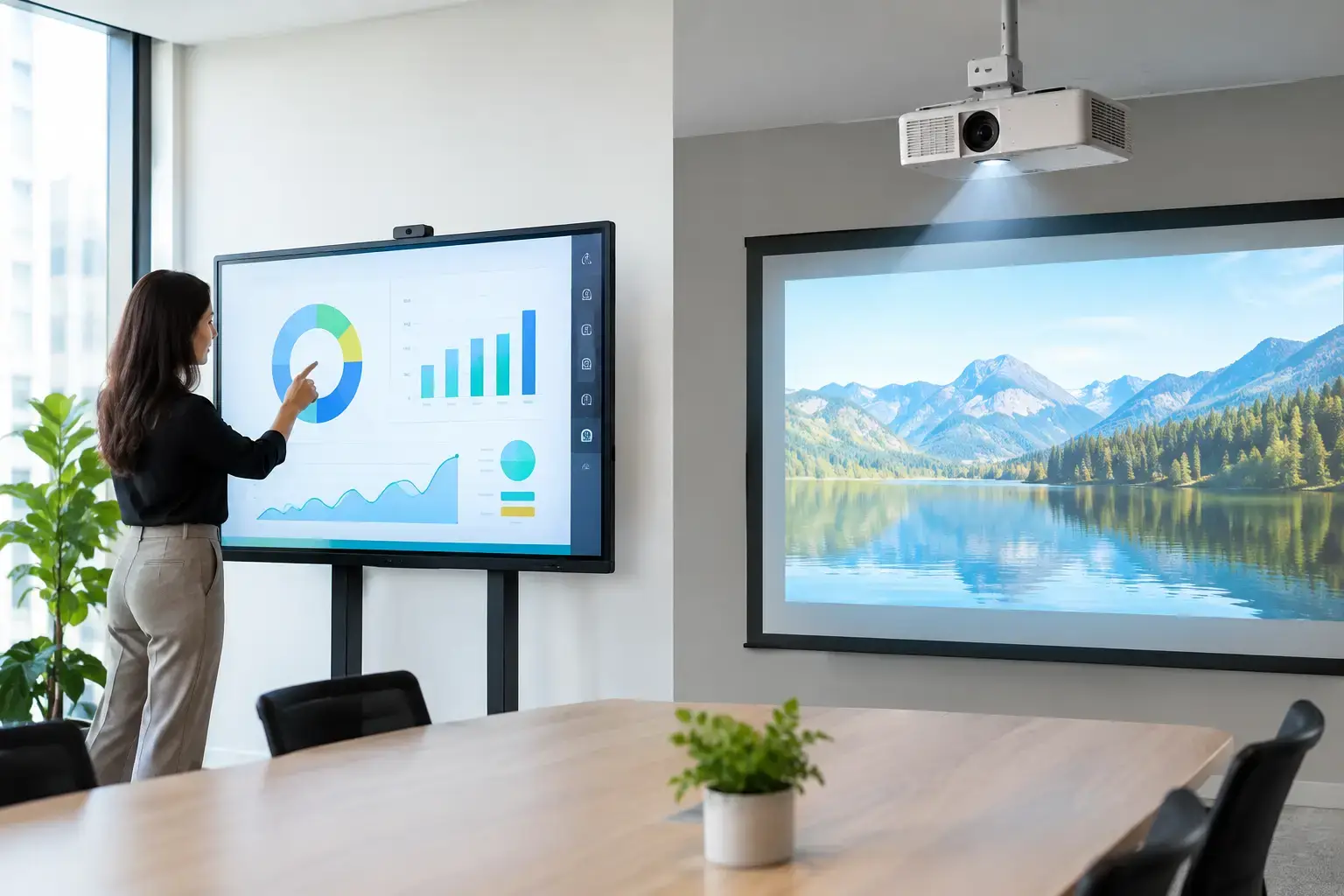
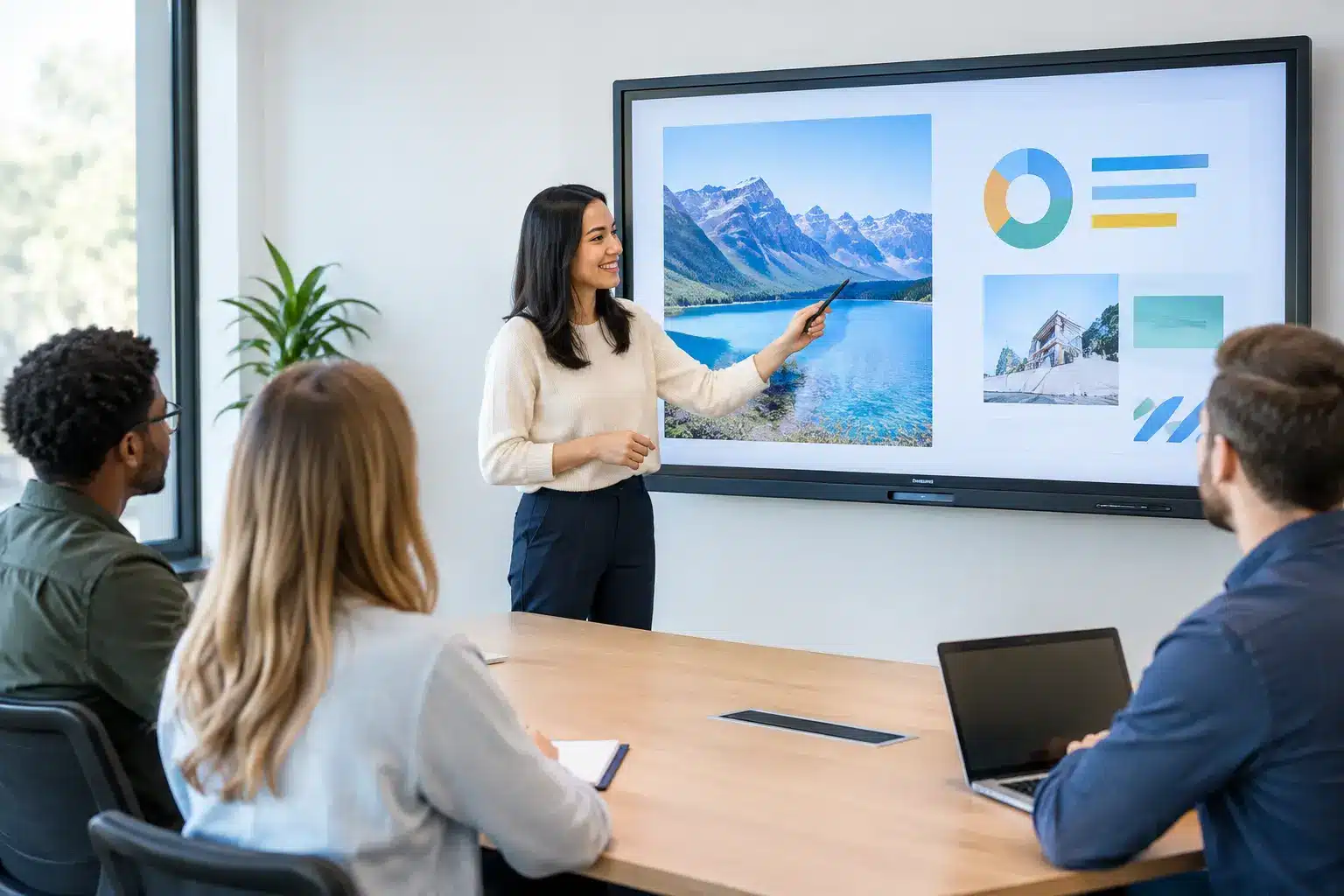
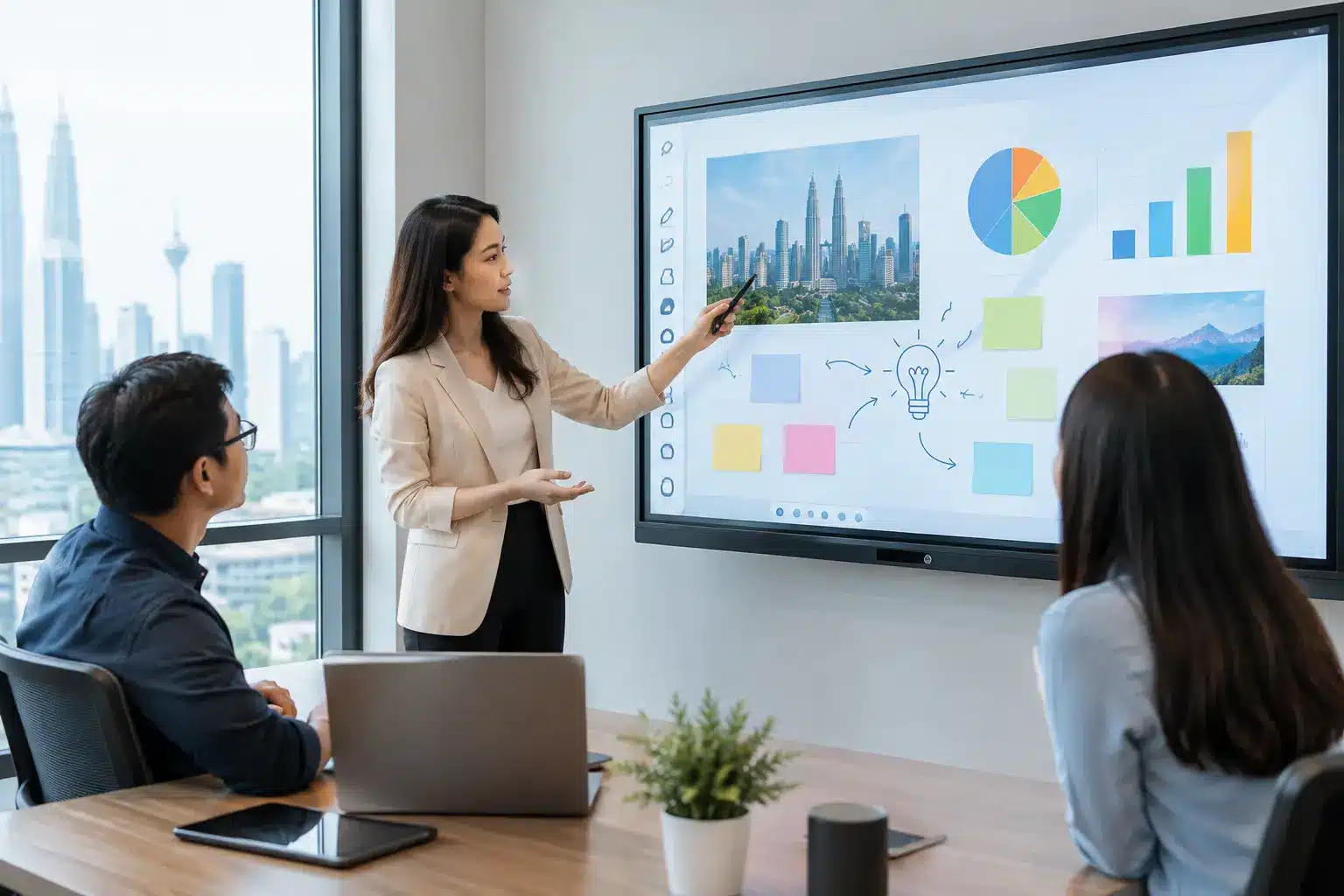
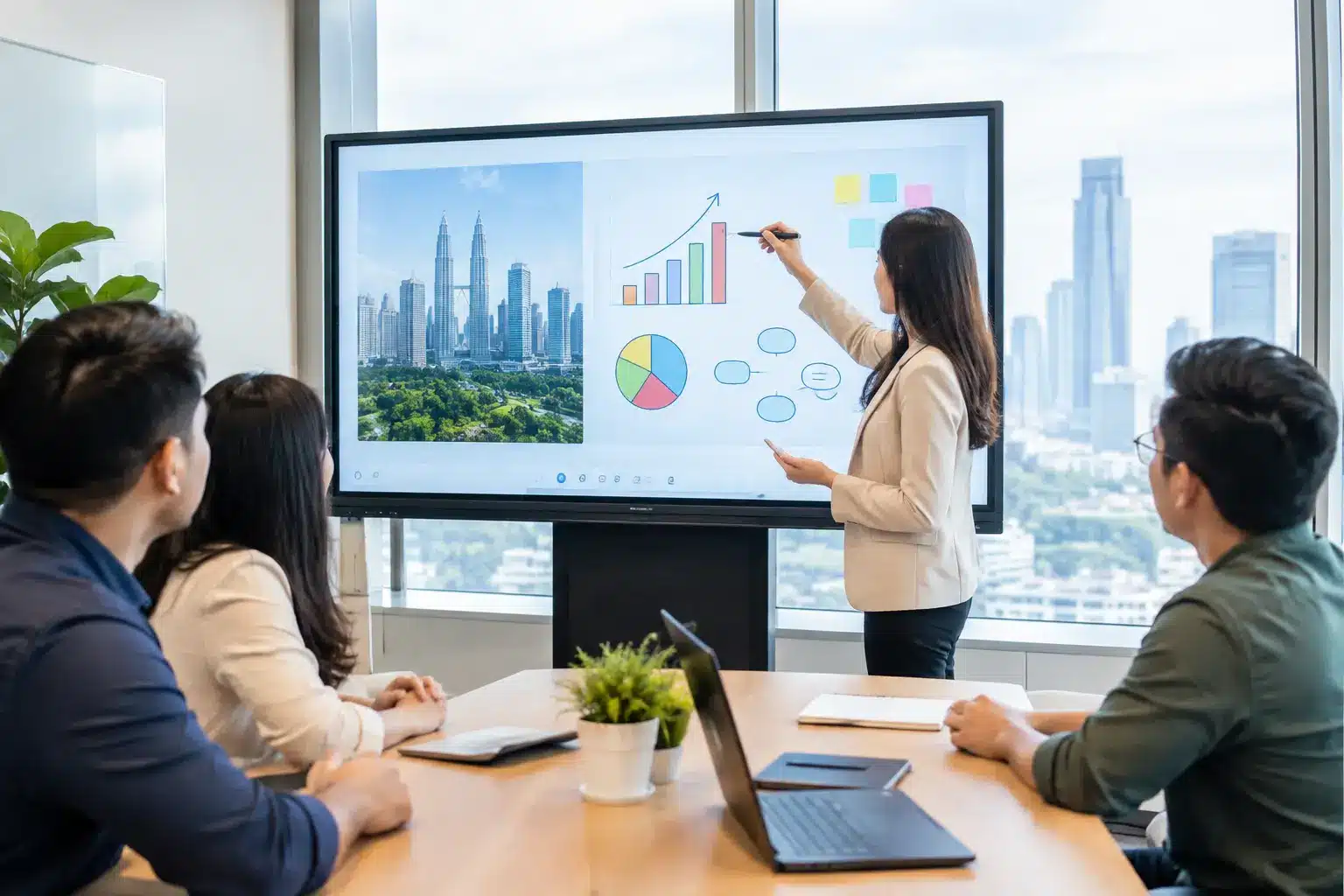
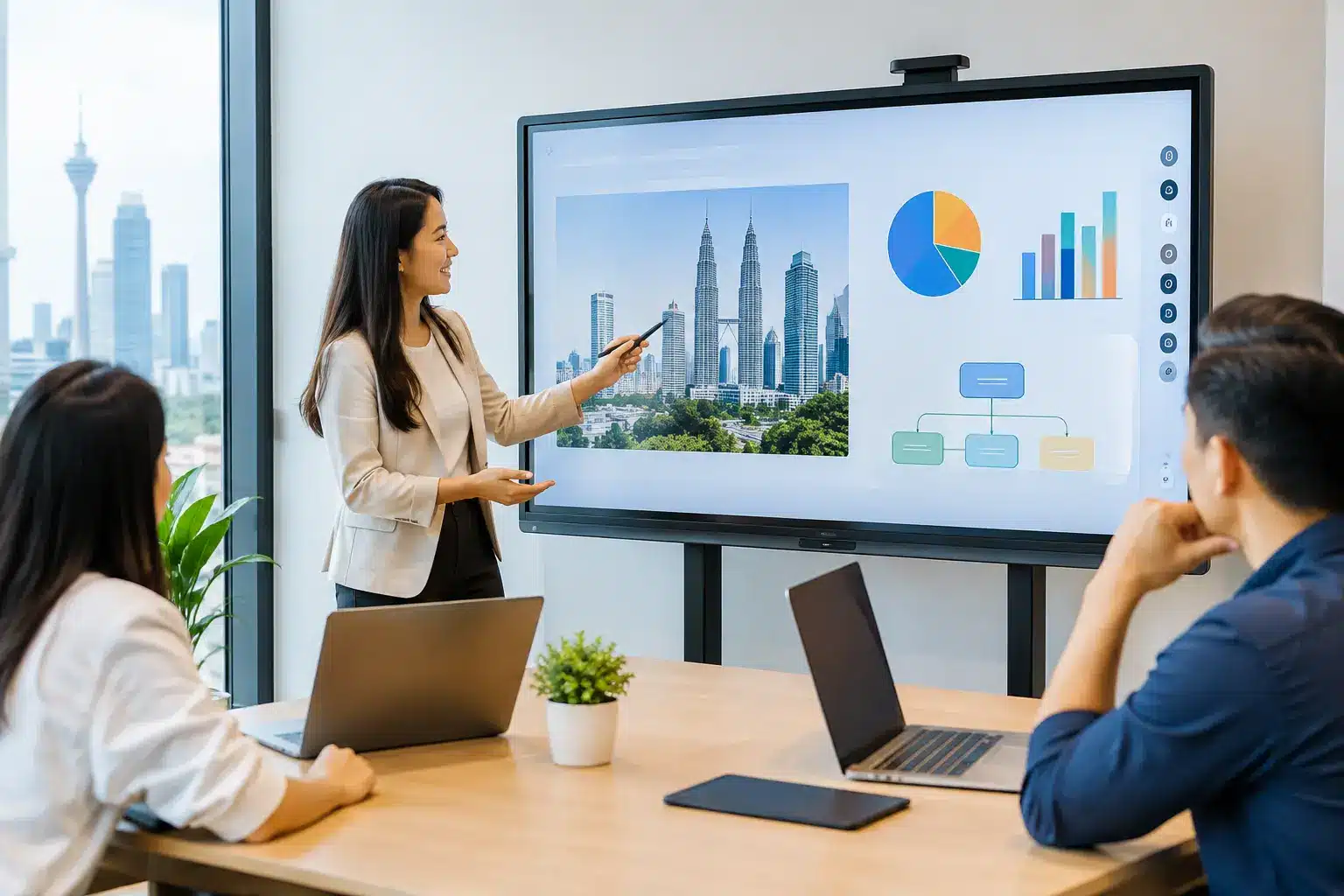
A projector that washes out when the lights come on can slow a lesson before it starts. A meeting-room screen that requires a laptop, remote, cable adapter, and a support call can do the same to a client presentation. The interactive display versus projector setup decision is not simply about screen size. It affects how reliably people teach, present, annotate, share information, and maintain rooms over time.
For schools, government agencies, corporate teams, and facilities managers, the right choice depends on the room, the users, and the operating model behind the equipment. A projector can still be the right tool in selected spaces. But for many everyday collaboration rooms, interactive displays now offer a more predictable and capable long-term setup.
Interactive Display Versus Projector Setup: The Core Difference
A projector creates an image by casting light onto a wall, whiteboard, or projection screen. An interactive projector setup may add a touch-enabled surface, camera, or sensor so users can write on the projected image. Its strengths are familiar: large image sizes, flexible placement, and potentially lower entry costs for rooms that already have a suitable screen.
An interactive display is a self-contained flat-panel screen with built-in touch capability, speakers, connectivity, and often an embedded operating system. Users can open whiteboard tools, present wirelessly, annotate documents, join video calls, and save notes directly from the display. It behaves more like a large shared computing device than a conventional screen.
That distinction matters operationally. With a projector, image quality depends on lamp or laser condition, ambient light, surface quality, alignment, and distance. With an interactive display, the picture remains consistent once installed, although the selected panel size must suit the viewing distance. Neither option is automatically better in every room. The decision should start with how the room is actually used.
Start With the Room, Not the Product
A small training room with 10 participants has different requirements from a university lecture hall or a command center. In compact rooms, an 65-inch, 75-inch, or 86-inch interactive display can provide clear content, natural touch interaction, and straightforward connectivity without consuming floor space. Users can walk up, write, and return to discussion without casting shadows across the image.
Projectors remain useful where very large images are required. An auditorium, multipurpose hall, exhibition stage, or large lecture theater may need a projected image beyond the practical size or budget of a flat-panel display. Laser projectors can also perform well in controlled-light environments and can be paired with professional projection screens for better image quality.
However, daylight is often the deciding factor. Meeting rooms with glass walls, classrooms with large windows, retail spaces, and community halls commonly experience changing ambient light. Projected images can look faded unless blinds, lighting controls, and screen specifications are managed carefully. A commercial-grade
interactive display offers a bright, high-contrast image that remains readable in normal room lighting.
Compare Total Cost of Ownership, Not Purchase Price
A basic projector may appear less expensive at procurement stage, especially when an existing screen and cabling are already in place. That can make it a sensible choice for occasional presentations or large-format viewing where touch capability is not needed.
The initial quote is only one part of the investment. Projector deployments can involve ceiling mounts, screens, long cable runs, alignment, filters, lamp replacements for older units, and periodic image calibration. When the equipment is ceiling-mounted, a simple maintenance task may require access equipment and a technician. Interactive projector systems add further considerations, including calibration of touch or pen functions.
Interactive displays generally cost more upfront at comparable image dimensions, but their all-in-one design can reduce accessory requirements. There is no lamp to replace, no projected image to realign, and no shadow caused by a presenter standing near the screen. For rooms used every day, fewer interruptions can be worth more than a lower initial hardware price.
Procurement teams should ask for a five-year view that includes installation, mounting, device management, warranty coverage, expected maintenance, replacement components, and support response. The most cost-effective option is the one that stays usable for the people relying on it.
Evaluate the Interaction People Actually Need
If the room is primarily used for viewing slides, dashboards, videos, and digital signage, a non-interactive commercial display or a projector may be sufficient. Paying for touch capability that nobody uses is not good planning.
But collaboration changes the calculation. Teachers can annotate lesson materials, move objects on screen, and save classroom notes. Project teams can mark up floor plans, compare proposals, capture workshop outputs, and send a record to participants. Sales teams can present product visuals while responding to customer questions at the screen. These are not cosmetic features. They remove the delay between discussing an idea and recording it.
A good interactive display should support more than finger touch. Consider the number of simultaneous touch points, writing feel, palm rejection, annotation tools,
wireless screen sharing, USB-C connectivity, front-facing ports, and compatibility with Windows, macOS, and mobile devices. For hybrid workspaces, check how the display integrates with the room camera, microphones, speaker system, and video conferencing platform.
Ease of use deserves equal weight. A system that requires specialized training will be bypassed by busy staff. The best room technology lets a user enter, connect, present, and begin work in minutes.
Plan for Installation, Security, and Support
An interactive display is simple for users, but installation still requires planning. Wall structure, viewing height, cable routes, power points, network access, and wheelchair accessibility all affect the final result. In flexible learning spaces and temporary meeting areas, a mobile stand can turn the display into a shared resource that can be rolled into any room, plugged in, and used immediately.
Projector planning is more dependent on throw distance, mounting geometry, screen position, and potential obstructions. A ceiling-mounted projector may be visually discreet, but it is less adaptable if the room layout changes. Ultra-short-throw projectors reduce shadowing and can work well near the wall, yet they still require careful surface and alignment planning.
IT teams should also consider network security and device administration. Interactive displays with embedded systems may need managed user accounts, network segmentation, software update procedures, and rules for locally stored files. In government and corporate settings, these controls should be defined before deployment, not after users begin sharing sensitive material.
Local accountability makes a material difference here. Arvia supports organizations with consultation, installation, certified field engineers, service warranties, and nationwide coverage across Malaysia, helping teams treat the display as part of a working environment rather than an isolated purchase.
Match the Setup to the Use Case
For a standard classroom, an interactive display is usually the stronger choice when teachers need regular annotation, digital lesson delivery, and dependable visibility with lights on. It supports active teaching without asking instructors to recalibrate equipment or dim the room.
For a boardroom, the choice depends on meeting behavior. If teams only display presentations to a large audience, a quality projector may meet the need. If meetings involve workshops, document reviews, hybrid calls, and shared decision-making, an interactive display gives participants a more direct working surface.
For large halls and event spaces, projection often remains practical because image scale matters most. In these environments, specify brightness, lens options, projection surface, room lighting, and maintenance access carefully. For retail, visitor-facing directories, reception areas, and showrooms, commercial displays are often better suited because they provide consistent brightness and can run scheduled content for long operating hours.
Ask Better Questions Before You Specify
A productive site assessment should answer practical questions: How many people need a clear view? How bright is the room at different times of day? Will users write on the screen or only watch content? Which laptops, operating systems, and conferencing platforms must connect? Who will provide first-line support when something fails?
Also consider growth. A school may begin with interactive teaching but later add wireless presentation, room booking, video conferencing, or
centralized content management. A corporate office may connect meeting rooms to workplace analytics and digital signage. Selecting technology that can fit into a wider AV and digital workplace plan prevents fragmented upgrades later.
The right setup should reduce friction for the next person who enters the room. When the display, projector, cabling, controls, and support model are planned around real behavior, teams spend less time making technology work and more time teaching, deciding, and serving the people in front of them.