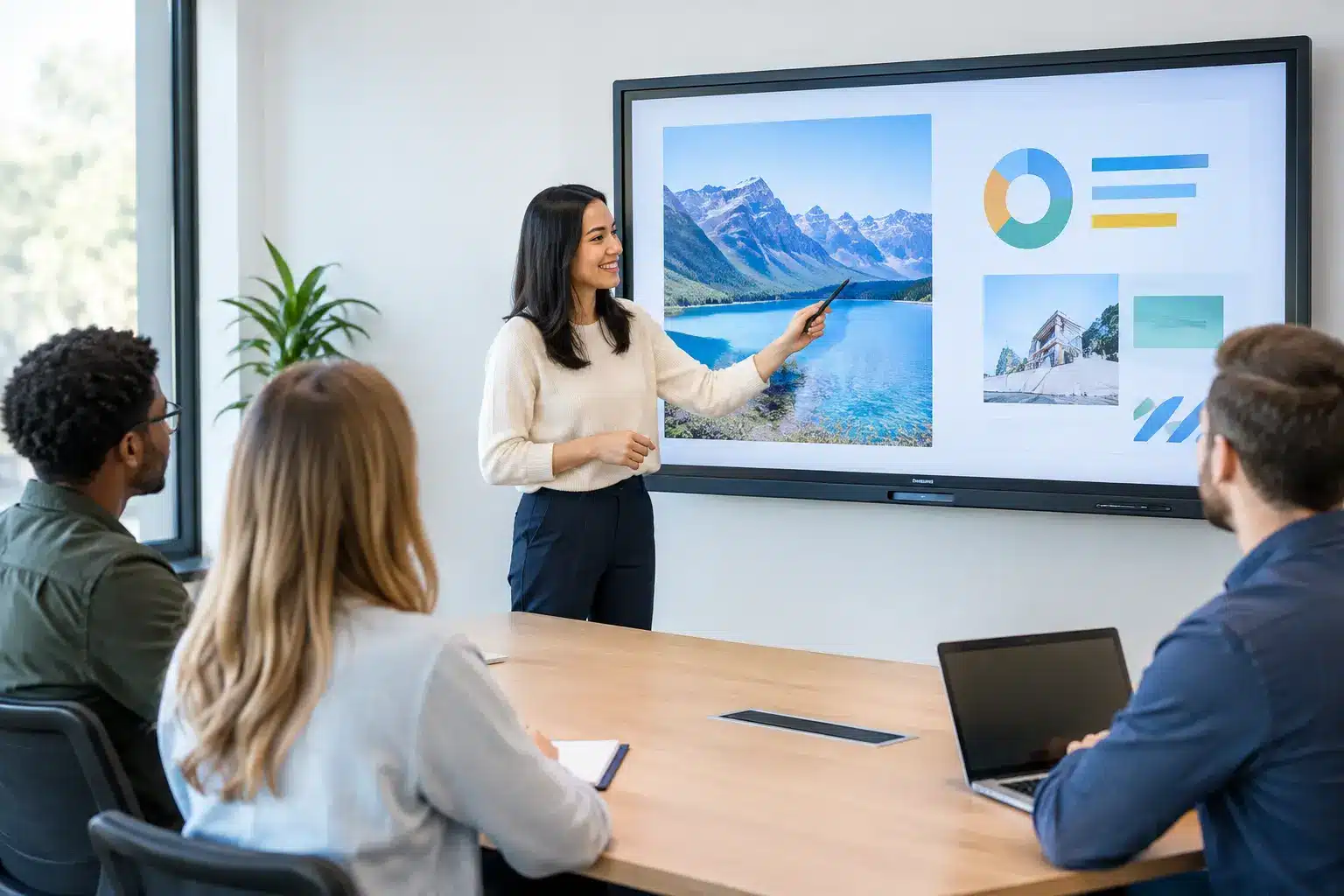

A smartboard should do more than replace a projector. In a boardroom, it should help teams annotate proposals, compare options, and leave with clear actions. In a classroom, it should make lessons more visible, participatory, and easier to revisit. The difference is not simply screen size or touch capability. It is whether the system works reliably within the way people already teach, meet, present, and share information.
For organizations planning a new collaboration space, the right decision starts with the outcome: faster decisions, stronger learning engagement, clearer communication, or a more consistent experience across multiple locations. The display is only one part of that result. Mounting, connectivity, room design, training, service response, and integration with existing tools all matter.
What a Smartboard Should Deliver
A modern interactive display combines a high-resolution screen, multi-touch capability, digital whiteboarding, wireless sharing, and collaboration software in one workspace. Users can write directly on content, open documents, mark up designs, bring in remote participants, and save session notes for follow-up.
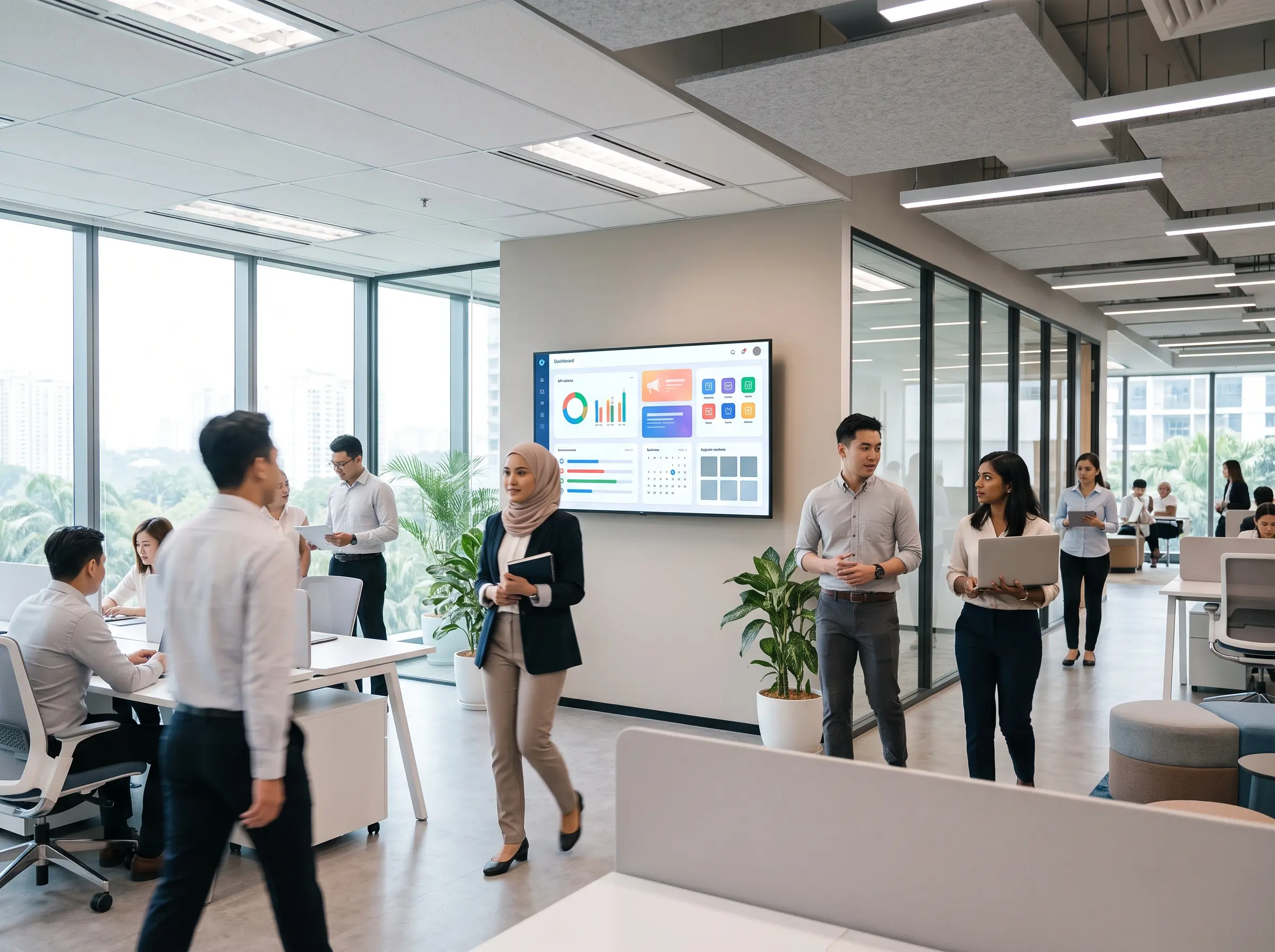
That sounds straightforward, but the operational value is specific. A facilities team can review floor plans without printing oversized drawings. A lecturer can annotate a diagram while students contribute from their own devices. A management team can bring sales dashboards, video calls, and action lists into one visible conversation rather than switching between a projector, flip chart, laptop, and conference phone.
The best systems reduce friction at the start of every session. A user should be able to enter a room, connect a laptop or share wirelessly, and begin presenting without waiting for an AV specialist. For high-use spaces, that simplicity can recover meaningful time every week.
Start With the Room and the People Using It
Choosing a smartboard by specification sheet alone often creates avoidable problems. A 65-inch display may work well in a small huddle room but be difficult to read in a training room. A large screen may be impressive in a demonstration area yet unnecessary for a space used mainly for one-to-one consultations.
Room size, viewing distance, ambient light, seating layout, and the type of content being shared should guide display selection. Detailed spreadsheets, engineering drawings, and data dashboards generally need higher resolution and closer viewing than presentation slides. Classrooms may require a different viewing angle and mounting height than executive meeting rooms. For mobile training or temporary project spaces, a portable interactive display can be more practical than a fixed installation.
It also depends on the users. IT teams may prioritize network management, device security, and compatibility with collaboration platforms. Teachers may need quick access to whiteboarding and annotation tools. Frontline teams often need a simple interface with clearly labeled inputs. A system that is powerful but difficult to operate will not deliver the expected return on investment.
Define the primary use case before selecting features
Most organizations have more than one use case, but one should lead the specification. For example, a university may use an interactive display for lectures, hybrid tutorials, and faculty meetings. The display should be selected around the activity that places the greatest demand on it, such as teaching with multiple sources or connecting remote learners.
For corporate meeting rooms, video conferencing is often the deciding factor. Camera placement, microphone pickup, speaker quality, and laptop compatibility can have more impact on meeting quality than the whiteboarding app. In command centers and operations rooms, content visibility, uptime, and integration with dashboards may be the priority.
Build the Smartboard Into a Complete Collaboration System
An interactive display performs best when it is planned as part of the room, not added after everything else is finished. The goal is a room where content, people, and decisions stay connected.
A typical meeting space may include the display, wireless presentation capability, a video conferencing camera, microphones, speakers, room scheduling, and cable management. The combination should be designed around the room’s actual workflow. A small team room might need only a display with a soundbar and simple wireless sharing. A larger executive room may need multiple cameras, ceiling microphones, control panels, and integrated room booking.
Network readiness should be considered early. Wireless casting, cloud whiteboarding, device management, and video calls all depend on stable connectivity. IT teams should confirm whether guest access is required, how users authenticate, what data is saved after sessions, and how the device will receive software updates.
Security is not an optional technical detail. Shared displays can hold meeting notes, login sessions, files, and wireless connection histories. Clear sign-out procedures, managed user accounts, network segmentation where appropriate, and automatic clearing of local session data help protect organizational information.
Installation Quality Affects Daily Adoption
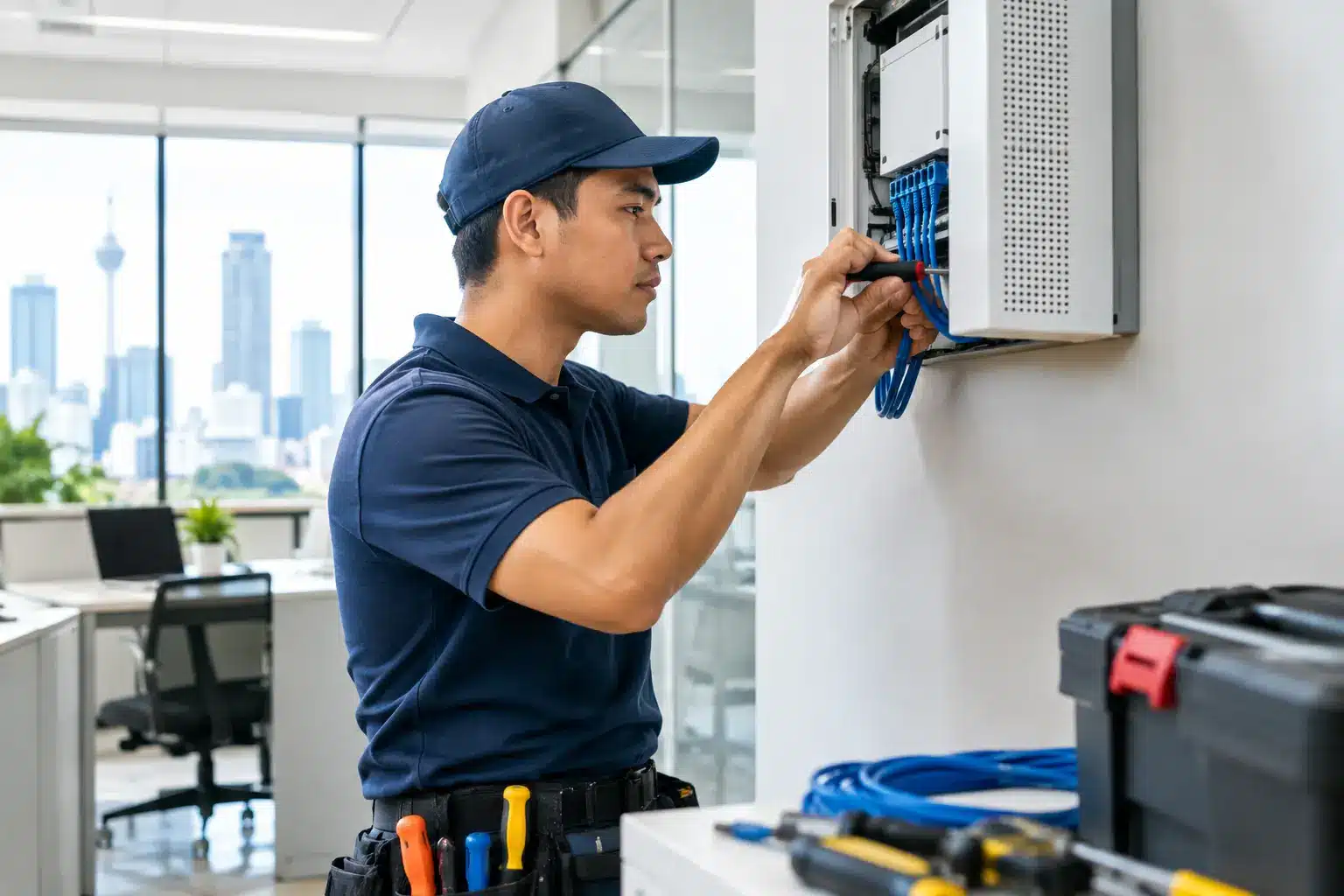
A smartboard can have excellent features and still underperform if it is mounted too high, positioned against glare, or connected with poorly planned cabling. Installation should account for wall structure, power locations, data points, ventilation, sightlines, and accessible service routes.
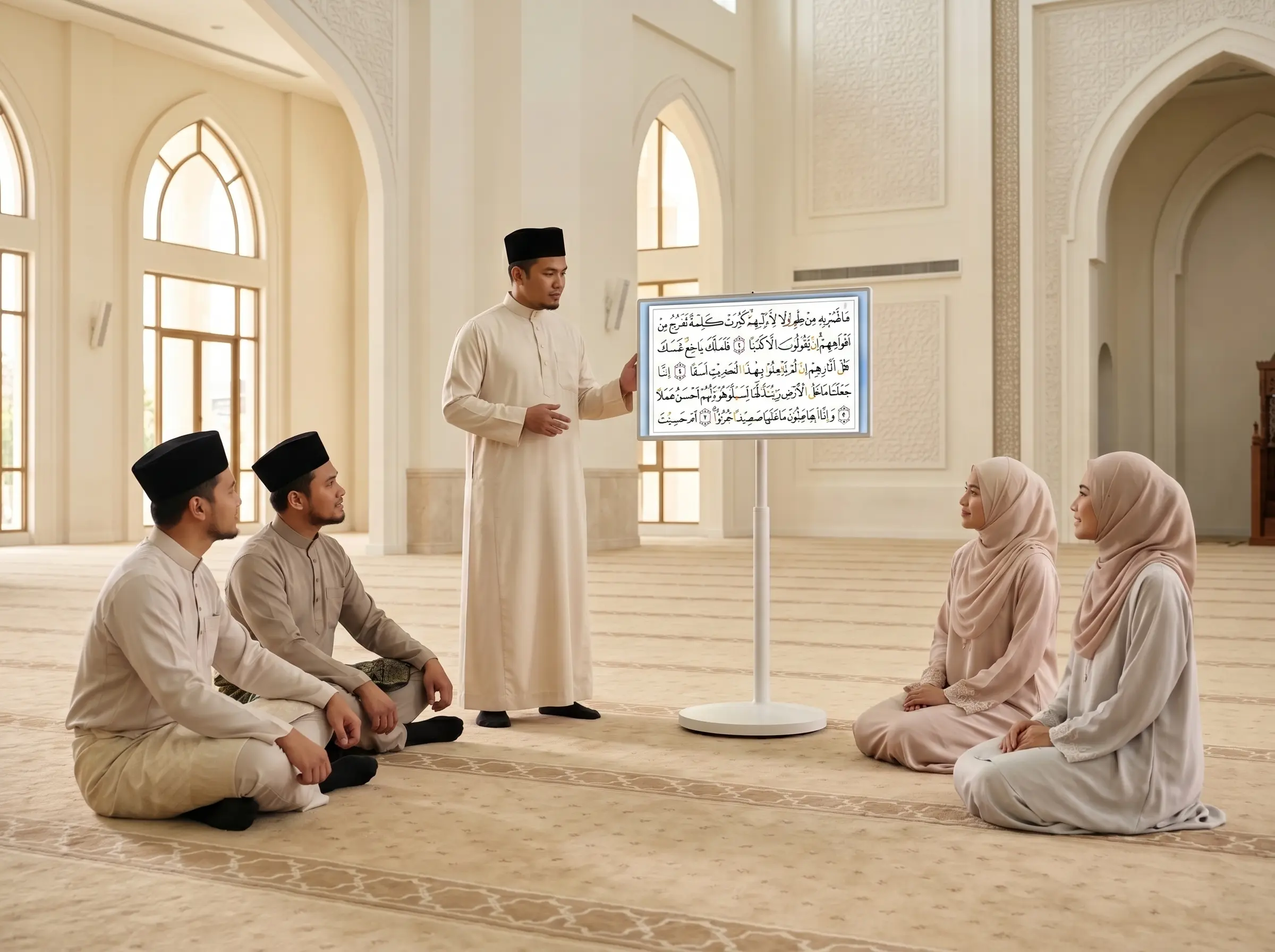
The screen’s height matters especially in schools and public-facing spaces. Users need to reach the active area comfortably, while viewers at the back of the room still need a clear view. In training centers, a mobile stand can provide flexibility, but it must be stable and easy to move safely between rooms.
Before handover, the system should be tested with the organization’s real devices and platforms. A demonstration using a technician’s laptop is not enough. Test the Windows and Mac devices that staff use, common video conferencing applications, wireless sharing, audio quality, and any existing room controls. This identifies compatibility issues before the room becomes operational.
Plan for Support, Not Just Procurement
The lowest purchase price is not always the lowest long-term cost. A display that sits unused because of a software issue, a damaged touch panel, or a missing cable can disrupt classes and meetings immediately. For multi-site organizations, local support capacity matters as much as hardware capability.
Procurement teams should clarify the warranty scope, response expectations, replacement arrangements, software update process, and availability of field engineers. They should also ask who takes responsibility when the issue involves several components, such as the display, network, conferencing equipment, and room control system. A single accountable technology partner can shorten diagnosis and reduce the burden on internal teams.
Training deserves the same attention. A short, role-based session helps staff use the core functions confidently: starting a presentation, switching sources, annotating content, joining a video call, saving notes, and ending the session securely. For schools, training should reflect classroom workflows. For corporate users, it should reflect real meeting scenarios rather than generic feature demonstrations.
Arvia approaches these projects as connected work environments, supported by consultation, installation, certified engineering teams, and after-sales coverage across all 13 Malaysian states. That model is especially relevant when an organization needs consistency across classrooms, meeting rooms, branches, or public spaces rather than a one-off display purchase.
Measure Whether the Investment Is Working
Usage is the first measure. If rooms are frequently bypassed because staff cannot connect quickly, the issue may be training, configuration, or room design. If teachers use the display only as a digital projector, they may need practical lesson workflows that make touch and annotation worthwhile.
Organizations can also assess meeting duration, time spent setting up equipment, attendance from remote participants, room booking patterns, and feedback from users. In education, indicators may include lesson participation, availability of digital materials, and reduced dependency on printed resources. These measures connect the technology to operational performance instead of treating it as a capital asset that ends at installation.
A smartboard is most valuable when it becomes an ordinary part of productive work: the place where a lesson takes shape, a project issue gets resolved, a customer journey is explained, or a team reaches a decision with everyone able to see and contribute. Select it for that moment, support it for the long term, and the room will earn its place in the organization.