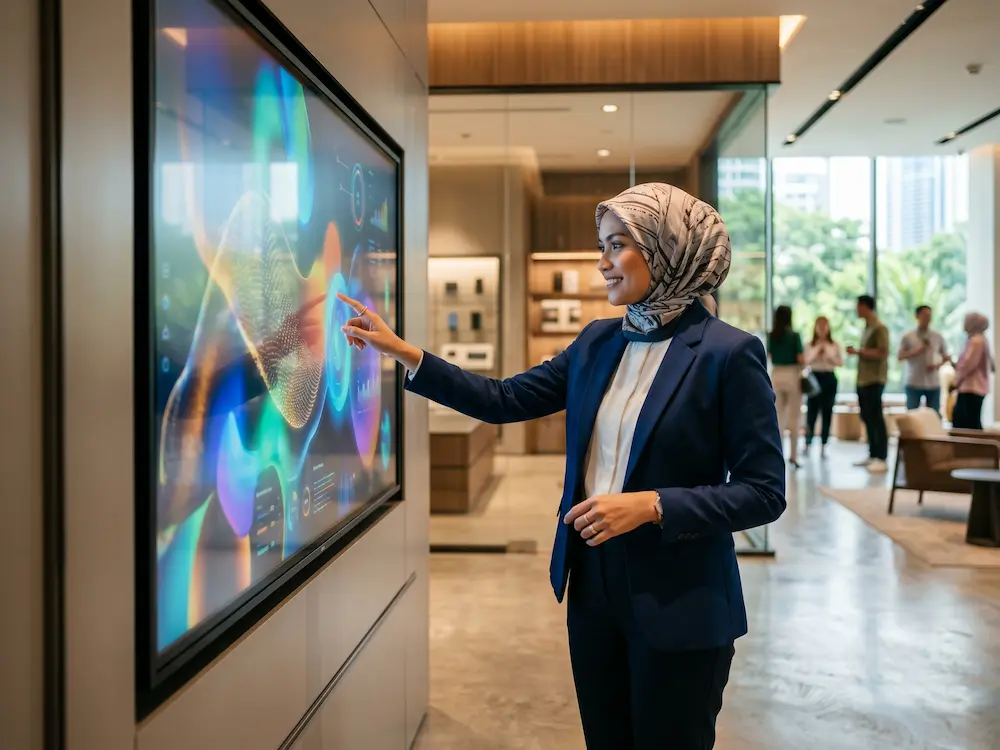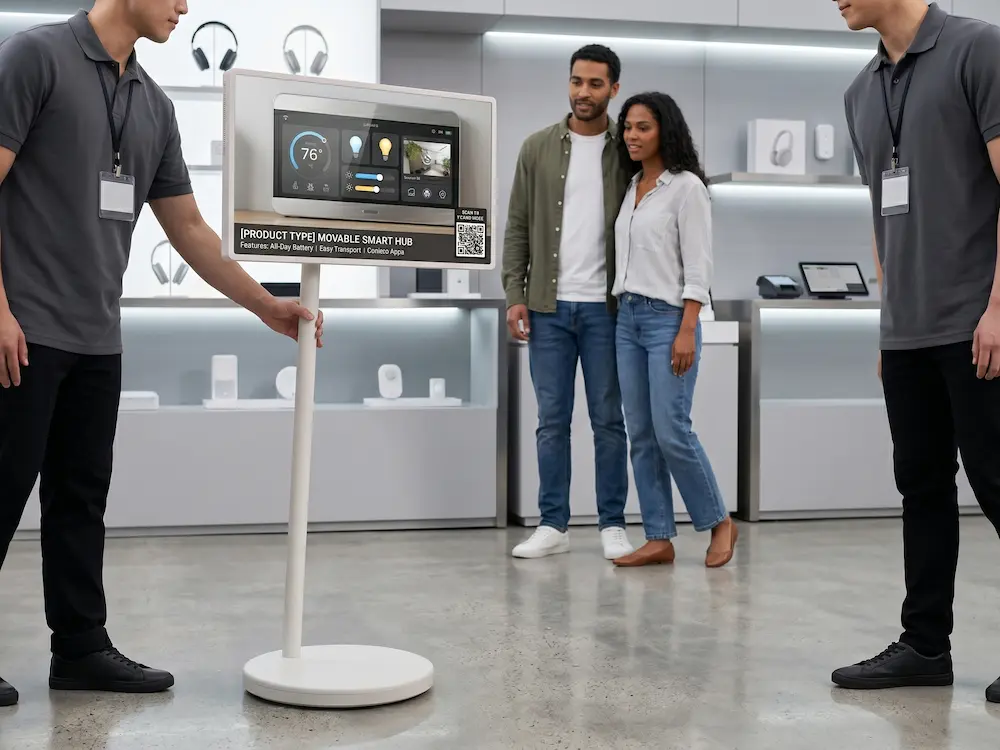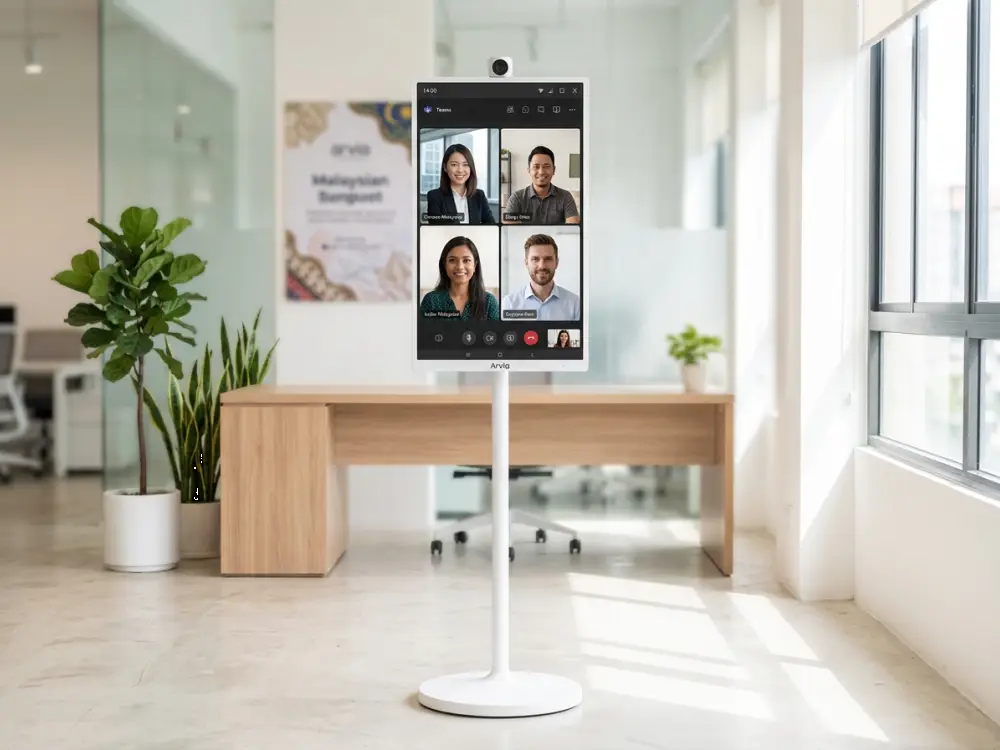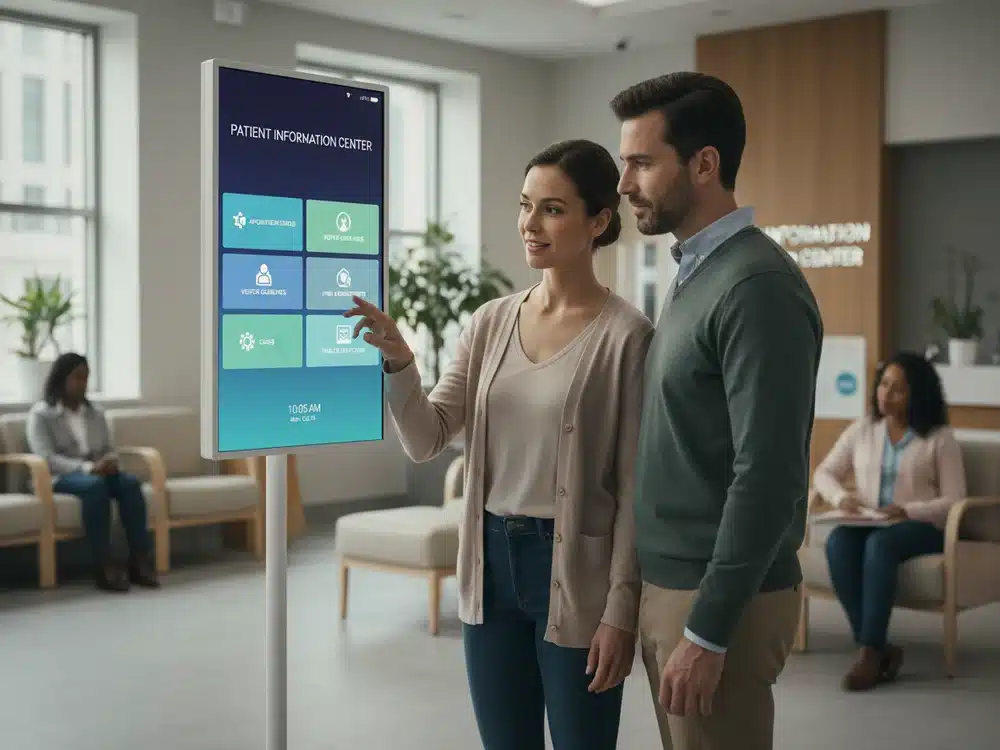
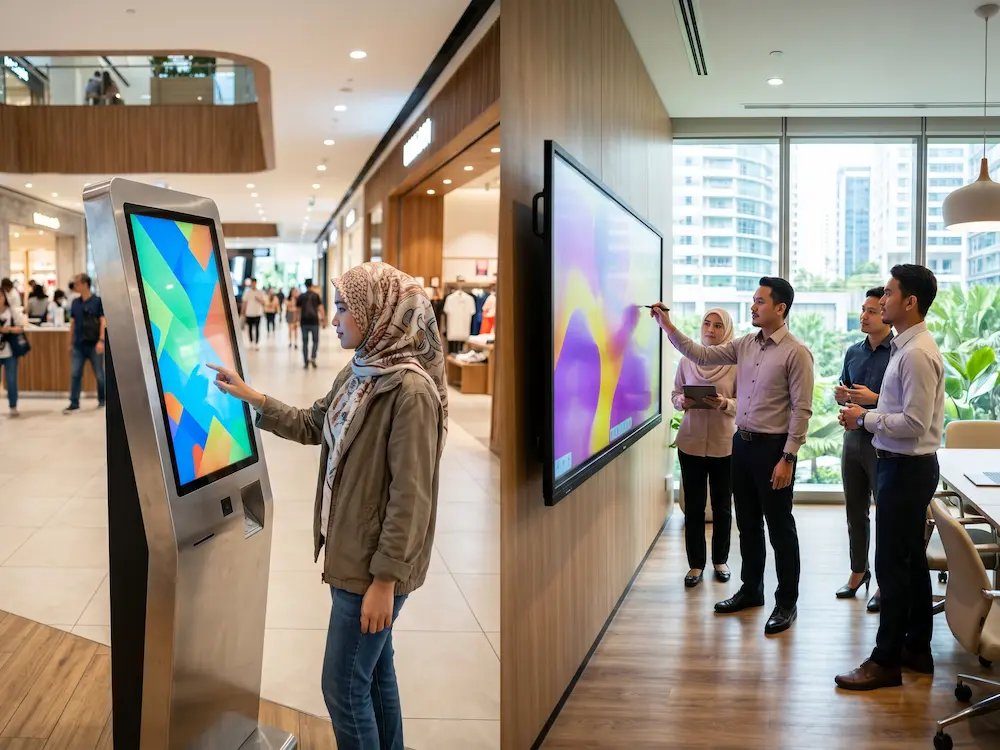

They both have big screens you can touch, so what is the real difference in the touchscreen vs smartboard decision? It is a question many Malaysian schools and businesses ask before investing, and getting it wrong can mean paying for features you never use, or missing the ones you actually need.
The short version: a touchscreen is a broad category of interactive displays, while a smartboard is a specialised, education-and-meeting-focused type of touchscreen with extra software built in. This guide explains the touchscreen vs smartboard difference clearly, so you can choose the right tool for your space.
Touchscreen vs Smartboard: What Each One Is
What Is a Touchscreen?
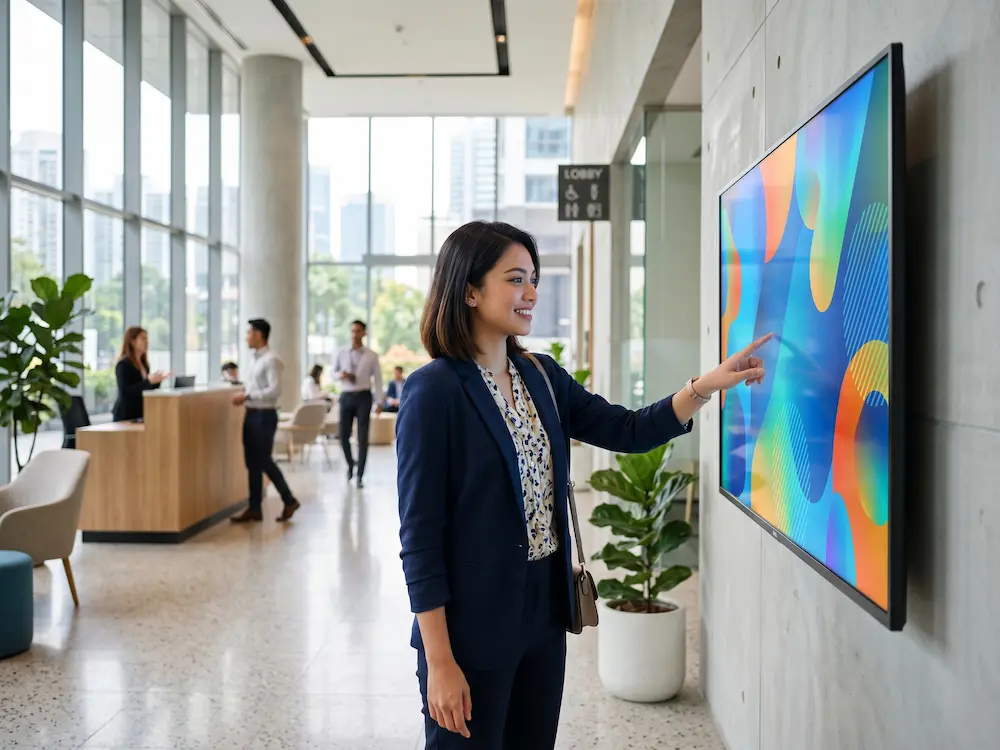
A touchscreen is any display you can control by touching it directly. The term is broad: it covers self-service kiosks, retail displays, meeting-room panels, and interactive whiteboards. A touchscreen can be as simple as a screen that registers taps, with the software depending entirely on what you install.
What Is a Smartboard?
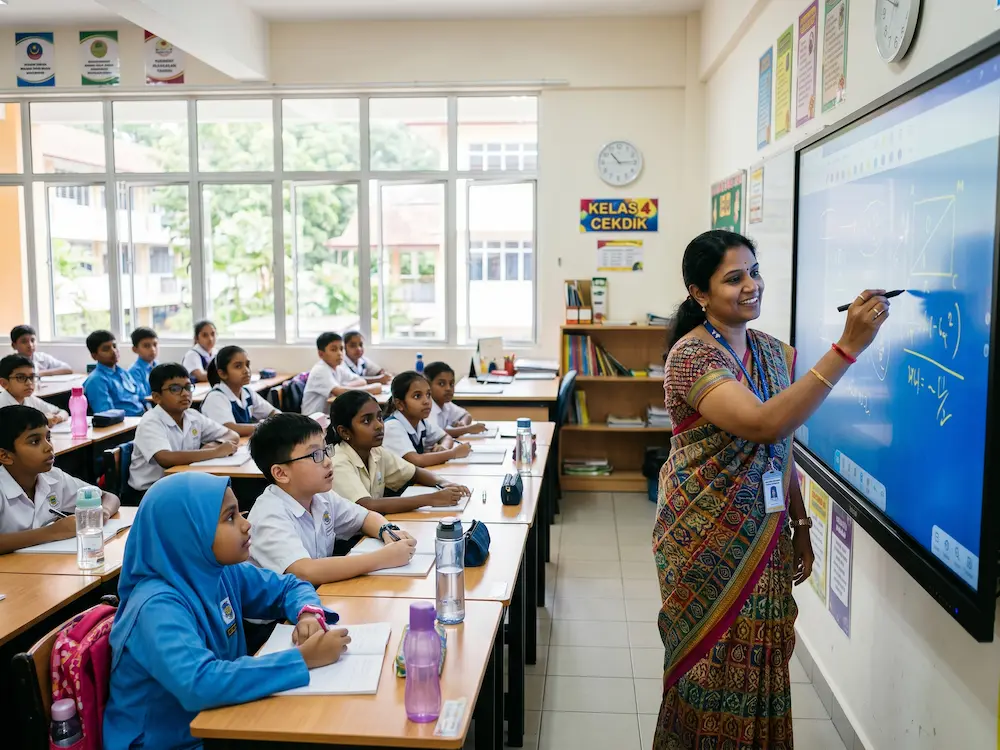
A smartboard is a specific kind of touchscreen, a large interactive display built specifically for teaching and collaboration. Beyond touch, it includes purpose-built software: a digital whiteboard, lesson tools, screen recording, multi-user writing, and often AI features like handwriting recognition. In the touchscreen vs smartboard comparison, every smartboard is a touchscreen, but not every touchscreen is a smartboard.
Touchscreen vs Smartboard: Side-by-Side
This touchscreen vs smartboard table shows how a general touchscreen compares to a dedicated smartboard:
| Factor | General Touchscreen | Smartboard |
|---|---|---|
| Primary purpose | Self-service, display, control | Teaching, meetings, collaboration |
| Built-in software | Minimal (depends on setup) | ✅ Whiteboard, lesson tools, recording |
| Writing & annotation | Basic or app-dependent | ✅ Advanced, multi-user |
| AI features | Rarely | ✅ Handwriting, translation, shape correction |
| Typical size | Any (10″ to 98″) | Large (55″ to 98″) |
| Best users | Retail, public, industrial | Schools, universities, boardrooms |
| Out-of-box ready | Needs configuration | ✅ Ready to teach or present |
Which One Do You Need?
The right answer depends entirely on the job:
Choose a General Touchscreen If:
- You need self-service ordering, check-in, or wayfinding (kiosks)
- You want a display for retail promotions or product browsing
- You need a rugged control panel for industrial or operational use
- Your software is custom and the screen just needs to run it
Choose a Smartboard If:
- You are equipping a classroom, lecture hall, or training room
- You need built-in whiteboard, lesson recording, and multi-user writing
- You want AI tools like handwriting recognition and translation
- You run interactive meetings and presentations in a boardroom
Cost and Value: Which Is Worth It?
Price depends on size and features more than the label. A basic touchscreen panel can be cheaper than a fully-featured smartboard of the same size, because the smartboard includes software, cameras, and collaboration tools out of the box. But for teaching or meetings, buying a plain touchscreen and adding software piece by piece often costs more and works less smoothly than a purpose-built smartboard. The best value comes from matching the tool to the task, not chasing the lowest sticker price.
Arvia’s Touchscreen and Smartboard Solutions in Malaysia
Arvia offers both ends of the touchscreen vs smartboard spectrum as part of its touchscreen solutions across Malaysia. For education and boardrooms, the interactive smartboard range comes ready with AI tools, lesson recording, and multi-user writing. For retail, public, and self-service needs, Arvia builds general touchscreens and interactive kiosks around your workflow. Every project starts with a free site survey to match the right display to your space, backed by a 2-year warranty and nationwide support.
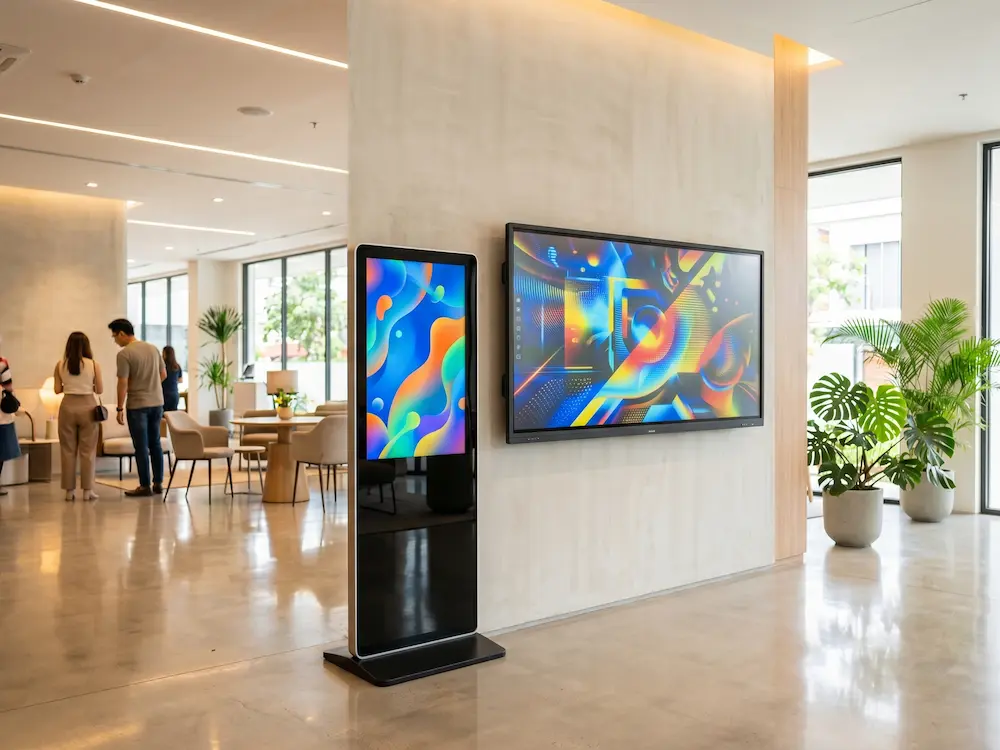
Touchscreen or smartboard? Let us help you decide
Tell Arvia your space and goals, and we will recommend the right display, with a free site survey anywhere in Malaysia.
Final Thoughts
The touchscreen vs smartboard question is really about purpose. A touchscreen is the broad family of interactive displays; a smartboard is the specialist built for teaching and collaboration. Decide what the screen needs to do first, then choose the type that does it best, and you will get a display that earns its place every day.