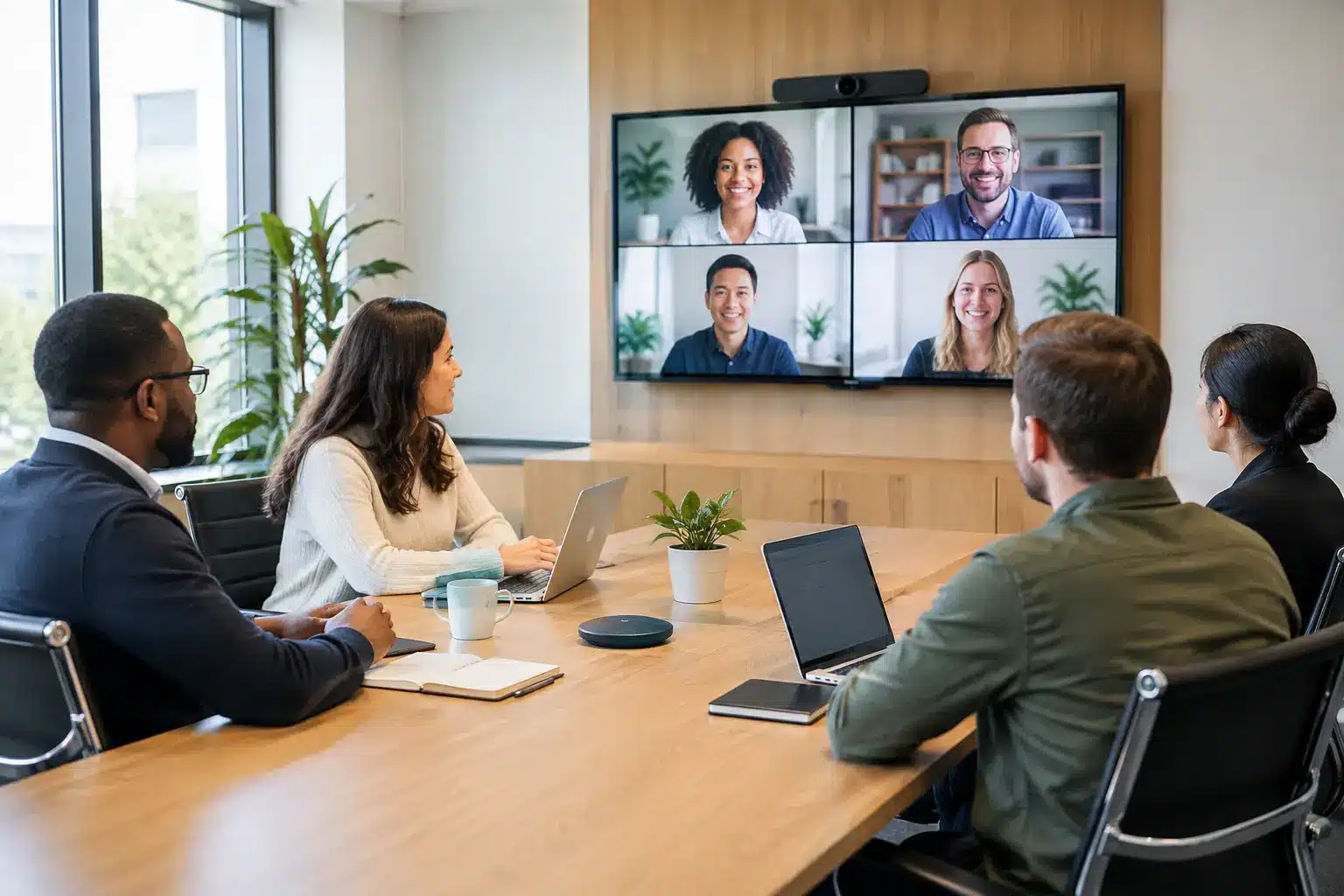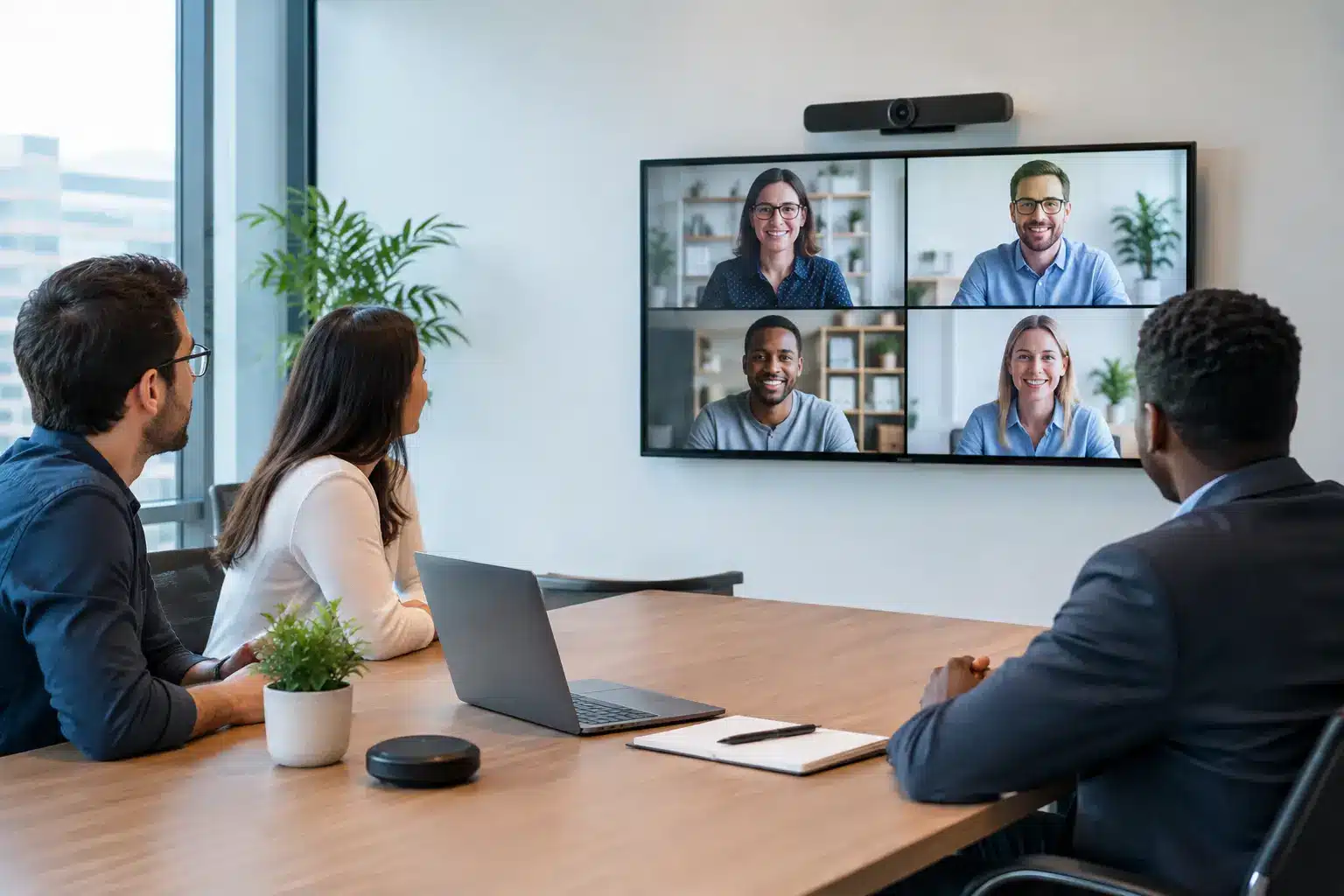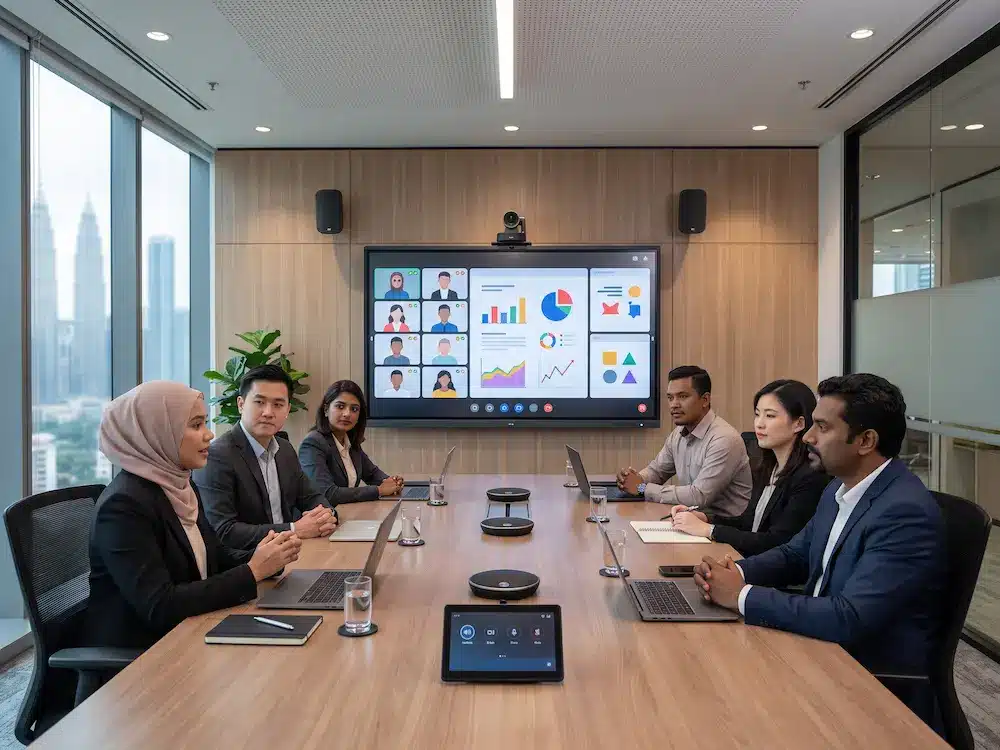

A smart meeting room system helps modern offices create meeting spaces that are easier to use, clearer for hybrid collaboration, and more consistent for daily work. Instead of relying on separate screens, cameras, microphones, cables, and manual setup, the room is planned as one connected environment.
For Malaysian companies, government offices, training centres, and education spaces, a meeting room must support both in-room participants and remote attendees. A practical smart meeting room system improves presentation, video conferencing, room booking, audio clarity, wireless sharing, and simple user control without making the room complicated.
What Is a Smart Meeting Room System?
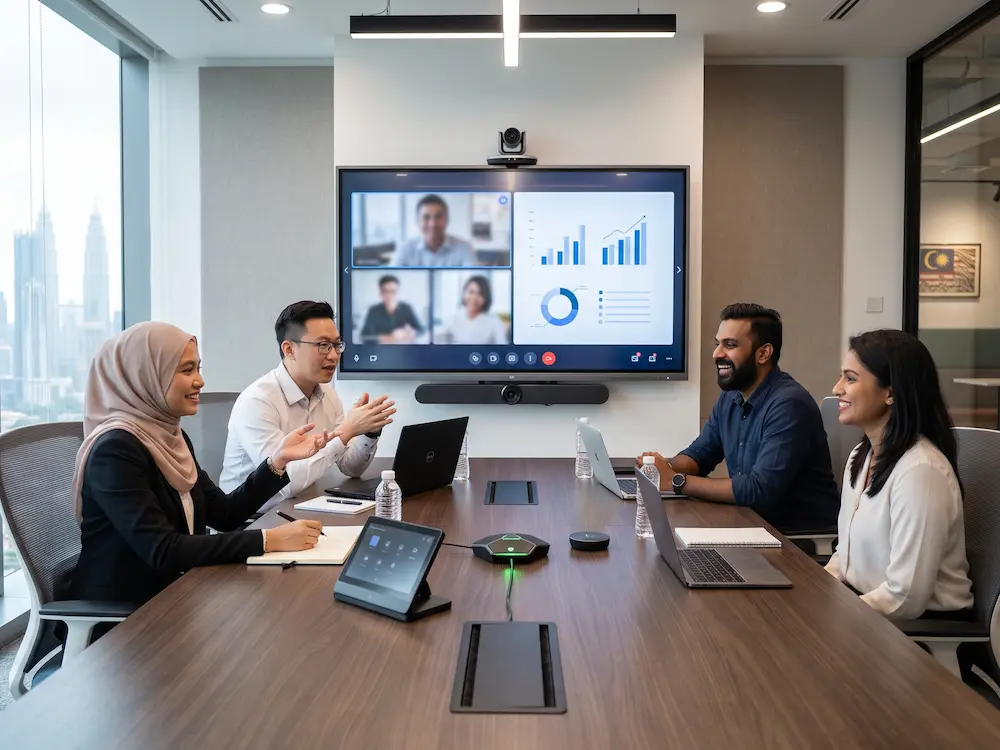
A smart meeting room system is a combination of display, audio, camera, control, booking, and collaboration tools designed to make meetings smoother. It may include an interactive smartboard, video conferencing camera, microphone system, speakers, wireless presentation, room booking panel, and centralised control.
The concept is related to a
conference room,
but the modern version focuses on digital collaboration and hybrid communication. The best setup lets users enter the room, start a meeting, share content, hear clearly, and connect remote participants with minimal technical steps.
Smart Meeting Room System: 8 Features to Plan
1. Interactive Display or Smartboard
The display is the main visual point of the room. It should support presentations, video calls, whiteboarding, annotation, and shared documents. An interactive smartboard is useful when teams need to write, explain ideas, mark up slides, or collaborate directly on the screen.
2. Professional Camera for Hybrid Meetings
A meeting room camera should match the room size and seating layout. Small rooms may use a compact wide-angle camera, while larger boardrooms often benefit from a PTZ camera with optical zoom, presets, and flexible framing. The goal is to help remote participants see speakers and discussions clearly.
3. Clear Microphone Coverage
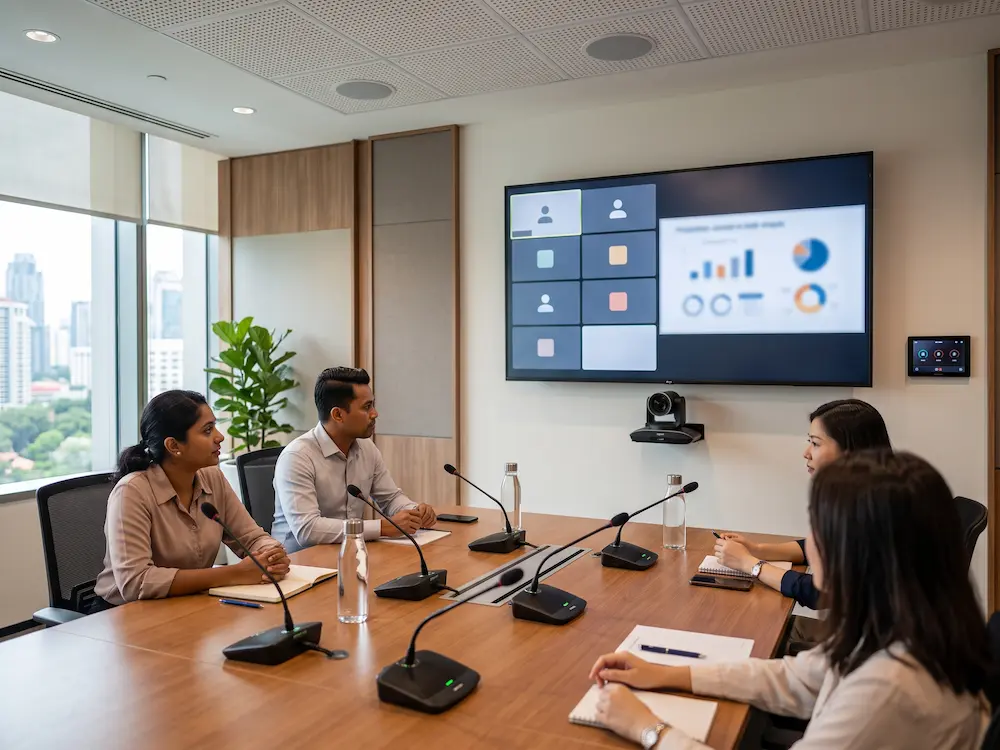
Audio should cover every seat without forcing participants to speak loudly. Table microphones, ceiling microphones, wireless microphones, or integrated conference audio can be used depending on the room. In many hybrid meetings, clear audio is more important than video quality.
4. Natural Speaker Placement
Speakers should make remote voices sound natural and easy to follow. The system should avoid echo, harsh volume, and uneven coverage. Smaller rooms may use a soundbar, while larger rooms may require wall or ceiling speakers with proper audio tuning.
5. Wireless Presentation and Content Sharing
A smart meeting room system should let users share content from laptops, tablets, or mobile devices without searching for the right cable. Wireless presentation is useful for quick discussions, guest presenters, training sessions, and internal reviews. The workflow must be simple enough for first-time users.
6. Room Booking and Availability Display
A room booking panel helps staff see whether the room is available, reserved, or in use. It can reduce double-booking and make meeting spaces easier to manage. For busy offices, this feature also helps administrators understand how rooms are being used throughout the day.
7. Simple Room Control
Users should be able to control the meeting without confusion. Volume, camera presets, input source, display power, and call settings should be accessible from a clear interface. If a room requires technical support before every meeting, the system needs a simpler workflow.
8. Reliable Installation and Support
A good meeting room depends on correct installation, testing, cable management, user training, and after-sales support. The project should include mounting, network checks, audio testing, camera angle setup, and handover guidance so the room is ready for everyday use.
Smart Meeting Room Planning by Room Type
| Room Type | Recommended Focus |
|---|---|
| Huddle room | Simple display, compact camera, clear audio, easy sharing |
| Boardroom | PTZ camera, table microphones, interactive display, room control |
| Training room | Presenter tracking, wireless microphone, large display, recording option |
| Executive meeting room | Premium display, discreet audio, simple control, clean integration |
Arvia Smart Meeting Room Solutions in Malaysia
Arvia supports
smart meeting room solutions
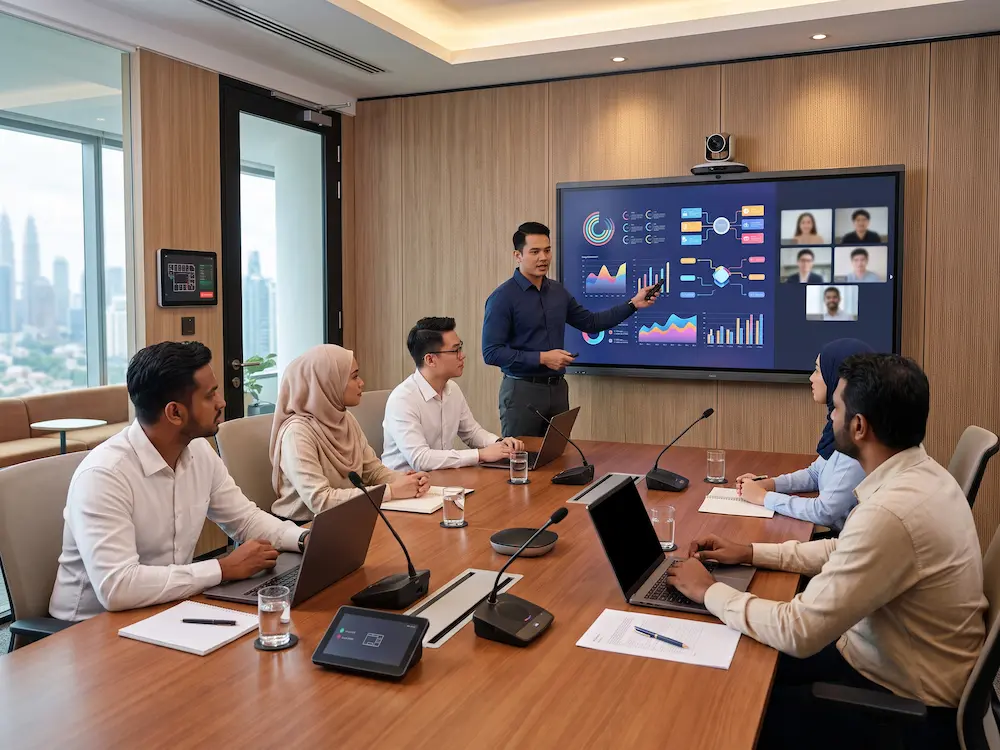
for boardrooms, huddle rooms, training spaces, classrooms, and corporate collaboration areas. A solution can include interactive displays, cameras, microphones, speakers, room booking panels, wireless sharing, installation, testing, and user guidance.
The room can also be integrated with Arvia’s
video conferencing solutions,
interactive smartboard solutions,
and
meeting room booking system.
A site discussion helps identify the right smart meeting room system based on the actual room size, users, meeting style, and support requirements.
Planning a modern meeting room?
Share your room size, meeting style, display needs, and hybrid workflow with Arvia for a practical solution recommendation.
Final Thoughts
A smart meeting room should remove friction from meetings. The display, camera, microphone, speaker, wireless sharing, room booking, and control system should work together so users can focus on discussion instead of troubleshooting.
By planning a smart meeting room system around the actual space and user workflow, Malaysian organisations can create meeting rooms that are easier to manage, more professional for hybrid collaboration, and more useful for everyday work.