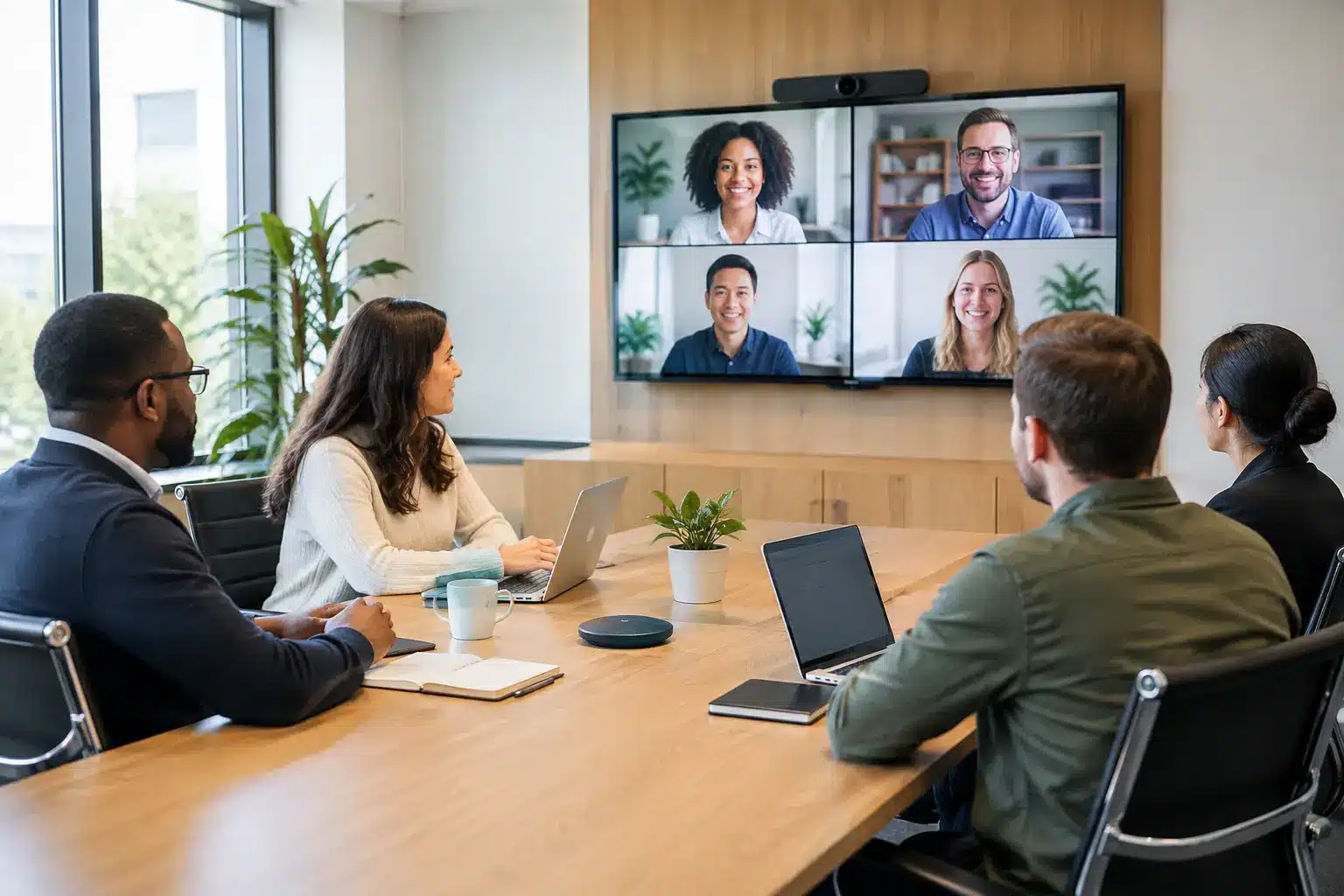
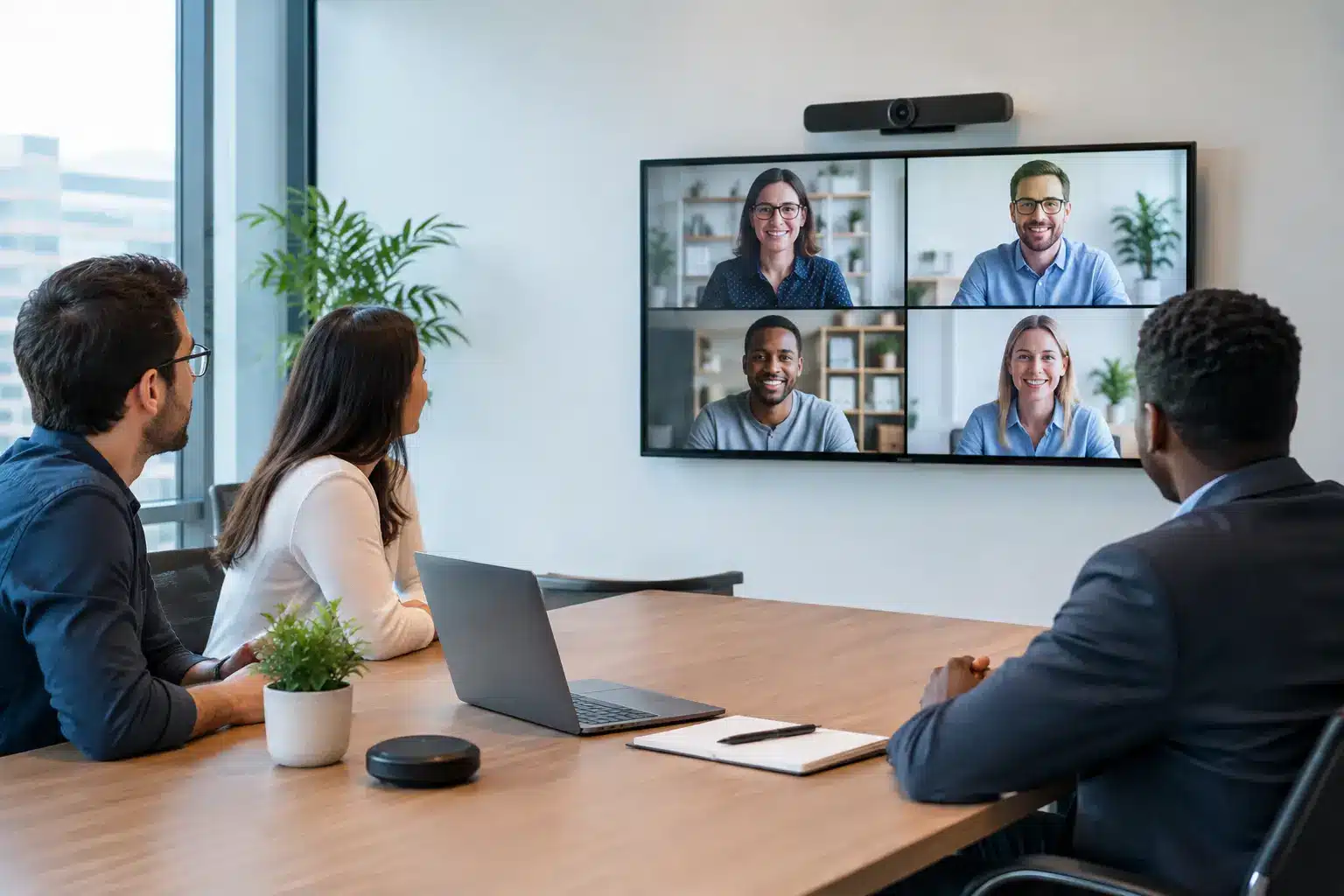
A hybrid meeting room setup fails long before the meeting starts when remote participants cannot hear side conversations, in-room teams cannot see shared content clearly, or users need IT support just to join a call. The goal is not to fill a room with more devices. It is to create one dependable environment where every attendee can contribute, whether they are at the table, working from home, or joining from another office.
For IT, facilities, and operations leaders, that means designing around how people actually meet. A boardroom used for executive reviews needs different coverage from a training room, project space, or divisible conference area. The right system brings video, audio, display, control, room booking, and support into one practical operating model.
Start With the Meeting Experience, Not the Hardware
Before selecting cameras or screens, define what must happen in the room. Ask who uses it, how many people attend in person, which video platforms they rely on, and whether sessions involve presentations, whiteboarding, document reviews, training, or confidential discussions.
A six-person huddle room may only need a high-quality all-in-one video bar and a display. A larger boardroom may need multiple microphones, intelligent camera framing, dual displays, wireless sharing, and a touch control panel. If the room regularly hosts workshops, an
interactive smartboard can serve as both the main display and a shared workspace.
The key question is simple: can a remote participant follow the discussion without asking people to repeat themselves or move closer to the screen? If the answer is no, the room is not ready, regardless of how impressive the equipment looks.
Design Audio First
Poor audio is the fastest way to lose attention in a hybrid meeting. Video quality matters, but participants can tolerate a less-than-perfect image more easily than muffled speech, echo, or constant background noise.
Room acoustics shape the result. Glass walls, hard tables, exposed ceilings, and open-plan layouts can create reflections that make voices difficult to understand. In some spaces, improving microphone placement and adding acoustic treatment produces a bigger improvement than changing the camera.
For small rooms, an integrated video bar can provide suitable microphone pickup if attendees sit within its recommended range. Medium and large rooms often require expansion microphones, ceiling microphone arrays, or table microphones designed to cover every seat. The choice depends on table layout, ceiling height, room noise, and whether furniture is fixed or regularly moved.
Avoid relying on a laptop microphone for formal meetings. It may work for one or two people, but it does not create an equitable experience for a full room. Audio should be tested from the remote attendee’s perspective, including side conversations, questions from the far end of the table, and people speaking while presenting.
Match Cameras and Displays to the Room
A camera should show people, not just the center of the table. In a narrow meeting room, a wide-angle camera may cover the space well. In a long boardroom, a pan-tilt-zoom camera or intelligent multi-camera system can keep speakers visible without forcing everyone to lean forward.
AI-based speaker tracking and auto-framing can improve engagement, especially when participants are spread across a larger room. However, these functions are not a substitute for proper camera placement. A camera mounted too high, too far away, or directly facing a bright window will still produce an uncomfortable image.
Display sizing should follow viewing distance and content type. A screen that is adequate for video calls may be too small for reviewing spreadsheets, engineering drawings, dashboards, or detailed presentations. Many executive rooms benefit from dual displays: one for remote participants and one for shared content. This arrangement helps in-room users maintain eye contact while keeping documents visible.
For collaborative sessions, an
interactive display gives teams a direct way to annotate plans, mark up documents, and capture meeting outcomes. The value comes from preserving that work digitally and sharing it with remote participants, rather than leaving decisions on a physical whiteboard that only people in the room can see.
Make Joining a Meeting Friction-Free
A good hybrid meeting room setup should not require employees to understand AV routing, input selection, or cable management. When the meeting begins, users should be able to enter the room, start or join the scheduled call, share content, and adjust basic settings without assistance.
This is where a dedicated room system and a simple touch controller make a meaningful difference. The controller can present scheduled meetings, room status, camera controls, content sharing, and volume adjustment in one familiar interface. For organizations that use multiple platforms, choose a configuration that supports their approved workflow rather than creating a different process for each room.
Wireless presentation tools are useful, but they need governance. Consider whether guests can share, whether users need an app, how the system protects the corporate network, and what happens when a presenter’s device does not support the preferred method. In many rooms, a combination of secure wireless sharing and a clearly labeled wired backup connection is the most practical choice.
Include the Systems Around the Table
The meeting room itself is only one part of the experience. Room booking panels, digital signage, occupancy information, and centralized device management reduce everyday friction for employees and facilities teams.
A room booking display outside the door shows availability at a glance and helps prevent interruptions. It can also give facilities teams better data on whether rooms are being used as booked. In high-demand offices, this insight can reveal a common issue: large boardrooms occupied by two people while larger groups struggle to find suitable spaces.
Centralized management allows IT teams to monitor room status, apply updates, and identify recurring faults without walking from floor to floor. This is especially valuable for organizations with multiple offices, campuses, training centers, or public-facing facilities. The most capable design on paper is still a poor investment if it is difficult to support after installation.
Build for Real-World Reliability
Meeting rooms are shared environments. Cables get unplugged, furniture moves, and users press the wrong button under time pressure. Reliability comes from thoughtful system design, not from assuming every user will follow a technical process perfectly.
A practical deployment should include clear labeling, secure cable routing, appropriate power protection, network testing, and documented escalation procedures. It should also address accessibility, including readable controls, viewing angles, hearing support where required, and layouts that allow all attendees to participate comfortably.
For larger deployments, standardize room types. A consistent huddle room, meeting room, and boardroom model reduces training requirements and simplifies maintenance. It also makes procurement more predictable when new offices or departments need comparable spaces.
Before handover, test the room under realistic conditions. Run calls from the far end of the room, present from different laptops, test wireless and wired sharing, check audio at normal speaking volume, and verify what remote attendees see when sunlight changes. A short acceptance test can prevent months of user frustration.
Choose a Partner That Owns the Outcome
A hybrid space often involves several disciplines: AV design, networking, video conferencing platforms, display mounting, electrical work, furniture coordination, user training, and ongoing support. Buying each component separately can appear cost-effective, but responsibility becomes unclear when something fails.
A consultation-led technology partner can assess the room, recommend an appropriate system, manage installation, and provide a clear support path after handover. Arvia applies this end-to-end approach across smart meeting environments, combining collaboration hardware, systems integration, certified engineering support, and operational guidance rather than treating the room as a collection of disconnected products.
The best setup is not necessarily the one with the longest specification sheet. It is the room people trust enough to use without hesitation. When every voice is heard, every document is visible, and every meeting starts on time, hybrid work becomes a practical advantage instead of another operational compromise.