

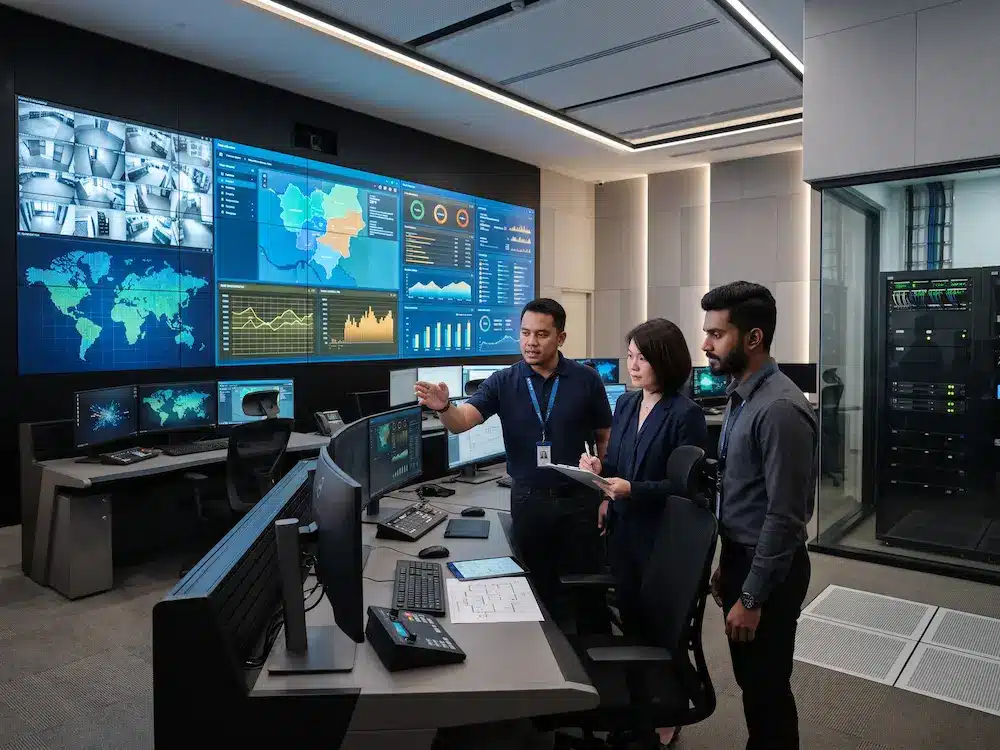

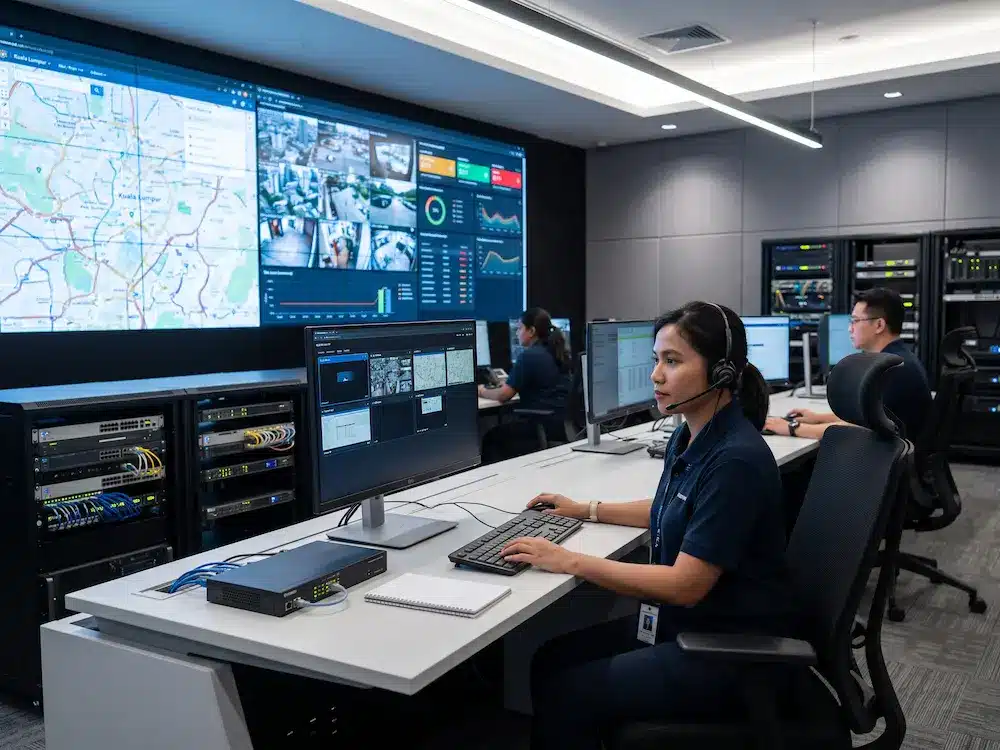
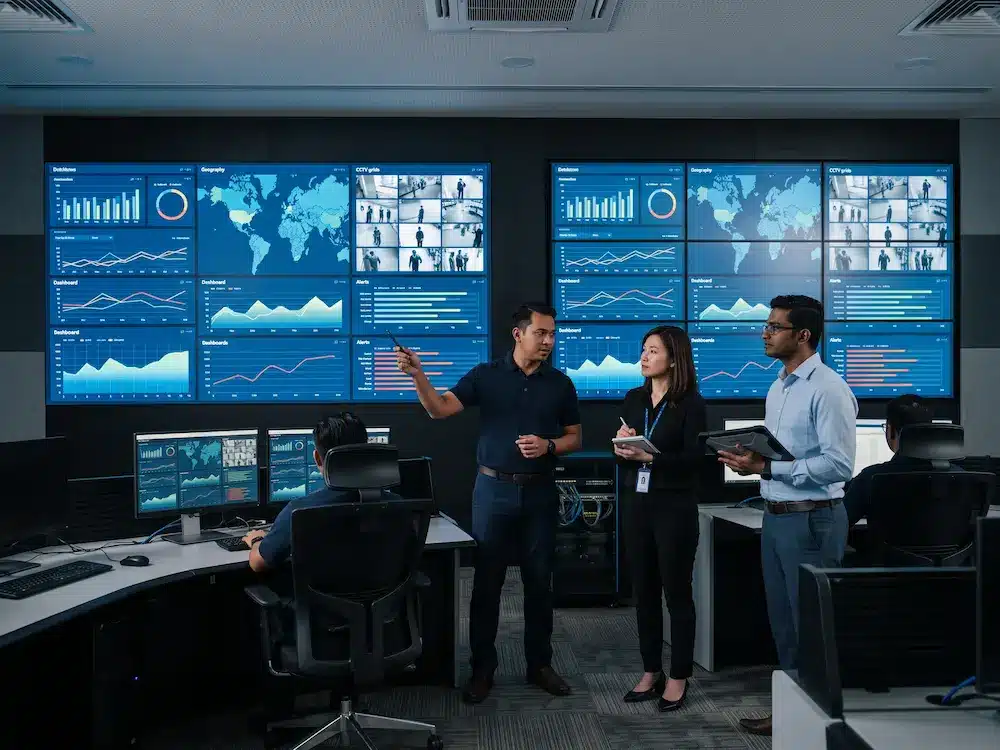
A command center design checklist helps organisations plan the room, technology, and operator workflow before installation begins. A control room is not simply a large screen on a wall. It is a working environment where operators must monitor information, respond quickly, communicate clearly, and continue operating during long shifts.
In Malaysia, command centres are used by government agencies, utilities, emergency teams, transport operators, security departments, and corporate operations teams. The strongest results come from planning the display, workstations, network, power, lighting, acoustics, and future expansion as one complete system. This guide covers nine essential steps that should be reviewed before procurement or deployment.
What Is a Command Center?
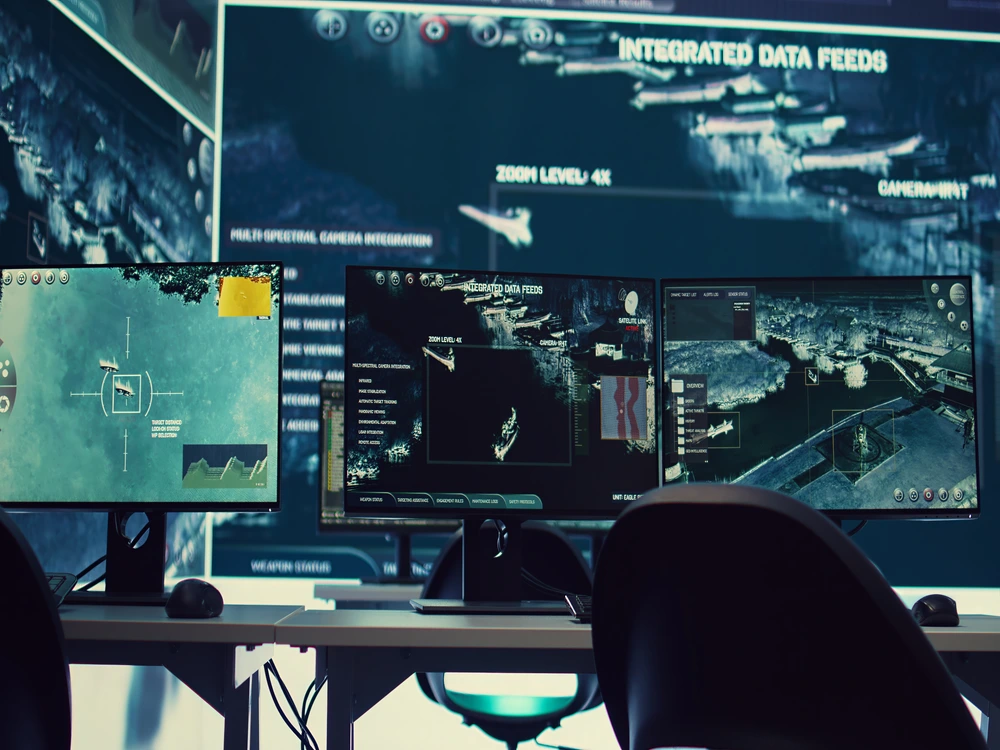
A command center is a central environment used to monitor systems, manage incidents, coordinate teams, and support operational decisions. It may receive information from CCTV cameras, dashboards, sensors, maps, business systems, video conferencing platforms, or remote sites. The room must present the most important information clearly without overwhelming the people responsible for acting on it.
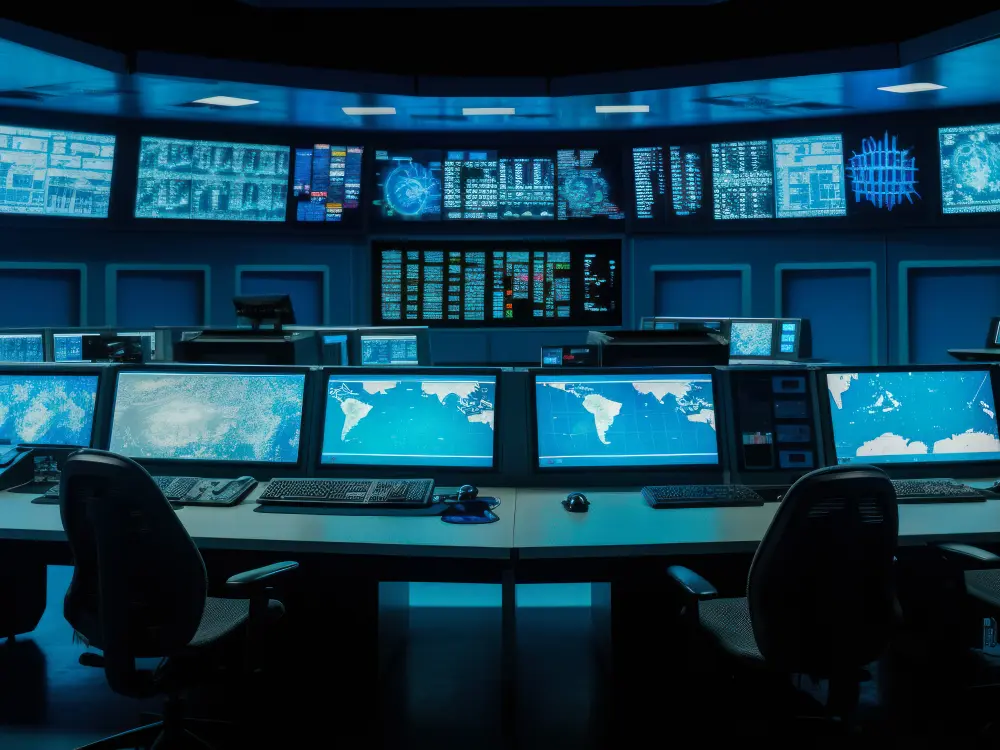
The broader concept is closely related to a
control room,
where people supervise complex processes from one coordinated location. Modern command centres add collaborative displays, source control, remote communication, recording, and secure access to multiple systems.
Command Center Design Checklist: 9 Essential Steps
1. Define the Mission and Daily Workflow
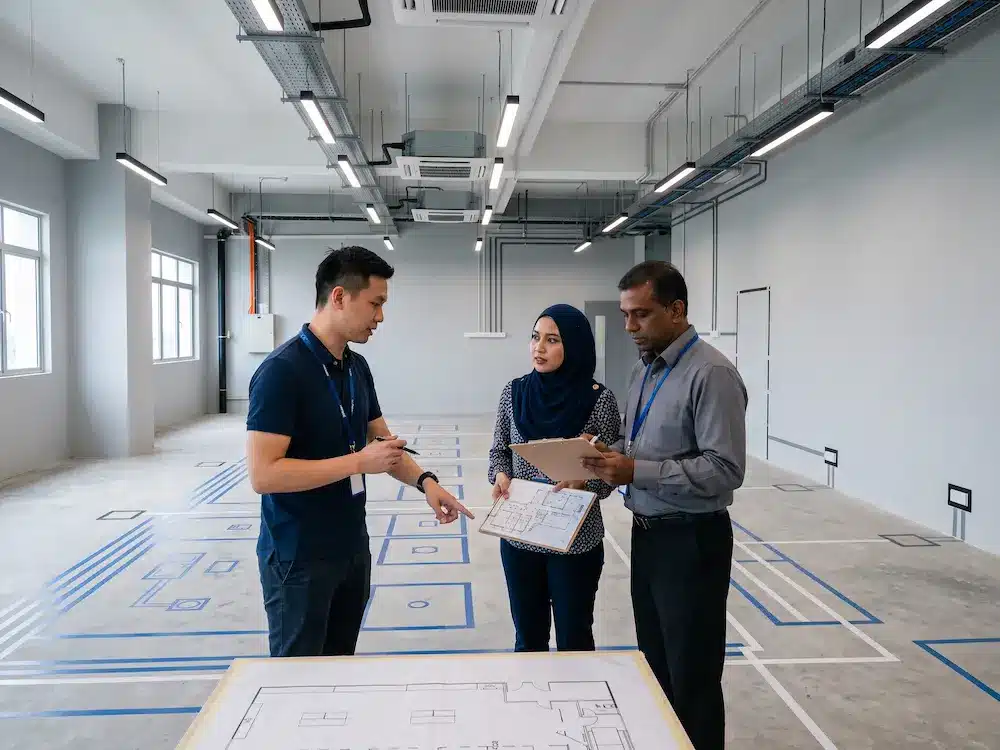
Begin by identifying what the room must achieve. List the incidents operators manage, the systems they access, the decisions they make, and the people they contact. The command center design checklist should also record staffing levels, shift patterns, approval processes, and whether supervisors need a separate collaboration area.
2. List Every Information Source
Document all video, data, and communication sources. A complete command center design checklist should include CCTV feeds, SCADA dashboards, GIS maps, web applications, broadcast channels, video calls, laptops, and emergency alerts. Note the resolution, connection type, security level, and number of simultaneous sources that may need to appear on the main display.
3. Choose the Main Display Technology
The display must remain readable from every operator position. Fine-pitch LED offers a highly seamless canvas, while LCD video walls can provide strong detail for close viewing. Screen size, bezel visibility, brightness, pixel pitch, room depth, and maintenance access should be compared together. Arvia’s
LED screen display solutions
can be reviewed when a large continuous visual surface is required.
4. Plan the Video Wall Controller
A controller determines which sources appear, where they appear, and how quickly layouts can change. The command center design checklist should confirm the required number of inputs and outputs, supported resolutions, preset layouts, user permissions, recording needs, and failover options. Operators should be able to recall approved layouts without rebuilding the wall manually during an incident.
5. Design Operator Workstations
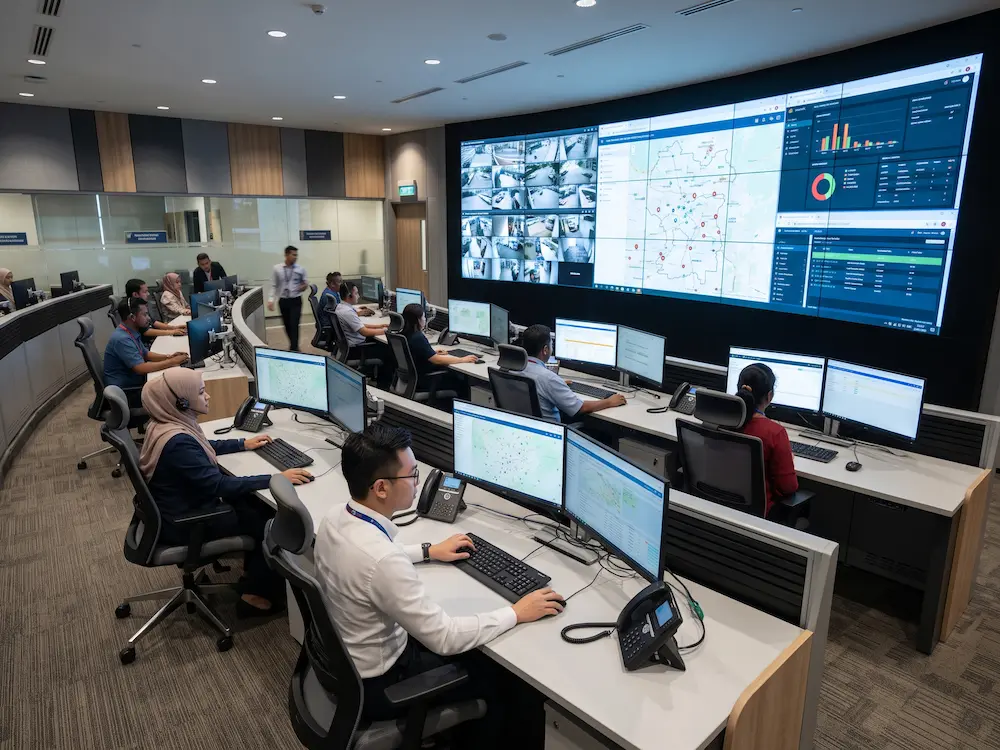
Desk placement affects sightlines, teamwork, and fatigue. Each operator should have a clear view of the main display without turning constantly. Monitor height, keyboard position, legroom, storage, cable routing, and adjustable seating should support long shifts. The command center design checklist should include space for supervisors, visitors, and future staff growth.
6. Include KVM and Secure Source Control
KVM technology allows operators to control multiple computers using fewer keyboards, monitors, and mice. KVM over IP can extend authorised access across the network, reduce desk clutter, and make workstations more flexible. Security rules should define who can control each source, whether sessions are logged, and how access is protected.
7. Plan Communication and Collaboration
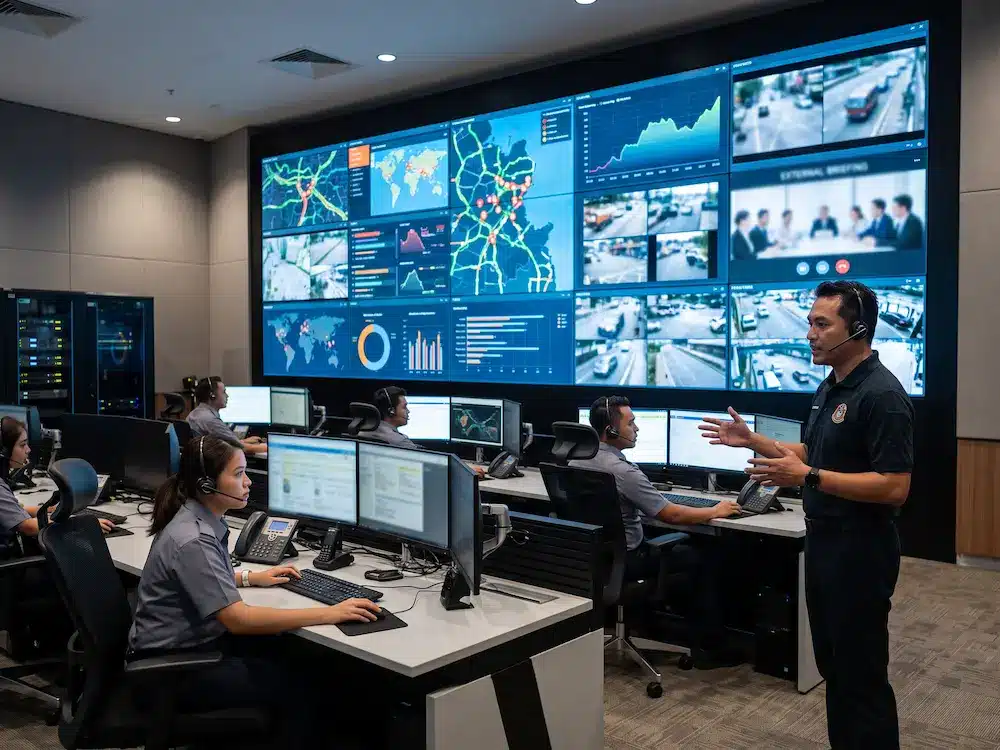
Operators may need to contact field teams, management, agencies, or remote sites. Plan microphones, speakers, headsets, telephones, and
video conferencing systems
as part of the room, not as separate additions. Clear audio is especially important when several people are speaking during a coordinated response.
8. Protect Power, Network, and Cooling
Continuous operation depends on stable infrastructure. At this stage, the command center design checklist should review electrical load, UPS capacity, surge protection, backup power, network redundancy, equipment racks, and cooling. Heat generated by displays, controllers, computers, and network devices must be removed effectively. Critical components should remain accessible for maintenance without disrupting the full room.
9. Prepare for Expansion and Support
A room designed only for today’s inputs may become restrictive quickly. Reserve controller capacity, network ports, rack space, electrical headroom, and physical space for additional operators or displays. The command center design checklist should also include training, documentation, spare parts, response time, preventive maintenance, and support ownership.
Command Center Design Checklist Summary
| Planning Area | Key Question | Risk if Missed |
|---|---|---|
| Workflow | What decisions must operators make? | Technology does not match the actual job. |
| Display | Can everyone read the required content? | Poor visibility and slower response. |
| Infrastructure | What happens during a power or network failure? | Operational downtime. |
| Support | Who maintains and supports the system? | Longer recovery time and unclear ownership. |
Arvia Command Center Solutions in Malaysia
Arvia supports command centre projects with display systems, video wall control, source management, KVM, operator workstations, conferencing, installation, testing, and user training. The
Arvia command center solution
can be configured according to the room’s mission, information sources, security requirements, and expansion plan.
With more than 15 years of AV experience in Malaysia, Arvia can begin with a site assessment to review the room, sightlines, electrical access, network, cooling, and operator workflow. A detailed requirement discussion helps ensure the final proposal addresses operational needs rather than focusing only on equipment specifications.
Planning a command center project?
Share your room, systems, operator count, and monitoring requirements with Arvia. Our team will help you plan a practical and scalable solution.
Final Thoughts
A command centre succeeds when operators can see the right information, control the right systems, and communicate without delay. Displays, controllers, workstations, network infrastructure, power, cooling, and support should be designed as one operational environment.
Using a command center design checklist before procurement helps teams identify hidden requirements early, compare proposals more accurately, and reduce expensive changes during installation. The planning stage is where long-term reliability, usability, and scalability are established.



[…] image detail, room size, and budget. For a complete planning sequence, teams can also refer to the command center design checklist and the comparison of LED vs LCD video wall […]