A LED screen for events is often judged in the first few seconds: Can people at the back read it? Does the content look sharp under venue lighting? Does the screen stay live when the program changes? For event teams, the display is not simply a backdrop. It is the channel that carries schedules, speaker visuals, sponsor messages, live camera feeds, product launches, and urgent updates to the room.
Choosing the right system means looking beyond screen size. The best configuration depends on viewing distance, ambient light, content type, venue constraints, installation time, and the level of technical support available on event day. A display that looks impressive in a product catalog can still underperform if pixel pitch, brightness, or signal distribution is wrong for the actual environment.
Start With the Event Outcome, Not the Screen Spec
An LED display should support a clear operational purpose. A corporate town hall may need clean presentation slides and confidence-monitor feeds. A conference may require a main stage screen, live IMAG camera coverage, session timers, and sponsor loops. A retail launch may prioritize vivid product visuals that attract foot traffic. A command-center-style briefing may need several data sources visible at once.
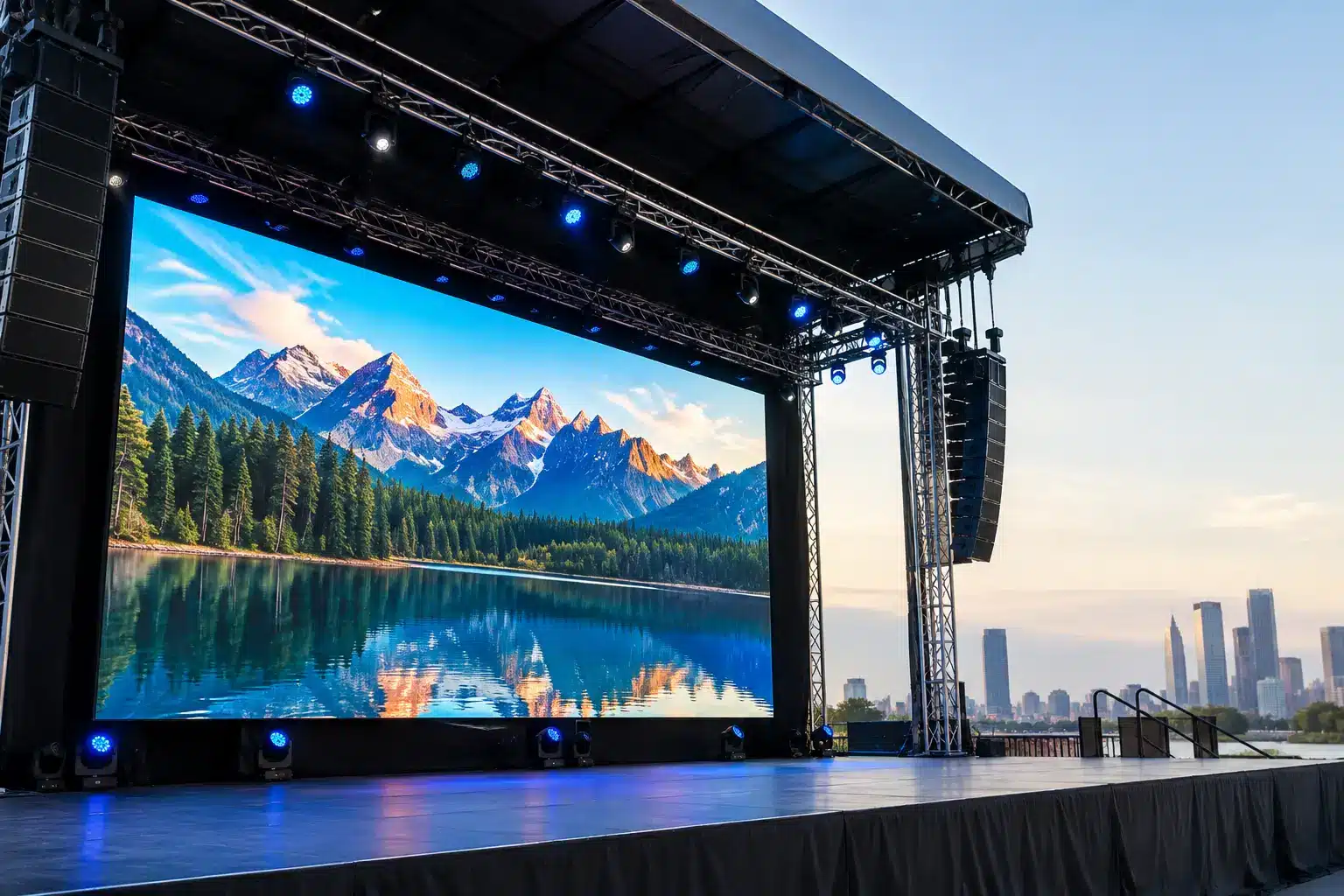
This changes the specification. For example, an event focused on keynote presentations benefits from fine pixel pitch and accurate text rendering. A large outdoor gathering usually prioritizes high brightness, weather-resistant construction, and viewing distance over ultra-fine resolution. Trying to use one screen specification for every purpose can create unnecessary cost or disappointing readability.
Before selecting a display, define what the audience must see, where they will stand or sit, and how frequently content will change. This gives AV teams and procurement stakeholders a practical basis for comparing proposals.
How to Size an LED Screen for Events
Screen size should relate to the room, not just the stage design. A screen that is too small forces attendees to strain to read slides. One that is oversized can dominate the room, block sightlines, and consume budget better used for cameras, audio, or content operations.
For boardroom-style events and smaller training spaces, a
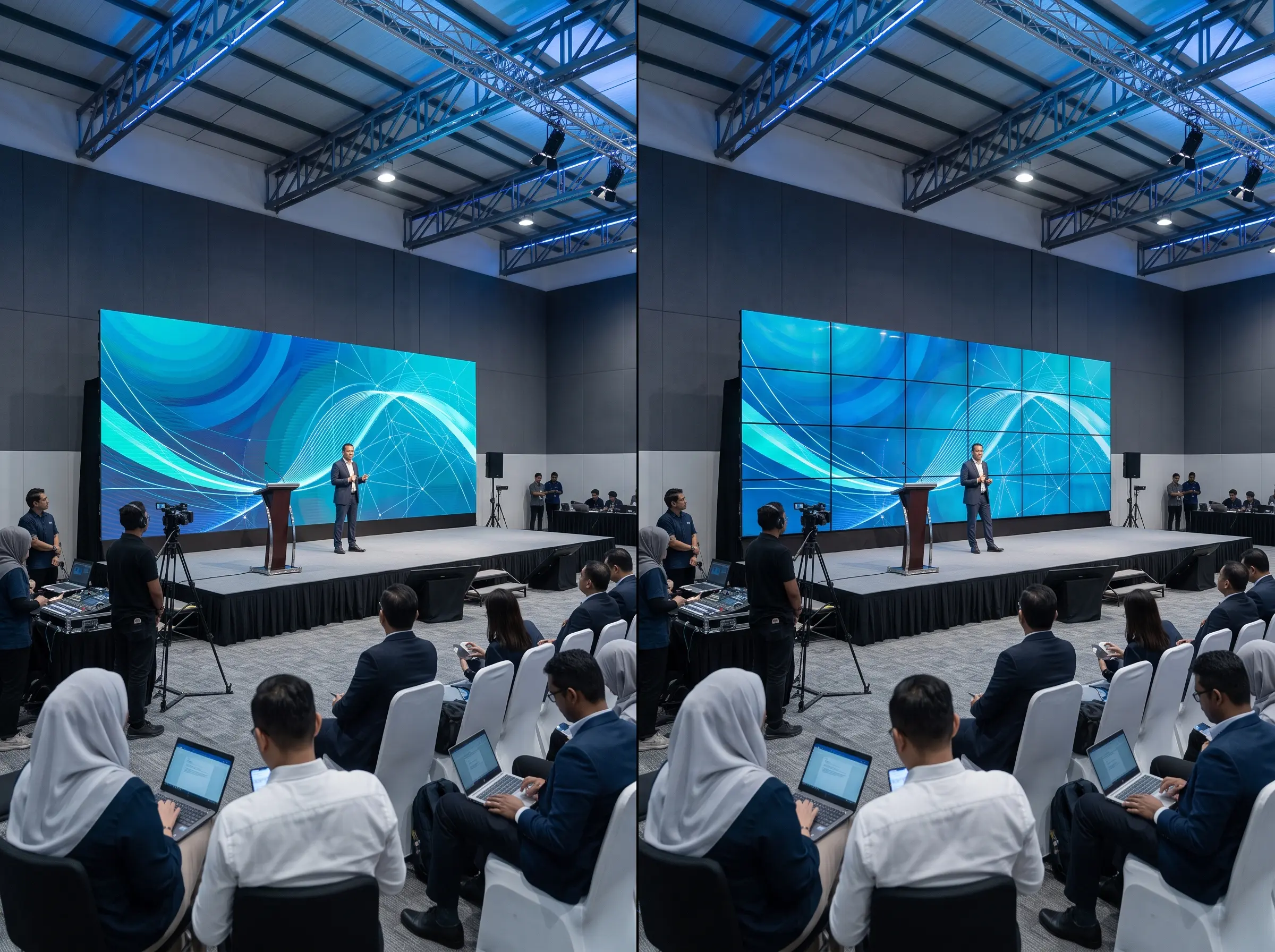
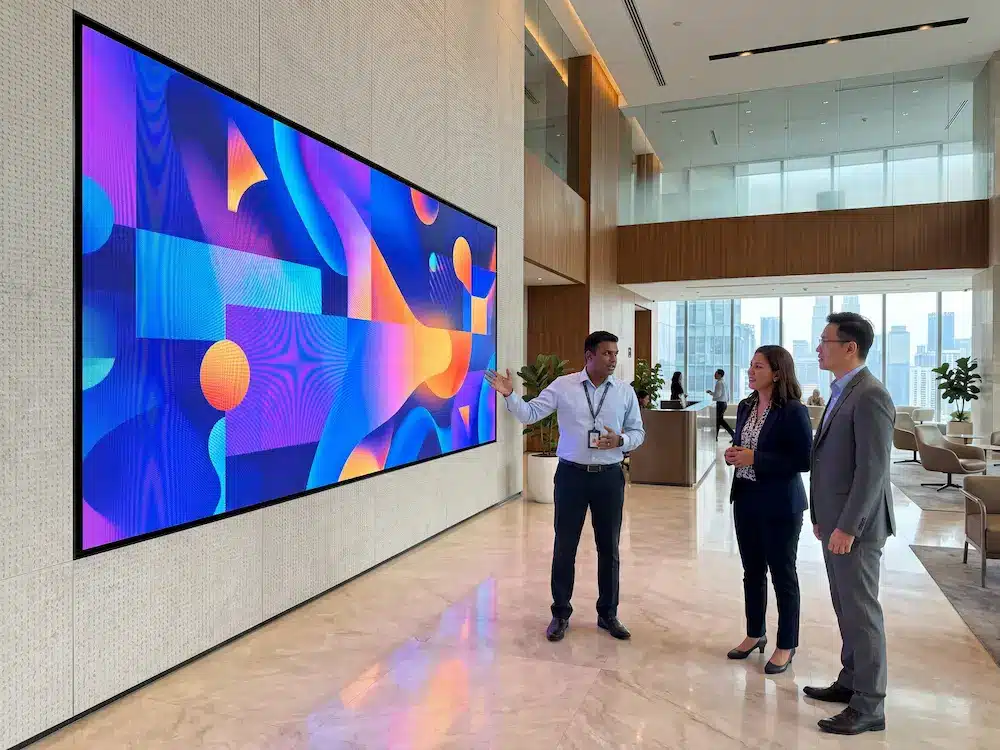
large-format display may be the better answer. It can deliver crisp text at close range without the structural requirements of a modular LED wall. For ballrooms, auditoriums, exhibition halls, and outdoor venues, modular LED panels provide greater flexibility in width, height, and creative layout.
Viewing distance is the deciding factor. People seated close to the display need tighter pixel spacing so individual LEDs are less visible. Audiences farther away can view a larger-pitch screen comfortably. A practical consultation should map the closest and farthest viewer positions, not rely on a single average distance.
Pixel Pitch: Why It Matters for Readability
Pixel pitch is the distance between LED pixels, measured in millimeters. A lower number means pixels sit closer together, producing a sharper image at short viewing distances. A higher number is more suitable where viewers are farther from the screen.
Fine-pitch LED is useful for
conference rooms, premium indoor events, control environments, and stage areas where attendees may be only a few feet away. Larger pixel pitch is commonly appropriate for exhibition halls, arenas, facades, and outdoor event spaces. Fine pitch costs more, so specifying it for a distant audience may not create a noticeable benefit.
The right question is not, “What is the finest pitch available?” It is, “What pitch will keep text, faces, charts, and video clear for this audience?” That approach protects both event quality and budget.
Brightness Must Match the Venue
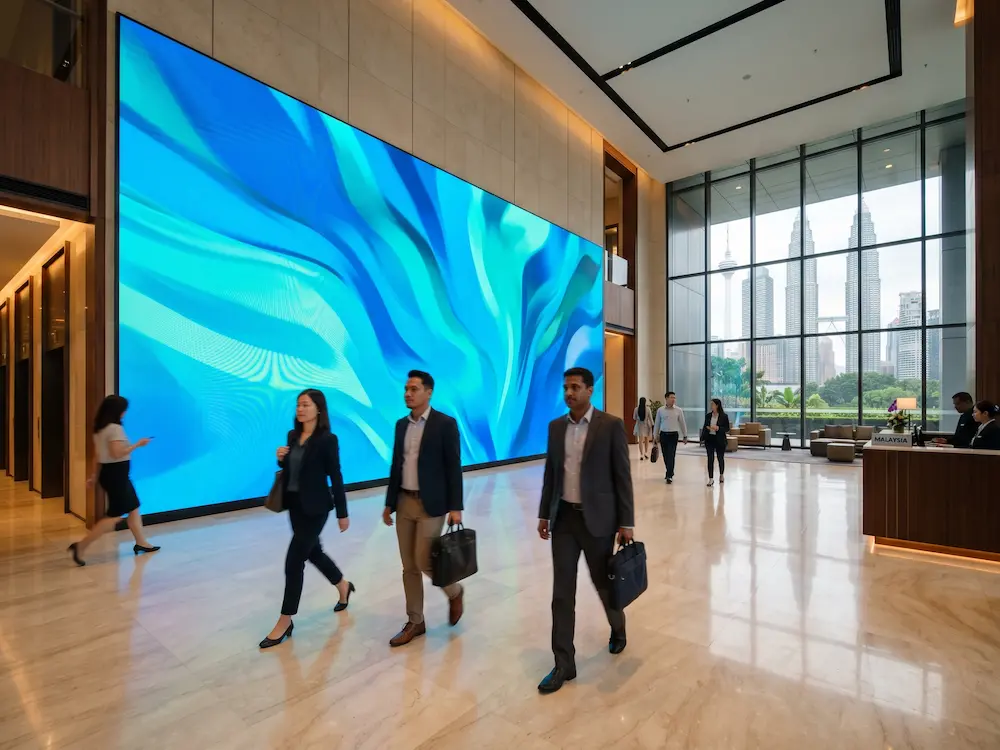
Indoor and outdoor LED screens serve different conditions. In a controlled ballroom, excessively bright output can cause eye fatigue and make camera footage look harsh. In a sunlit atrium or outdoor venue, insufficient brightness can wash out the entire image.
For indoor events, the display should be calibrated to work with stage lighting, room lighting, and camera exposure. For outdoor activation, brightness must remain visible through changing daylight conditions. Weather protection, safe power distribution, stable mounting, and heat management also become central requirements.
Do not assume an outdoor-rated screen is automatically the better choice. It may be unnecessary for an indoor event, and the visual characteristics can differ. Match the product to the environment and ask how brightness will be adjusted during setup and live operation.
Content Planning Is Part of the Display Decision
An LED wall cannot correct poorly prepared content. Many event problems come from presentation files designed for laptops rather than large-format displays. Small text, thin fonts, low-resolution images, and mismatched aspect ratios can look weak even on a high-quality screen.
Event content should be created for the screen’s native resolution and the audience’s viewing distance. Keep key messages large, use strong contrast, and avoid placing essential information at the outer edges where it may be affected by stage structures or camera framing. If live video is part of the program, test camera color settings and latency before doors open.
A screen also needs a clear content workflow. Decide who controls presentations, sponsor assets, walk-in loops, timer graphics, and emergency messages. For multi-session conferences, this may require a media server or video processor that switches sources reliably. For smaller programs, a straightforward controller and trained operator may be sufficient.
Build the System Around Signal Reliability
A strong LED installation is more than panels and a controller. It includes signal routing, backup paths, power planning, cable management, and an operator who understands the run of show. These details determine whether content changes happen cleanly or become visible disruptions.
Event teams should confirm how laptops, cameras, playback devices, and streaming equipment will connect to the display. Consider whether the system needs wireless presentation, HDMI distribution, SDI camera feeds, or multiple picture-in-picture layouts. The more sources involved, the more valuable professional switching and signal management become.
Redundancy deserves attention for high-stakes events. A duplicate signal path, spare receiving cards, backup power components, and standby playback content can reduce the impact of equipment failure. Not every event needs a full broadcast-grade backup design, but critical government briefings, investor sessions, product launches, and large public programs should not rely on a single point of failure.
Installation and Safety Are Event-Critical
A screen can look excellent and still present a risk if it is installed without proper structural planning. Ground-stacked walls need stable bases, appropriate ballast, and protected cable routes. Flown displays require verified rigging points, load calculations, and qualified installation personnel. Outdoor systems may need wind considerations, rain protection, and secure perimeter management.
Venue access also affects the plan. Freight elevators, loading bays, ceiling heights, setup windows, floor loading, and union or venue requirements can influence the selected screen size and mounting method. These practical constraints should be checked before finalizing the event design, not discovered when the crew arrives.
This is where a consultation-led provider brings value. Arvia combines display supply with system design, installation, field engineering, and after-sales accountability, backed by more than 15 years of delivery experience and nationwide technical coverage across Malaysia. For organizations running recurring events, that continuity can be more useful than sourcing display hardware separately for every program.
Choose Ownership or Rental Based on Frequency
Organizations that host frequent town halls, training sessions, worship gatherings, showroom events, or campus programs may benefit from owning a fixed or portable LED solution. Ownership provides consistent availability, a familiar operating workflow, and long-term brand control. It also makes sense when the display serves daily communication outside event periods.
Rental can be more practical for one-off launches, touring programs, unusually large events, or productions needing a specialized curved, transparent, or outdoor configuration. The trade-off is availability and recurring cost, especially during peak event seasons. A hybrid model can work well: install a permanent indoor screen for regular use, then rent additional panels for annual flagship events.
Questions to Ask Before Approval
Procurement teams should request answers that relate to actual operation: What is the recommended viewing distance? How will the display be mounted? Who is responsible for content testing? What backup equipment is available? How quickly can on-site support respond if an issue occurs? What training will internal users receive after installation?
Also ask for a demonstration using your own slide deck, video, and camera feed where possible. This reveals far more than a generic showroom loop. It allows stakeholders to assess text clarity, skin tones, motion handling, source switching, and usability under conditions close to the planned event.
The screen your audience remembers is rarely the one with the longest specification sheet. It is the one that makes every message visible, every transition controlled, and every moment on stage feel ready for the room.