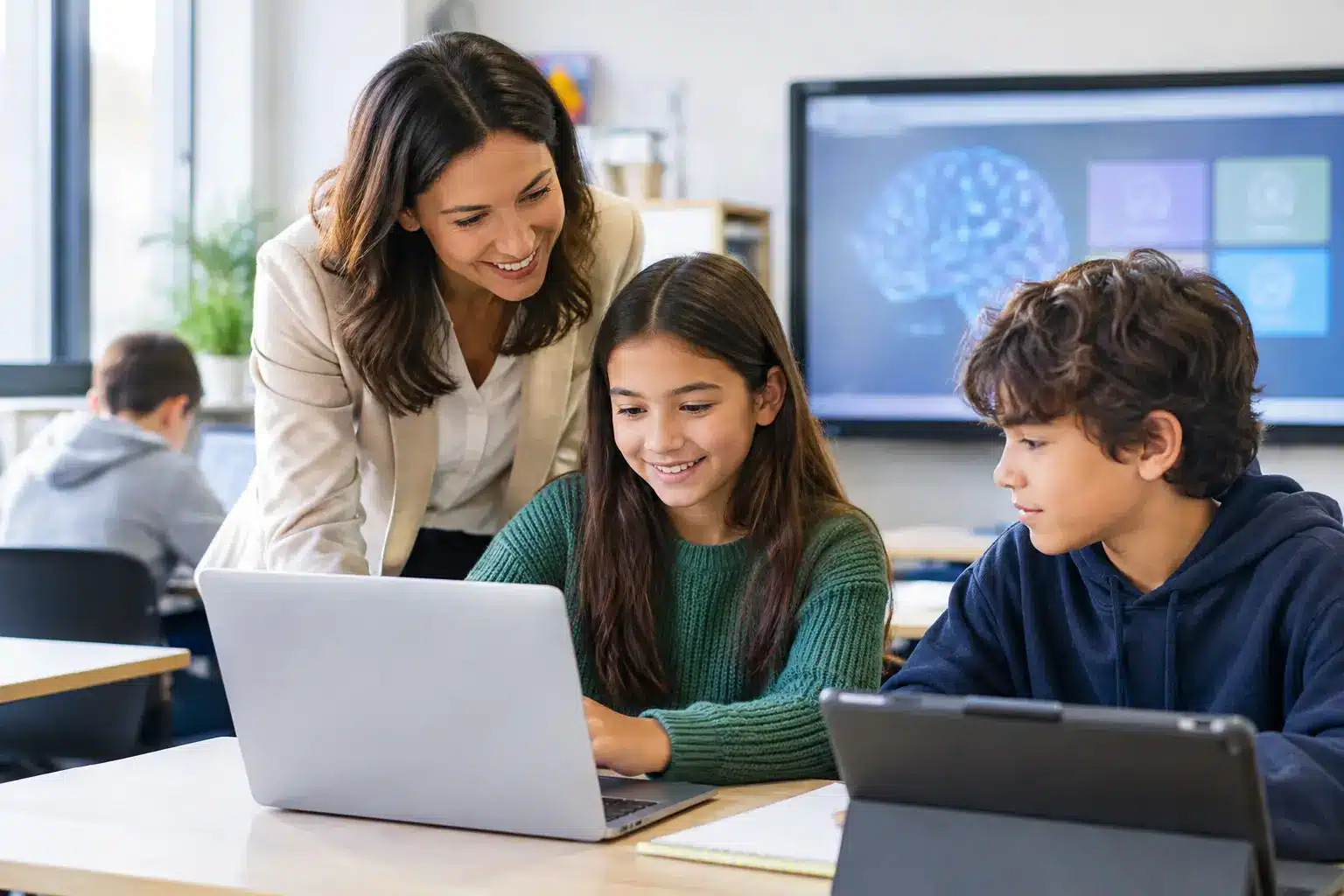
A classroom does not become smarter because a screen is mounted on the wall. It becomes more effective when teachers can move from explanation to student participation without losing time to cables, logins, or technical support calls. That is the real promise of
AI classrooms: practical learning environments where intelligent software, interactive displays, and connected systems help educators teach with greater clarity and respond to learners more effectively.
For school leaders, university administrators, and IT teams, the decision is not whether AI will enter education. It already has. The more useful question is how to introduce it in a way that protects teaching quality, supports staff, and creates an environment that works reliably every day.
What AI Classrooms Should Deliver
An AI classroom is a connected teaching space designed to use artificial intelligence for specific educational and operational outcomes. It may include an
interactive smartboard, wireless presentation tools, video conferencing, classroom audio, learning applications, device management, and AI-assisted teaching platforms.
The purpose is not to replace the teacher with automated content. A well-designed system gives teachers more control over the learning experience. They can annotate over a presentation, bring in a remote guest speaker, save whiteboard notes, share materials with absent students, and quickly adapt content for different levels of understanding.
AI adds another layer of capability. Depending on the platform and institutional policy, it can help create lesson outlines, generate practice questions, translate selected content, summarize discussions, or identify common areas where students need additional support. These are useful functions, but they are only valuable when teachers remain the decision-makers.
For administrators, the benefits extend beyond a single lesson. Standardized classroom technology can reduce support complexity, make professional development easier to organize, and give the institution a more consistent learning experience across campuses.
The Difference Between a Smartboard and an AI Classroom
Interactive displays are often the visible centerpiece of a modern classroom. They allow teachers and students to write, draw, annotate documents, display video, and collaborate on shared content. However, an interactive display on its own is not necessarily an AI classroom.
The distinction lies in how the room works as a connected system. In a complete setup, the display connects with teaching software, classroom devices, cloud content, collaboration tools, and governance controls. AI-supported functions are then introduced where they improve a real part of the teaching workflow.
For example, a lecturer may use an interactive display to explain a complex process, invite students to solve a problem on screen, and save the final annotations immediately. An AI assistant could then help produce differentiated follow-up exercises based on the same topic. The display supports engagement in the room; AI supports preparation and personalization around the lesson.
This distinction matters during procurement. Buying hardware without considering workflows, training, support, and platform compatibility can leave institutions with impressive equipment that is rarely used to its full potential.
Where AI Creates Practical Value in Teaching
The strongest use cases are usually straightforward. Teachers need to prepare faster, deliver clearer lessons, and understand where learners are struggling. Students need access to content in formats that support participation rather than passive viewing.
AI can assist with lesson preparation by producing first drafts of quizzes, discussion prompts, examples, and revision activities. It can help educators adjust reading level, create multilingual support materials, or suggest alternative explanations for a difficult concept. The teacher should always review the output for accuracy, context, and suitability, especially for curriculum-aligned content.
During class, interactive displays create a shared workspace. Rather than asking students to watch a presentation from their seats, teachers can invite them to sort ideas, label diagrams, compare answers, or contribute to a collaborative task. This is particularly useful for science,
technical training, business education, and skills-based programs where visual explanation improves comprehension.
After class, connected tools can help preserve continuity. A saved whiteboard session, recorded lesson segment, or digital worksheet can support students who were absent or need more time to review. For hybrid learning, video conferencing enables remote participants to see the same content and contribute without creating a separate lesson experience.
Design the Classroom Around the Teacher Workflow
Technology adoption often fails when the system asks teachers to change too much at once. The most successful AI classrooms are designed around familiar teaching actions: walk in, connect a device, open material, explain, annotate, involve students, save work, and leave the room ready for the next class.
That calls for practical decisions before installation. The display must be large enough for the room and positioned for clear sightlines. Connectivity should support the devices teachers already use. Wireless casting should be simple, while wired options remain available for reliability. Cameras, microphones, and speakers must be selected based on whether the room will support hybrid instruction, recordings, or remote collaboration.
Ease of use is equally important. A teacher should not need an IT specialist to switch sources, access a lesson file, or start a video call. Clear interface design, standardized room layouts, and hands-on training matter as much as the technical specifications.
For large institutions, consistency is a major advantage. When classrooms use the same basic interface and operating model, teachers can move between rooms with less friction. IT teams can also manage updates, troubleshoot issues, and plan replacements more efficiently.
AI Governance Cannot Be an Afterthought
Education leaders should treat AI governance as part of classroom design, not as a policy document written after deployment. AI tools may process student work, staff prompts, classroom recordings, or institutional materials. Schools and universities need clarity about what data is collected, where it is stored, who can access it, and how long it is retained.
There is also an academic integrity question. Students may use generative AI for drafting, research, coding, or problem-solving. Blanket bans are difficult to enforce and may prevent productive learning. Unrestricted use can undermine assessment quality. The balanced approach is to establish clear expectations: when AI assistance is permitted, how it should be disclosed, and which assessments must demonstrate independent work.
Teachers need guidance as well. AI-generated material can contain errors, outdated information, biased assumptions, or content that does not fit local curriculum requirements. It should be treated as a starting point, not an authority.
A responsible rollout should address at least four areas:
- Approved AI tools and the learning purposes they support
- Data privacy, access control, and student consent requirements
- Teacher training for prompt review, fact-checking, and ethical use
- Clear assessment policies for student use of generative AI
These controls do not slow innovation. They make it possible to scale technology with confidence.
Plan for Deployment, Not Just Purchase
A classroom technology project has several moving parts: site assessment, room design, equipment selection, installation, network readiness, user training, and long-term support. The lowest initial equipment price may not represent the lowest operational cost if teachers face downtime or the institution must rely on multiple vendors when issues arise.
This is where a solution-led approach is more valuable than buying individual products in isolation. A provider should understand how displays, conferencing, audio, room control, signage, and software
work together in a real education environment. They should also be able to install consistently, train users, and provide accountable support when a classroom needs attention.
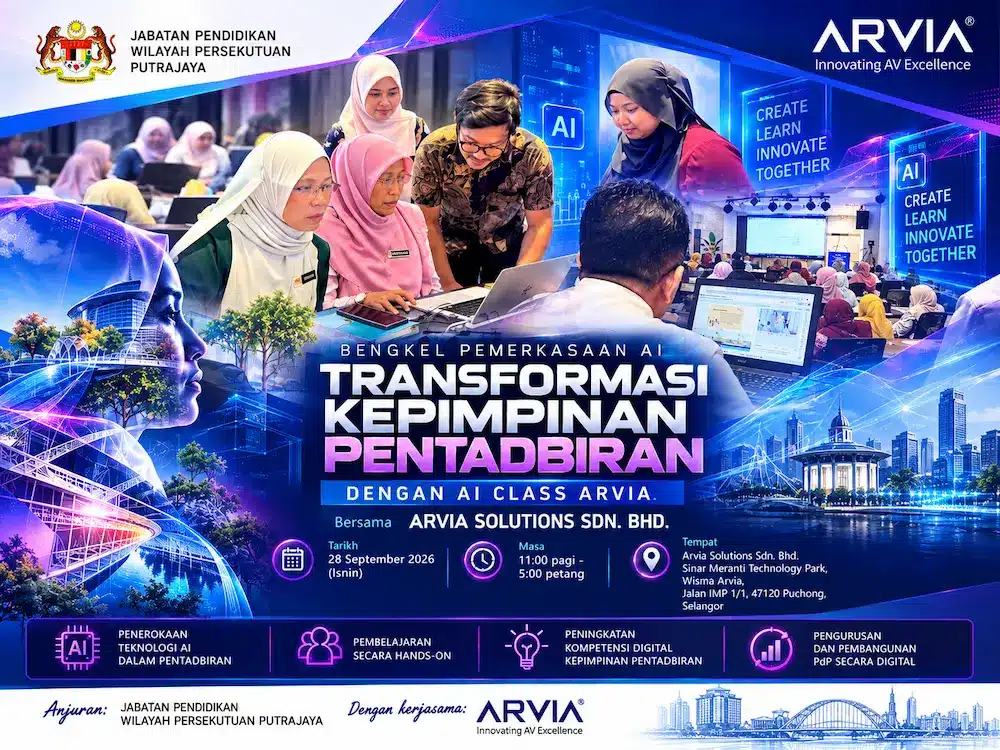
For Malaysian institutions, local deployment experience is especially relevant. Nationwide engineering coverage, documented service commitments, and products supported by recognized certifications can reduce risk for multi-site schools, universities, training centers, and public-sector education projects. Arvia brings this integrated model to smart classroom deployments, combining consultation, installation, field engineering, and after-sales support rather than treating the display as a standalone purchase.
Start With a Pilot That Can Be Measured
Institutions do not need to convert every room at once. A focused pilot can reveal what teachers actually use, what training is needed, and whether the infrastructure is ready for expansion. Select rooms with different teaching needs, such as a standard classroom, a seminar room, and a specialist learning space.
Measure more than device usage. Look at lesson preparation time, teacher confidence, student participation, technical support requests, and the quality of hybrid learning where relevant. Feedback should come from educators, students, IT staff, and facilities teams because each group experiences the room differently.
The best AI classrooms are not those with the longest specification sheets. They are the rooms where technology disappears into the teaching process, leaving educators with more time to explain, challenge, and support every learner.